
 Business License

BB60C Code Errors Out on a Signal Hound BB60D, or the "Preselector Switch" Is Nowhere to Be Found supplier
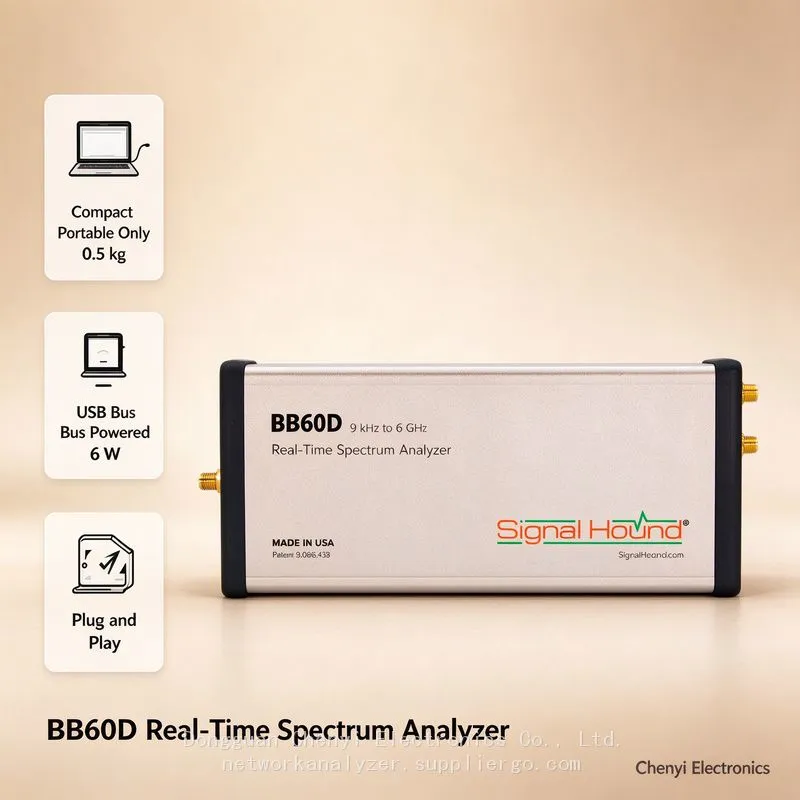
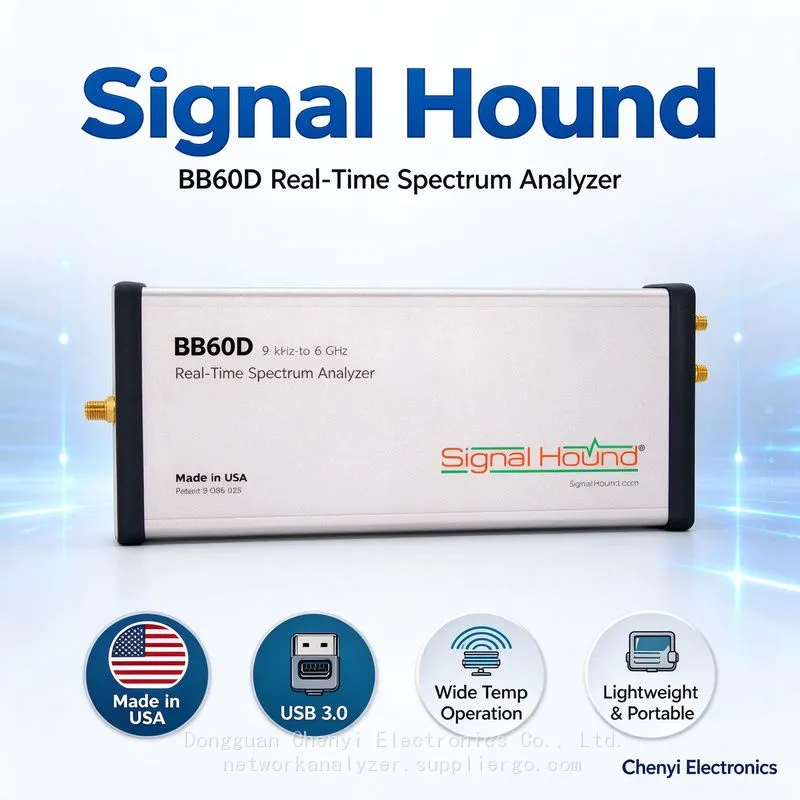
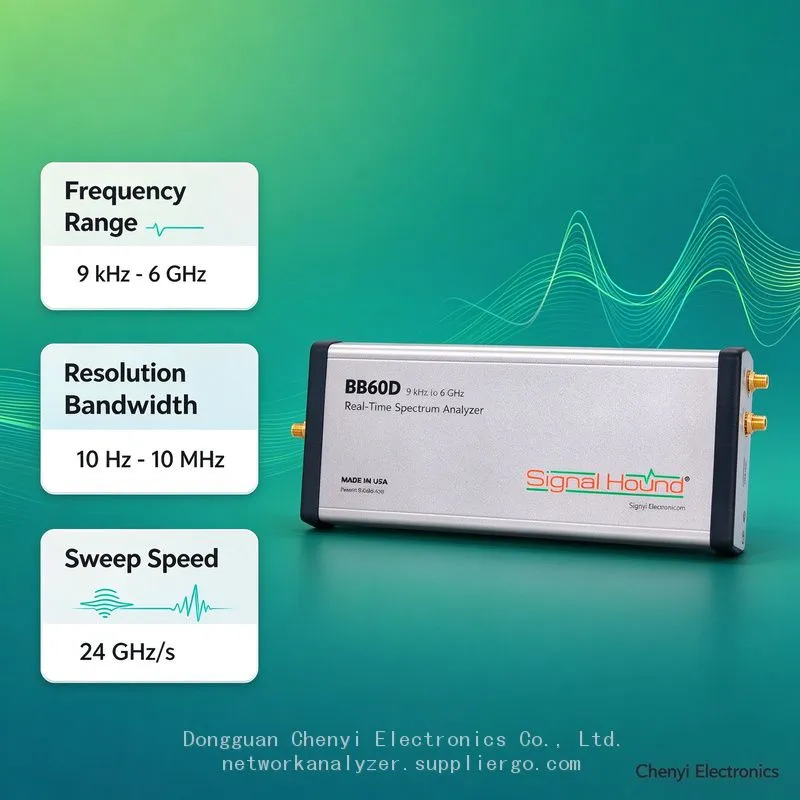
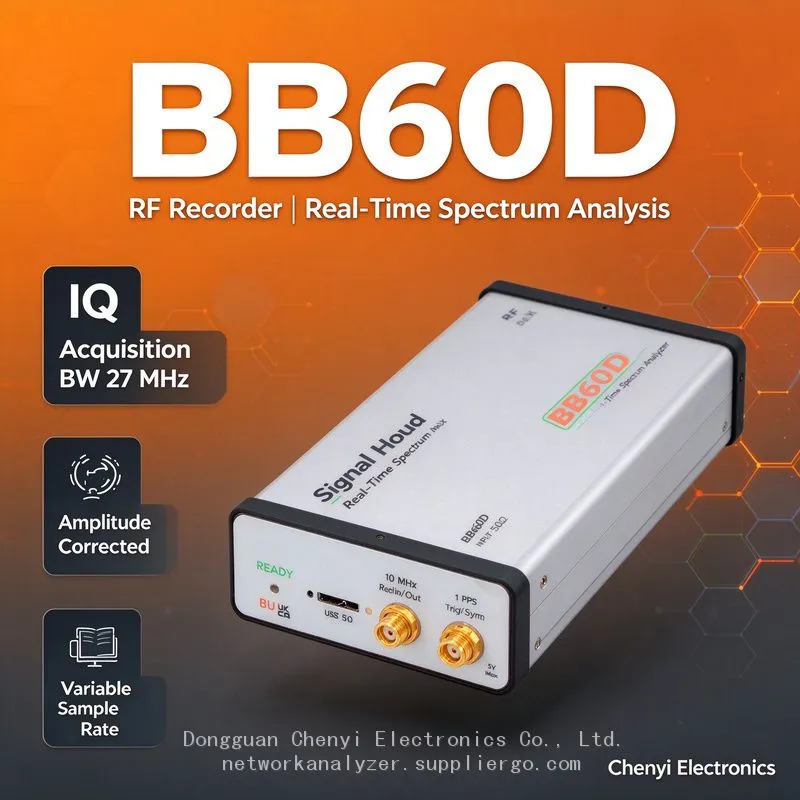
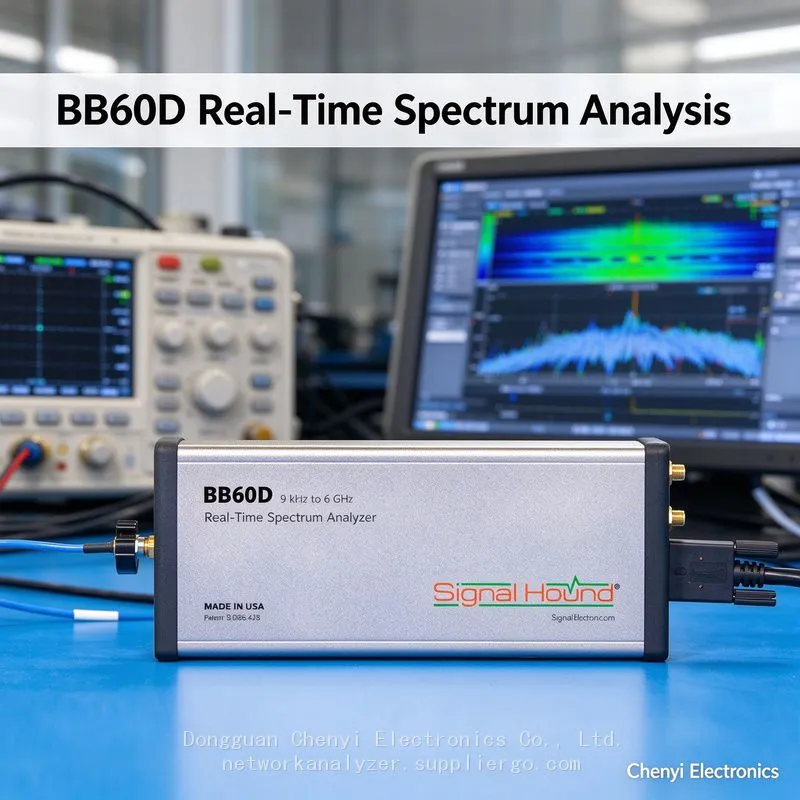
Signal Hound BB60D real-time spectrum analyzer supplier
BB60C Code Errors Out on a Signal Hound BB60D, or the "Preselector Switch" Is Nowhere to Be Found — Capability Matrix Differences Between Sibling Devices
Symptom
A lab has both a BB60C and a BB60D, and one in-house acquisition/monitoring program is meant to serve both: ① running on the D, setting the IQ sample rate to 10 kHz returns "invalid parameter"; ② calling the preselector configuration function on the C reports an unknown option; ③ Spike works fine manually on both units, yet the API keeps tripping over each other; ④ someone uninstalled the C's driver and reinstalled a supposed "D-only driver" (confusion while searching and downloading), after which the BB60C stopped enumerating altogether.
Root-Cause Analysis
The BB60C and BB60D share the Spike software and USB driver stack (the official download page offers a single unified "BB60D/C/A driver"), but the API capability surface is two different matrices:
Capabilities added on the D do not exist on the C: preselector enable/state related options, and the IQ bandwidth floor (the D goes down to 4 kHz, the C starts at 250 kHz). Calling a preselector function on the C naturally yields "no such option."
Everything legal on the C is accepted by the D, but the reverse does not hold: passing the D's extended parameter domain (ultra-slow IQ) into legacy validation code gets rejected by your own program.
There is actually only one driver package: what the official site provides is a unified Spike installer plus driver covering BB60D/C/A. The widely circulated tutorials about "installing a separate driver for the D" are mostly misleading, and reinstall churn ends up breaking the C's environment instead.
Capability detection by guessing the model: programs that enable preselector features only when the device name contains "BB60D" break as soon as new firmware renames things or serial-number prefixes change — query the capability parameters instead of guessing the model.
Correct Approach
Query capabilities per device, then configure: after opening a handle, read the model / capability fields returned by the device (legal IQ sample-rate range, whether preselector options are supported) and decide what to send at run time — one code base then adapts automatically to both models.
Externalise the parameter validation table: express "legal sample rate / bandwidth / preselector combinations" as a loadable configuration table, so adding a new model means editing the table rather than the code.
Unify driver and software: use only the current official combined Spike/driver package. When both models coexist, first enumerate the device list to confirm the target handle (with several units, open explicitly by serial number).
Run regression on both machines: before each release, execute the full feature checklist on both the C and the D, paying particular attention to IQ extremes and the preselector on/off branches.
Triage errors properly: "invalid parameter" → check the parameter domain (capability matrix) first; "device busy / not enumerated" → check occupancy and drivers first. These are different failure paths, so don't respond by reinstalling the whole system for both.
Acceptance Criteria
One program auto-adapts to all functions across both C and D units (capability-query logs archived); the C never receives a preselector command, and the D can acquire at 4 kHz-class sample rates; with several units mixed together, addressing by serial number never opens the wrong device.
(Based on published specification differences between Signal Hound BB60D and BB60C (IQ bandwidth floor, preselector) and the official unified download page (one driver/software package for BB60D/C/A); API field names defer to the official SDK documentation.)
Recently Posted
-
Signal Hound BB60C IQ Recording Fails Mid-Session, Files Are Full of Gaps, or Recording Stops Early — The Problem Is the PC ,supplier
November 19, 2026Signal Hound BB60C real-time spectrum analyzer supplierSignal Hound BB60C IQ Recording Fails Mid-Session, Files Are Full of Gaps, Read More
-
Signal Hound BB60C Is Plugged In but Spike Finds No Device — The LED Flashes Red/Green. How Do I Fix This? supplier
November 19, 2026Signal Hound BB60C real-time spectrum analyzer supplierSignal Hound BB60C Is Plugged In but Spike Finds No Device — The LED Flashe Read More
-
I Already Own a Signal HoundBB60C — Should I Move Up to the Signal Hound BB60D? Signal Hound BB60D real-time spectrum analyzer supplier
November 19, 2026Signal Hound BB60D real-time spectrum analyzer supplierI Already Own a Signal HoundBB60C — Should I Move Up to the Signal Hound BB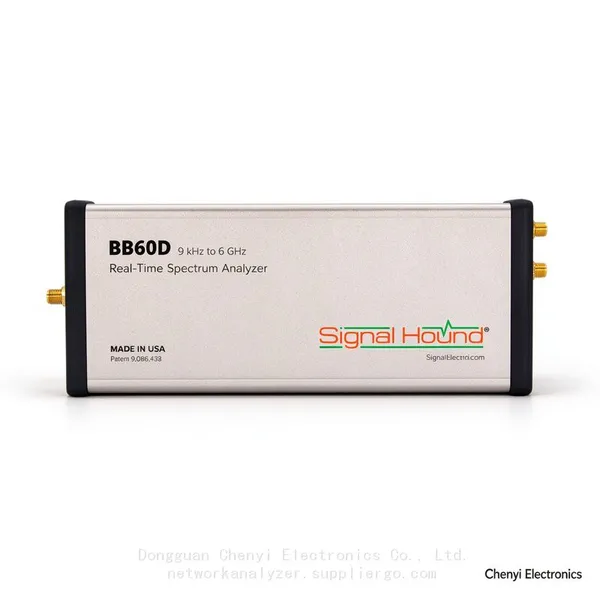 Read More
-
Monitoring the Satellite IF Band (950–2150 MHz) with a Signal Hound BB60D real-time spectrum analyzer supplier
November 19, 2026Signal Hound BB60D real-time spectrum analyzer supplierMonitoring the Satellite IF Band (950–2150 MHz) with a Signal Hound BB60D —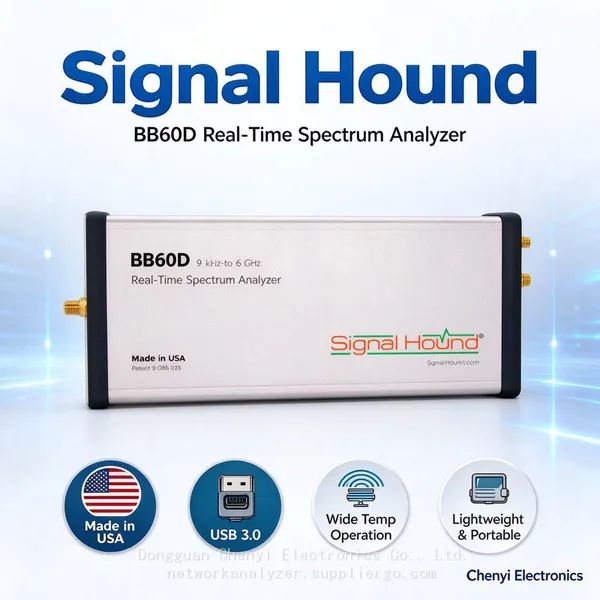 Read More

Contact Us
Recommended Products
-
 Signal Hound SM200C 100 KHz to 20 GHz Real-time Spectrum Analyzer With 10GbE Monitoring ReceiversNegotiableMOQ: 1 Unit
-
Signal Hound VSG200 Vector Signal Generator 100 KHz to 20 GHzNegotiableMOQ: 1 Unit
-
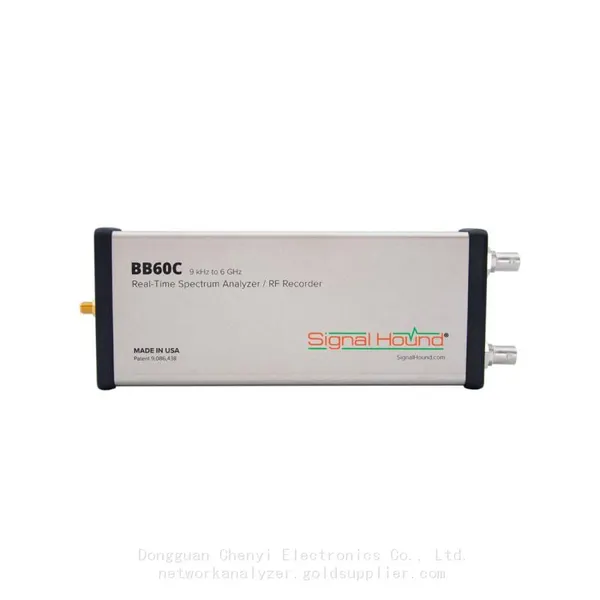
Signal Hound BB60C 9 KHz to 6 GHz Real-time Spectrum AnalyzerNegotiableMOQ: 1 Unit
-
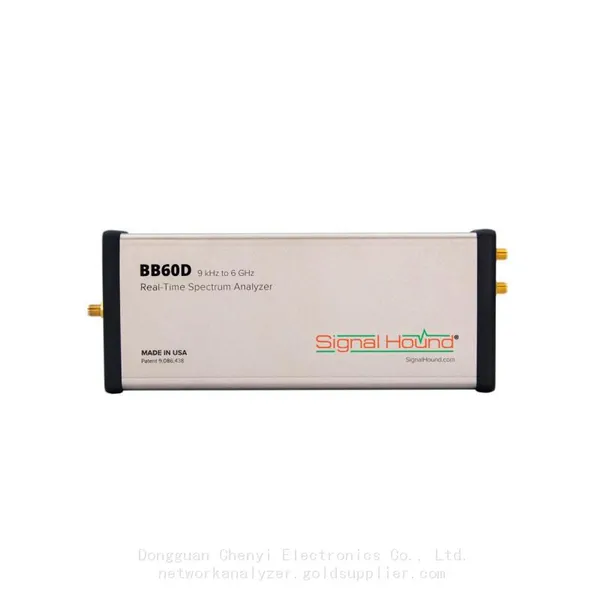
Signal Hound BB60D 9 KHz to 6 GHz Real-time Spectrum AnalyzerNegotiableMOQ: 1 Unit
-
Signal Hound SP145 100 KHz to 14.5 GHz Real-time Spectrum Analyzer Monitoring ReceiversNegotiableMOQ: 1 Unit
-
Signal Hound VSG60A 50 MHz to 6 GHz GHz Vector Signal GeneratorNegotiableMOQ: 1 Unit
-
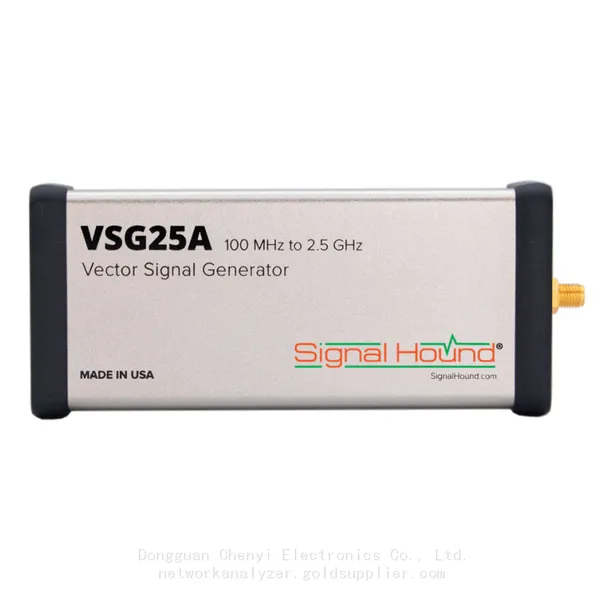
Signal Hound VSG25A 100 MHz to 2.5 GHz Vector Signal GeneratorNegotiableMOQ: 1 Unit
-
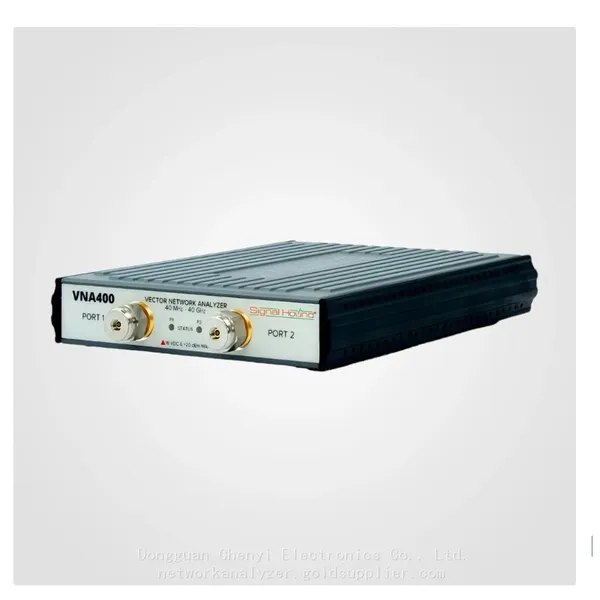
Signal Hound VNA400 40 MHz to 40 GHz 2-port Vector Network AnalyzerNegotiableMOQ: 1 Unit
-
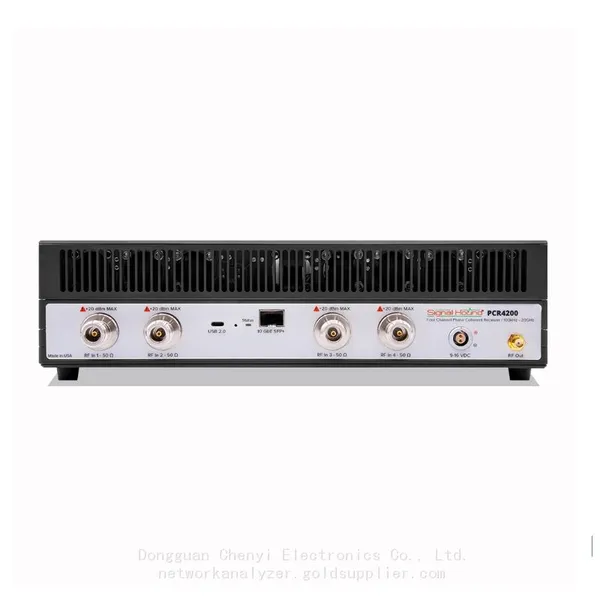
Signal Hound PCR4200 100 KHz to 20 GHz Four-Channel Phase Coherent ReceiverNegotiableMOQ: 1 Unit
-
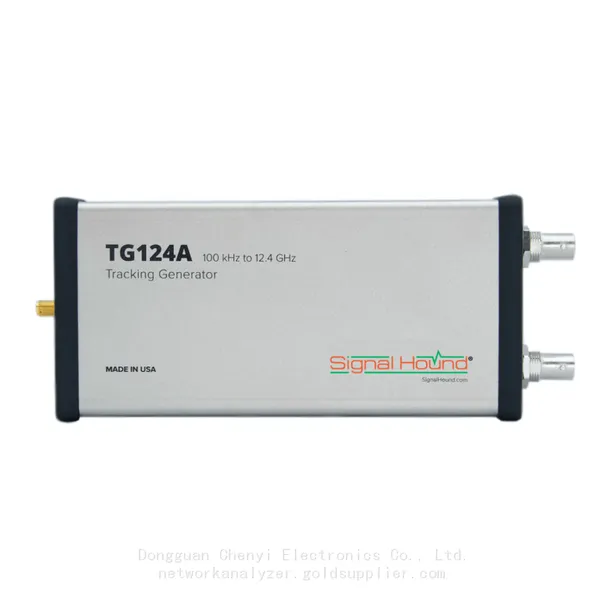
Signal Hound TG124A 100 KHz to 12.4 GHz Tracking GeneratorNegotiableMOQ: 1 Unit
-
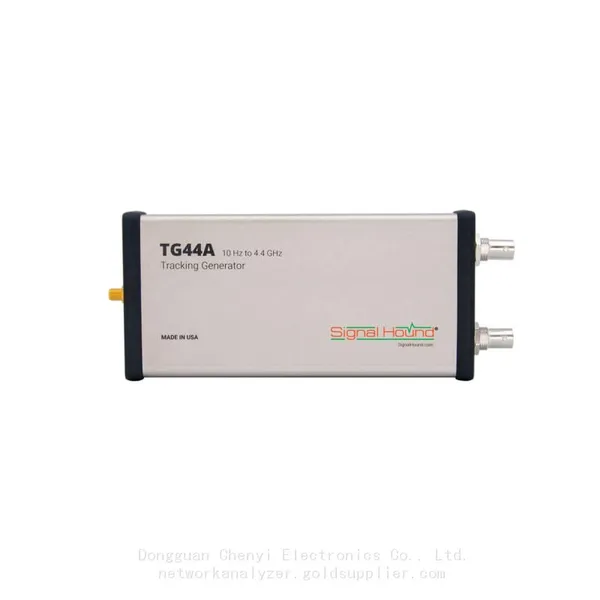
Signal Hound TG44A 10 Hz to 4.4 GHz t Tracking GeneratorNegotiableMOQ: 1 Unit
-
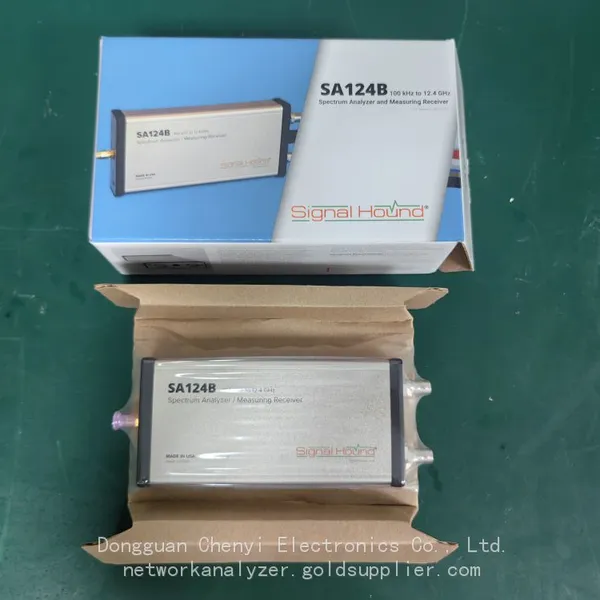
Signal Hound SA124B 100 KHz to 12.4 GHz Spectrum AnalyzerNegotiableMOQ: 1 Unit
-
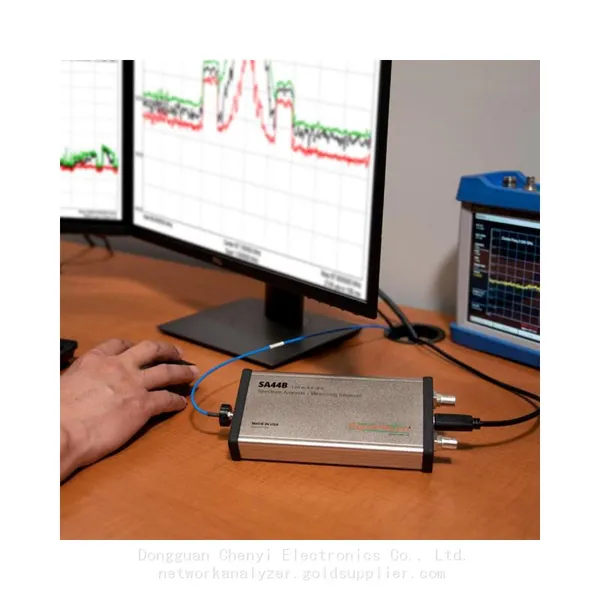
Signal Hound SA44B 1 Hz to 4.4 GHz Spectrum AnalyzerNegotiableMOQ: 1 Unit
-
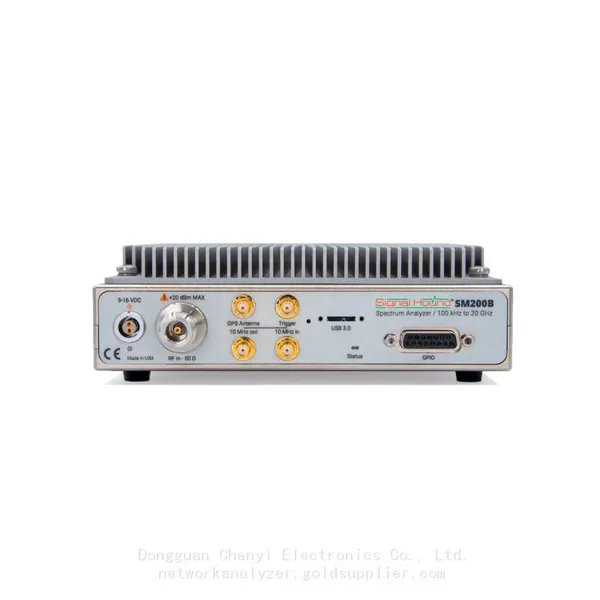
SM200B Real‑time Spectrum Analyzer,USB3.0 RTSA,100kHz-20GHz,calibrated I/Q Capture for 5G Test & Interference HuntingNegotiableMOQ: 1 Unit
-
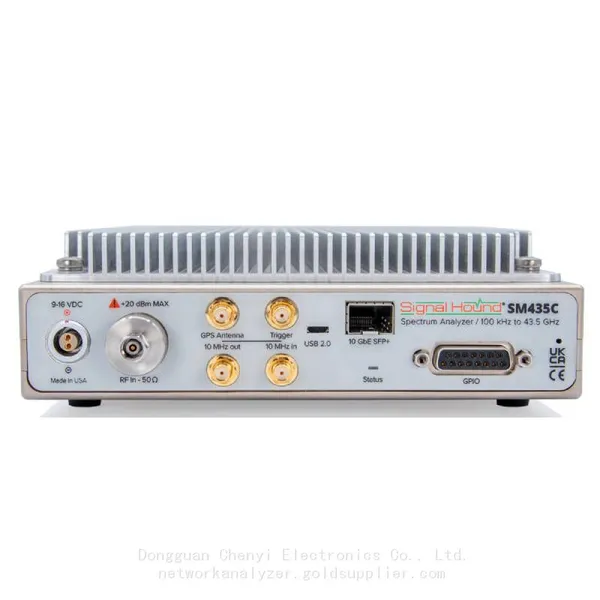
Signal Hound SM435C 100 KHz to 43.5GHz Real-time Spectrum Analyzer With 10GbE Monitoring ReceiversNegotiableMOQ: 1 Unit
-
Signal Hound SM435B 100 KHz to 43.5GHz Real-time Spectrum Analyzer Monitoring ReceiversNegotiableMOQ: 1 Unit
-
Signal Hound PN400 Phase Noise and VCO Test System 100 KHz to 43.5 GHzNegotiableMOQ: 1 Unit
-
Keysight E4980A Precision LCR Meter 20 Hz to 2 MHzNegotiableMOQ: 1 Unit
-
Keysight E4980B and E4980BL Precision LCR Meter 20 Hz to 2 MHzNegotiableMOQ: 1 Unit
-
Keysight U1733C Handheld LCR Meter 100Hz 120Hz 1kHz 10kHz 100kHzNegotiableMOQ: 1 Unit