
 Business License

The Signal Hound BB60D Still Fears +20 dBm: The Preselector Is Not a Fuse Signal Hound BB60D real-time spectrum analyzer supplier
Signal Hound BB60D real-time spectrum analyzer supplier
The Signal Hound BB60D Still Fears +20 dBm: The Preselector Is Not a Fuse — Segmented Damage Assessment and Protection for the D Model Front End
Symptom
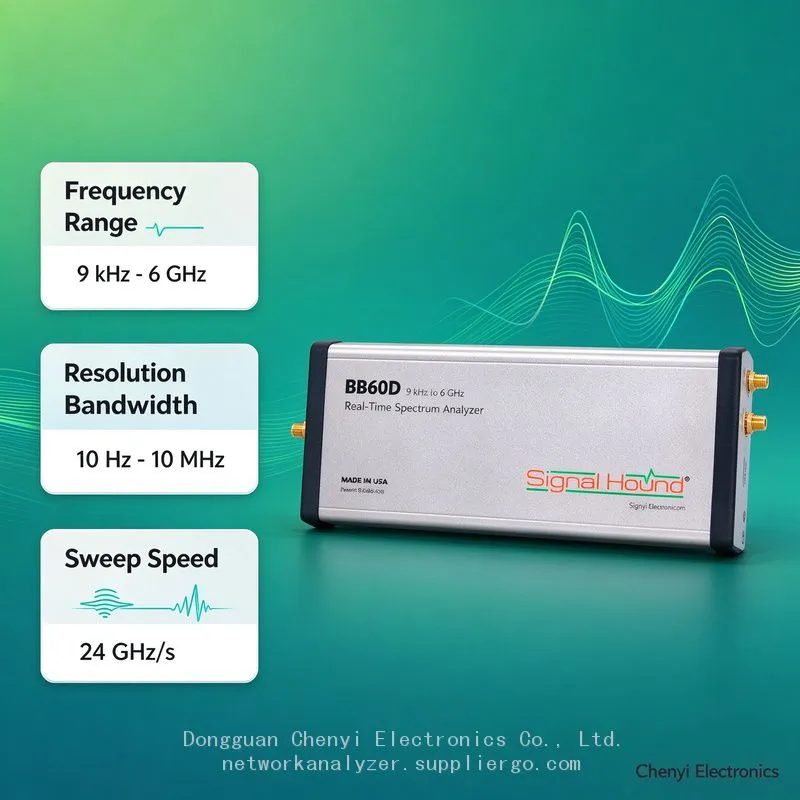
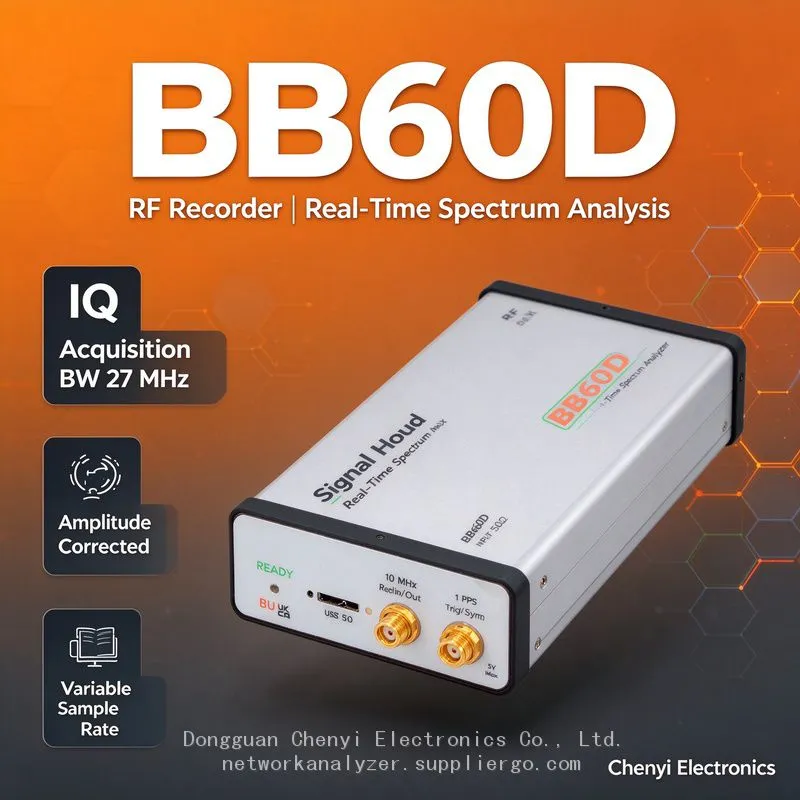
Assuming "the Signal Hound BB60D has a preselector, so it's more professional," the user taps signals directly from an amplifier coupler port or feed line. After one high-power transmission event: sensitivity collapses off a cliff at every frequency above 130 MHz, part of the noise floor goes "dead flat," or with the preselector enabled some band reads completely abnormally — while below 130 MHz (the un-preselected region) the unit still measures normally. Complaint filed: "the new machine is less rugged than my old C."
Root-Cause Analysis
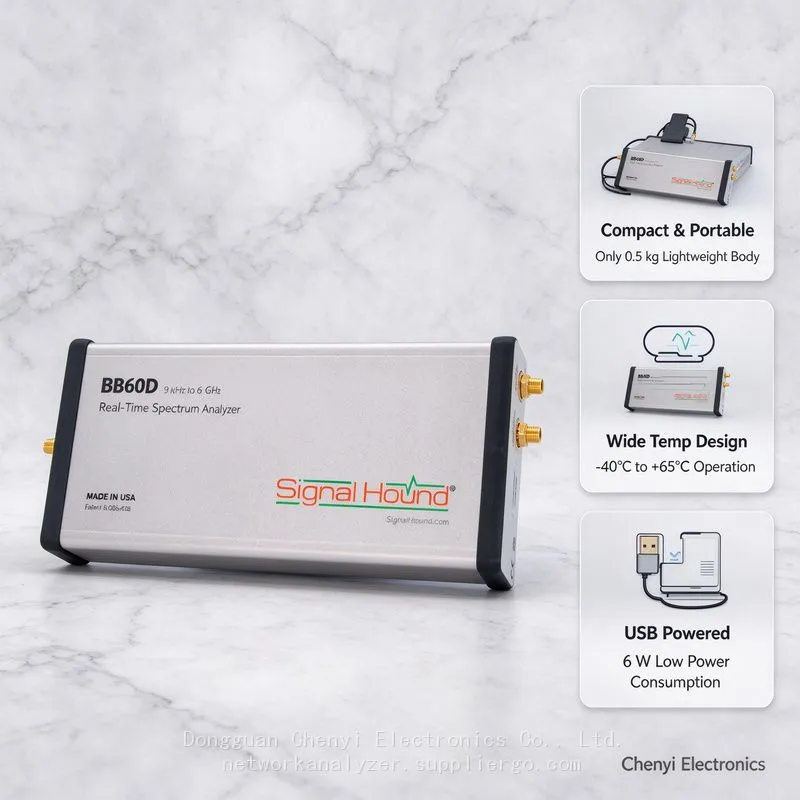
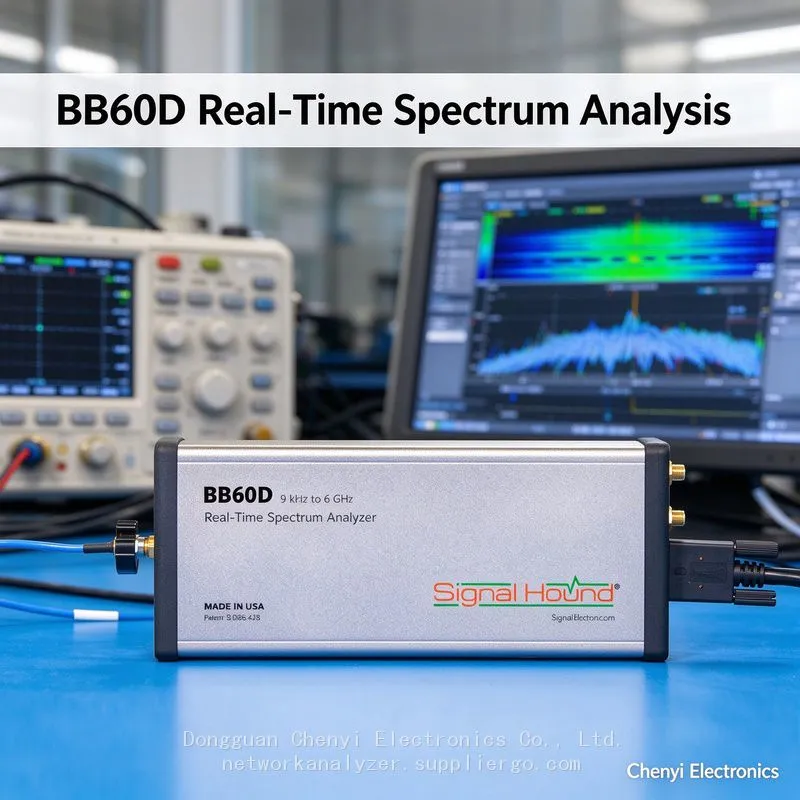
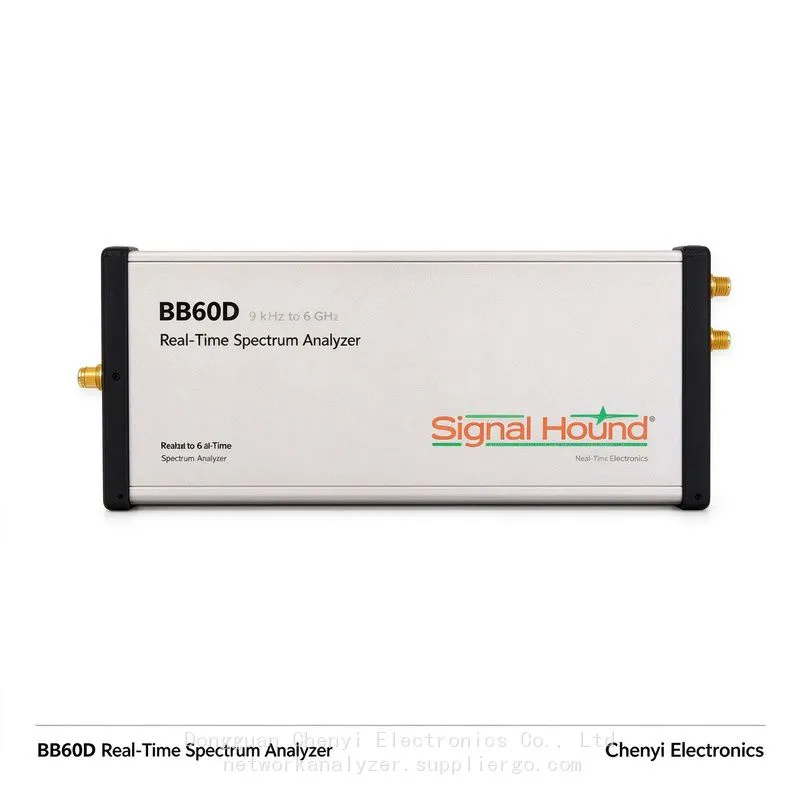
The input limits are identical: the BB60D and BB60C share the same SMA input absolute maximum of +20 dBm RF / 16 V DC (per the manual shipped with the unit). The preselector improves dynamic range in the presence of strong out-of-band signals; it does not raise input tolerance. Strong in-band power reaches the mixer and preselector chain just the same.
The D model's damage path is more "segmented": the preselector is a filter bank plus switch matrix, so over-power damage may hit only one sub-octave branch path — showing up as "some bands dead, others fine," exactly as described above (abnormal above 130 MHz, normal below). Its diagnostic signature differs from the C model's "shared front-end damage."
High-IP3 amplifiers are devices too: the high-IP3 gain stage that the D model's dynamic-range improvement depends on degrades just as readily under power back-feed or ESD. Once degraded, readings look "roughly normal but SFDR has fallen below even the C model," which daily use will not reveal.
Psychological misjudgement: the preselector gives users an implicit sense of "having protection," so the discipline of assessing level before measuring relaxes — the habit BB60C users built from the manual era, "estimate power first, then add attenuation," did not get passed down.
Damage Assessment Procedure
Segmented terminated test: attach a 50 Ω load and sweep the full range, recording the noise floor — locate which segments are abnormal and which are normal, and draw a damage-segment map.
Segmented known-source verification: inject −30 dBm at the midpoint of each segment with a signal generator, checking response, level accuracy, and the effect of preselector switching, to separate "preselector branch damaged" from "common chain damaged."
SFDR spot check: measure residual dynamic range with the dual-source strong-adjacent method (see the dynamic-range verification article). If degradation versus the archived baseline is clear (back to C-model levels or worse), high-IP3 path degradation is confirmed.
Service strategy: repairing the D model's front end involves preselector assemblies, so quotes and turnaround exceed the C model. Submit the damage-segment map together with the incident narrative (wiring used, estimated level at the time) so the diagnosis settles in one pass.
Stop-using principle: once segment damage is confirmed, do not keep "making do with the good segments." A damaged segment can come with leakage or progressive degradation that spreads into neighbouring segments and undermines measurement credibility.
Protection (Re-Stating the C Batch's Old Rules for the D Model)
Estimate power before measuring (power meter, or trial measurement with heavy attenuation); when unsure, insert 20–30 dB first.
Always DC-block feed lines and active antennas first.
Sample amplifier/transmit chains through a directional coupler; never connect directly.
Run the dual-source SFDR test once per quarter and archive it, so degradation is caught early.
(Based on published architecture material for the Signal Hound BB60D (preselector plus high-IP3 amplifiers; input limits stated as the same class as the C model at +20 dBm); absolute limits defer to the manual shipped with the unit.)
Recently Posted
-
Signal Hound BB60C Is Plugged In but Spike Finds No Device — The LED Flashes Red/Green. How Do I Fix This? supplier
November 19, 2026Signal Hound BB60C real-time spectrum analyzer supplierSignal Hound BB60C Is Plugged In but Spike Finds No Device — The LED Flashe Read More
-
The Noise Floor "Steps Along" When Sweeping Across Bands on a Signal Hound BB60D, and the Same Signal Reads 2 dB Differ at Another Center Frequency
November 19, 2026Signal Hound BB60D real-time spectrum analyzer supplierThe Noise Floor "Steps Along" When Sweeping Across Bands on a Sig Read More
-
Everyone Says the Signal Hound BB60D Has 10 dB More Dynamic Range Than the BB60C supplier
November 19, 2026Signal Hound BB60D real-time spectrum analyzer supplierEveryone Says the Signal Hound BB60D Has 10 dB More Dynamic Range Than the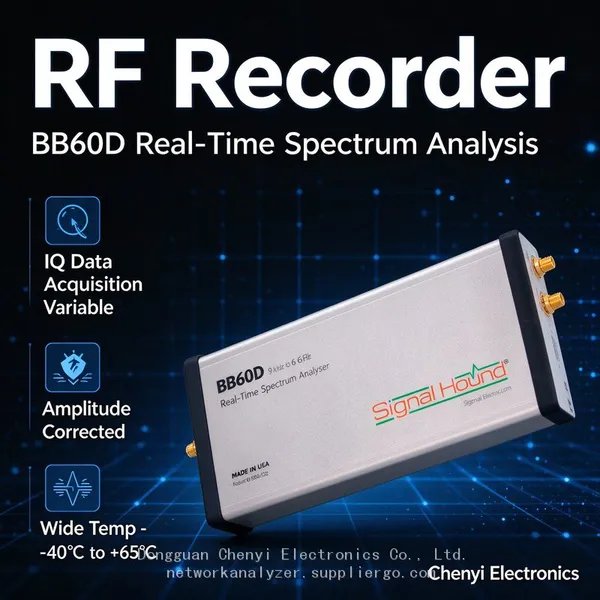 Read More
-
My Signal Hound BB60C Can't Pick Up Weak Signals Between 9 kHz and 20 MHz and Readings Keep Jumping -supplier
November 18, 2026Signal Hound BB60C real-time spectrum analyzer supplierMy Signal Hound BB60C Can't Pick Up Weak Signals Between 9 kHz and 20 M Read More

Contact Us
Recommended Products
-
 Signal Hound SM200C 100 KHz to 20 GHz Real-time Spectrum Analyzer With 10GbE Monitoring ReceiversNegotiableMOQ: 1 Unit
-
Signal Hound VSG200 Vector Signal Generator 100 KHz to 20 GHzNegotiableMOQ: 1 Unit
-
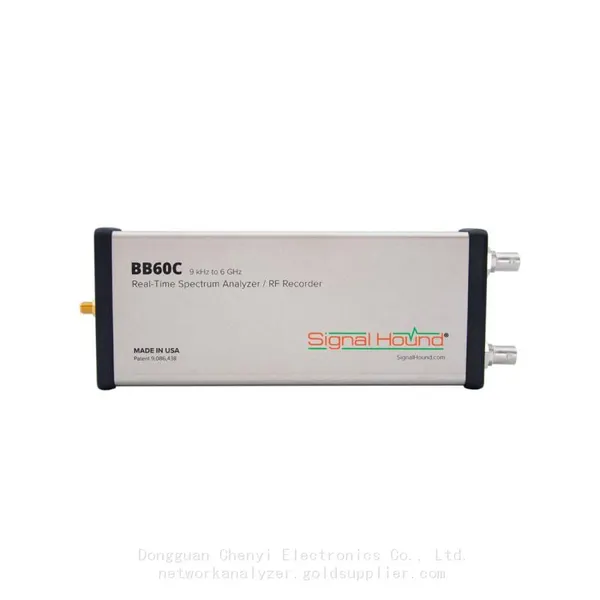
Signal Hound BB60C 9 KHz to 6 GHz Real-time Spectrum AnalyzerNegotiableMOQ: 1 Unit
-
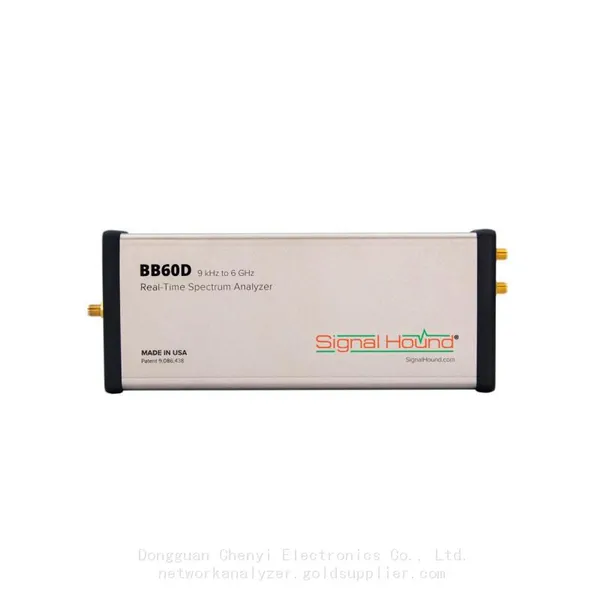
Signal Hound BB60D 9 KHz to 6 GHz Real-time Spectrum AnalyzerNegotiableMOQ: 1 Unit
-
Signal Hound SP145 100 KHz to 14.5 GHz Real-time Spectrum Analyzer Monitoring ReceiversNegotiableMOQ: 1 Unit
-
Signal Hound VSG60A 50 MHz to 6 GHz GHz Vector Signal GeneratorNegotiableMOQ: 1 Unit
-
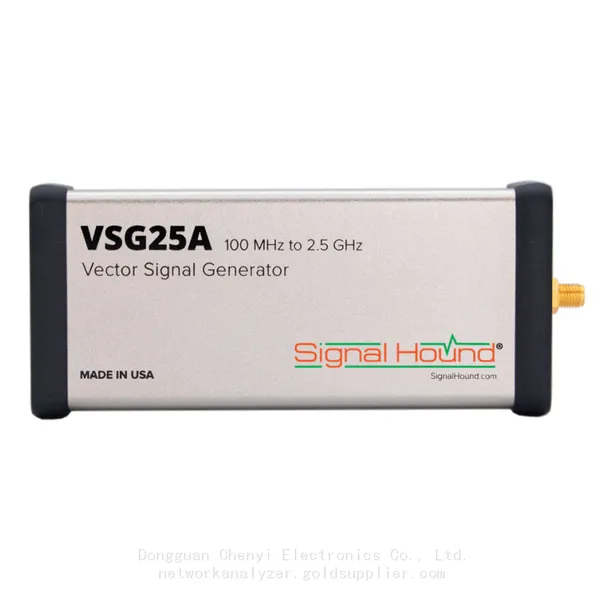
Signal Hound VSG25A 100 MHz to 2.5 GHz Vector Signal GeneratorNegotiableMOQ: 1 Unit
-
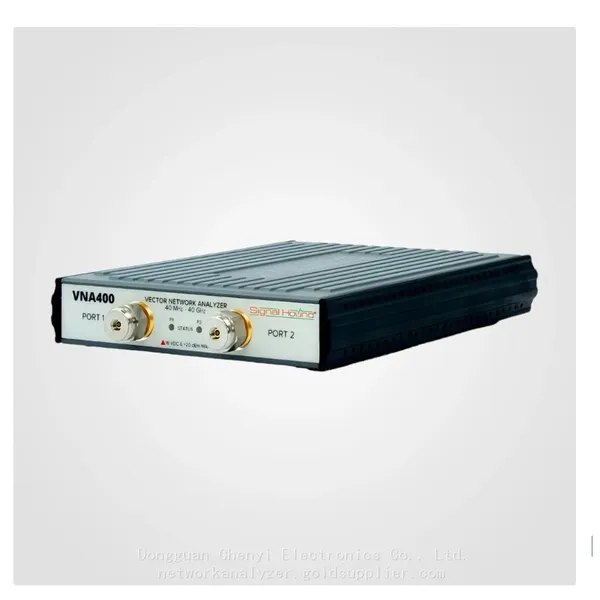
Signal Hound VNA400 40 MHz to 40 GHz 2-port Vector Network AnalyzerNegotiableMOQ: 1 Unit
-
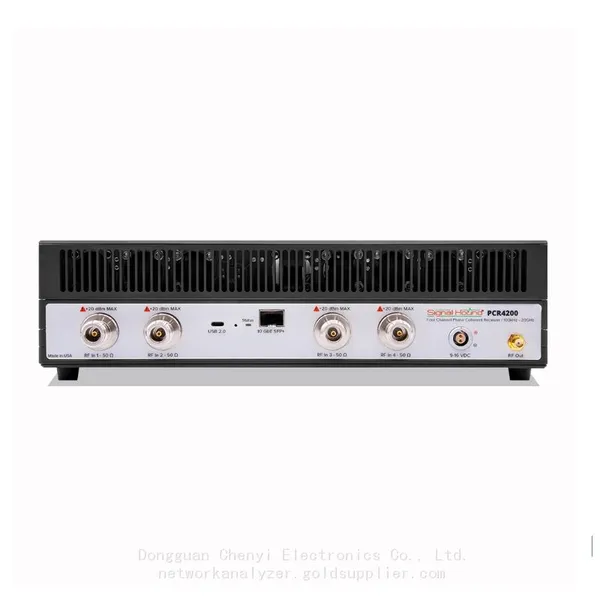
Signal Hound PCR4200 100 KHz to 20 GHz Four-Channel Phase Coherent ReceiverNegotiableMOQ: 1 Unit
-
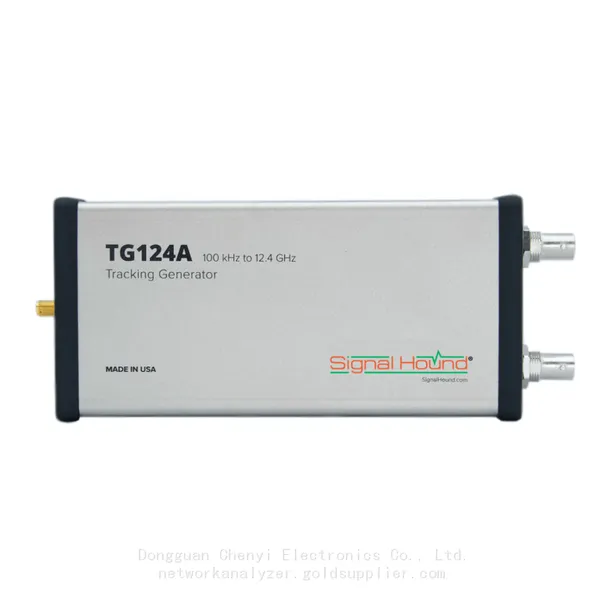
Signal Hound TG124A 100 KHz to 12.4 GHz Tracking GeneratorNegotiableMOQ: 1 Unit
-
Signal Hound TG44A 10 Hz to 4.4 GHz t Tracking GeneratorNegotiableMOQ: 1 Unit
-
Signal Hound SA124B 100 KHz to 12.4 GHz Spectrum AnalyzerNegotiableMOQ: 1 Unit
-
Signal Hound SA44B 1 Hz to 4.4 GHz Spectrum AnalyzerNegotiableMOQ: 1 Unit
-
SM200B Real‑time Spectrum Analyzer,USB3.0 RTSA,100kHz-20GHz,calibrated I/Q Capture for 5G Test & Interference HuntingNegotiableMOQ: 1 Unit
-
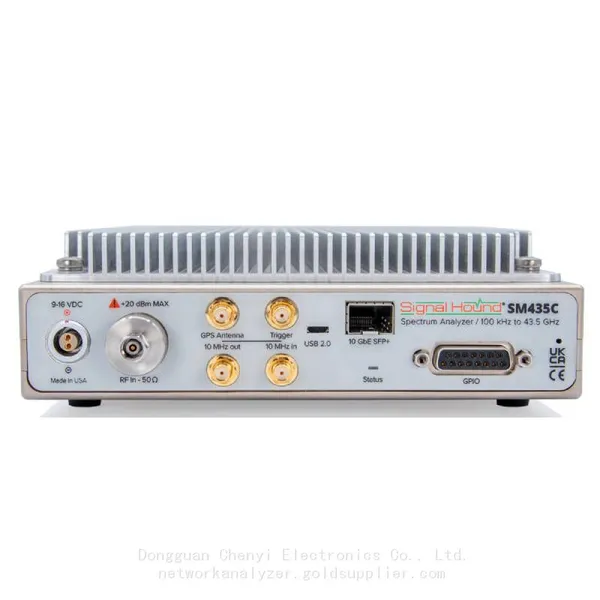
Signal Hound SM435C 100 KHz to 43.5GHz Real-time Spectrum Analyzer With 10GbE Monitoring ReceiversNegotiableMOQ: 1 Unit
-
Signal Hound SM435B 100 KHz to 43.5GHz Real-time Spectrum Analyzer Monitoring ReceiversNegotiableMOQ: 1 Unit
-
Signal Hound PN400 Phase Noise and VCO Test System 100 KHz to 43.5 GHzNegotiableMOQ: 1 Unit
-
Keysight E4980A Precision LCR Meter 20 Hz to 2 MHzNegotiableMOQ: 1 Unit
-
Keysight E4980B and E4980BL Precision LCR Meter 20 Hz to 2 MHzNegotiableMOQ: 1 Unit
-
Keysight U1733C Handheld LCR Meter 100Hz 120Hz 1kHz 10kHz 100kHzNegotiableMOQ: 1 Unit