
 Business License

The Noise Floor "Steps Along" When Sweeping Across Bands on a Signal Hound BB60D, and the Same Signal Reads 2 dB Differ at Another Center Frequency
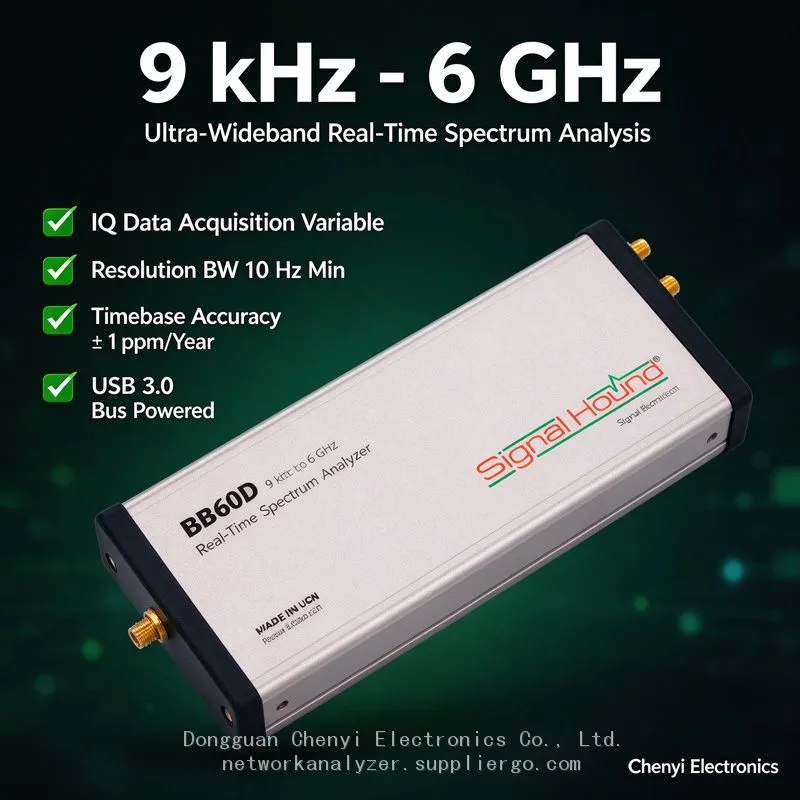
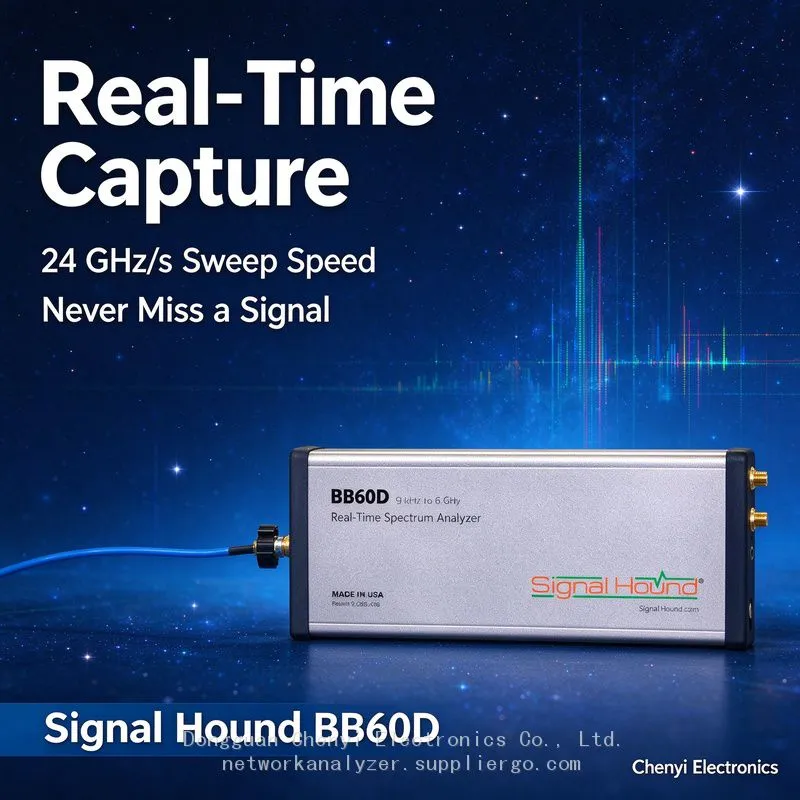
Signal Hound BB60D real-time spectrum analyzer supplier
The Noise Floor "Steps Along" When Sweeping Across Bands on a Signal Hound BB60D, and the Same Signal Reads 2 dB Differ at Another Center Frequency — Managing Preselector Band-Switch Steps
Symptom
Wide-span sweeps on the Signal Hound BB60D (e.g. a full survey from 100 MHz to 6 GHz) show a regular staircase in the noise-floor curve at fixed intervals. The same DUT signal reads −72 dBm with an 800 MHz center frequency and −73.8 dBm at 1.5 GHz, and it reproduces on re-measurement. Some users file a service claim for "amplitude response out of spec," while unattended monitoring systems treat each step edge as "a newly appeared interferer" and alarm repeatedly.
Root-Cause Analysis
The Signal Hound BB60D's preselector is an octave / sub-octave filter bank switched band by band across 130 MHz–6 GHz. Insertion loss differs on either side of every switching point, so dB-level steps in the noise floor and in level readings are a structural necessity (Signal Hound's official forum likewise confirms the dynamic-range improvement comes from the combination of preselector plus high-IP3 amplifiers, i.e. the preselector participates through the whole switching sequence):
A step is a filter-bank boundary: sub-octave division means multiple switching points inside 130 MHz–6 GHz, and a 1–2 dB reading difference for signals straddling a boundary is a path characteristic. The BB60C generation improved noise-floor smoothness by about 8 dB by reducing band filtering; the D model adds a preselector in exchange for dynamic range, and giving back part of the smoothness is a deliberate engineering trade-off.
"False anomalies" under automatic settings: with preselector on/off and attenuation on Auto combined, the instrument picks different paths at different center frequencies, so weak-signal readings jump non-monotonically — and users conclude "the signal keeps growing and shrinking."
Alarm thresholds that cross a step: an occupancy template with one uniform threshold gets crossed by a perfectly normal noise floor after the step, producing continuous false alarms.
Management Method
Draw a "step map": terminate the input with a 50 Ω load and sweep 130 MHz–6 GHz slowly in 1 MHz steps (preselector forced on, attenuation manually set to 10 dB, RBW 10 kHz). Record the position and amplitude of every noise-floor step to build a per-unit profile — one session of work, benefits all year.
Segmented calibration / compensation: for measurements needing absolute levels, build an offset table segment by segment (two-point characterisation per segment with a signal generator). For wideband integrated power measurements that span a step, switch to "measure per segment, then combine powers" instead of integrating one automatic sweep trace directly.
Set thresholds per segment: configure unattended-monitoring alarm thresholds according to the step map, leaving 2–3 dB margin on both sides of each segment boundary.
Decide by reproducibility: if the reading difference for the same signal is stable and reproducible (same position, same magnitude every time) → it is a step characteristic. If it varies randomly → investigate link, power supply, or connector issues separately.
Align comparison test conventions: when comparing amplitude response against a BB60C or a bench analyser, standardise the preselector and attenuation states and note that the D model has steps — two instruments disagreeing on "smoothness" does not mean either one is broken.
Acceptance Criteria
The step map is documented and embedded in the software configuration; repeatability of signal measurements crossing a step is ≤1 dB (after compensation); false alarms caused by steps drop to zero.
(Based on Signal Hound BB60D launch material (fully integrated preselector covering 130 MHz–6 GHz) and the official forum architecture reply (dynamic-range improvement from preselector plus high-IP3 amplifiers); actual switching-point positions must be established by measurement.)
Recently Posted
-
Signal Hound BB60C Is Plugged In but Spike Finds No Device — The LED Flashes Red/Green. How Do I Fix This? supplier
November 19, 2026Signal Hound BB60C real-time spectrum analyzer supplierSignal Hound BB60C Is Plugged In but Spike Finds No Device — The LED Flashe Read More
-
The Signal Hound BB60D Still Fears +20 dBm: The Preselector Is Not a Fuse Signal Hound BB60D real-time spectrum analyzer supplier
November 19, 2026Signal Hound BB60D real-time spectrum analyzer supplierThe Signal Hound BB60D Still Fears +20 dBm: The Preselector Is Not a Fuse — Read More
-
Everyone Says the Signal Hound BB60D Has 10 dB More Dynamic Range Than the BB60C supplier
November 19, 2026Signal Hound BB60D real-time spectrum analyzer supplierEveryone Says the Signal Hound BB60D Has 10 dB More Dynamic Range Than the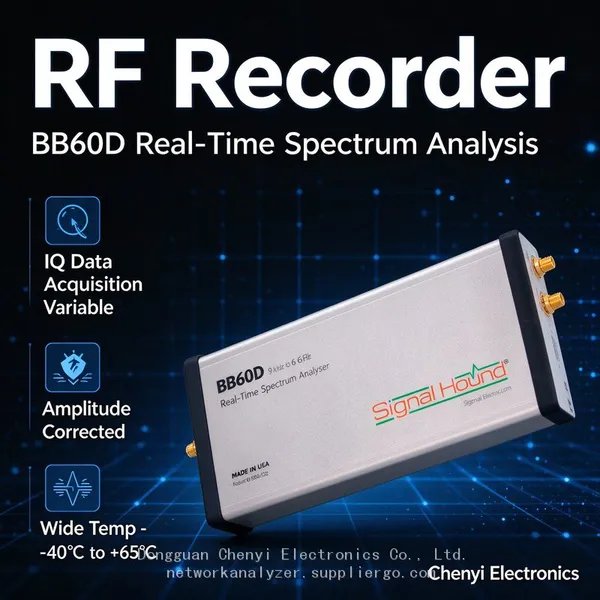 Read More
-
My Signal Hound BB60C Can't Pick Up Weak Signals Between 9 kHz and 20 MHz and Readings Keep Jumping -supplier
November 18, 2026Signal Hound BB60C real-time spectrum analyzer supplierMy Signal Hound BB60C Can't Pick Up Weak Signals Between 9 kHz and 20 M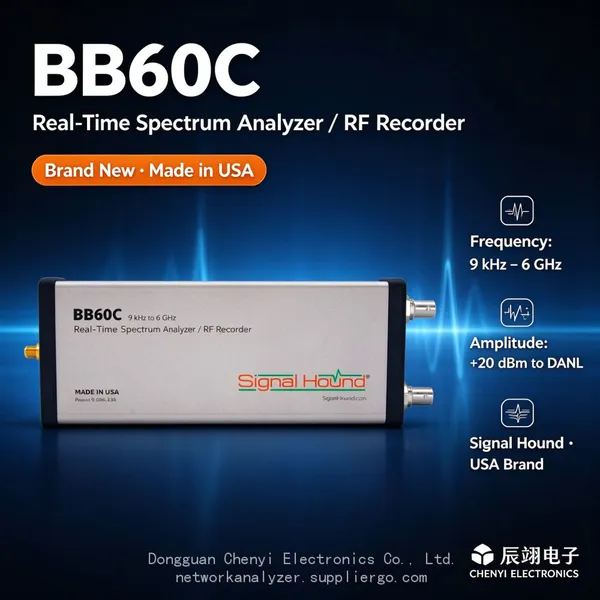 Read More

Contact Us
Recommended Products
-
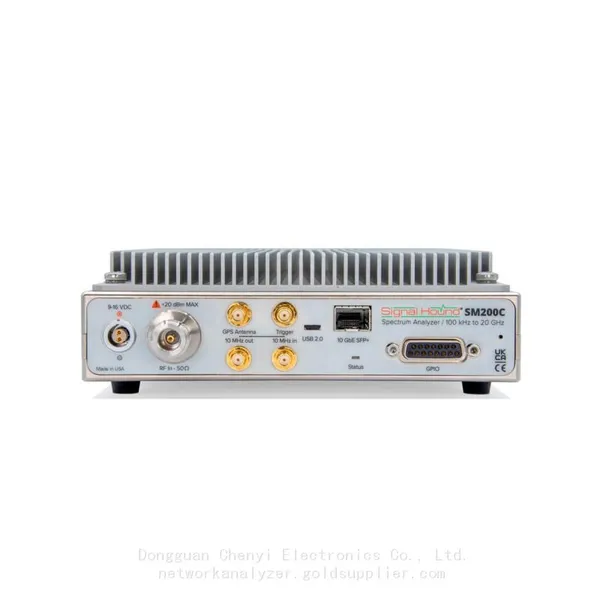
 Signal Hound SM200C 100 KHz to 20 GHz Real-time Spectrum Analyzer With 10GbE Monitoring ReceiversNegotiableMOQ: 1 Unit
-
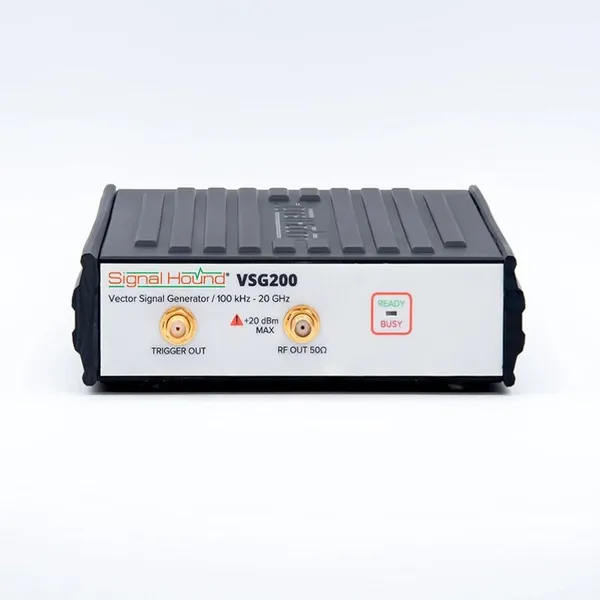
Signal Hound VSG200 Vector Signal Generator 100 KHz to 20 GHzNegotiableMOQ: 1 Unit
-
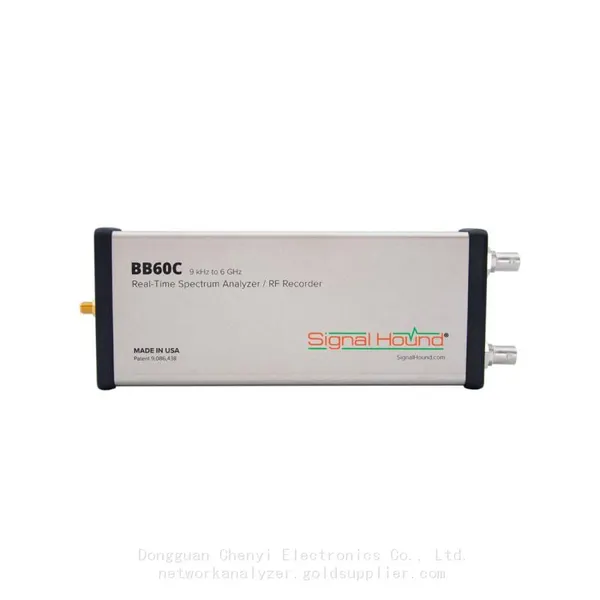
Signal Hound BB60C 9 KHz to 6 GHz Real-time Spectrum AnalyzerNegotiableMOQ: 1 Unit
-
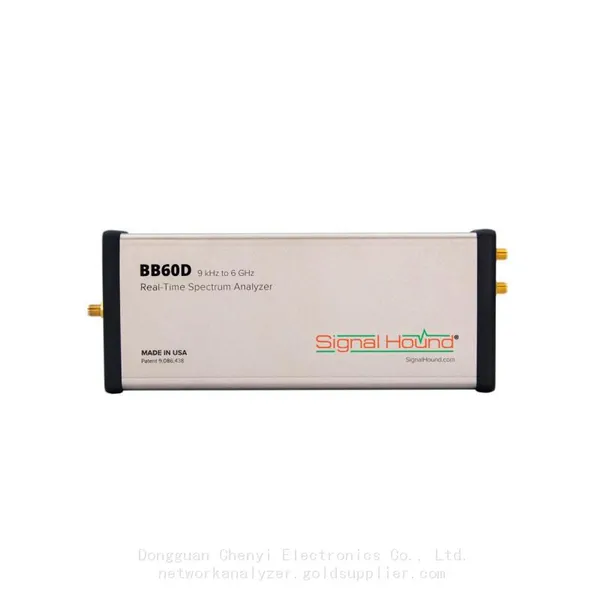
Signal Hound BB60D 9 KHz to 6 GHz Real-time Spectrum AnalyzerNegotiableMOQ: 1 Unit
-
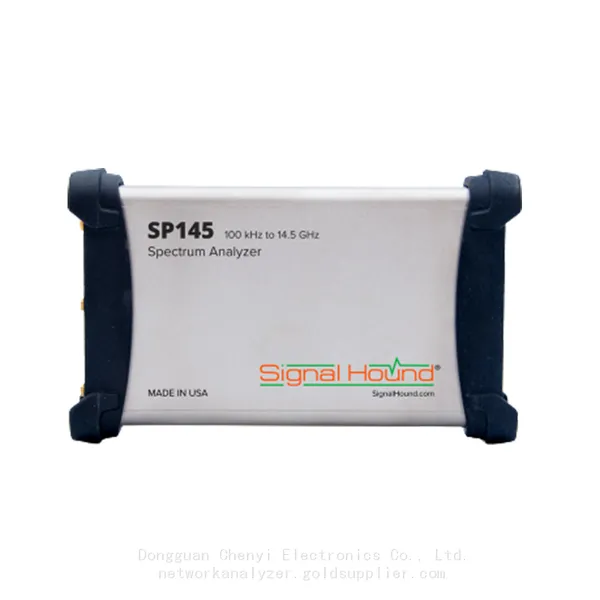
Signal Hound SP145 100 KHz to 14.5 GHz Real-time Spectrum Analyzer Monitoring ReceiversNegotiableMOQ: 1 Unit
-
Signal Hound VSG60A 50 MHz to 6 GHz GHz Vector Signal GeneratorNegotiableMOQ: 1 Unit
-
Signal Hound VSG25A 100 MHz to 2.5 GHz Vector Signal GeneratorNegotiableMOQ: 1 Unit
-
Signal Hound VNA400 40 MHz to 40 GHz 2-port Vector Network AnalyzerNegotiableMOQ: 1 Unit
-
Signal Hound PCR4200 100 KHz to 20 GHz Four-Channel Phase Coherent ReceiverNegotiableMOQ: 1 Unit
-
Signal Hound TG124A 100 KHz to 12.4 GHz Tracking GeneratorNegotiableMOQ: 1 Unit
-
Signal Hound TG44A 10 Hz to 4.4 GHz t Tracking GeneratorNegotiableMOQ: 1 Unit
-
Signal Hound SA124B 100 KHz to 12.4 GHz Spectrum AnalyzerNegotiableMOQ: 1 Unit
-
Signal Hound SA44B 1 Hz to 4.4 GHz Spectrum AnalyzerNegotiableMOQ: 1 Unit
-
SM200B Real‑time Spectrum Analyzer,USB3.0 RTSA,100kHz-20GHz,calibrated I/Q Capture for 5G Test & Interference HuntingNegotiableMOQ: 1 Unit
-
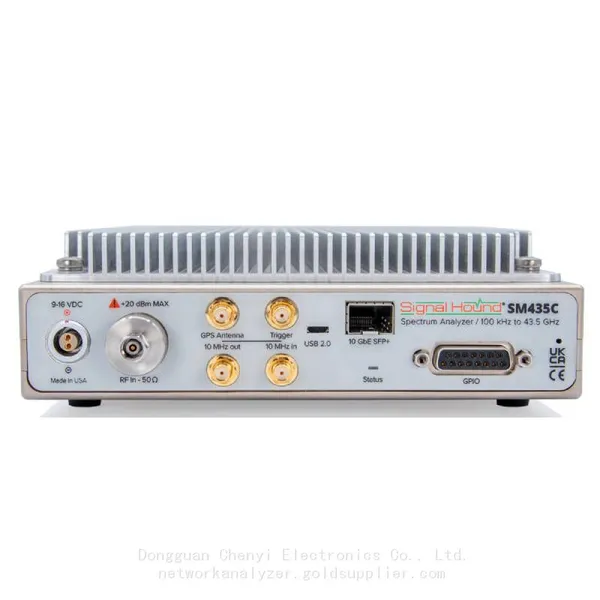
Signal Hound SM435C 100 KHz to 43.5GHz Real-time Spectrum Analyzer With 10GbE Monitoring ReceiversNegotiableMOQ: 1 Unit
-
Signal Hound SM435B 100 KHz to 43.5GHz Real-time Spectrum Analyzer Monitoring ReceiversNegotiableMOQ: 1 Unit
-
Signal Hound PN400 Phase Noise and VCO Test System 100 KHz to 43.5 GHzNegotiableMOQ: 1 Unit
-
Keysight E4980A Precision LCR Meter 20 Hz to 2 MHzNegotiableMOQ: 1 Unit
-
Keysight E4980B and E4980BL Precision LCR Meter 20 Hz to 2 MHzNegotiableMOQ: 1 Unit
-
Keysight U1733C Handheld LCR Meter 100Hz 120Hz 1kHz 10kHz 100kHzNegotiableMOQ: 1 Unit