
 Business License

Signal Hound BB60C IQ Recording Fails Mid-Session, Files Are Full of Gaps, or Recording Stops Early — The Problem Is the PC ,supplier
Signal Hound BB60C real-time spectrum analyzer supplier
Signal Hound BB60C IQ Recording Fails Mid-Session, Files Are Full of Gaps, or Recording Stops Early — The Problem Is the PC
Symptom
RF/IQ recording in Spike aborts after a few minutes with buffer-overflow or write-failure errors, or playback reveals obvious time holes in the capture, or the finished file is far shorter than the duration you configured.
Root Cause
The BB60C stores nothing itself — it streams digitized RF over USB 3.0 at roughly 140 MB/s to the PC, so the host's sustained write throughput is the real bottleneck. Published technical material requires ≥250 MB/s sustained disk write speed when the unit is used as a recorder, on the order of 10 GB per minute at full bandwidth. Nine out of ten recording failures therefore live in the storage subsystem or USB bus contention, not in the instrument.
Troubleshooting Steps
Do the capacity math first. Budget about 10 GB per minute; an hour of capture needs roughly 600 GB. Confirm the target drive has ample free space — near-full Windows volumes degrade write performance sharply, producing dropped frames.
Confirm the drive is a real SSD with sustained speed. Benchmark sustained (not burst) writes with CrystalDiskMark or similar. HDDs, USB portable drives, SMR shingled drives, and budget thumb drives cannot hold 250 MB/s and will drop frames. Enterprise or flagship NVMe SSDs provide the necessary headroom.
Don't let the drive and the analyzer share a bus. Write recordings to the internal NVMe, not to an external drive hanging off the same controller or hub. USB drive enclosures silently throttling are a classic hidden cause.
Lower the instantaneous bandwidth setting. IQ capture bandwidth on the BB60C is selectable from 250 kHz to 27 MHz. If you don't need the full 27 MHz, dial it down (e.g., 5 or 10 MHz) — data volume falls proportionally and the bottleneck disappears. This is one of the most effective single fixes for recording failures.
Choose the file path carefully. Avoid the system drive, cloud-sync folders (OneDrive etc. intercept writes and steal I/O), and compressed or BitLocker-encrypted volumes.
Cut display overhead. 3D views, GPU-accelerated color persistence, and heavy overlap scanning consume CPU/GPU and memory bandwidth; disable them on marginal machines while recording.
Kill power saving and background I/O. High-performance plan; disable Windows Search indexing, full antivirus scans, and Windows Update downloads (update jobs saturating the disk are the classic "why did today's capture fail" cause).
Audit USB controller assignment. On some boards only certain ports sit on native high-speed lanes, and they may share with SATA or other peripherals. Give the BB60C a dedicated native controller port and confirm no hub cascading reduced its negotiated speed.
Validate. Record 30+ minutes of full-bandwidth IQ, then check: file duration matches the setting, playback shows no time holes, and Spike reported no overflow.
Minimum Configuration Baseline
Native USB 3.0 (xHCI) controller, rear port, direct connection, original short cable;
Internal NVMe SSD with ≥250 MB/s sustained writes (≥500 MB/s recommended for headroom);
Free space ≥2× the planned single-session recording size;
High-performance power plan with USB selective suspend off;
If the bottleneck remains, drop IQ bandwidth from 27 MHz and retest.
(Based on publicly available Signal Hound BB60C user manual, datasheet and technical notes.)
Recently Posted
-
Signal Hound BB60C Is Plugged In but Spike Finds No Device — The LED Flashes Red/Green. How Do I Fix This? supplier
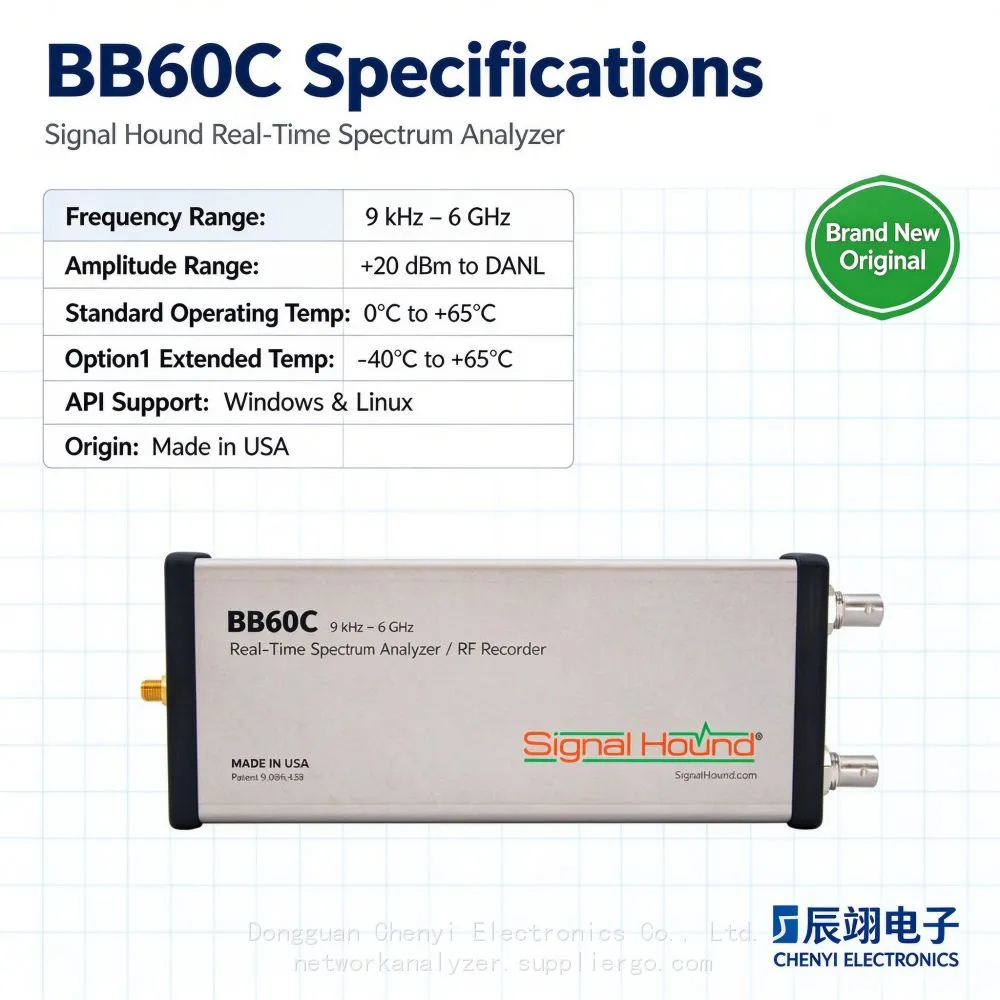
November 19, 2026Signal Hound BB60C real-time spectrum analyzer supplierSignal Hound BB60C Is Plugged In but Spike Finds No Device — The LED Flashe Read More
-
I Already Own a Signal HoundBB60C — Should I Move Up to the Signal Hound BB60D? Signal Hound BB60D real-time spectrum analyzer supplier
November 19, 2026Signal Hound BB60D real-time spectrum analyzer supplierI Already Own a Signal HoundBB60C — Should I Move Up to the Signal Hound BB Read More
-
Monitoring the Satellite IF Band (950–2150 MHz) with a Signal Hound BB60D real-time spectrum analyzer supplier
November 19, 2026Signal Hound BB60D real-time spectrum analyzer supplierMonitoring the Satellite IF Band (950–2150 MHz) with a Signal Hound BB60D — Read More
-
The Signal Hound BB60D Still Fears +20 dBm: The Preselector Is Not a Fuse Signal Hound BB60D real-time spectrum analyzer supplier
November 19, 2026Signal Hound BB60D real-time spectrum analyzer supplierThe Signal Hound BB60D Still Fears +20 dBm: The Preselector Is Not a Fuse —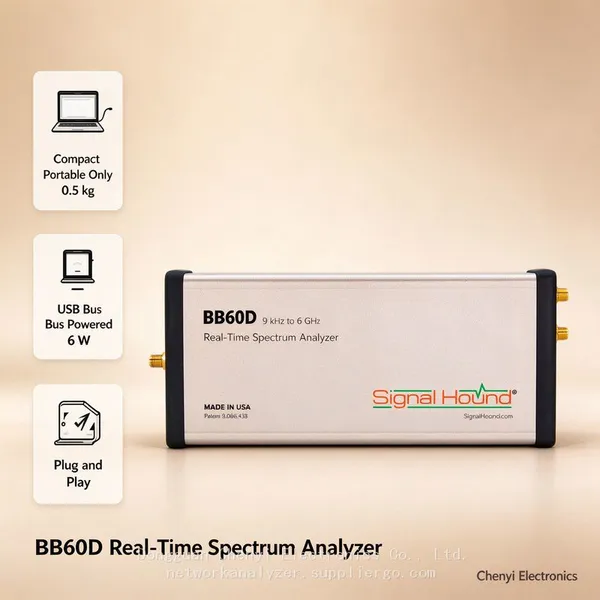 Read More

Contact Us
Recommended Products
-
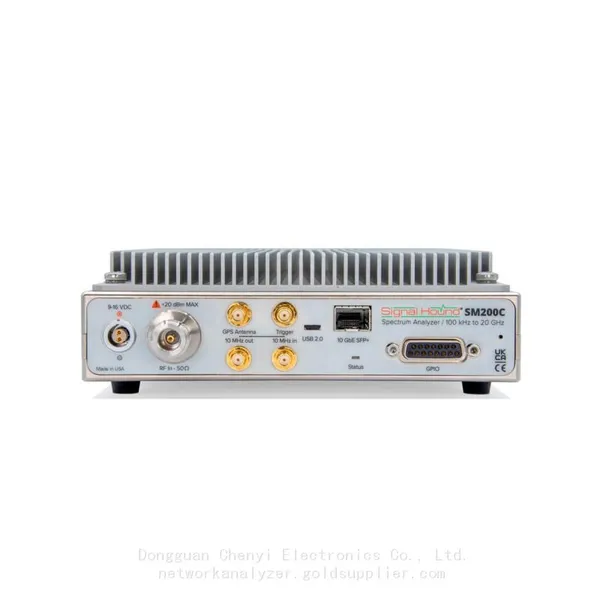
 Signal Hound SM200C 100 KHz to 20 GHz Real-time Spectrum Analyzer With 10GbE Monitoring ReceiversNegotiableMOQ: 1 Unit
-
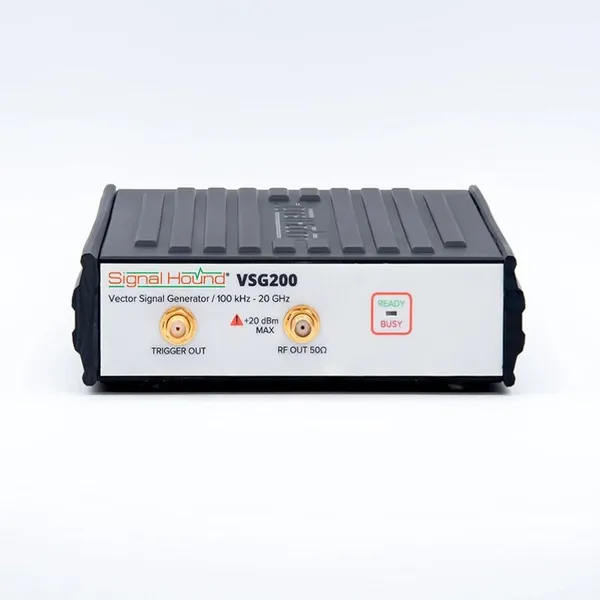
Signal Hound VSG200 Vector Signal Generator 100 KHz to 20 GHzNegotiableMOQ: 1 Unit
-
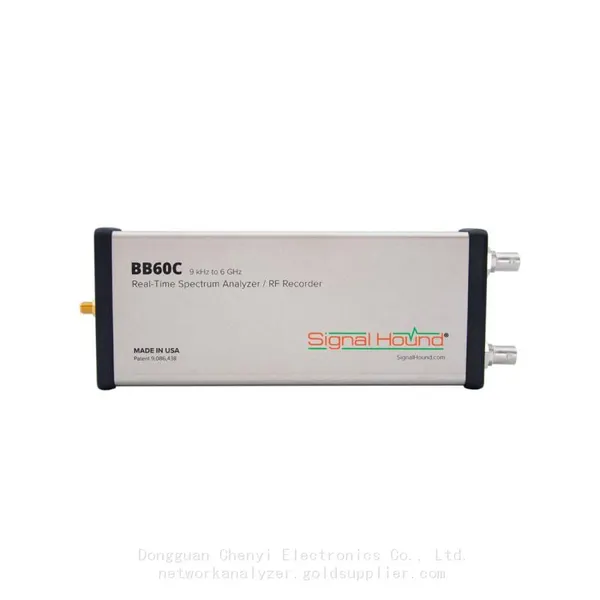
Signal Hound BB60C 9 KHz to 6 GHz Real-time Spectrum AnalyzerNegotiableMOQ: 1 Unit
-
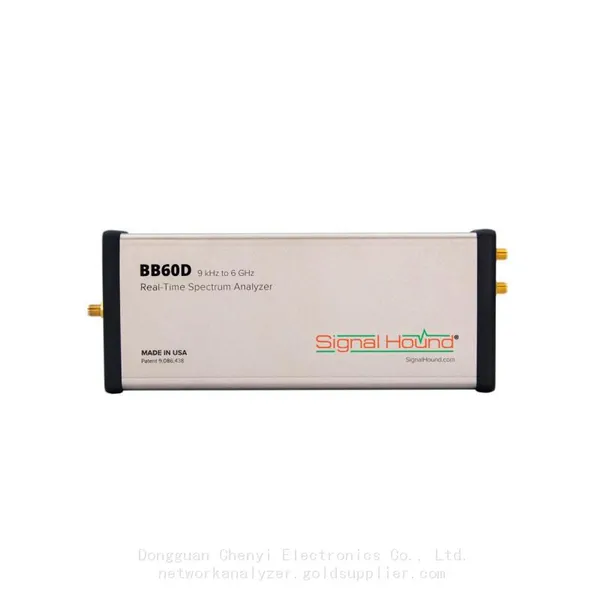
Signal Hound BB60D 9 KHz to 6 GHz Real-time Spectrum AnalyzerNegotiableMOQ: 1 Unit
-
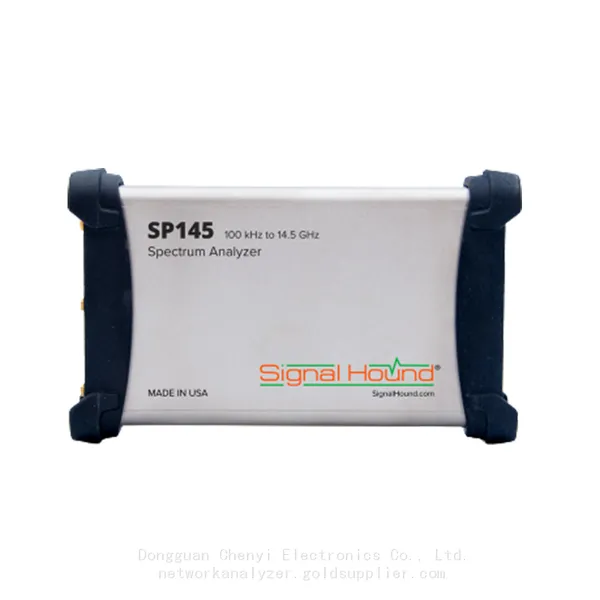
Signal Hound SP145 100 KHz to 14.5 GHz Real-time Spectrum Analyzer Monitoring ReceiversNegotiableMOQ: 1 Unit
-
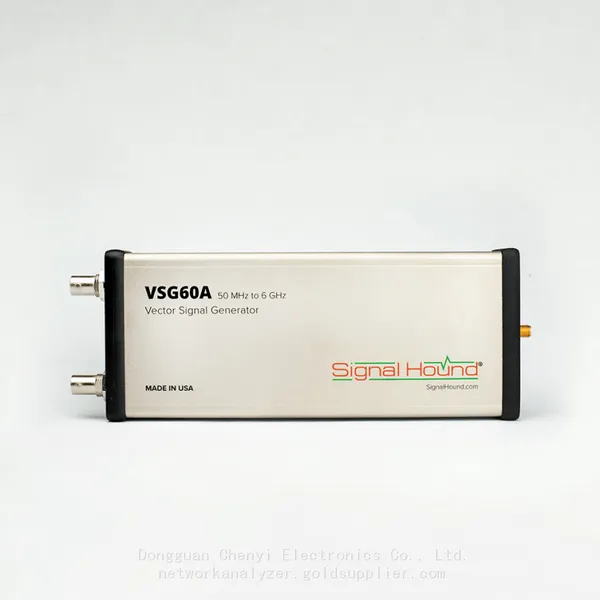
Signal Hound VSG60A 50 MHz to 6 GHz GHz Vector Signal GeneratorNegotiableMOQ: 1 Unit
-
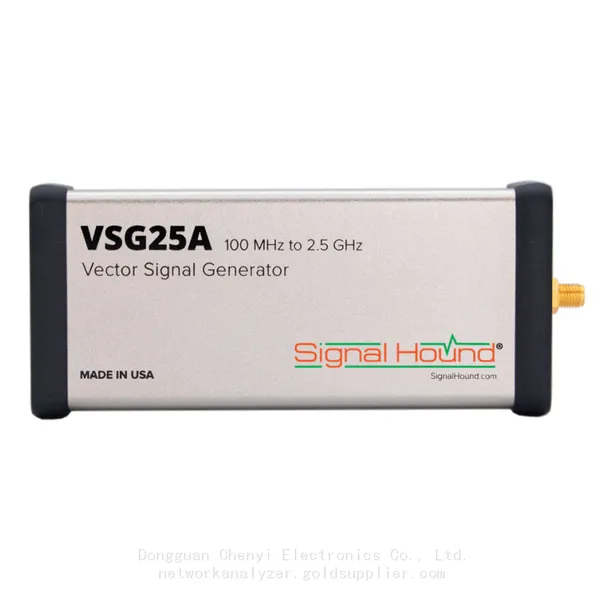
Signal Hound VSG25A 100 MHz to 2.5 GHz Vector Signal GeneratorNegotiableMOQ: 1 Unit
-
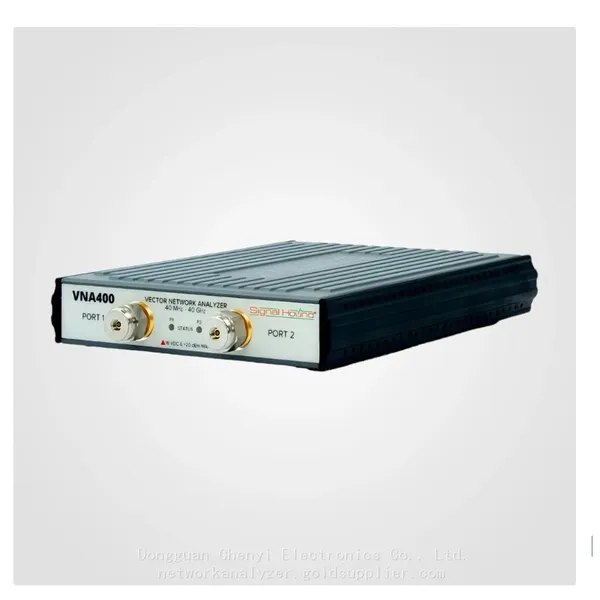
Signal Hound VNA400 40 MHz to 40 GHz 2-port Vector Network AnalyzerNegotiableMOQ: 1 Unit
-
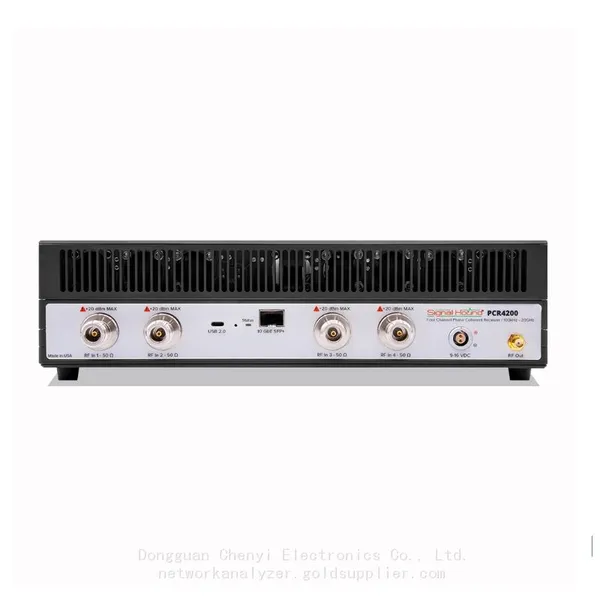
Signal Hound PCR4200 100 KHz to 20 GHz Four-Channel Phase Coherent ReceiverNegotiableMOQ: 1 Unit
-
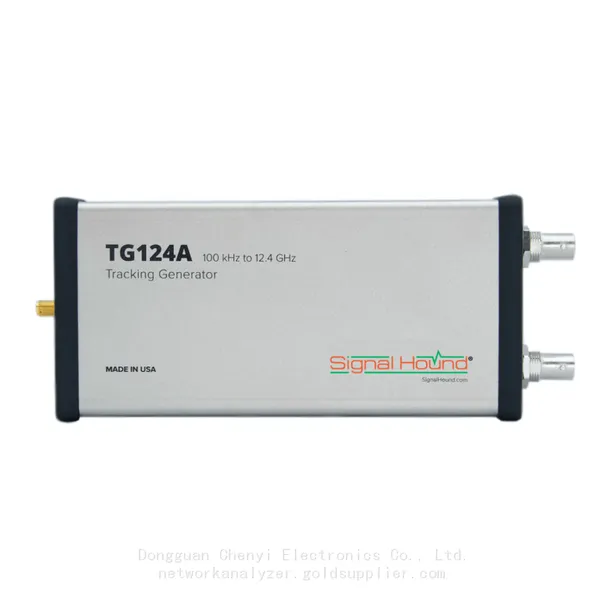
Signal Hound TG124A 100 KHz to 12.4 GHz Tracking GeneratorNegotiableMOQ: 1 Unit
-
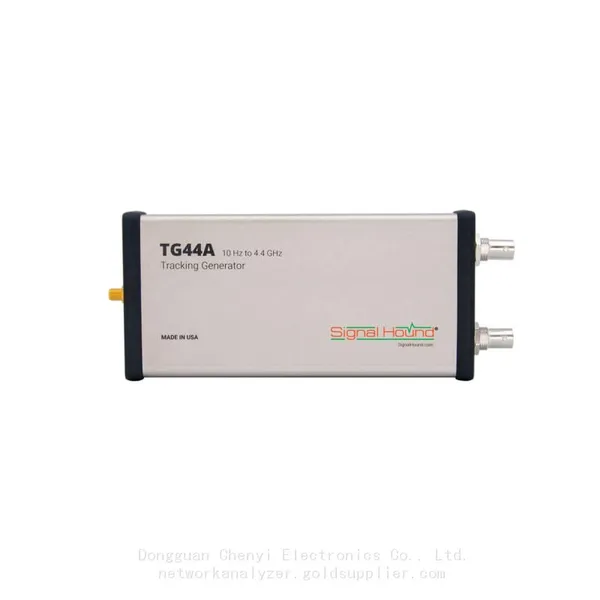
Signal Hound TG44A 10 Hz to 4.4 GHz t Tracking GeneratorNegotiableMOQ: 1 Unit
-
Signal Hound SA124B 100 KHz to 12.4 GHz Spectrum AnalyzerNegotiableMOQ: 1 Unit
-
Signal Hound SA44B 1 Hz to 4.4 GHz Spectrum AnalyzerNegotiableMOQ: 1 Unit
-
SM200B Real‑time Spectrum Analyzer,USB3.0 RTSA,100kHz-20GHz,calibrated I/Q Capture for 5G Test & Interference HuntingNegotiableMOQ: 1 Unit
-
Signal Hound SM435C 100 KHz to 43.5GHz Real-time Spectrum Analyzer With 10GbE Monitoring ReceiversNegotiableMOQ: 1 Unit
-
Signal Hound SM435B 100 KHz to 43.5GHz Real-time Spectrum Analyzer Monitoring ReceiversNegotiableMOQ: 1 Unit
-
Signal Hound PN400 Phase Noise and VCO Test System 100 KHz to 43.5 GHzNegotiableMOQ: 1 Unit
-
Keysight E4980A Precision LCR Meter 20 Hz to 2 MHzNegotiableMOQ: 1 Unit
-
Keysight E4980B and E4980BL Precision LCR Meter 20 Hz to 2 MHzNegotiableMOQ: 1 Unit
-
Keysight U1733C Handheld LCR Meter 100Hz 120Hz 1kHz 10kHz 100kHzNegotiableMOQ: 1 Unit