
 Business License

Spike Says My Signal Hound BB60C Firmware Is Outdated — Or My Custom API Code Errors Out. How Do I Handle Version Mismatches?supplier
Signal Hound BB60C real-time spectrum analyzer supplier
Spike Says My Signal Hound BB60C Firmware Is Outdated — Or My Custom API Code Errors Out. How Do I Handle Version Mismatches?
Symptom
Three typical faces: (1) Spike recognizes the device but insists on a firmware update — and the update fails or loops back to the same prompt; (2) the same analyzer behaves differently on different PCs — a freshly installed machine says "device not supported" or certain menu entries (real-time / IQ related) are greyed out; (3) custom C/C++, Python, or LabVIEW code calling the BB60C API returns error codes or enumerates nothing, even though Spike itself connects fine.
Root Cause
The BB60C software stack is three tightly coupled layers: Spike application version + device firmware version + API version — all three must be mutually compatible. Published notes show concrete pairings (e.g., Firmware Version 6 enables fast I/Q and real-time tuning, matched to Spike 3.0.11 and BB60C API 3.0.6; Firmware Version 7 adds USB 3.0 data-transfer capability). Since Spike 3.0.0, Signal Hound consolidated its whole product line onto one software platform, so legacy BBApp-era documentation no longer maps onto the current UI — "a feature disappeared" is often just following an old manual.
Part A — Aligning Firmware and Software
Download only from the official support page — latest Spike, the firmware update tool, and firmware files straight from Signal Hound's BB60C downloads section. Never trust third-party archive copies.
Build the most stable link before flashing. Rear native USB 3.0 port, original short cable, no hub, screensaver and sleep disabled, laptop on AC power. Interrupted flashes are the main cause of bricked units.
Close Spike and every device consumer first. MATLAB, GNU Radio, SoapySDR hosts, your own app — any program holding the device makes the flasher fail.
Re-plug after flashing. Pull USB, wait, reconnect, confirm the LED reaches steady green, then verify the new firmware string inside Spike.
If the "outdated" prompt persists, check all three versions against the official compatibility table. Upgrading only Spike or only firmware keeps the prompt alive. When servicing multiple units, confirm each hardware model first — BB60A / BB60C / BB60D firmware sets are not interchangeable, and flashing the wrong image can prevent boot.
Part B — API / Custom-Code Connection Failures
Runtime dependencies and bitness. The API ships native libraries that need matching runtimes (e.g., the correct MSVC redistributable); a 64-bit process linking 32-bit libraries is the single most common error. Verify platform and bitness before anything else.
Exclusive access conflicts. Spike holds the device while running. Fully close Spike before launching your app — and vice versa. Simultaneous grabs surface as "device busy / cannot open."
Multi-device environments address by serial number. With several BB60Cs attached, open the target explicitly by serial; otherwise your settings silently land on a different unit, which reads as "it connected but nothing changed."
Confirm platform support. Official API support covers Windows and Linux, with published notices extending BB-series support to generic ARM Linux (AArch64) and Apple Silicon Macs. On unsupported platforms (certain domestic OSes without a compatibility layer), enumeration simply fails — check the support list before debugging code.
Follow the canonical call sequence: enumerate → open → set reference source → set attenuation/gain → set center frequency and span → acquire data. Skipping a required step returns parameter errors that look like connection faults.
Cross-validate with the vendor's own example program on the same PC. Example works, your app fails → your code/environment. Example also fails → back to firmware/driver/occupation.
Part C — Version Hygiene
Keep one card per instrument: model, serial, hardware version, firmware version, Spike version, API version, and the host PC it was validated on. Every hand-over or OS reinstall becomes a five-minute checklist instead of a week of mystery debugging.
(Based on publicly available Signal Hound download-page version notes, BB60C user manual, and official platform-support notices.)
WhatsApp:+85268839563
WeChat :13728300615
Recently Posted
-
My Signal Hound BB60C Can't Pick Up Weak Signals Between 9 kHz and 20 MHz and Readings Keep Jumping -supplier
November 18, 2026Signal Hound BB60C real-time spectrum analyzer supplierMy Signal Hound BB60C Can't Pick Up Weak Signals Between 9 kHz and 20 M Read More
-
My Signal Hound BB60C Reads Several dB Off Versus Another Instrument — Where Should Amplitude Errors Be Traced From? supplier
November 18, 2026Signal Hound BB60C real-time spectrum analyzer supplierMy Signal Hound BB60C Reads Several dB Off Versus Another Instrument — Wher Read More
-
Touching a Telescopic Antenna in Dry Winter Air Killed My Signal Hound BB60C Sensitivity — Can Static Really Damage a Spectrum Analyzer?supplier
November 18, 2026Signal Hound BB60C real-time spectrum analyzer supplierTouching a Telescopic Antenna in Dry Winter Air Killed My Signal Hound BB60 Read More
-
The Signal Hound BB60C Noise Floor Looks Raised and Weak Signals Vanished — Is the Instrument Broken?supplier
November 18, 2026Signal Hound BB60C real-time spectrum analyzer supplierThe Signal Hound BB60C Noise Floor Looks Raised and Weak Signals Vanished — Read More

Contact Us
Recommended Products
-
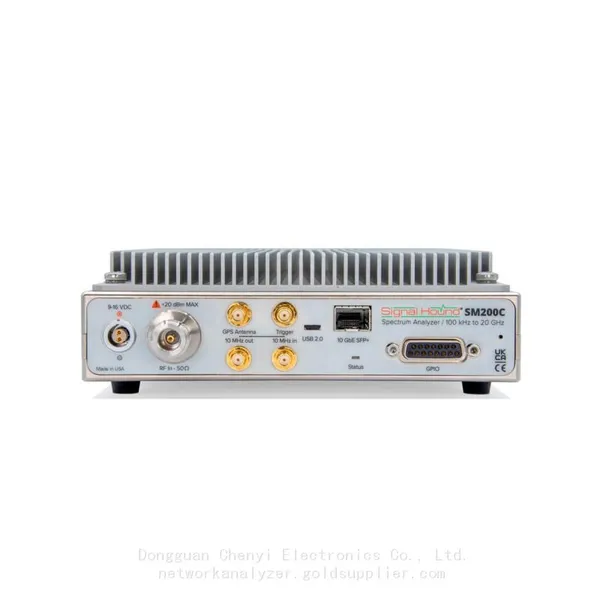
 Signal Hound SM200C 100 KHz to 20 GHz Real-time Spectrum Analyzer With 10GbE Monitoring ReceiversNegotiableMOQ: 1 Unit
-
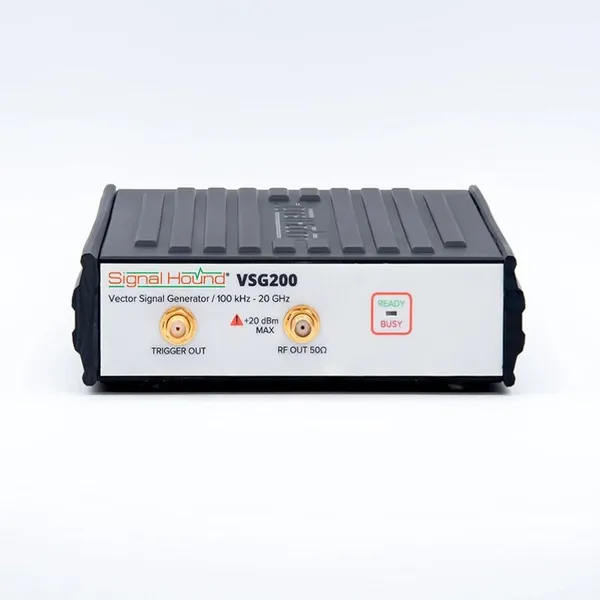
Signal Hound VSG200 Vector Signal Generator 100 KHz to 20 GHzNegotiableMOQ: 1 Unit
-
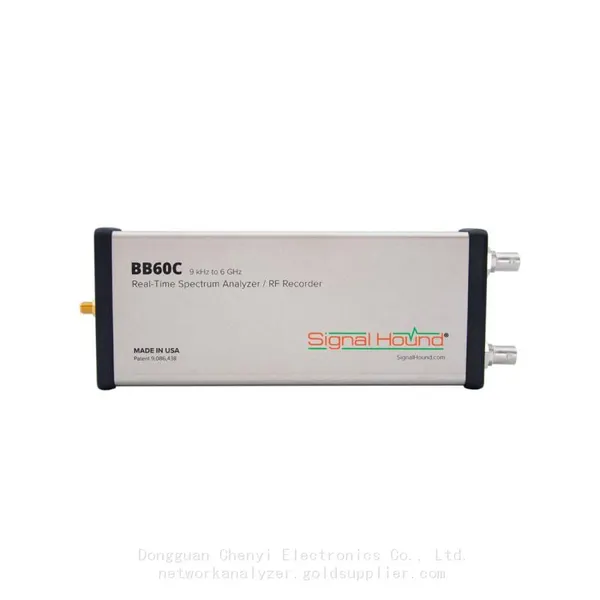
Signal Hound BB60C 9 KHz to 6 GHz Real-time Spectrum AnalyzerNegotiableMOQ: 1 Unit
-
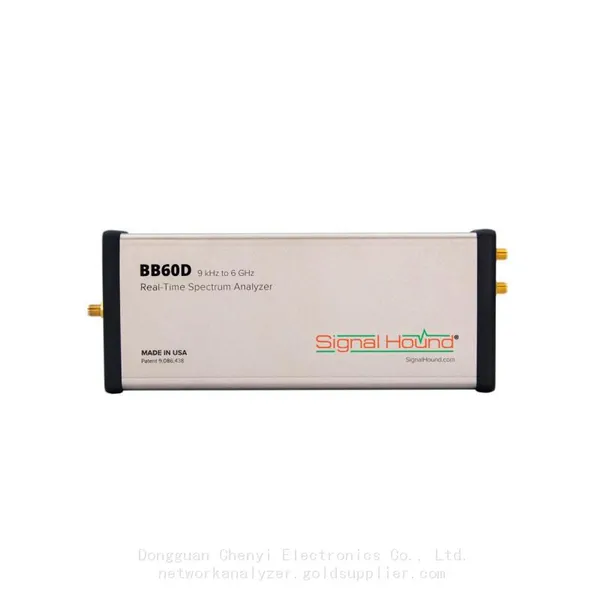
Signal Hound BB60D 9 KHz to 6 GHz Real-time Spectrum AnalyzerNegotiableMOQ: 1 Unit
-
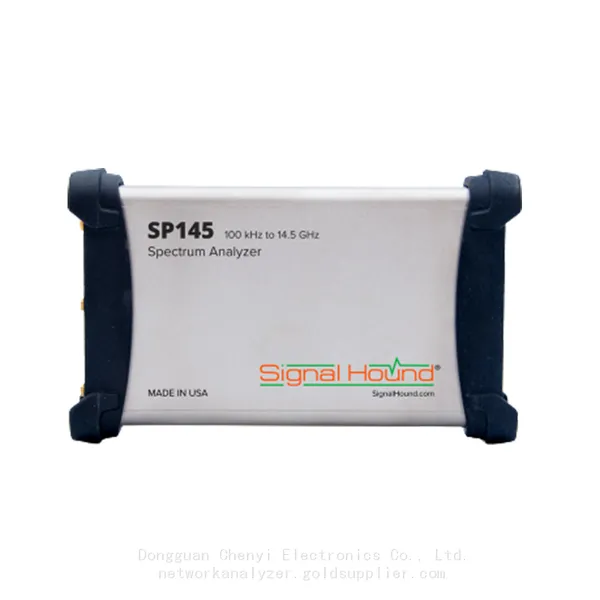
Signal Hound SP145 100 KHz to 14.5 GHz Real-time Spectrum Analyzer Monitoring ReceiversNegotiableMOQ: 1 Unit
-
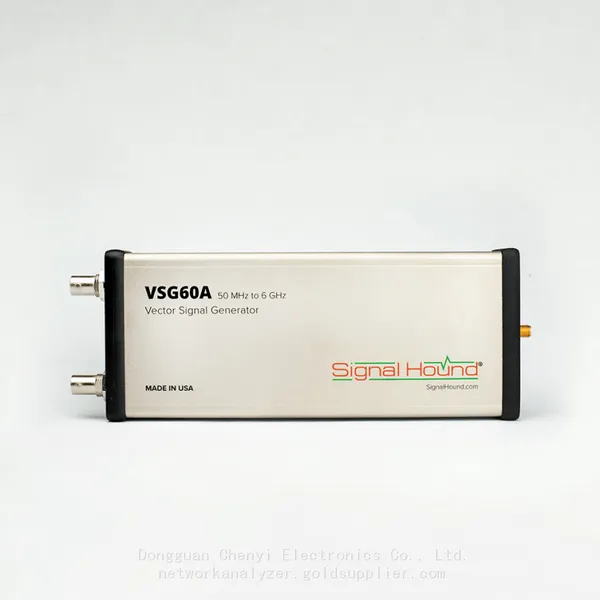
Signal Hound VSG60A 50 MHz to 6 GHz GHz Vector Signal GeneratorNegotiableMOQ: 1 Unit
-
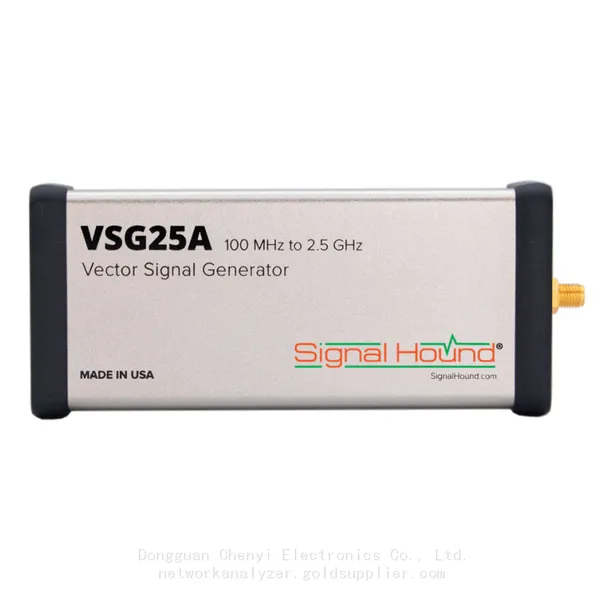
Signal Hound VSG25A 100 MHz to 2.5 GHz Vector Signal GeneratorNegotiableMOQ: 1 Unit
-
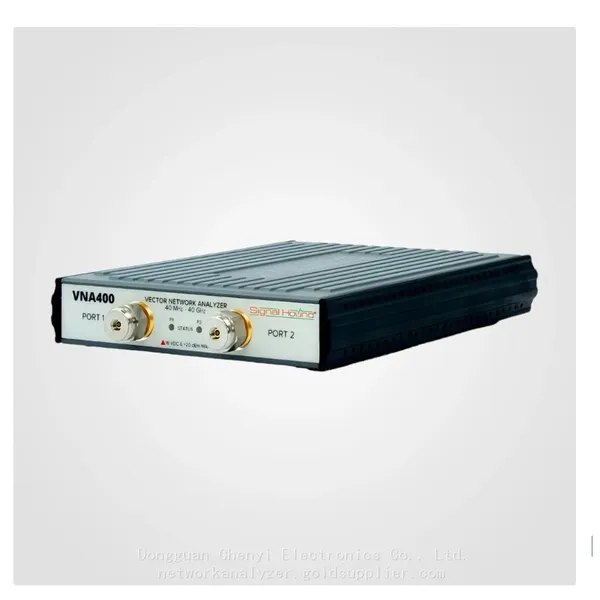
Signal Hound VNA400 40 MHz to 40 GHz 2-port Vector Network AnalyzerNegotiableMOQ: 1 Unit
-
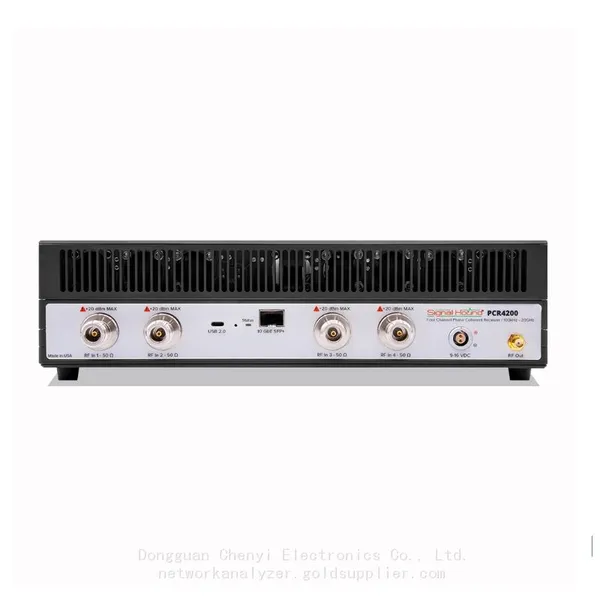
Signal Hound PCR4200 100 KHz to 20 GHz Four-Channel Phase Coherent ReceiverNegotiableMOQ: 1 Unit
-
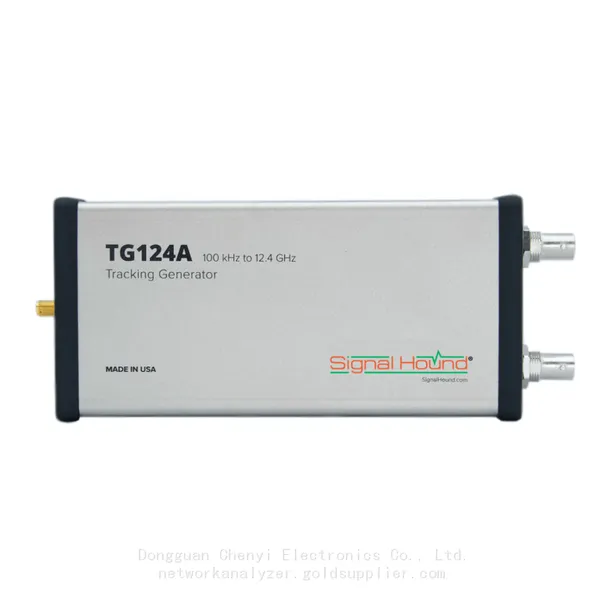
Signal Hound TG124A 100 KHz to 12.4 GHz Tracking GeneratorNegotiableMOQ: 1 Unit
-
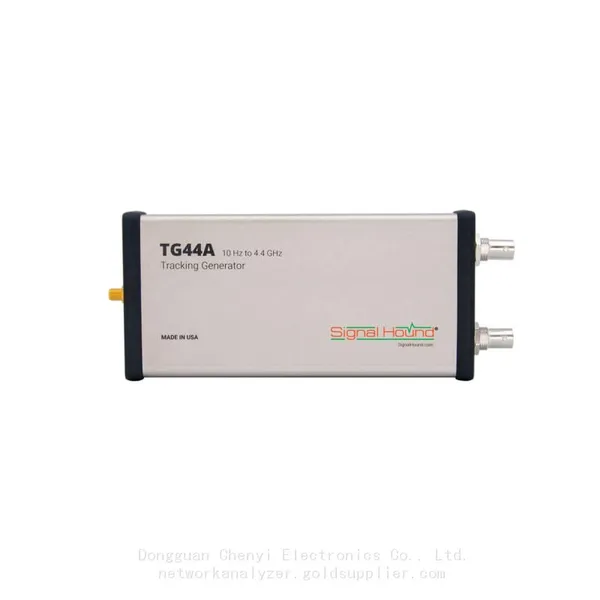
Signal Hound TG44A 10 Hz to 4.4 GHz t Tracking GeneratorNegotiableMOQ: 1 Unit
-
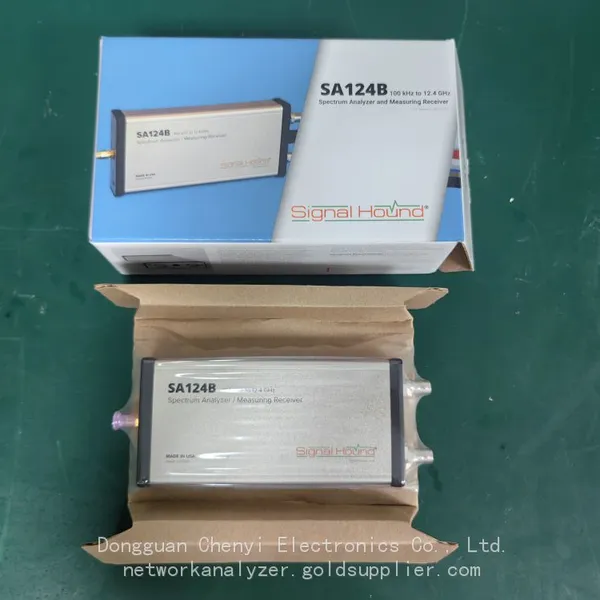
Signal Hound SA124B 100 KHz to 12.4 GHz Spectrum AnalyzerNegotiableMOQ: 1 Unit
-
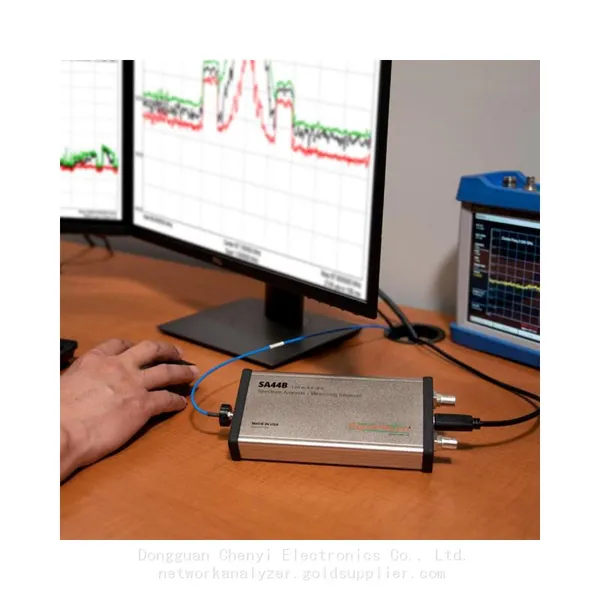
Signal Hound SA44B 1 Hz to 4.4 GHz Spectrum AnalyzerNegotiableMOQ: 1 Unit
-
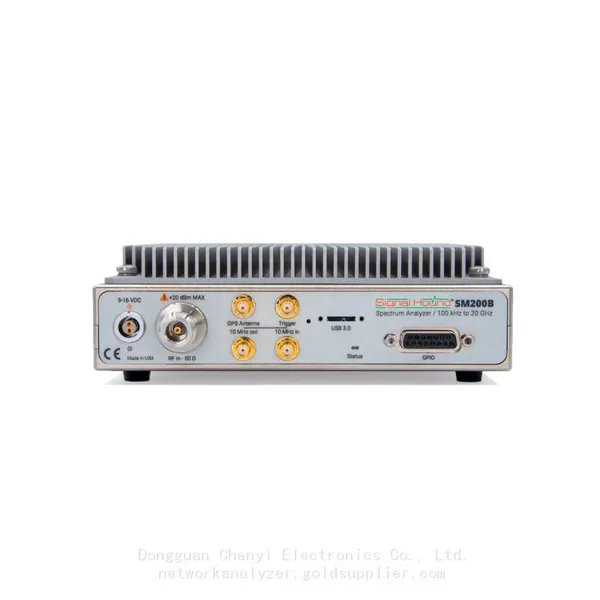
SM200B Real‑time Spectrum Analyzer,USB3.0 RTSA,100kHz-20GHz,calibrated I/Q Capture for 5G Test & Interference HuntingNegotiableMOQ: 1 Unit
-
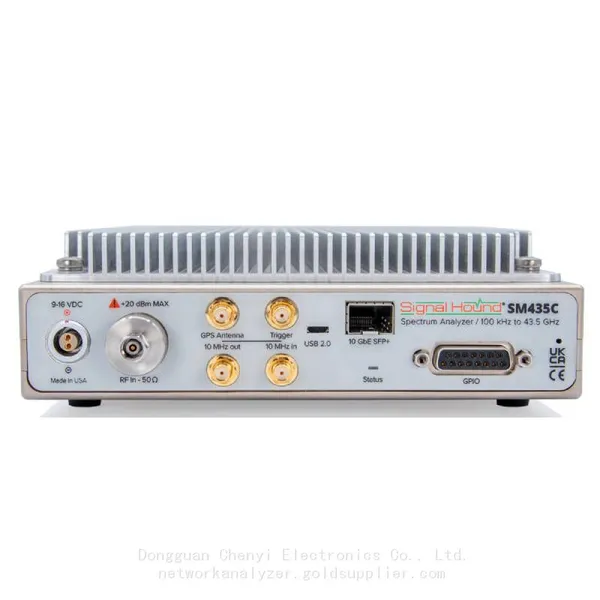
Signal Hound SM435C 100 KHz to 43.5GHz Real-time Spectrum Analyzer With 10GbE Monitoring ReceiversNegotiableMOQ: 1 Unit
-
Signal Hound SM435B 100 KHz to 43.5GHz Real-time Spectrum Analyzer Monitoring ReceiversNegotiableMOQ: 1 Unit
-
Signal Hound PN400 Phase Noise and VCO Test System 100 KHz to 43.5 GHzNegotiableMOQ: 1 Unit
-
Keysight E4980A Precision LCR Meter 20 Hz to 2 MHzNegotiableMOQ: 1 Unit
-
Keysight E4980B and E4980BL Precision LCR Meter 20 Hz to 2 MHzNegotiableMOQ: 1 Unit
-
Keysight U1733C Handheld LCR Meter 100Hz 120Hz 1kHz 10kHz 100kHzNegotiableMOQ: 1 Unit