
 Business License

Vehicle-Mounted Signal Hound BB60D Monitoring Drops Connection on Bumpy Roads and Overheats in the Car in Summer supplier
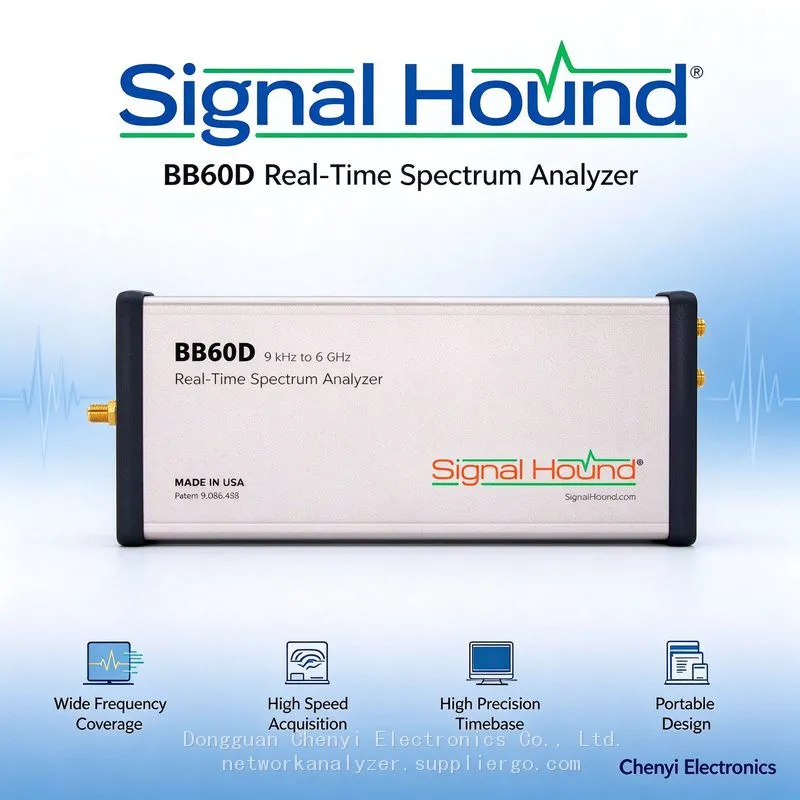
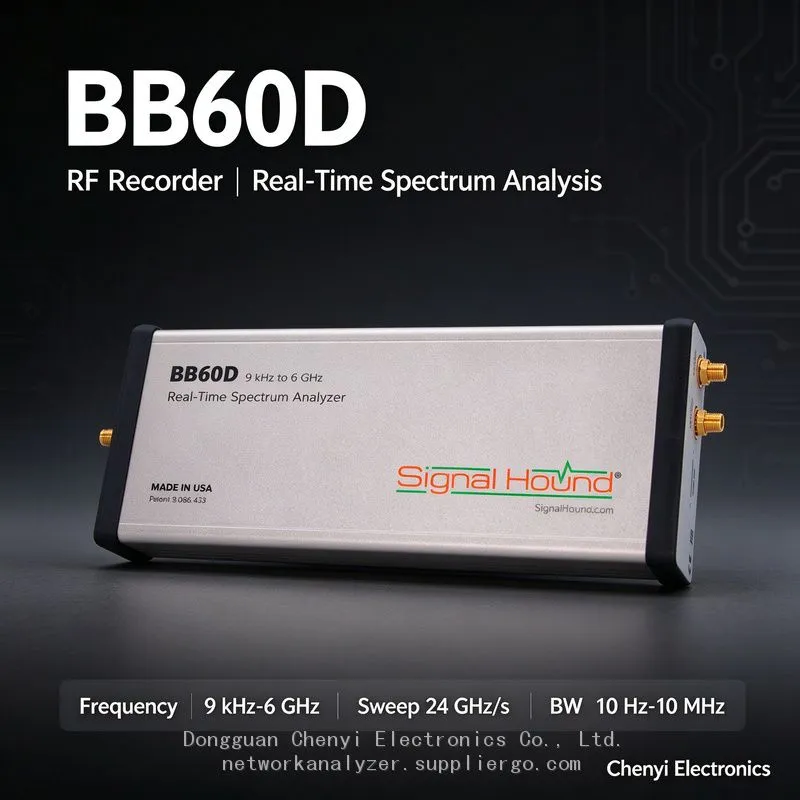
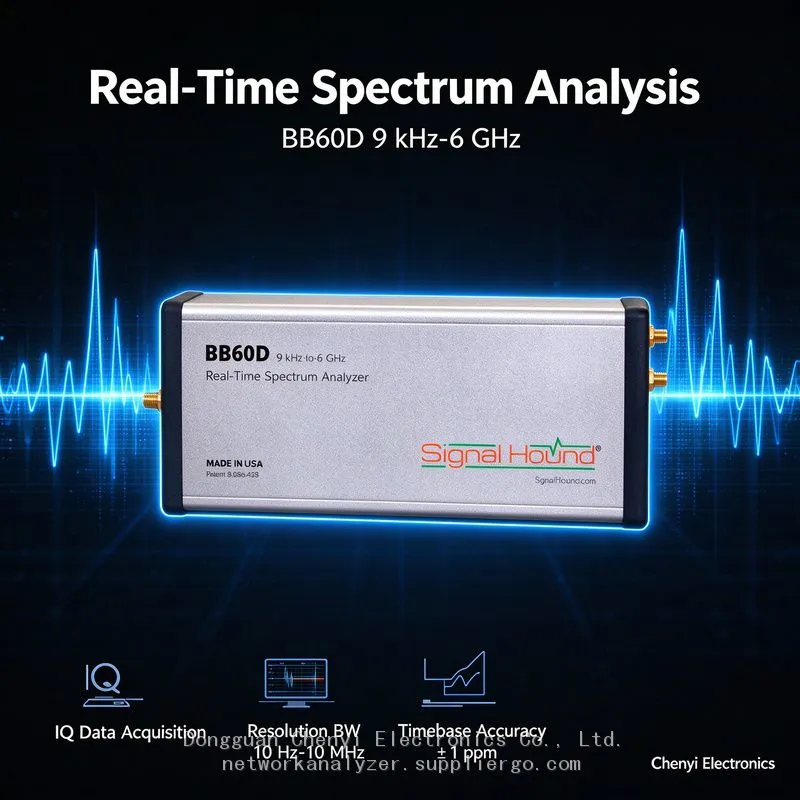
Signal Hound BB60D real-time spectrum analyzer supplier
Vehicle-Mounted Signal Hound BB60D Monitoring Drops Connection on Bumpy Roads and Overheats in the Car in Summer — Engineering Problems of the Dual-Head USB Cable
Symptom
A user integrates the Signal Hound BB60D into a vehicle-mounted monitoring station (roof antenna + industrial PC in the trunk): everything is fine on paved city roads, but as soon as the vehicle hits a bumpy country road it disconnects and reconnects. After summer sun exposure, 40 minutes of in-vehicle operation leaves the instrument hot to the touch and the sweep aborts. Inspection shows the Y-shaped dual-head USB cable has been worked loose by the vibration — one plug levers itself progressively looser, and at one point was hanging on by its shell alone.
Root-Cause Analysis
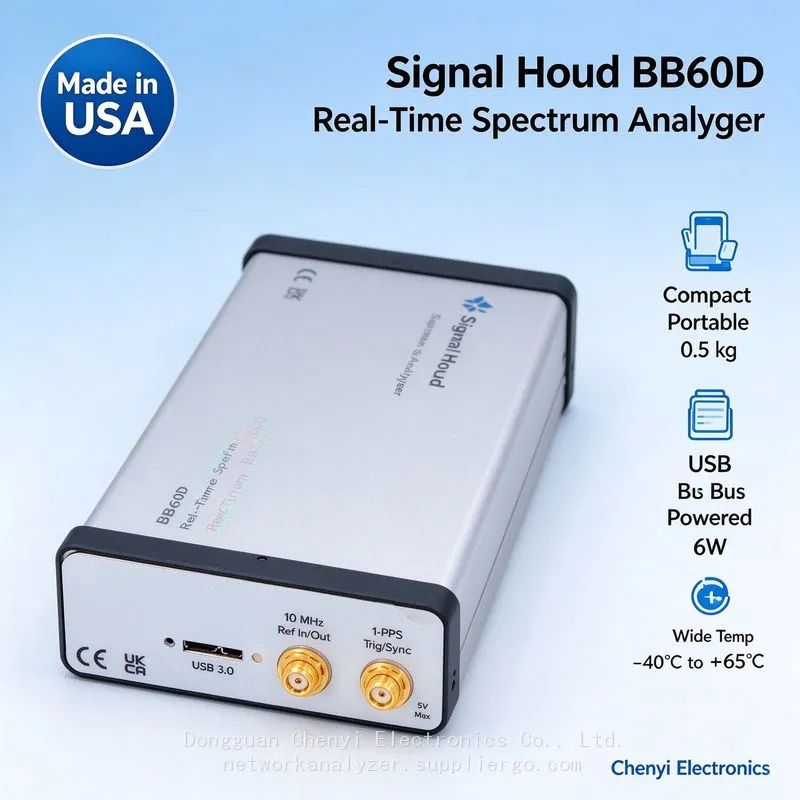
The BB60D's dual-port bus power design (USB 3.0 for data plus an adjacent port for supplemental current) is stable in the lab; move it into a vehicle and it becomes a mechanical reliability problem with two connectors:
Both heads must survive vibration simultaneously: a momentary break on either head causes a dropout or an undervoltage reset. Acceleration cycling on rough pavement literally "pulls" marginally seated plugs out; if the Y-cable body has no strain relief, all the force lands on the socket solder joints, and over time it levers the instrument-side connector loose too (the BB60C batch already covered Micro-B socket fatigue — the D model's two ports double that exposure).
The vehicle's power delivery path: automotive USB ports and cigarette-lighter-to-USB regulator modules routinely overstate their current capability. The BB60D's operating draw (~6 W class) plus cable voltage drop triggers undervoltage resets during full-load acquisition. Voltage swings at engine start-stop punch through just as easily.
Thermal budget doubles: an enclosed trunk plus 60–70 °C cabin temperatures after sun exposure stack on top of the BB60D's own heat, approaching the standard model's 65 °C ceiling. At high temperature you get USB bit errors plus protective throttling — "it only drops out once it's hot" is usually a compound cause.
Cable routing: the Y-cable rubs against door weatherstripping or gets pinched by seat rails; once the jacket is damaged, intermittent shorts follow.
Vehicle Integration Checklist
Lock the connectors down: replace both the instrument-side and host-side cables with custom screw-lock assemblies, or clamp the plug bodies with cable ties plus vibration-absorbing foam wrap. Visually check for play at each maintenance interval.
Decouple the power path: prefer a vehicle DC-DC regulator feeding an industrial-grade locking USB hub with its own external power supply, so both ports get data and supplemental current from a wide-temperature industrial unit, isolated from the vehicle's cigarette-lighter socket.
Thermal management: mount the instrument where there is airflow (never smothered under trunk lining). For continuous monitoring, cruise at ~10 MHz narrowband IQ and raise bandwidth only on events, cutting average power and heat. In hot seasons add a "reduce load above a temperature threshold" script.
Vibration isolation: fix the instrument with hook-and-loop fastener over a two-layer damping pad, and leave U-shaped strain-relief loops in the cabling.
Power-up sequencing: when the vehicle restarts, let the industrial PC finish USB enumeration before the acquisition service starts (run it as a service with retry logic) to reduce "lose contact as soon as we drive off."
Periodic regression: after every long-distance mission, run a 30-minute full-bandwidth 27 MHz stress test back in the lab and compare dropout counts, so connector fatigue is caught early.
Acceptance Criteria
Zero dropouts across two hours of continuous mobile acquisition on the target road profile; no thermal-abort events during a summer soak test (measured cabin temperature plus one hour at full load); photos of the locking and re-routing work archived in the equipment file.
(Based on Signal Hound BB60D published specifications (dual USB port powering, ~6 W, standard 0 to +65 °C / wide-temperature option −40 to +65 °C) and general vehicle-mounted monitoring integration practice.)
Recently Posted
-
Signal Hound BB60C IQ Recording Fails Mid-Session, Files Are Full of Gaps, or Recording Stops Early — The Problem Is the PC ,supplier
November 19, 2026Signal Hound BB60C real-time spectrum analyzer supplierSignal Hound BB60C IQ Recording Fails Mid-Session, Files Are Full of Gaps,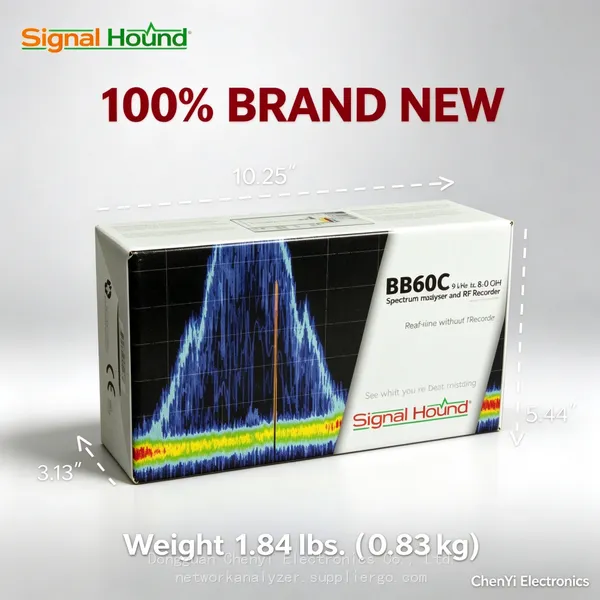 Read More
-
Signal Hound BB60C Is Plugged In but Spike Finds No Device — The LED Flashes Red/Green. How Do I Fix This? supplier
November 19, 2026Signal Hound BB60C real-time spectrum analyzer supplierSignal Hound BB60C Is Plugged In but Spike Finds No Device — The LED Flashe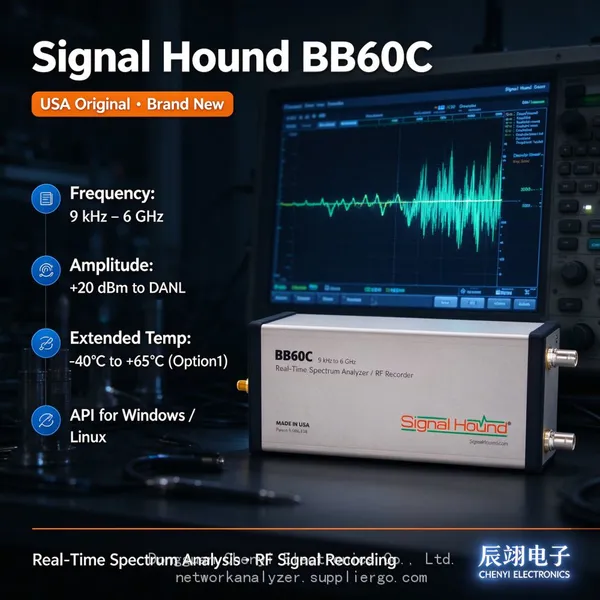 Read More
-
I Already Own a Signal HoundBB60C — Should I Move Up to the Signal Hound BB60D? Signal Hound BB60D real-time spectrum analyzer supplier
November 19, 2026Signal Hound BB60D real-time spectrum analyzer supplierI Already Own a Signal HoundBB60C — Should I Move Up to the Signal Hound BB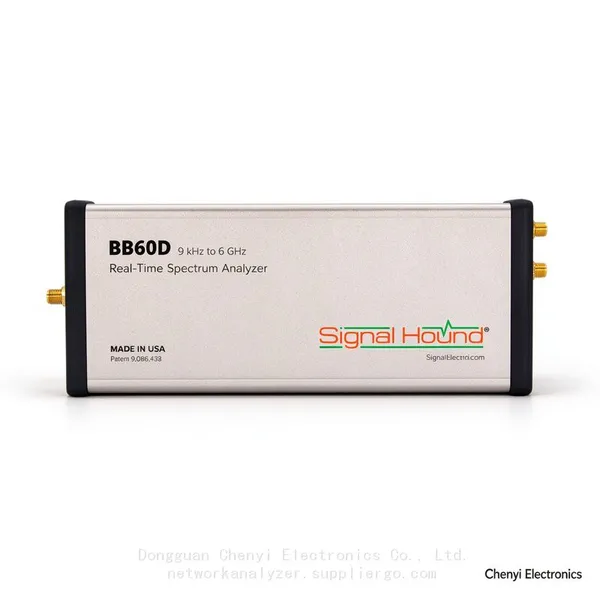 Read More
-
Monitoring the Satellite IF Band (950–2150 MHz) with a Signal Hound BB60D real-time spectrum analyzer supplier
November 19, 2026Signal Hound BB60D real-time spectrum analyzer supplierMonitoring the Satellite IF Band (950–2150 MHz) with a Signal Hound BB60D —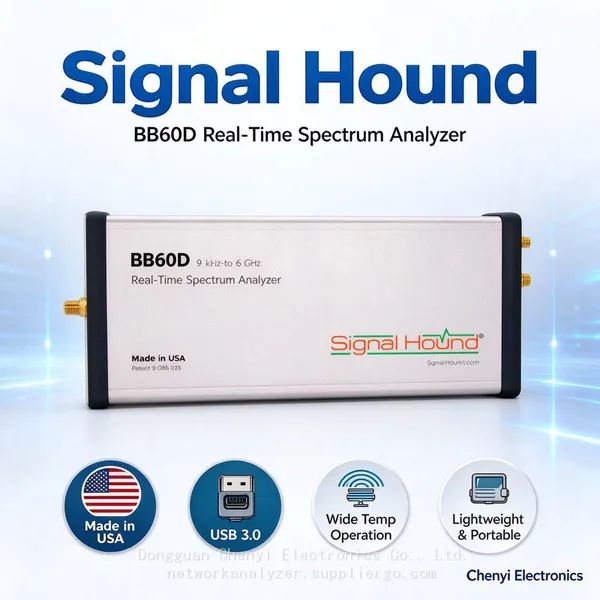 Read More

Contact Us
Recommended Products
-
 Signal Hound SM200C 100 KHz to 20 GHz Real-time Spectrum Analyzer With 10GbE Monitoring ReceiversNegotiableMOQ: 1 Unit
-
Signal Hound VSG200 Vector Signal Generator 100 KHz to 20 GHzNegotiableMOQ: 1 Unit
-
Signal Hound BB60C 9 KHz to 6 GHz Real-time Spectrum AnalyzerNegotiableMOQ: 1 Unit
-
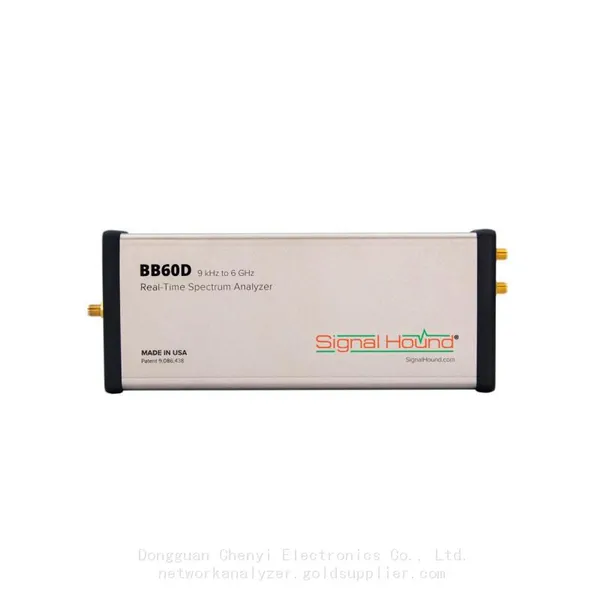
Signal Hound BB60D 9 KHz to 6 GHz Real-time Spectrum AnalyzerNegotiableMOQ: 1 Unit
-
Signal Hound SP145 100 KHz to 14.5 GHz Real-time Spectrum Analyzer Monitoring ReceiversNegotiableMOQ: 1 Unit
-
Signal Hound VSG60A 50 MHz to 6 GHz GHz Vector Signal GeneratorNegotiableMOQ: 1 Unit
-
Signal Hound VSG25A 100 MHz to 2.5 GHz Vector Signal GeneratorNegotiableMOQ: 1 Unit
-
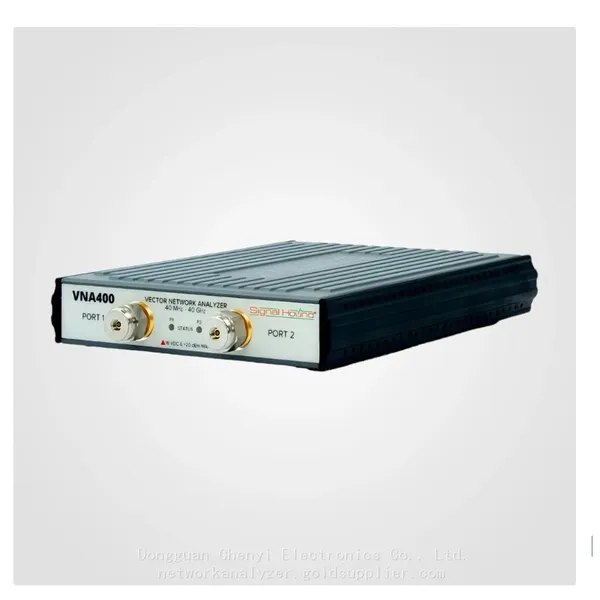
Signal Hound VNA400 40 MHz to 40 GHz 2-port Vector Network AnalyzerNegotiableMOQ: 1 Unit
-
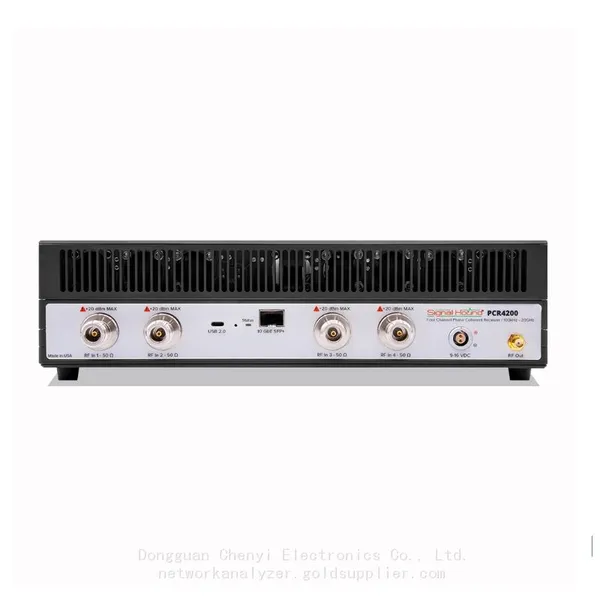
Signal Hound PCR4200 100 KHz to 20 GHz Four-Channel Phase Coherent ReceiverNegotiableMOQ: 1 Unit
-
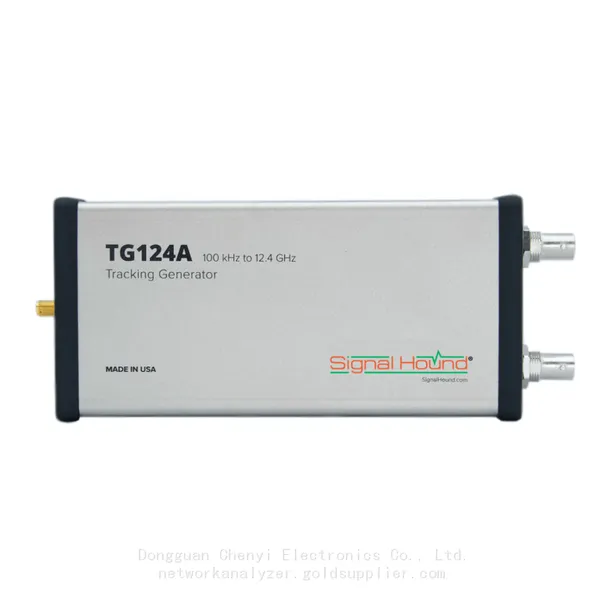
Signal Hound TG124A 100 KHz to 12.4 GHz Tracking GeneratorNegotiableMOQ: 1 Unit
-
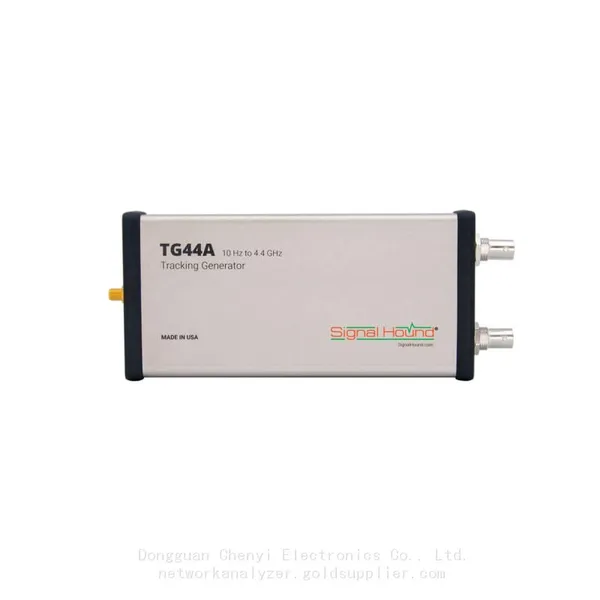
Signal Hound TG44A 10 Hz to 4.4 GHz t Tracking GeneratorNegotiableMOQ: 1 Unit
-
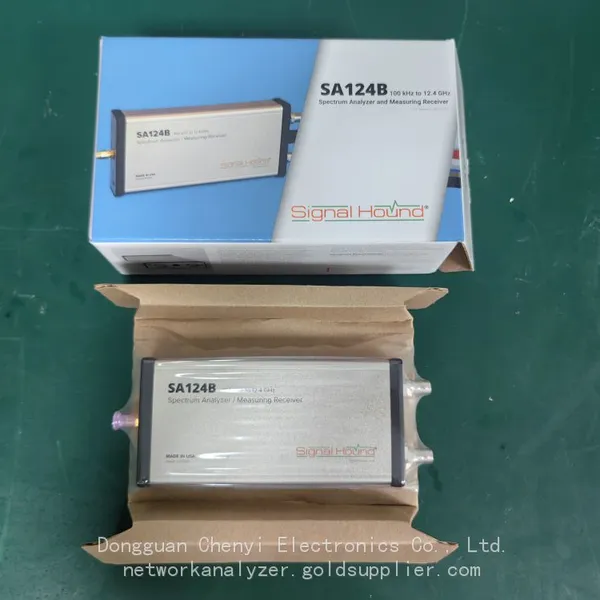
Signal Hound SA124B 100 KHz to 12.4 GHz Spectrum AnalyzerNegotiableMOQ: 1 Unit
-
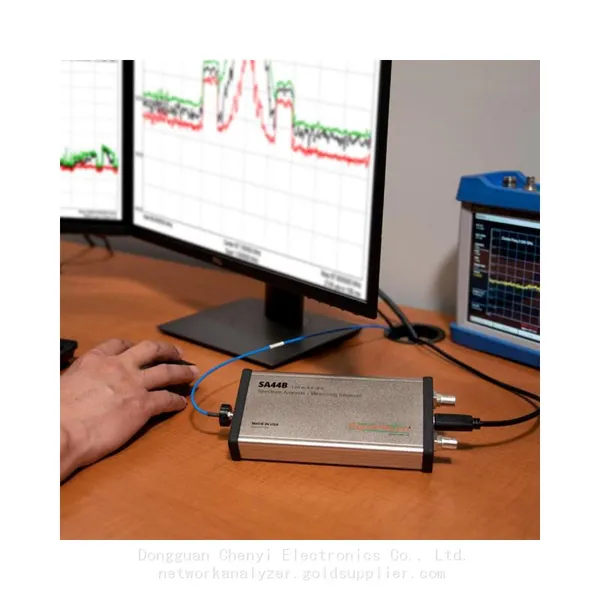
Signal Hound SA44B 1 Hz to 4.4 GHz Spectrum AnalyzerNegotiableMOQ: 1 Unit
-
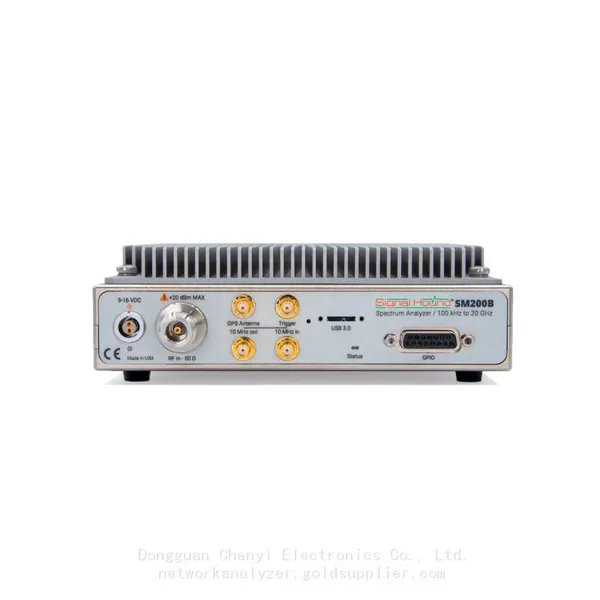
SM200B Real‑time Spectrum Analyzer,USB3.0 RTSA,100kHz-20GHz,calibrated I/Q Capture for 5G Test & Interference HuntingNegotiableMOQ: 1 Unit
-
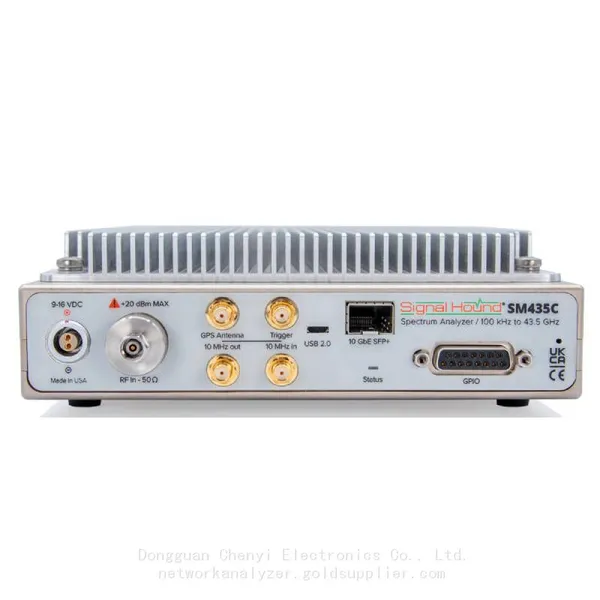
Signal Hound SM435C 100 KHz to 43.5GHz Real-time Spectrum Analyzer With 10GbE Monitoring ReceiversNegotiableMOQ: 1 Unit
-
Signal Hound SM435B 100 KHz to 43.5GHz Real-time Spectrum Analyzer Monitoring ReceiversNegotiableMOQ: 1 Unit
-
Signal Hound PN400 Phase Noise and VCO Test System 100 KHz to 43.5 GHzNegotiableMOQ: 1 Unit
-
Keysight E4980A Precision LCR Meter 20 Hz to 2 MHzNegotiableMOQ: 1 Unit
-
Keysight E4980B and E4980BL Precision LCR Meter 20 Hz to 2 MHzNegotiableMOQ: 1 Unit
-
Keysight U1733C Handheld LCR Meter 100Hz 120Hz 1kHz 10kHz 100kHzNegotiableMOQ: 1 Unit