
 Business License

BB60C Is Plugged In but Spike Finds No Device — The LED Flashes Red/Green. How Do I Fix This?
BB60C Is Plugged In but Spike Finds No Device — The LED Flashes Red/Green. How Do I Fix This?
Symptom
The USB cable is connected, yet the device list in Spike stays empty and the software reports it cannot connect. On the instrument itself the READY/BUSY indicator is not steady green — it alternates between red and green, or stays dark. In Windows Device Manager the analyzer may appear as an unknown USB device with a warning icon.
Root Cause
The BB60C is bus-powered and streams digitized data to the PC at roughly 140 MB/s over USB 3.0. "Device not found" almost always means the USB link cannot negotiate full-speed operation — wrong port, hub in the path, bad cable, or a controller power-management setting — rather than a failed instrument.
Troubleshooting Steps
Use a native USB 3.0 port on the back of the PC. Connect directly to the motherboard — no front-panel ports, no hubs, no KVM switches, no docking stations. On laptops, prefer the ports wired to the main controller.
Use the original short cable. High-rate USB 3.0 links are length-sensitive. Replace any improvised or extension cable with Signal Hound's supplied cable, keeping runs under ~1 m.
Check enumeration. Open Device Manager and confirm the BB60C appears without a warning icon. A yellow triangle means the descriptor handshake is failing — move to a different port and controller.
Disable USB power saving. In Power Options set "High performance", and turn off "USB selective suspend setting". In Device Manager also disable "Allow the computer to turn off this device to save power" on each USB Root Hub.
Eliminate port conflicts. Close any program that may hold the instrument (GNU Radio, MATLAB, LabVIEW hosts, custom apps), then restart Spike.
Update from official sources. Install the latest Spike from the Signal Hound support page; older builds may not recognize newer firmware.
Cross-check with a second PC. If the unit enumerates and connects normally on another machine, the problem is the original host's USB controller, not the analyzer.
Acceptance Test
The LED holds steady green within seconds of plugging in, the device appears in Spike's list, and a scan runs continuously for 10 minutes without dropping. If the LED never stabilizes on multiple known-good PCs and cables, suspect hardware and arrange service rather than continuing software fixes.
*(Based on publicly available Signal Hound BB60C user manual and datasheet specifications.)
WhatsApp:+85268839563
WeChat :13728300615
Recently Posted
-
My BB60C Can't Pick Up Weak Signals Between 9 kHz and 20 MHz and Readings Keep Jumping — Broken Front End or Wrong Technique?
October 27, 2026My BB60C Can't Pick Up Weak Signals Between 9 kHz and 20 MHz and Readings Keep Jumping — Broken Front End or Wrong Technique?S Read More
 -
BB60C IQ Recording Fails Mid-Session, Files Are Full of Gaps, or Recording Stops Early — The Problem Is the PC
October 27, 2026BB60C IQ Recording Fails Mid-Session, Files Are Full of Gaps, or Recording Stops Early — The Problem Is the PCSymptomRF/IQ recordi Read More
 -
The BB60C Screen Is Full of Signals "That Shouldn't Exist" — How Do I Tell Real Signals From Instrument Artifacts?
October 27, 2026The BB60C Screen Is Full of Signals "That Shouldn't Exist" — How Do I Tell Real Signals From Instrument Artifacts?Sy Read More
 -
My BB60C Reads Several dB Off Versus Another Instrument — Where Should Amplitude Errors Be Traced From?
October 27, 2026My BB60C Reads Several dB Off Versus Another Instrument — Where Should Amplitude Errors Be Traced From?SymptomOn the same signal,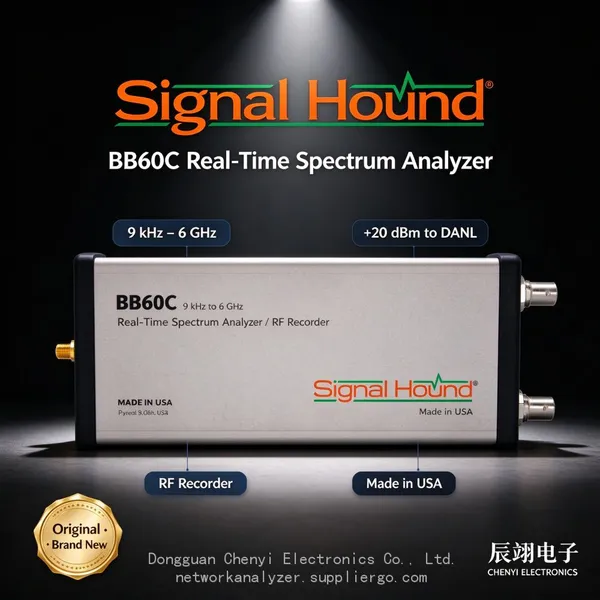 Read More

Contact Us
Recommended Products
-
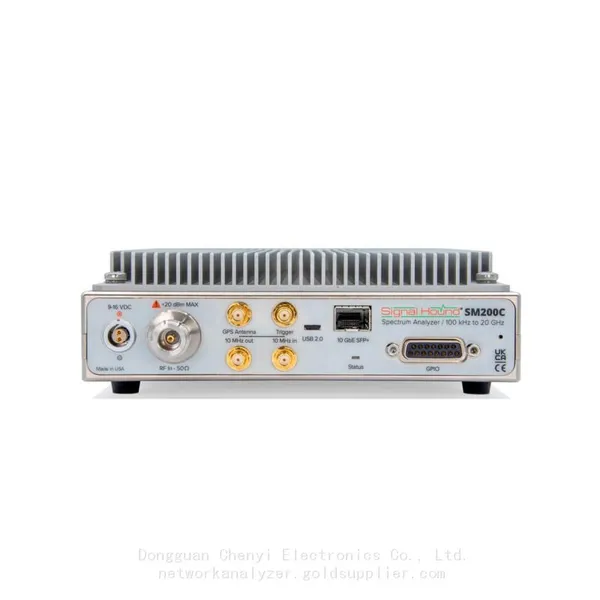
 Signal Hound SM200C 100 KHz to 20 GHz Real-time Spectrum Analyzer With 10GbE Monitoring ReceiversNegotiableMOQ: 1 Unit
 -
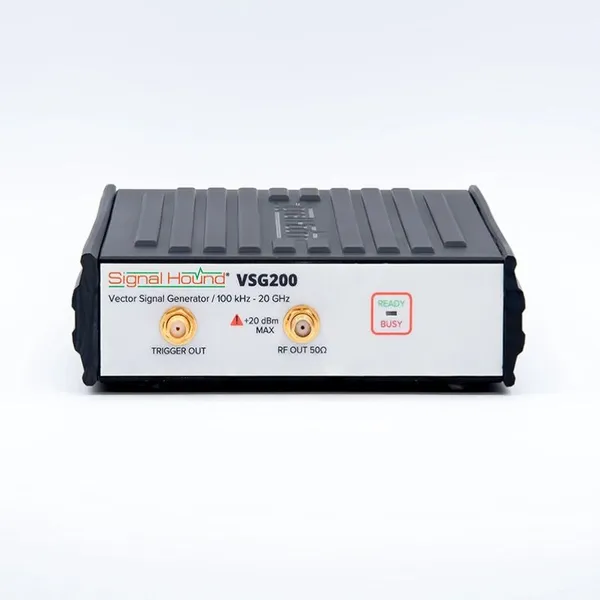
Signal Hound VSG200 Vector Signal Generator 100 KHz to 20 GHzNegotiableMOQ: 1 Unit
-
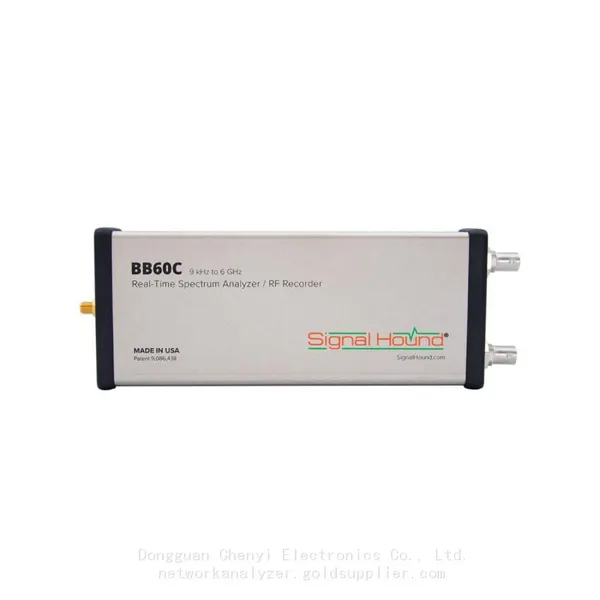
Signal Hound BB60C 9 KHz to 6 GHz Real-time Spectrum AnalyzerNegotiableMOQ: 1 Unit
-
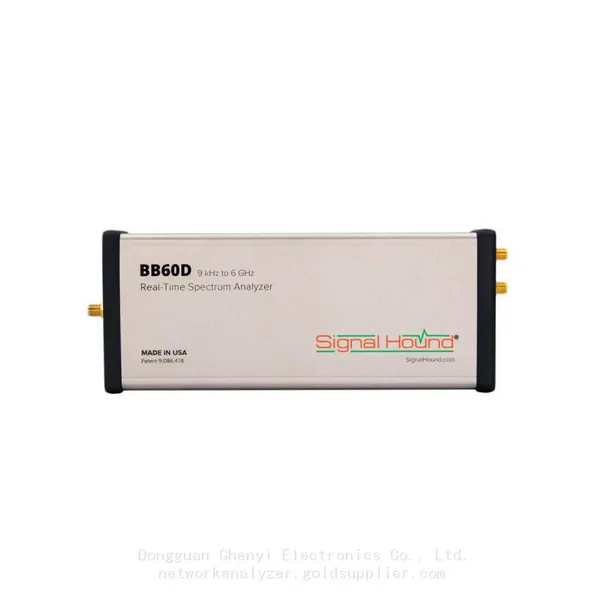
Signal Hound BB60D 9 KHz to 6 GHz Real-time Spectrum AnalyzerNegotiableMOQ: 1 Unit
-
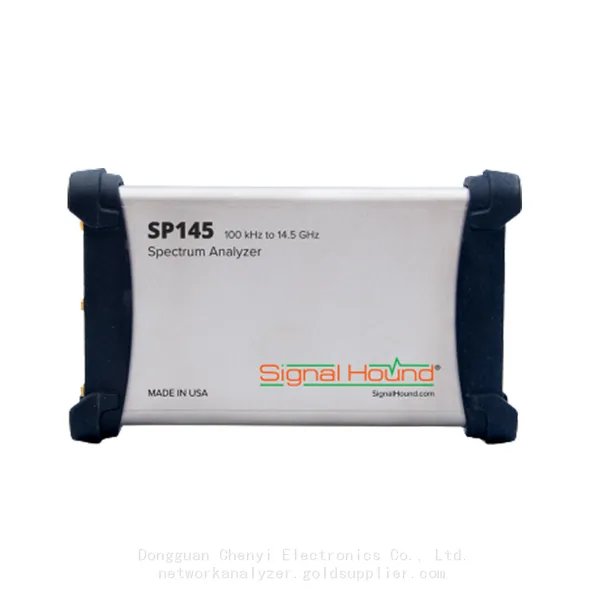
Signal Hound SP145 100 KHz to 14.5 GHz Real-time Spectrum Analyzer Monitoring ReceiversNegotiableMOQ: 1 Unit
-
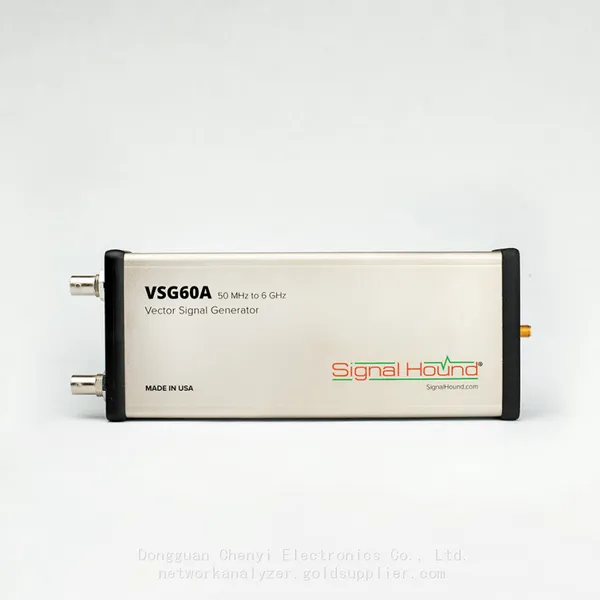
Signal Hound VSG60A 50 MHz to 6 GHz GHz Vector Signal GeneratorNegotiableMOQ: 1 Unit
-
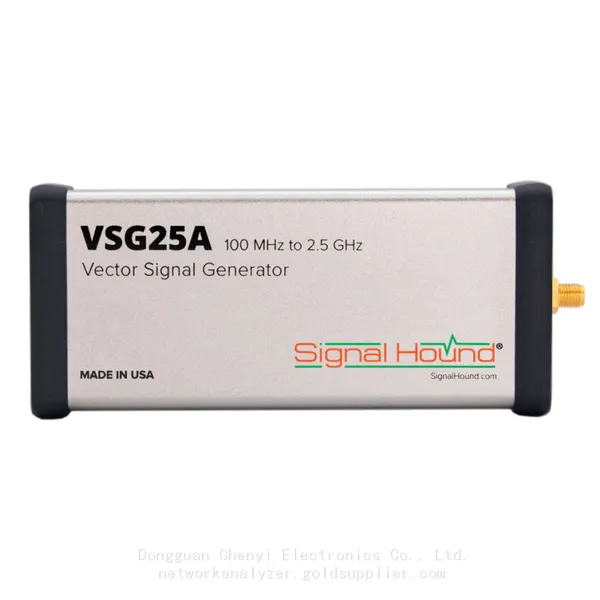
Signal Hound VSG25A 100 MHz to 2.5 GHz Vector Signal GeneratorNegotiableMOQ: 1 Unit
-
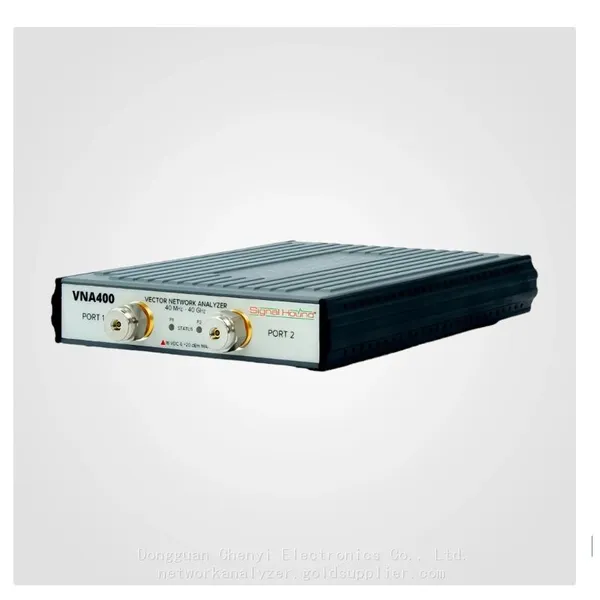
Signal Hound VNA400 40 MHz to 40 GHz 2-port Vector Network AnalyzerNegotiableMOQ: 1 Unit
-
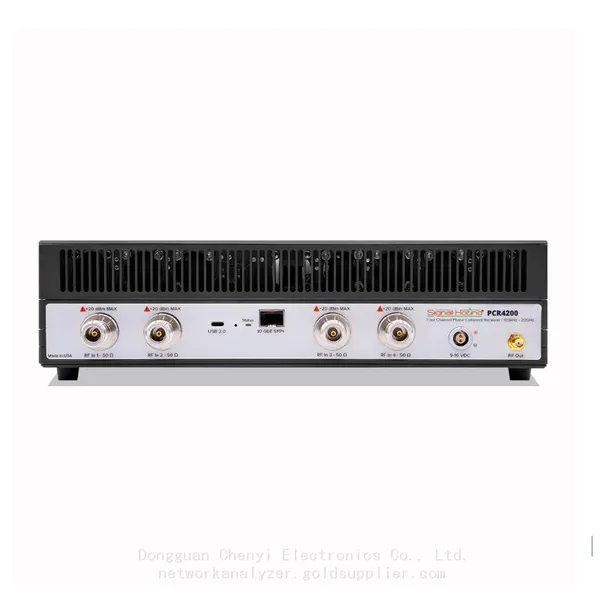
Signal Hound PCR4200 100 KHz to 20 GHz Four-Channel Phase Coherent ReceiverNegotiableMOQ: 1 Unit
-
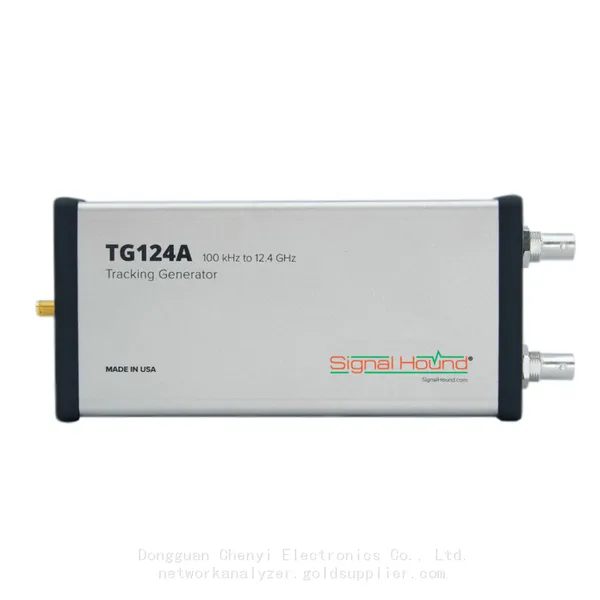
Signal Hound TG124A 100 KHz to 12.4 GHz Tracking GeneratorNegotiableMOQ: 1 Unit
-
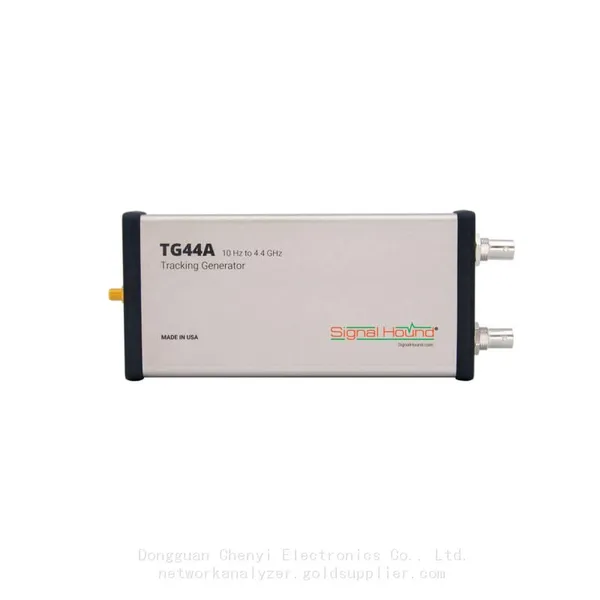
Signal Hound TG44A 10 Hz to 4.4 GHz t Tracking GeneratorNegotiableMOQ: 1 Unit
-
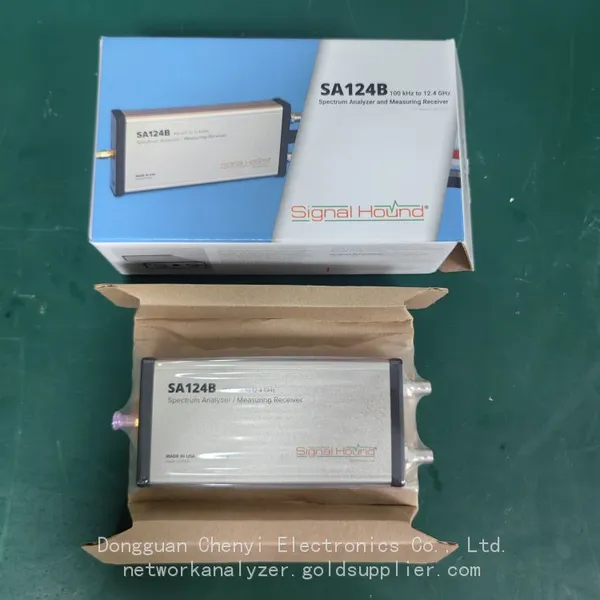
Signal Hound SA124B 100 KHz to 12.4 GHz Spectrum AnalyzerNegotiableMOQ: 1 Unit
-
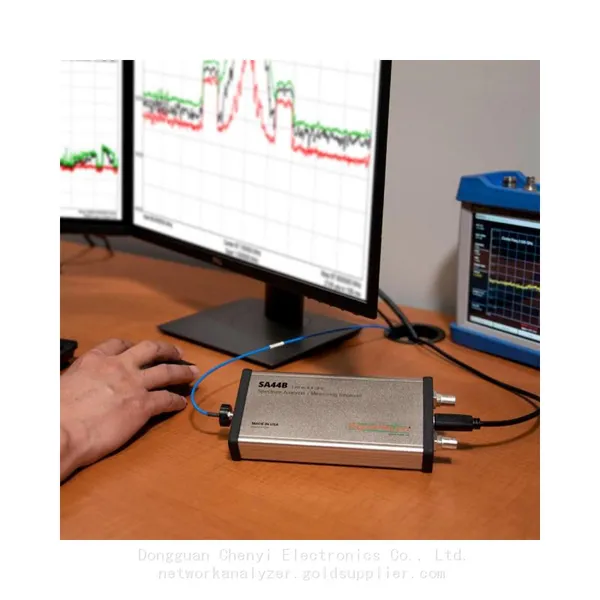
Signal Hound SA44B 1 Hz to 4.4 GHz Spectrum AnalyzerNegotiableMOQ: 1 Unit
-
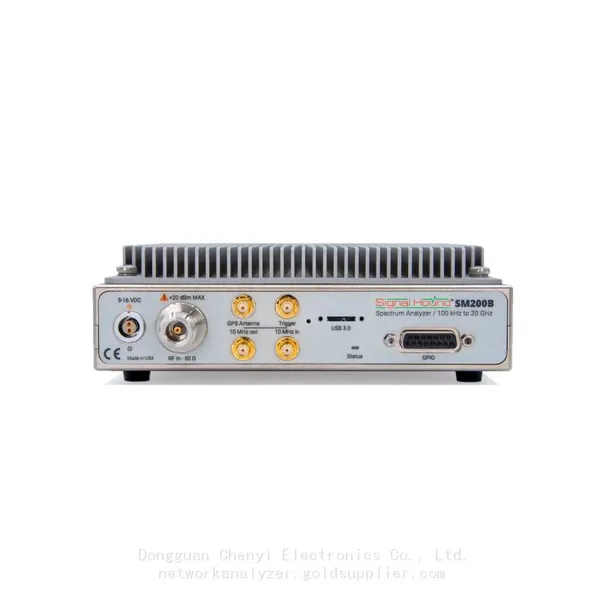
SM200B Real‑time Spectrum Analyzer,USB3.0 RTSA,100kHz-20GHz,calibrated I/Q Capture for 5G Test & Interference HuntingNegotiableMOQ: 1 Unit
-
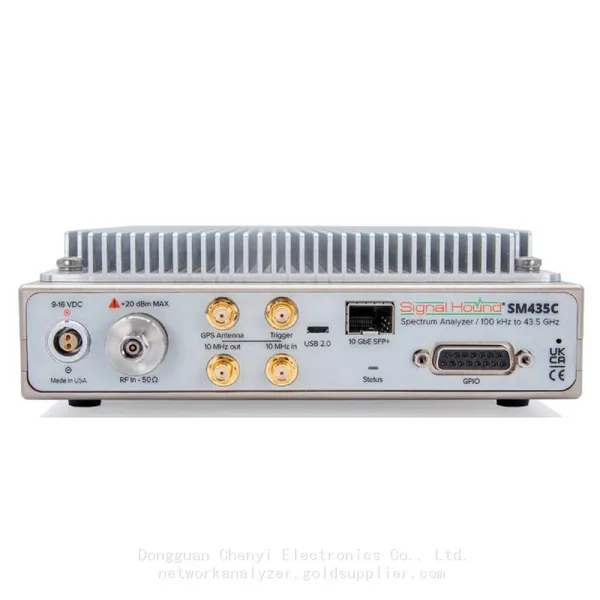
Signal Hound SM435C 100 KHz to 43.5GHz Real-time Spectrum Analyzer With 10GbE Monitoring ReceiversNegotiableMOQ: 1 Unit
-
Signal Hound SM435B 100 KHz to 43.5GHz Real-time Spectrum Analyzer Monitoring ReceiversNegotiableMOQ: 1 Unit
-
Signal Hound PN400 Phase Noise and VCO Test System 100 KHz to 43.5 GHzNegotiableMOQ: 1 Unit
-
Keysight E4980A Precision LCR Meter 20 Hz to 2 MHzNegotiableMOQ: 1 Unit
-
Keysight E4980B and E4980BL Precision LCR Meter 20 Hz to 2 MHzNegotiableMOQ: 1 Unit
-
Keysight U1733C Handheld LCR Meter 100Hz 120Hz 1kHz 10kHz 100kHzNegotiableMOQ: 1 Unit