
 Business License

The BB60C Screen Is Full of Signals "That Shouldn't Exist" — How Do I Tell Real Signals From Instrument Artifacts?
The BB60C Screen Is Full of Signals "That Shouldn't Exist" — How Do I Tell Real Signals From Instrument Artifacts?
Symptom
Sweeps show regular comb teeth, ghosts that move as the span changes, fixed-frequency spikes, or signals appearing far outside the band under test (you tune to 2.4 GHz and a peak shows up near 1.2 GHz). The instinct is to declare the instrument broken. In practice the majority of these readings are legitimate measurement physics or genuine external signals.
Root Cause
Only a handful of mechanisms generate "false signals" on a spectrum analyzer: internal spurs (LO harmonics, mixing products, IF leakage — documented in the datasheet's internal-spur table), external intermodulation (two strong real signals mixing inside your own front end or in a rusty/damaged connector), overload artifacts (compression making honest signals lie about their level and spawn images), antenna/cable-received real interference, and display artifacts (aggressive averaging or video filters smearing honest noise into peak-like shapes).
The Discrimination Procedure
Change the span and watch the peak.
Stays pinned at the same frequency → real signal, or an internal spur at a fixed frequency (check it against the datasheet spur table).
Moves proportionally with span → an internal mixing product; it is an instrument artifact and you can route around it by re-centering the span.
Appears only at certain center frequencies, disappearing when you retune → LO-related artifact.
Terminate the input. Remove the antenna/source and attach a 50Ω dummy load. Peaks that vanish were external; peaks that remain with nothing connected are internal spurs or noise-floor features — compare with the published spurious-response spec.
Attenuate and re-read. Add 10–20 dB of external attenuation. Real signals and real intermodulation drop by exactly the pad value. Compression-generated images often change shape or grow — a telltale sign your front end was overloaded.
Hunt for intermodulation sources. If the artifact only appears with the antenna connected and two strong broadcasts nearby, it is third-order IMD created inside the instrument (or in a corroded connector). A preselector filter, attenuator, or better connector cleaning removes it.
Verify display settings. Check the detector, averaging count, and RBW. Noise averaged over a very narrow RBW can look like a stable carrier; switch detectors and widen RBW to see whether the "signal" collapses into noise floor behavior.
Cross-check with a second method. The waterfall/persistence view distinguishes one-time events (a microwave oven, a door opener, intermittent transmitter) from continuous artifacts. Real emitters repeat on a schedule; internal spurs never blink.
When It Truly Is a Fault
A genuine internal-spur failure signature: a brand-new fixed-frequency spike that did not exist previously and that the datasheet spur table does not predict, usually accompanied by recent overload or ESD events, or an entire comb of new products. Such patterns mean front-end damage — see the overload and ESD articles, record the evidence, and send the unit out.
Documentation Tip
Before sending a unit in "spur" complaints, photograph the trace with full settings visible (center frequency, span, RBW, attenuation, detector). Service engineers triage these complaints in minutes when settings travel with the screenshot — and bounce them back when they don't.
*(Based on publicly available Signal Hound BB60C user manual and datasheet specifications.)
WhatsApp:+85268839563
WeChat :13728300615
Recently Posted
-
My BB60C Can't Pick Up Weak Signals Between 9 kHz and 20 MHz and Readings Keep Jumping — Broken Front End or Wrong Technique?
October 27, 2026My BB60C Can't Pick Up Weak Signals Between 9 kHz and 20 MHz and Readings Keep Jumping — Broken Front End or Wrong Technique?S Read More
 -
BB60C IQ Recording Fails Mid-Session, Files Are Full of Gaps, or Recording Stops Early — The Problem Is the PC
October 27, 2026BB60C IQ Recording Fails Mid-Session, Files Are Full of Gaps, or Recording Stops Early — The Problem Is the PCSymptomRF/IQ recordi Read More
 -
My BB60C Reads Several dB Off Versus Another Instrument — Where Should Amplitude Errors Be Traced From?
October 27, 2026My BB60C Reads Several dB Off Versus Another Instrument — Where Should Amplitude Errors Be Traced From?SymptomOn the same signal,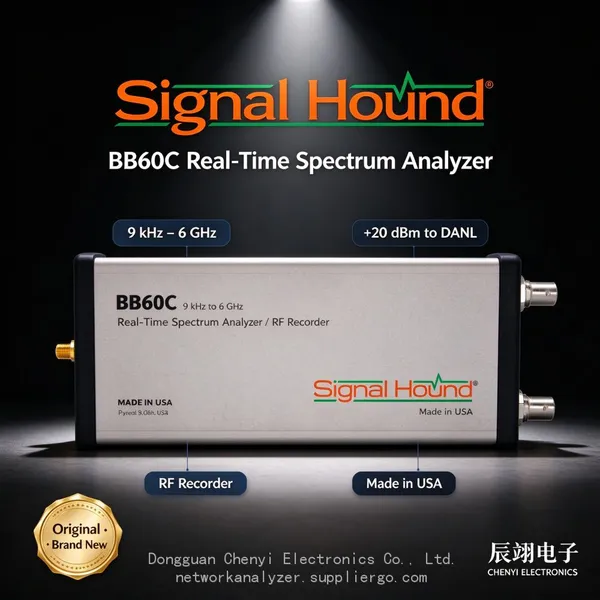 Read More
 -
The BB60C Noise Floor Looks Raised and Weak Signals Vanished — Is the Instrument Broken? Check in This Order
October 27, 2026The BB60C Noise Floor Looks Raised and Weak Signals Vanished — Is the Instrument Broken? Check in This OrderSymptomSignals that us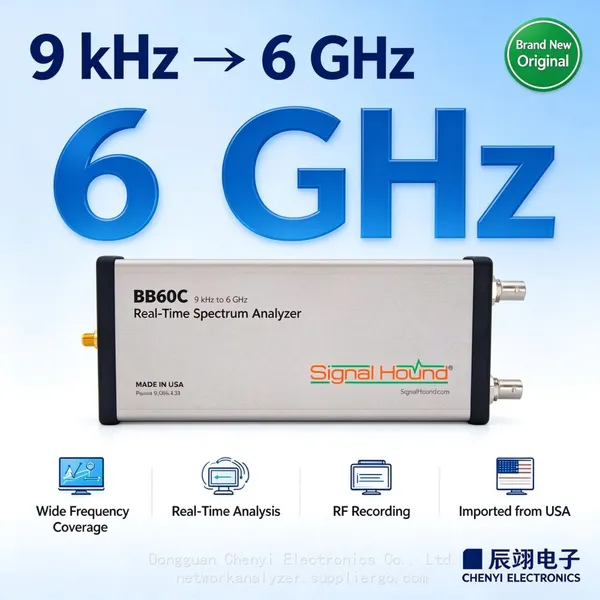 Read More

Contact Us
Recommended Products
-
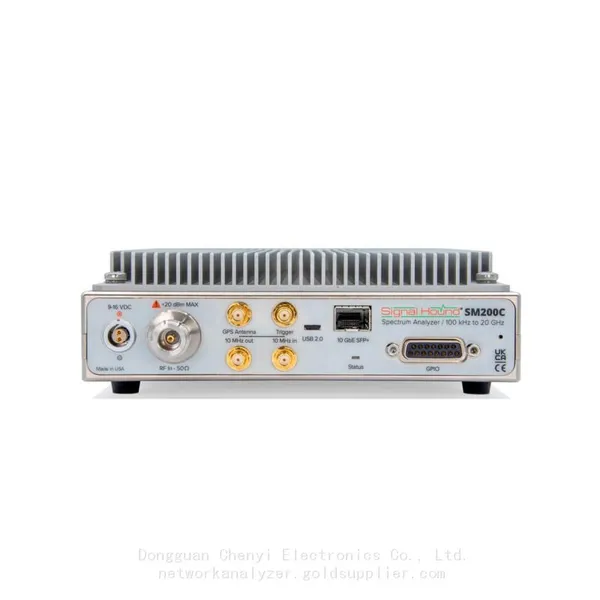
 Signal Hound SM200C 100 KHz to 20 GHz Real-time Spectrum Analyzer With 10GbE Monitoring ReceiversNegotiableMOQ: 1 Unit
 -
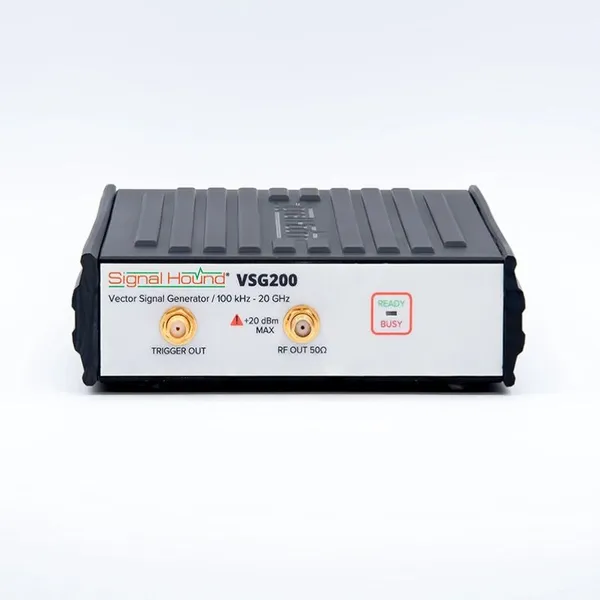
Signal Hound VSG200 Vector Signal Generator 100 KHz to 20 GHzNegotiableMOQ: 1 Unit
-
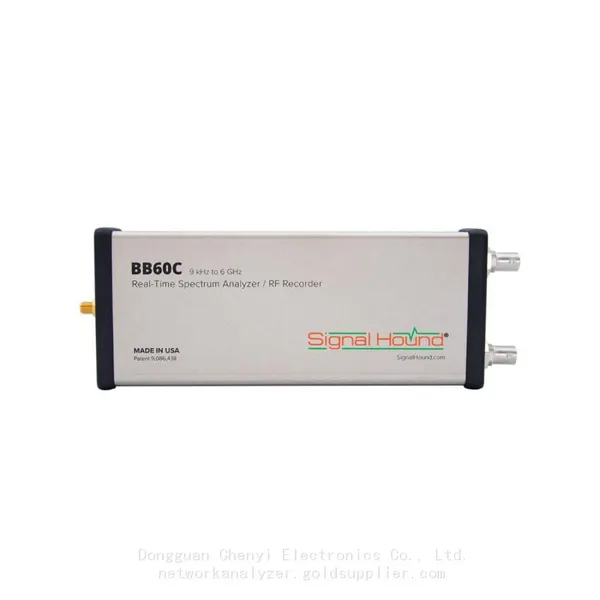
Signal Hound BB60C 9 KHz to 6 GHz Real-time Spectrum AnalyzerNegotiableMOQ: 1 Unit
-
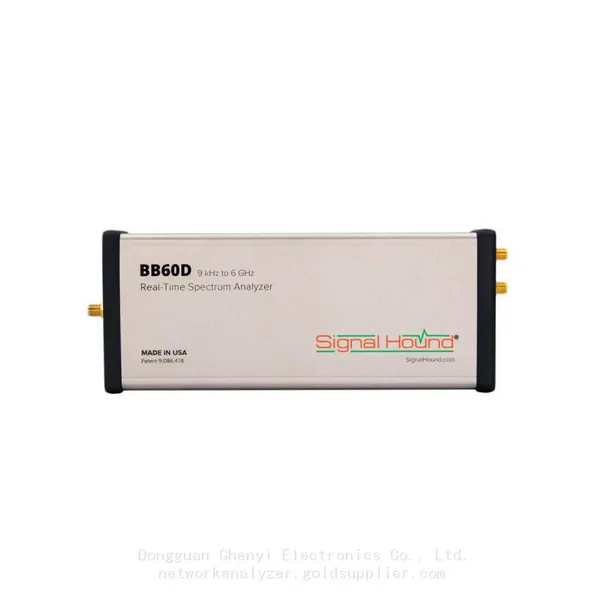
Signal Hound BB60D 9 KHz to 6 GHz Real-time Spectrum AnalyzerNegotiableMOQ: 1 Unit
-
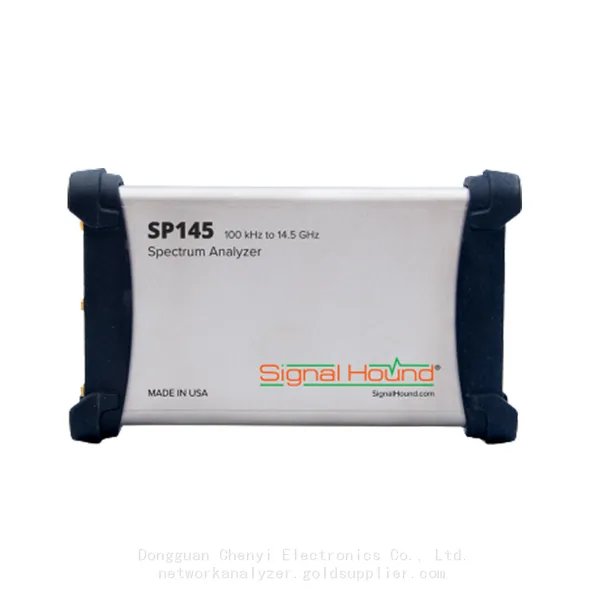
Signal Hound SP145 100 KHz to 14.5 GHz Real-time Spectrum Analyzer Monitoring ReceiversNegotiableMOQ: 1 Unit
-
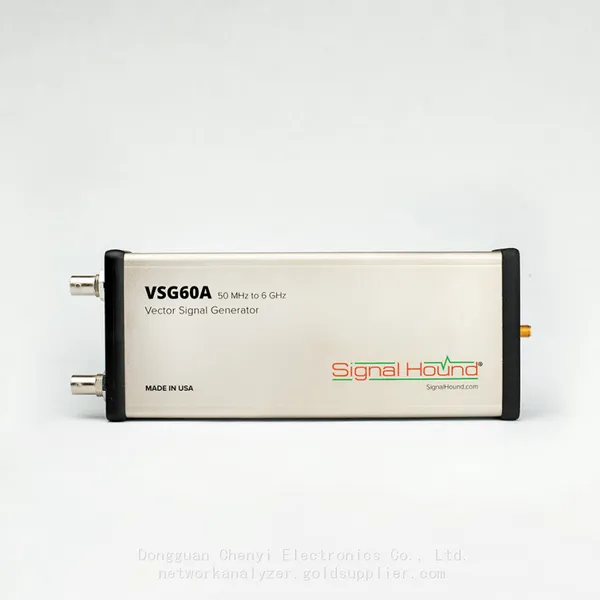
Signal Hound VSG60A 50 MHz to 6 GHz GHz Vector Signal GeneratorNegotiableMOQ: 1 Unit
-
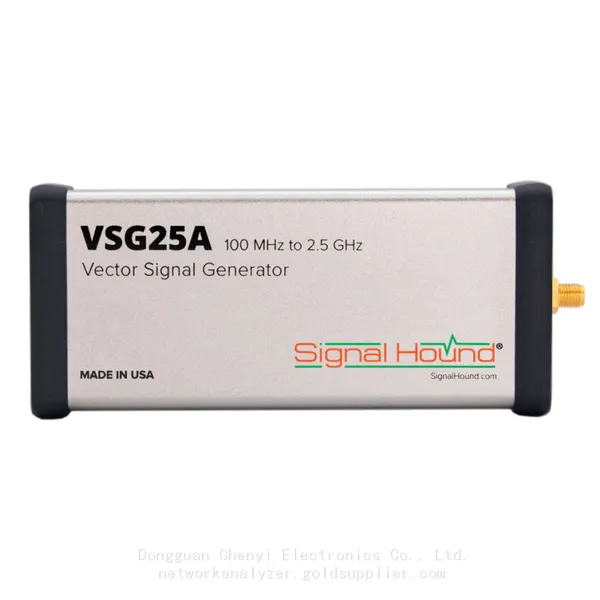
Signal Hound VSG25A 100 MHz to 2.5 GHz Vector Signal GeneratorNegotiableMOQ: 1 Unit
-
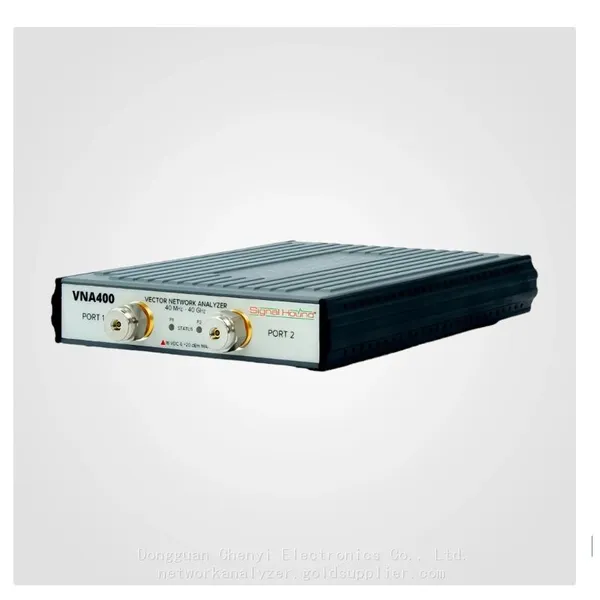
Signal Hound VNA400 40 MHz to 40 GHz 2-port Vector Network AnalyzerNegotiableMOQ: 1 Unit
-
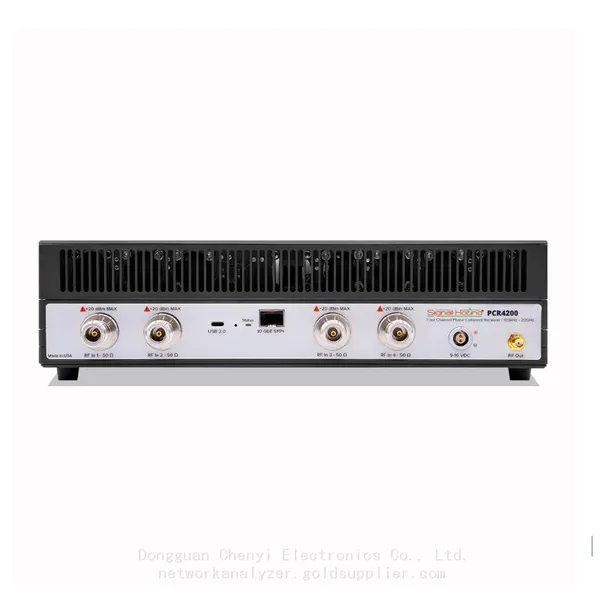
Signal Hound PCR4200 100 KHz to 20 GHz Four-Channel Phase Coherent ReceiverNegotiableMOQ: 1 Unit
-
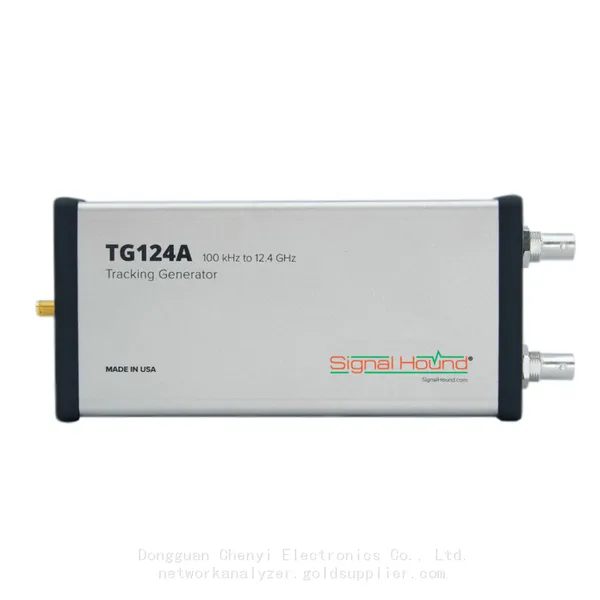
Signal Hound TG124A 100 KHz to 12.4 GHz Tracking GeneratorNegotiableMOQ: 1 Unit
-
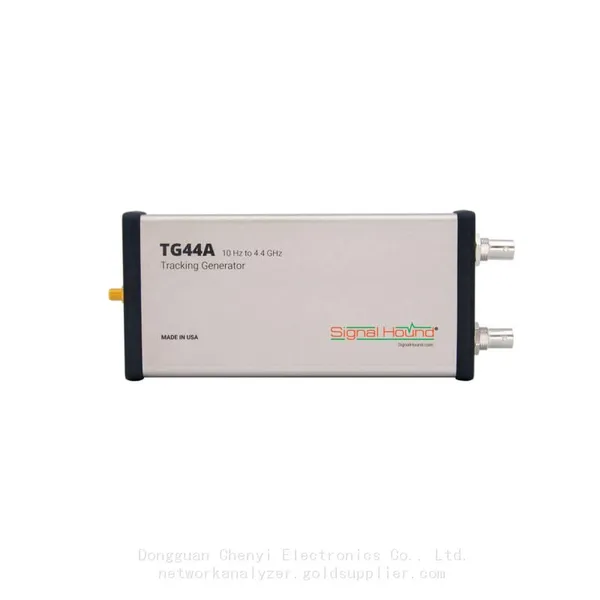
Signal Hound TG44A 10 Hz to 4.4 GHz t Tracking GeneratorNegotiableMOQ: 1 Unit
-
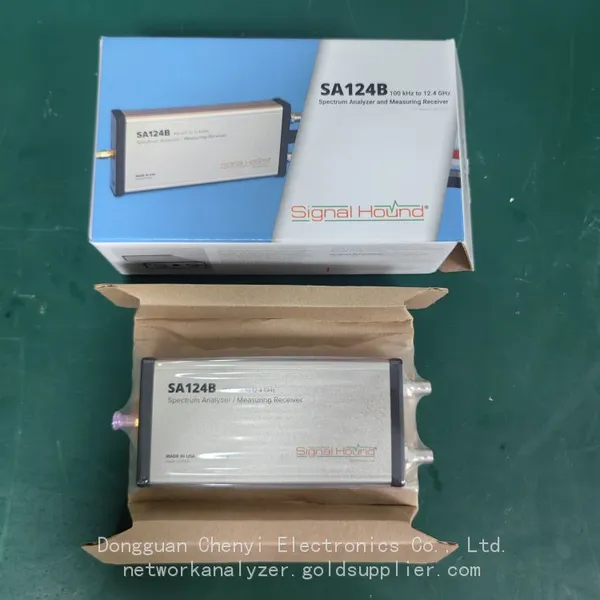
Signal Hound SA124B 100 KHz to 12.4 GHz Spectrum AnalyzerNegotiableMOQ: 1 Unit
-
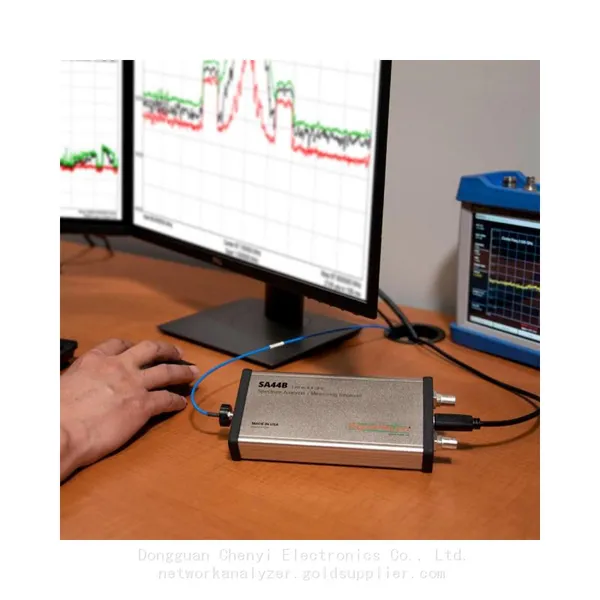
Signal Hound SA44B 1 Hz to 4.4 GHz Spectrum AnalyzerNegotiableMOQ: 1 Unit
-
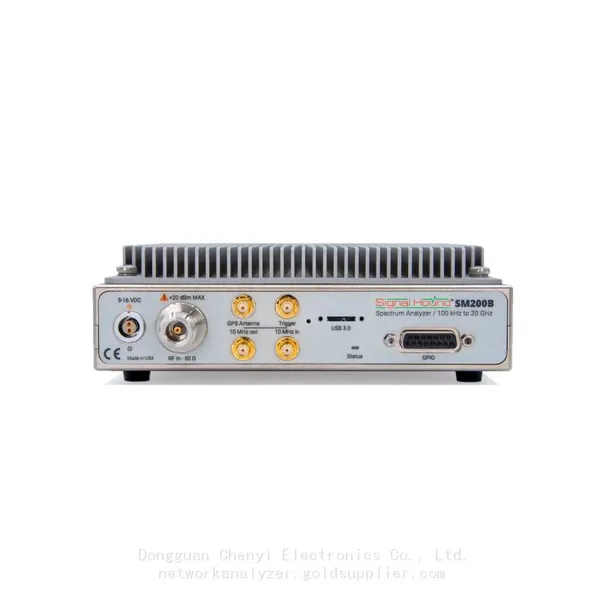
SM200B Real‑time Spectrum Analyzer,USB3.0 RTSA,100kHz-20GHz,calibrated I/Q Capture for 5G Test & Interference HuntingNegotiableMOQ: 1 Unit
-
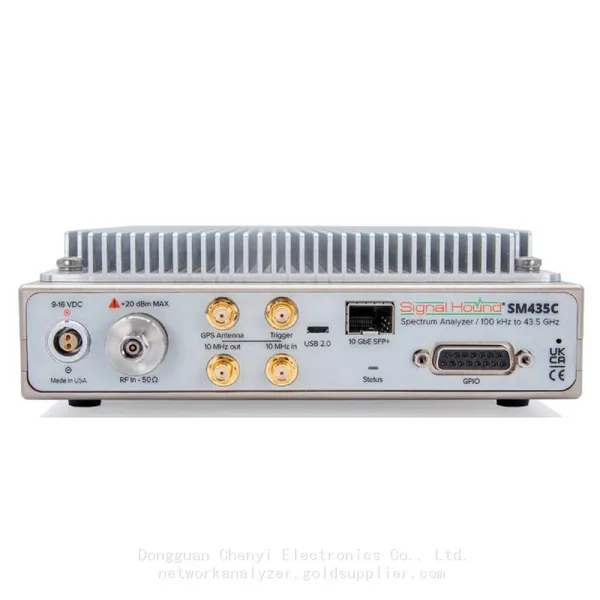
Signal Hound SM435C 100 KHz to 43.5GHz Real-time Spectrum Analyzer With 10GbE Monitoring ReceiversNegotiableMOQ: 1 Unit
-
Signal Hound SM435B 100 KHz to 43.5GHz Real-time Spectrum Analyzer Monitoring ReceiversNegotiableMOQ: 1 Unit
-
Signal Hound PN400 Phase Noise and VCO Test System 100 KHz to 43.5 GHzNegotiableMOQ: 1 Unit
-
Keysight E4980A Precision LCR Meter 20 Hz to 2 MHzNegotiableMOQ: 1 Unit
-
Keysight E4980B and E4980BL Precision LCR Meter 20 Hz to 2 MHzNegotiableMOQ: 1 Unit
-
Keysight U1733C Handheld LCR Meter 100Hz 120Hz 1kHz 10kHz 100kHzNegotiableMOQ: 1 Unit