
 Business License

My BB60C Can't Pick Up Weak Signals Between 9 kHz and 20 MHz and Readings Keep Jumping — Broken Front End or Wrong Technique?
My BB60C Can't Pick Up Weak Signals Between 9 kHz and 20 MHz and Readings Keep Jumping — Broken Front End or Wrong Technique?
Symptom
During EMC pre-scans, conducted-emission or low-band monitoring: with center frequencies in the hundreds of kHz to low MHz range, the noise floor is clearly worse than the high bands, weak signals read unstably, and the same signal varies by several dB between scans — yet everything looks perfect above 100 MHz.
Root Cause
The low band is a separate signal path. The BB60C front end uses different filtering/amplification architectures for 9 kHz–20 MHz versus 10 MHz–6 GHz (public block diagrams show a dedicated high-dynamic-range preamp path for 9 kHz–20 MHz). Noise floor, VSWR and spur behavior naturally differ between bands — judging the low band by high-band experience produces false "it's broken" calls.
Low-band measurements are hypersensitive to contact resistance and coupling. At very long wavelengths, a loose connector, an off-center pin, poor cable shielding and ground loops are all fully picked up; the symptom is a jumping reading, not a missing one.
Conducted measurements often need an external preamp. If the signal itself is tiny (e.g., after a LIS), internal gain alone may fall short; an external low-noise preamp helps — but its gain eats into the +20 dBm input ceiling, so re-check headroom.
Near 9 kHz you need the right attenuation step. The manual's port-VSWR specs depend on the attenuation step (tighter requirements at ≥10 dB attenuation than below it), so low attenuation in the deep low band brings mismatch ripple that reads as level wander.
Troubleshooting Steps
First separate "can't read" from "reads unstably."
Can't read: attach a 50Ω dummy load and sweep 9 kHz–20 MHz. If no continuous noise floor is visible at all — a flat, lifeless trace — the low-band path is abnormal; arrange service.
Reads unstably: contact/interference issue; proceed with steps 2–4.
Redo every connection. Strip all adapters; inspect each SMA center pin for retraction, off-centering or oxidation; torque to spec with a calibrated wrench. Fewer adapters is better — each one adds another unstable contact and another mismatch point.
Kill ground loops and mains interference. The low band eats 50 Hz harmonics eagerly. Unplug the laptop's power brick and retest on battery; put the analyzer and DUT on the same outlet/reference ground; keep cabling away from power lines, transformers and LED drivers; clamp ferrites on input cables. If the comb disappears on battery, the fault is in your power system, not the instrument.
Freeze the settings before judging repeatability. Lock RF attenuation step, RBW (selectable 10 Hz–10 MHz), detector and sweep time. Never judge repeatability in Auto mode — step switching alone creates dB-level jumps.
Prove the path with known signals. Inject −30 dBm from a generator at 1 MHz, 5 MHz and 15 MHz; readings within ±2 dB confirm a healthy low band, and the trouble lives in your measurement chain. Errors clustered in 9 kHz–20 MHz with no frequency pattern warrant a calibration evaluation.
Do it right when you need more sensitivity. Add an external low-noise preamp — while verifying total power into the BB60C never exceeds +20 dBm after its gain — or improve coupling at the LIS. Don't stack gain blindly.
Extra Note for EMC Pre-Compliance Work
The BB60C serves EMI pre-test receiver duty (9 kHz–6 GHz conducted and radiated). When working to CISPR or national standards, quasi-peak and average/RMS detections cannot be replaced by a plain spectrum-analyzer detector — configure the software's pre-test functions with the proper detectors and time constants. If results diverge from the certified receiver, check detector mode and RBW first (e.g., standards define 200 Hz RBW in parts of the range) — long before suspecting the instrument.
*(Based on publicly available Signal Hound BB60C user manual and datasheet specifications.)
WhatsApp:+85268839563
WeChat :13728300615
Recently Posted
-
BB60C IQ Recording Fails Mid-Session, Files Are Full of Gaps, or Recording Stops Early — The Problem Is the PC
October 27, 2026BB60C IQ Recording Fails Mid-Session, Files Are Full of Gaps, or Recording Stops Early — The Problem Is the PCSymptomRF/IQ recordi Read More
 -
The BB60C Screen Is Full of Signals "That Shouldn't Exist" — How Do I Tell Real Signals From Instrument Artifacts?
October 27, 2026The BB60C Screen Is Full of Signals "That Shouldn't Exist" — How Do I Tell Real Signals From Instrument Artifacts?Sy Read More
 -
My BB60C Reads Several dB Off Versus Another Instrument — Where Should Amplitude Errors Be Traced From?
October 27, 2026My BB60C Reads Several dB Off Versus Another Instrument — Where Should Amplitude Errors Be Traced From?SymptomOn the same signal, Read More
 -
The BB60C Noise Floor Looks Raised and Weak Signals Vanished — Is the Instrument Broken? Check in This Order
October 27, 2026The BB60C Noise Floor Looks Raised and Weak Signals Vanished — Is the Instrument Broken? Check in This OrderSymptomSignals that us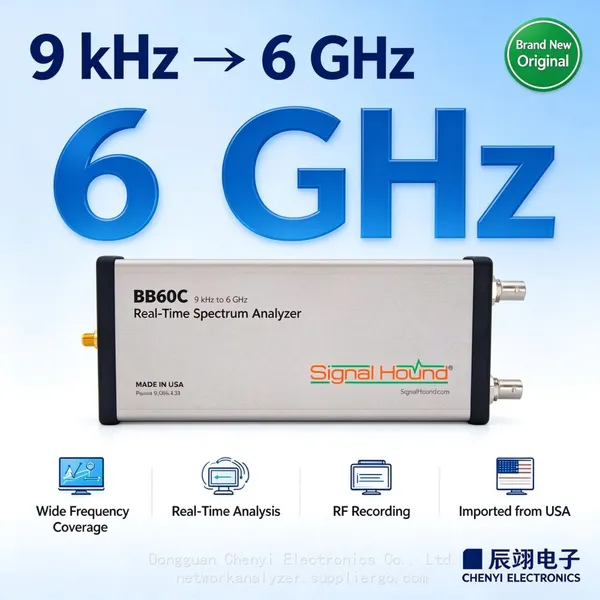 Read More

Contact Us
Recommended Products
-
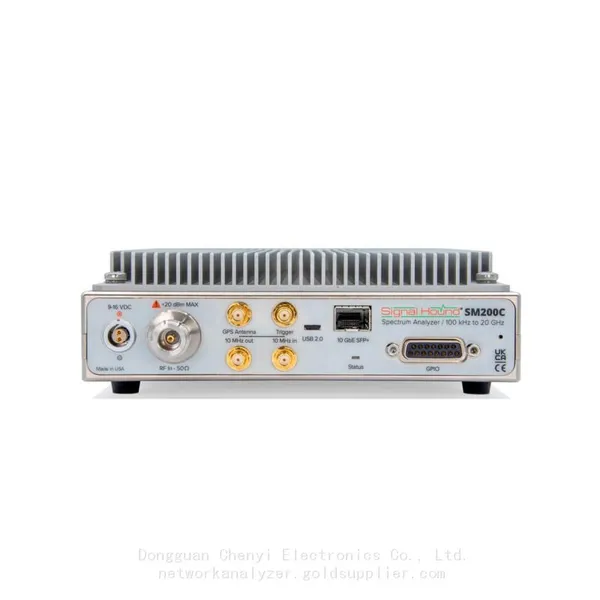
 Signal Hound SM200C 100 KHz to 20 GHz Real-time Spectrum Analyzer With 10GbE Monitoring ReceiversNegotiableMOQ: 1 Unit
 -
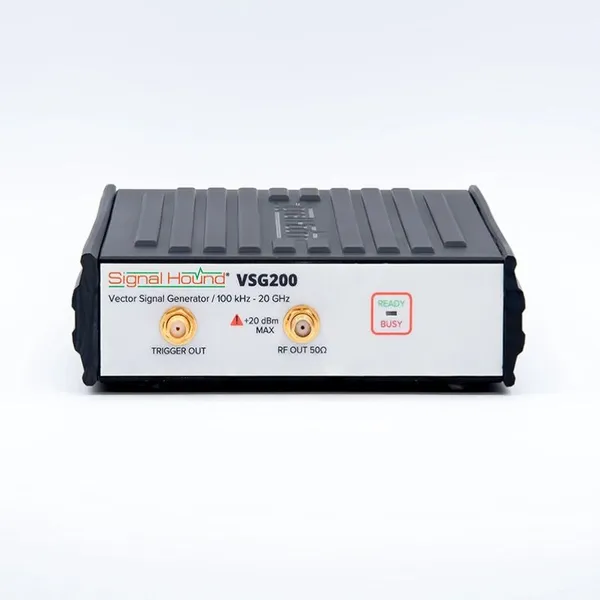
Signal Hound VSG200 Vector Signal Generator 100 KHz to 20 GHzNegotiableMOQ: 1 Unit
-
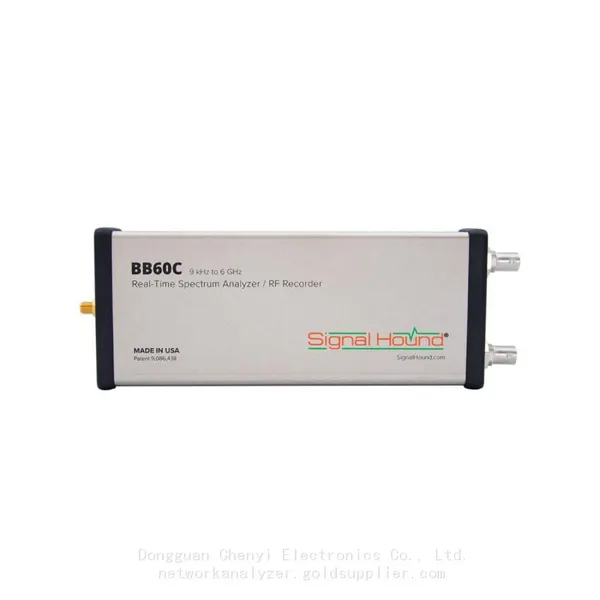
Signal Hound BB60C 9 KHz to 6 GHz Real-time Spectrum AnalyzerNegotiableMOQ: 1 Unit
-
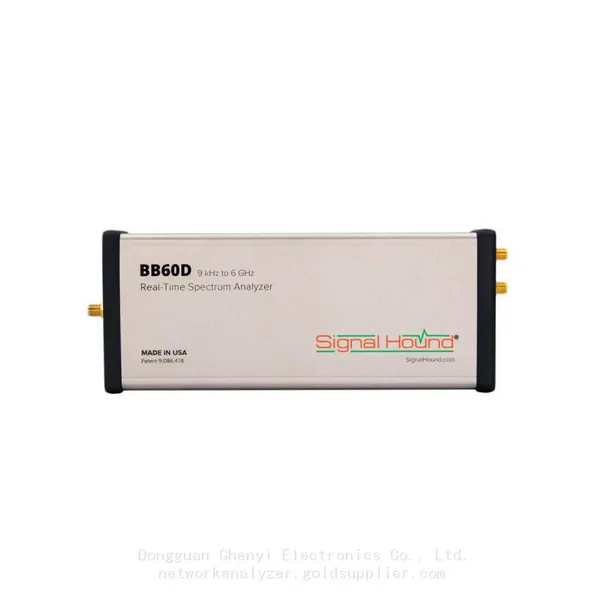
Signal Hound BB60D 9 KHz to 6 GHz Real-time Spectrum AnalyzerNegotiableMOQ: 1 Unit
-
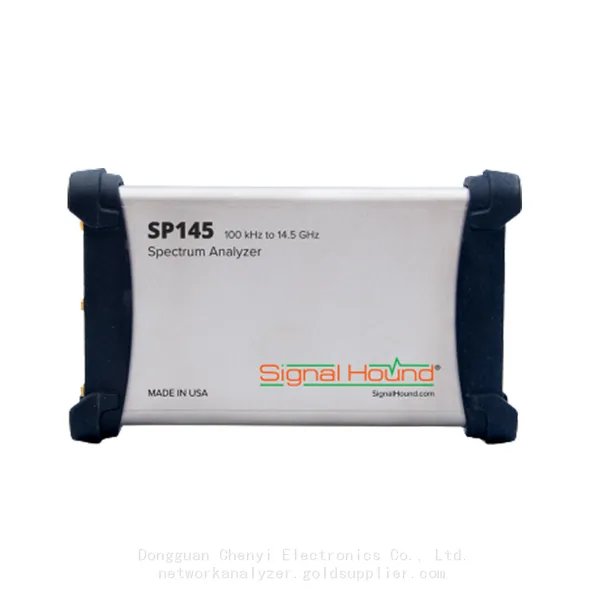
Signal Hound SP145 100 KHz to 14.5 GHz Real-time Spectrum Analyzer Monitoring ReceiversNegotiableMOQ: 1 Unit
-
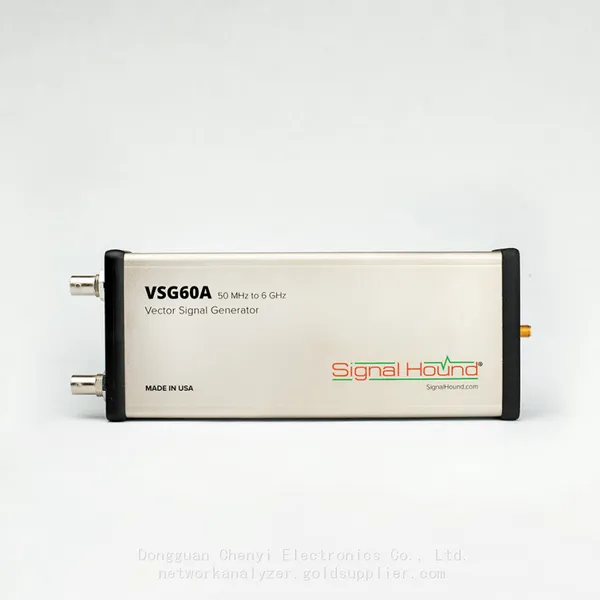
Signal Hound VSG60A 50 MHz to 6 GHz GHz Vector Signal GeneratorNegotiableMOQ: 1 Unit
-
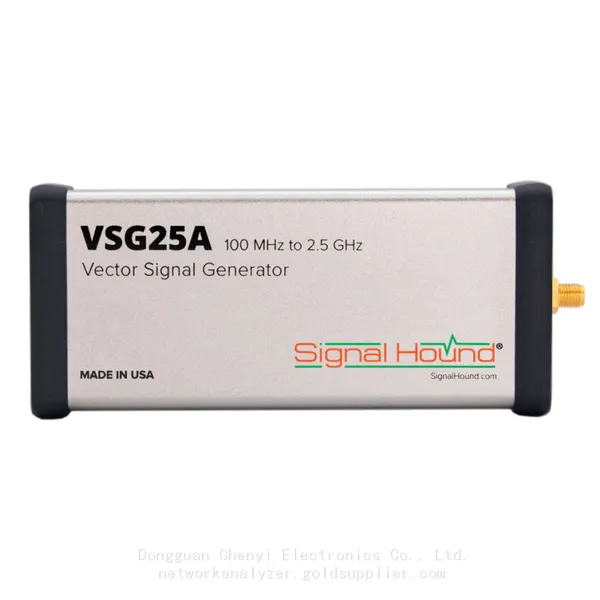
Signal Hound VSG25A 100 MHz to 2.5 GHz Vector Signal GeneratorNegotiableMOQ: 1 Unit
-
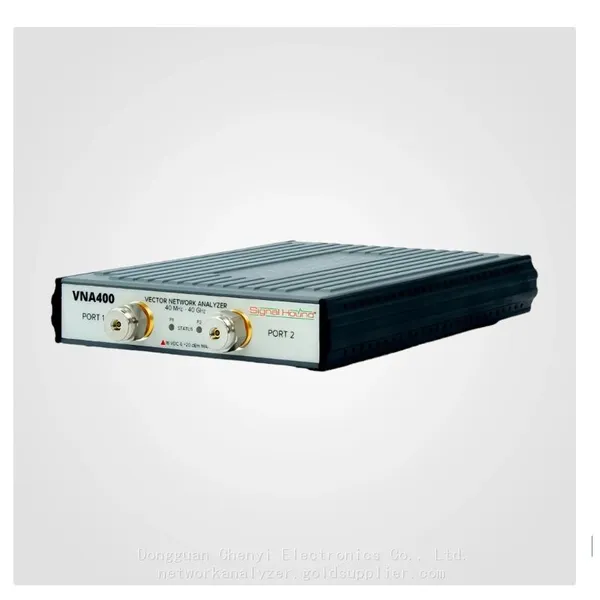
Signal Hound VNA400 40 MHz to 40 GHz 2-port Vector Network AnalyzerNegotiableMOQ: 1 Unit
-
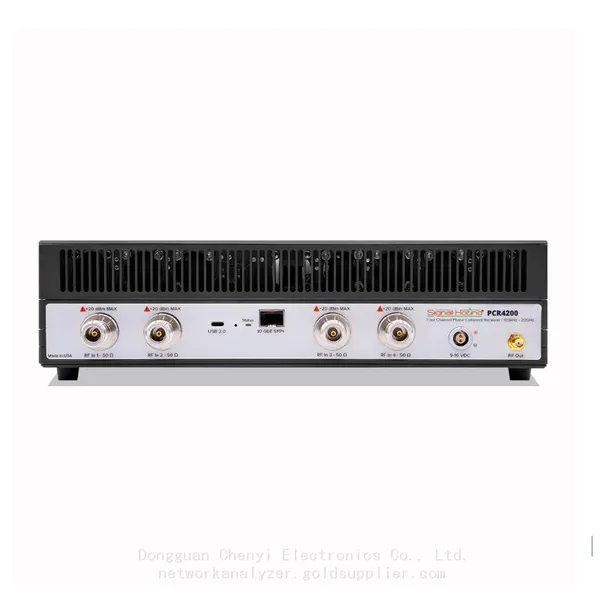
Signal Hound PCR4200 100 KHz to 20 GHz Four-Channel Phase Coherent ReceiverNegotiableMOQ: 1 Unit
-
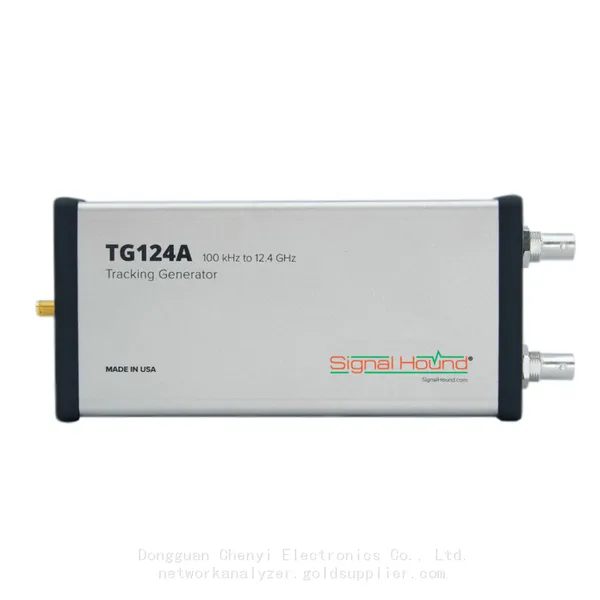
Signal Hound TG124A 100 KHz to 12.4 GHz Tracking GeneratorNegotiableMOQ: 1 Unit
-
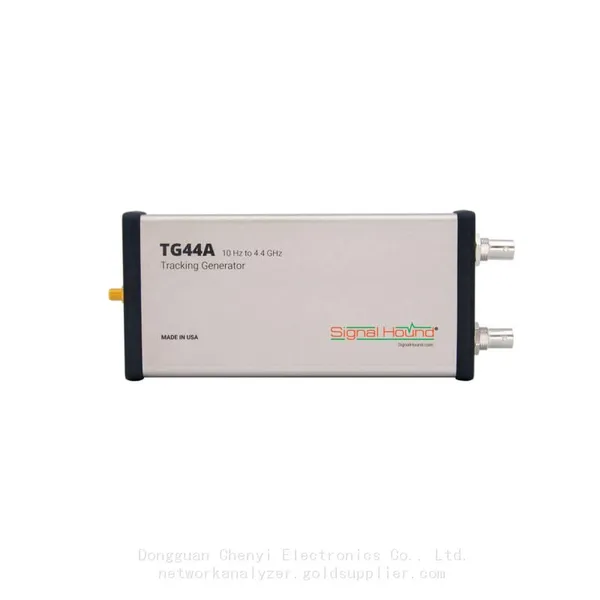
Signal Hound TG44A 10 Hz to 4.4 GHz t Tracking GeneratorNegotiableMOQ: 1 Unit
-
Signal Hound SA124B 100 KHz to 12.4 GHz Spectrum AnalyzerNegotiableMOQ: 1 Unit
-
Signal Hound SA44B 1 Hz to 4.4 GHz Spectrum AnalyzerNegotiableMOQ: 1 Unit
-
SM200B Real‑time Spectrum Analyzer,USB3.0 RTSA,100kHz-20GHz,calibrated I/Q Capture for 5G Test & Interference HuntingNegotiableMOQ: 1 Unit
-
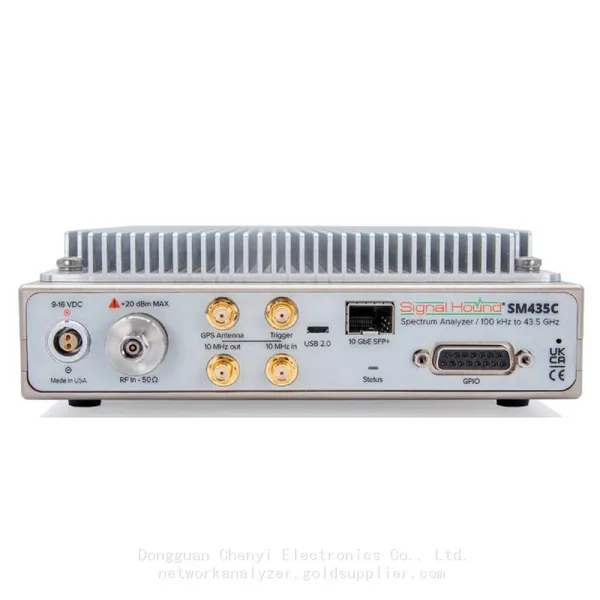
Signal Hound SM435C 100 KHz to 43.5GHz Real-time Spectrum Analyzer With 10GbE Monitoring ReceiversNegotiableMOQ: 1 Unit
-
Signal Hound SM435B 100 KHz to 43.5GHz Real-time Spectrum Analyzer Monitoring ReceiversNegotiableMOQ: 1 Unit
-
Signal Hound PN400 Phase Noise and VCO Test System 100 KHz to 43.5 GHzNegotiableMOQ: 1 Unit
-
Keysight E4980A Precision LCR Meter 20 Hz to 2 MHzNegotiableMOQ: 1 Unit
-
Keysight E4980B and E4980BL Precision LCR Meter 20 Hz to 2 MHzNegotiableMOQ: 1 Unit
-
Keysight U1733C Handheld LCR Meter 100Hz 120Hz 1kHz 10kHz 100kHzNegotiableMOQ: 1 Unit