
 Business License

The BB60C Noise Floor Looks Raised and Weak Signals Vanished — Is the Instrument Broken? Check in This Order
The BB60C Noise Floor Looks Raised and Weak Signals Vanished — Is the Instrument Broken? Check in This Order
Symptom
Signals that used to sit comfortably above the baseline now disappear into noise. With a 50Ω dummy load on the input, the displayed noise floor sits well above the factory value or above historical screenshots — and the whole trace jitters violently.
Root Cause
Displayed Average Noise Level (DANL) is the instrument's own "breathing sound," and it is extremely sensitive to the settings you choose. Most "lost sensitivity" complaints are configuration or environment problems, not hardware failures — so run through the settings layer before suspecting damage.
Self-Check Sequence
Lock the attenuation step. In auto-ranging mode the instrument shifts internal attenuation and gain between steps; a trace taken at a different step looks like a different noise floor. Set RF attenuation manually (a common starting point is 0 dB step / preamp configuration appropriate to your signal) and compare against itself, not against a memory of last week's Auto settings.
Check RBW, not just the baseline. Narrowing resolution bandwidth lowers the displayed noise floor; widening it raises the floor. Compare screenshots only with identical RBW, detector and averaging settings.
Verify the detector and averaging mode. Peak, RMS and sample detectors render noise differently. Switching display modes alone can fake a 5–10 dB noise change.
Remove the environment variable. Disconnect everything, attach a known-good 50Ω terminator (not an open or unterminated cable — an unterminated input receives broadcast, cellular and switching-supply noise and will look like raised noise). If the jittery comb patterns disappear with the terminator, your problem was the cabling and environment, not the analyzer.
Reboot the whole chain. Power-cycle the instrument (unplug USB 30 s, reconnect) and restart Spike. A stuck digital state can hold the front end in a wrong configuration.
Compare against the published DANL curve in the datasheet with terminator attached, at defined attenuation/RBW. A trace sitting within a couple of dB of the curve across 9 kHz–6 GHz is healthy.
Localize genuine hardware degradation. If the noise floor is uniformly raised with correct settings and a good terminator, or raised only in a specific band, two suspects remain: front-end damage (overload or ESD — see those articles) or internal connection degradation. Note which band and record a baseline screenshot.
Escalation Point
A raised noise floor that survives steps 1–6 is hardware. There is no user-serviceable calibration to "reset" it; capture the DANL screenshots, the serial number, and the configuration used, and send the unit for evaluation. For critical work, schedule periodic instrument verification against a known reference rather than waiting for sensitivity complaints.
*(Based on publicly available Signal Hound BB60C user manual and datasheet specifications.)
WhatsApp:+85268839563
WeChat :13728300615
Recently Posted
-
My BB60C Can't Pick Up Weak Signals Between 9 kHz and 20 MHz and Readings Keep Jumping — Broken Front End or Wrong Technique?
October 27, 2026My BB60C Can't Pick Up Weak Signals Between 9 kHz and 20 MHz and Readings Keep Jumping — Broken Front End or Wrong Technique?S Read More
 -
BB60C IQ Recording Fails Mid-Session, Files Are Full of Gaps, or Recording Stops Early — The Problem Is the PC
October 27, 2026BB60C IQ Recording Fails Mid-Session, Files Are Full of Gaps, or Recording Stops Early — The Problem Is the PCSymptomRF/IQ recordi Read More
 -
The BB60C Screen Is Full of Signals "That Shouldn't Exist" — How Do I Tell Real Signals From Instrument Artifacts?
October 27, 2026The BB60C Screen Is Full of Signals "That Shouldn't Exist" — How Do I Tell Real Signals From Instrument Artifacts?Sy Read More
 -
My BB60C Reads Several dB Off Versus Another Instrument — Where Should Amplitude Errors Be Traced From?
October 27, 2026My BB60C Reads Several dB Off Versus Another Instrument — Where Should Amplitude Errors Be Traced From?SymptomOn the same signal,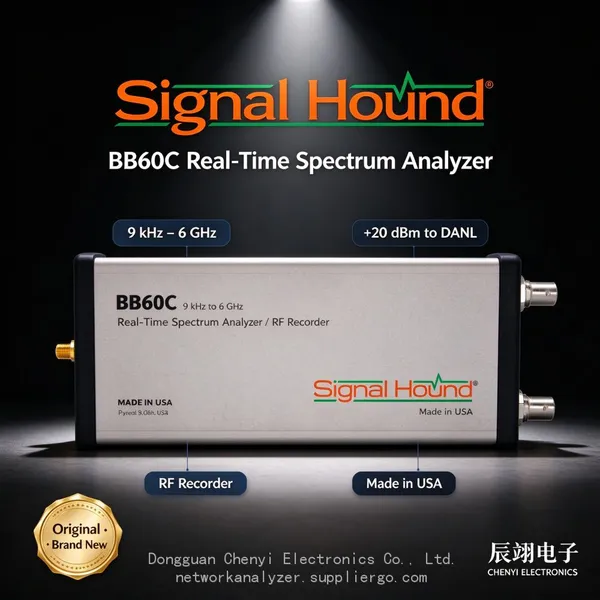 Read More

Contact Us
Recommended Products
-
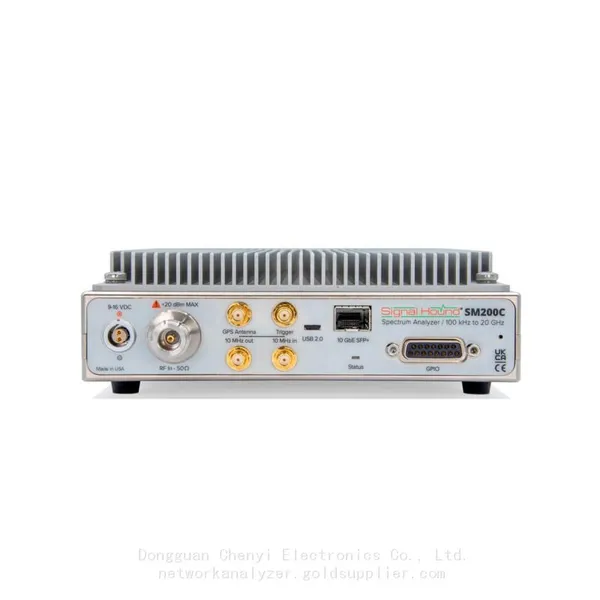
 Signal Hound SM200C 100 KHz to 20 GHz Real-time Spectrum Analyzer With 10GbE Monitoring ReceiversNegotiableMOQ: 1 Unit
 -
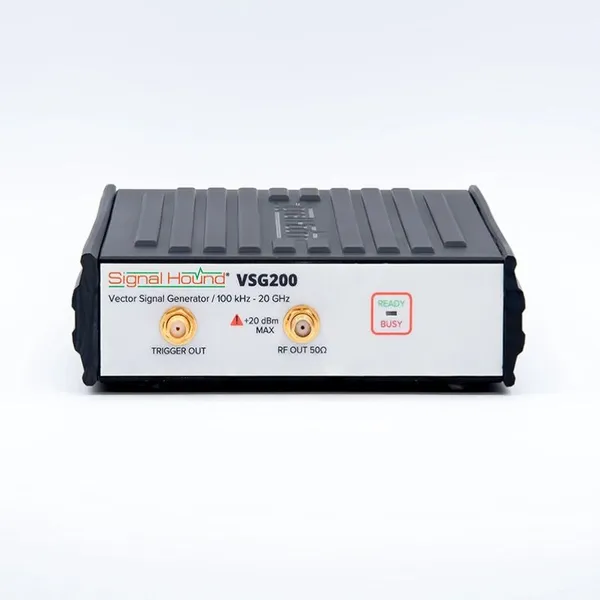
Signal Hound VSG200 Vector Signal Generator 100 KHz to 20 GHzNegotiableMOQ: 1 Unit
-
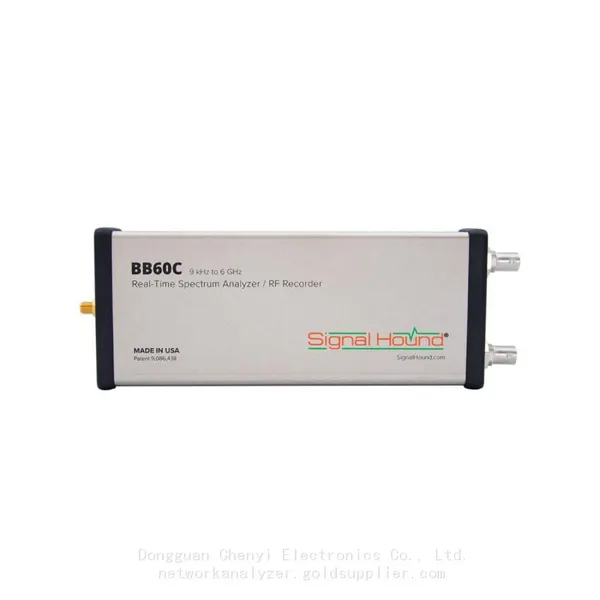
Signal Hound BB60C 9 KHz to 6 GHz Real-time Spectrum AnalyzerNegotiableMOQ: 1 Unit
-
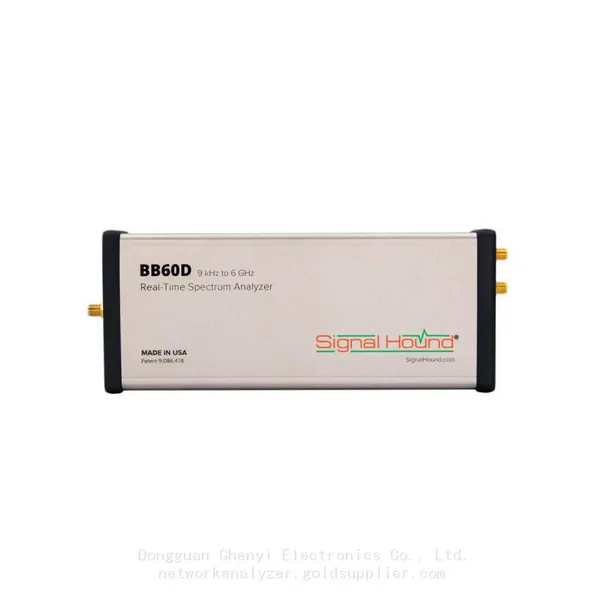
Signal Hound BB60D 9 KHz to 6 GHz Real-time Spectrum AnalyzerNegotiableMOQ: 1 Unit
-
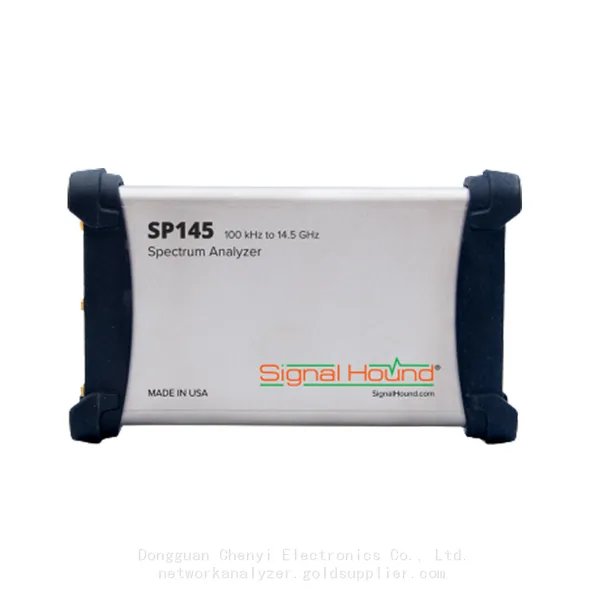
Signal Hound SP145 100 KHz to 14.5 GHz Real-time Spectrum Analyzer Monitoring ReceiversNegotiableMOQ: 1 Unit
-
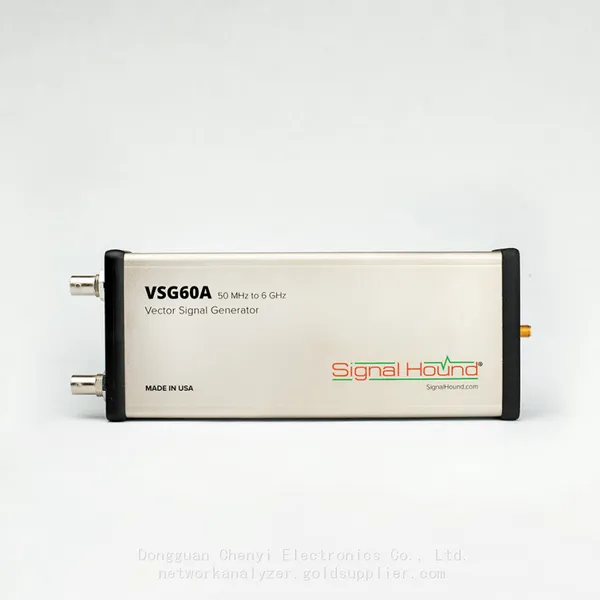
Signal Hound VSG60A 50 MHz to 6 GHz GHz Vector Signal GeneratorNegotiableMOQ: 1 Unit
-
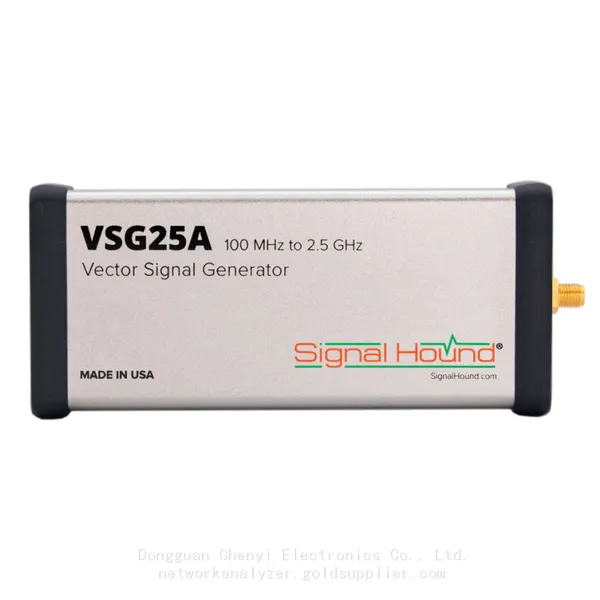
Signal Hound VSG25A 100 MHz to 2.5 GHz Vector Signal GeneratorNegotiableMOQ: 1 Unit
-
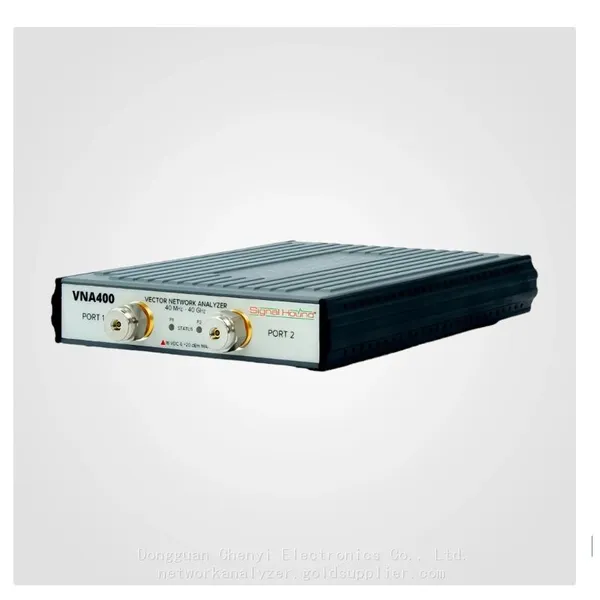
Signal Hound VNA400 40 MHz to 40 GHz 2-port Vector Network AnalyzerNegotiableMOQ: 1 Unit
-
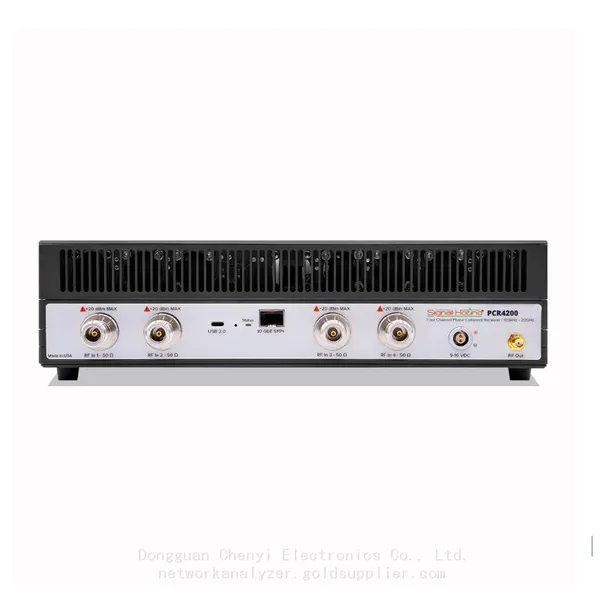
Signal Hound PCR4200 100 KHz to 20 GHz Four-Channel Phase Coherent ReceiverNegotiableMOQ: 1 Unit
-
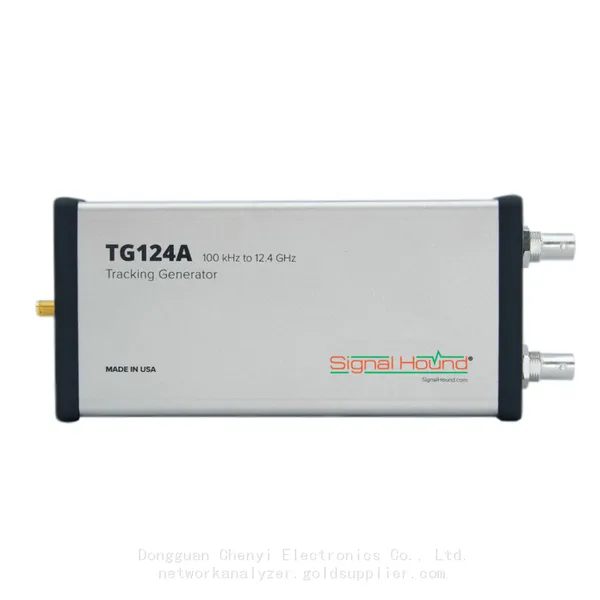
Signal Hound TG124A 100 KHz to 12.4 GHz Tracking GeneratorNegotiableMOQ: 1 Unit
-
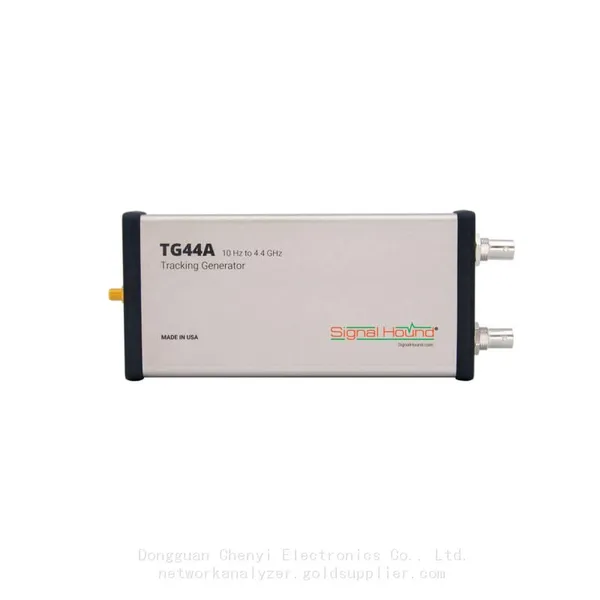
Signal Hound TG44A 10 Hz to 4.4 GHz t Tracking GeneratorNegotiableMOQ: 1 Unit
-
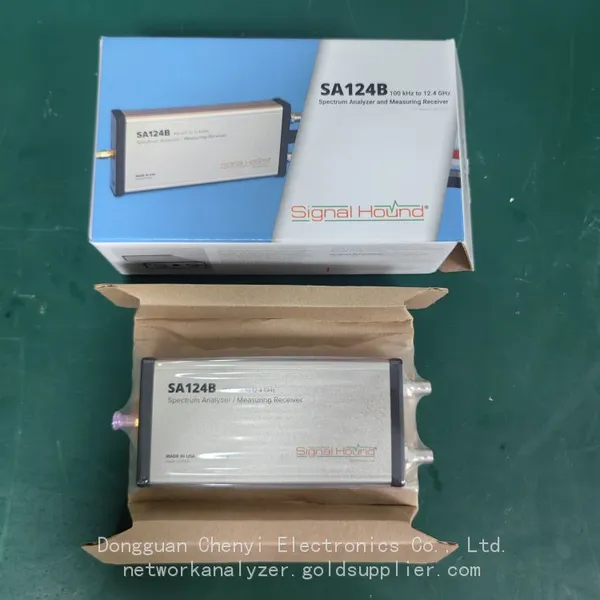
Signal Hound SA124B 100 KHz to 12.4 GHz Spectrum AnalyzerNegotiableMOQ: 1 Unit
-
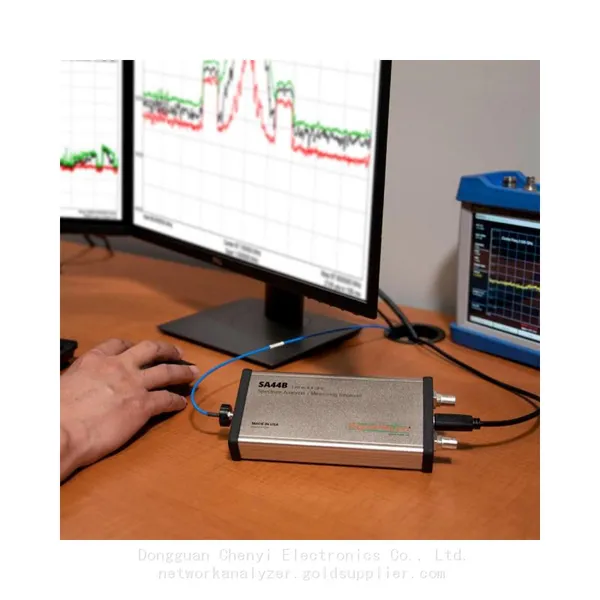
Signal Hound SA44B 1 Hz to 4.4 GHz Spectrum AnalyzerNegotiableMOQ: 1 Unit
-
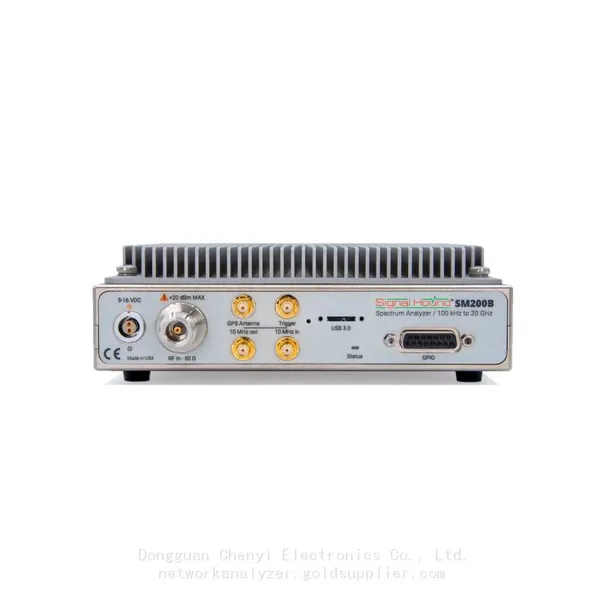
SM200B Real‑time Spectrum Analyzer,USB3.0 RTSA,100kHz-20GHz,calibrated I/Q Capture for 5G Test & Interference HuntingNegotiableMOQ: 1 Unit
-
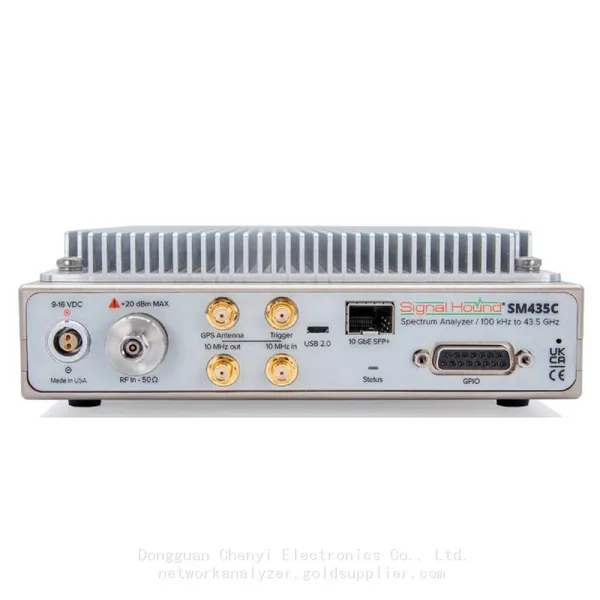
Signal Hound SM435C 100 KHz to 43.5GHz Real-time Spectrum Analyzer With 10GbE Monitoring ReceiversNegotiableMOQ: 1 Unit
-
Signal Hound SM435B 100 KHz to 43.5GHz Real-time Spectrum Analyzer Monitoring ReceiversNegotiableMOQ: 1 Unit
-
Signal Hound PN400 Phase Noise and VCO Test System 100 KHz to 43.5 GHzNegotiableMOQ: 1 Unit
-
Keysight E4980A Precision LCR Meter 20 Hz to 2 MHzNegotiableMOQ: 1 Unit
-
Keysight E4980B and E4980BL Precision LCR Meter 20 Hz to 2 MHzNegotiableMOQ: 1 Unit
-
Keysight U1733C Handheld LCR Meter 100Hz 120Hz 1kHz 10kHz 100kHzNegotiableMOQ: 1 Unit