
 Business License

Micro‑USB port intermittent connection and mechanical wobble when cable is moved — instrument-side shell failure prevention,supplier
Signal Hound SA44B spectrometer and measuring receiver supplier
The Connection Drops Whenever the Cable Is Nudged, and Eventually the Port Itself Goes Wobbly — How to Prevent Micro-USB Shell Failure on the Instrument Side of a Tiny Box?
spSignal Hound SA44B ectrometer and measuring receiver supplier
Symptom
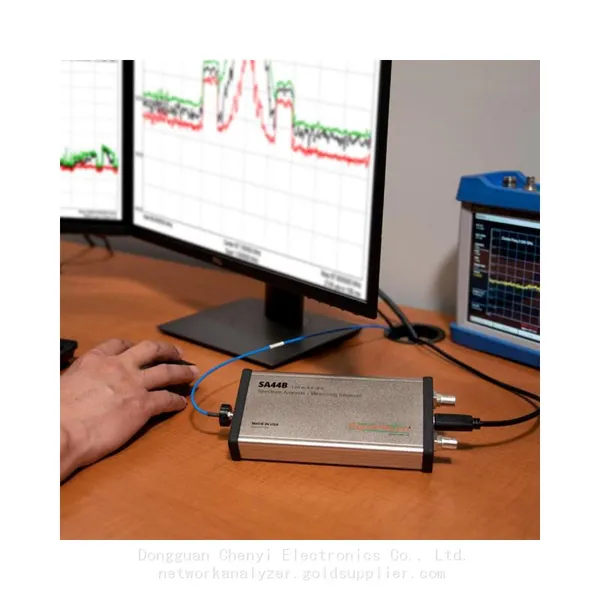
A club or lab shares one Signal Hound SA44B: at first the connection drops whenever the cable is angled differently. Later the instrument-side connector is visibly loose, and the cable has to be held down by hand to keep the link alive. One day it stops enumerating entirely. Inspection shows the cable is not at fault — the micro-USB shell on the instrument has lifted off its pads, with several solder joints torn.
Root Cause Analysis
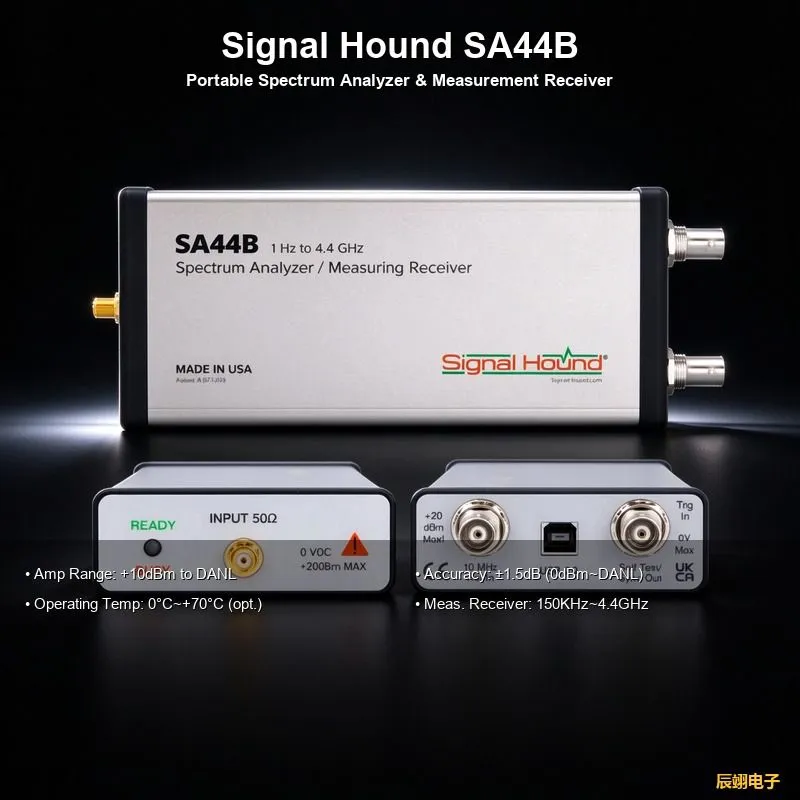
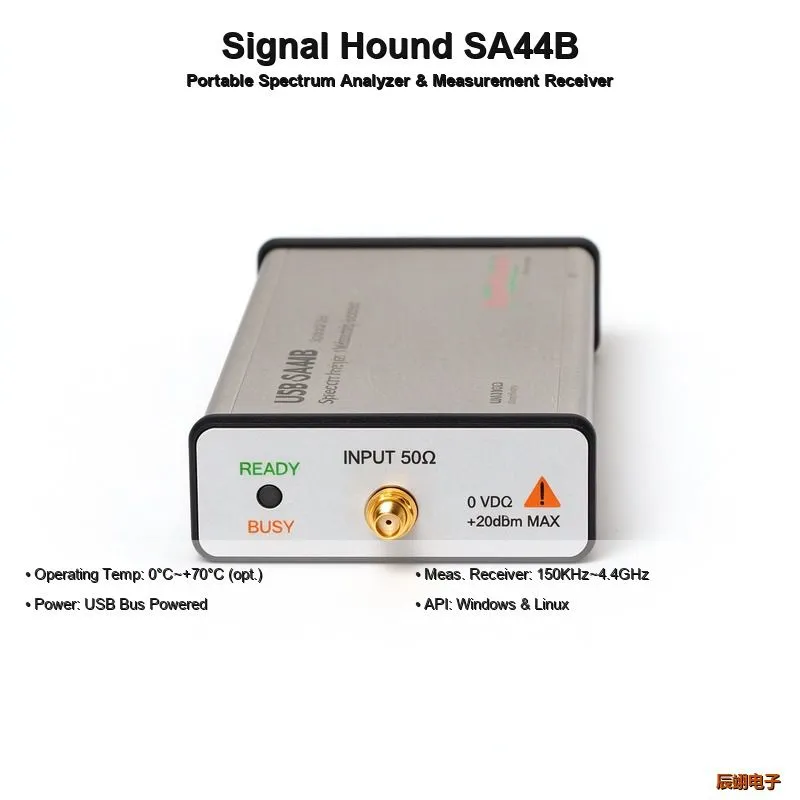
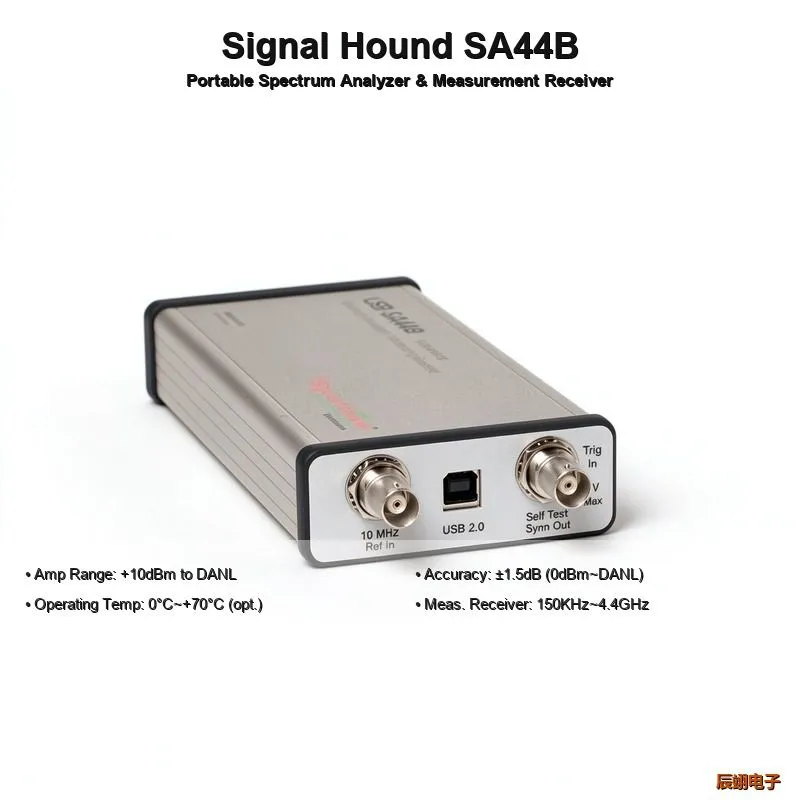
The SA44B is a palm-sized aluminium alloy box, and the instrument side uses a board-soldered micro-USB shell. In scenarios of "shared use + frequent plugging + cable under load", this is the weakest link in the chain:
Torque lands straight on the solder joints: the little box is light and its feet grip weakly, so unplugging or snagging the cable drags the whole instrument along. The micro-B shell's joints endure bending moment over time, and fatigue cracking is only a matter of when;
Forced insertion with mismatched hardware: jamming in an ordinary USB-A plug, or inserting and withdrawing at an angle, breaks the shell's plastic latches first and then puts shear load on the pads;
Teaching environments amplify it: students yank the cable after lab sessions, and instruments get pulled off the desk edge by their own leads — the USB-port failure rate on shared equipment is several times that of personal use;
Repair signature: this fault is not a software problem. Dropouts accompanied by looseness, recoverable by pressing the cable, are unambiguous physical evidence. Replacing a board-mounted shell is basic soldering rework — low cost, but it does require opening the enclosure (and even out of warranty it is far faster than a replacement unit).
On-Site Diagnosis
Cable substitution: if two known-good cables both drop, and flexing the cable body always breaks the link → instrument side. If moving to another port / another PC stabilizes it → instrument side confirmed;
Feel test: is there a "click" seating sensation when plugging, does the shell shift relative to the faceplate, and what do the pads look like when viewed at a prying angle;
Cable-pressure test: holding the cable at a particular angle maintains the connection → cracked solder joints (do not keep working it back and forth, since a fully torn joint can open the signal lines completely).
Repair and Prevention
Rework the shell: have after-sales / a repair house replace the micro-USB shell and reinforce the pads (a proper rework adds flying leads / pad rebuild). Cost and turnaround are far below a whole unit. Self-soldering is high risk and not recommended;
Relieve the strain (immediate effect):
switch to a 90° right-angle USB cable so the lead runs along the desk surface, eliminating the cantilever moment;
fix the instrument to the desk or the laptop base with hook-and-loop tape / double-sided tape, so "the cable moves, the box does not";
use desktop cable clips to anchor the lead, transferring the load point from the socket to the clip;
Course management: pair each SA44B with its cable permanently inside the lab kit, unplug at the instrument end only and never pull the cable body; check shell play once per semester;
Evaluate alternatives: for high-frequency-plug shared scenarios (production workstations), consider a fixed installation where a short cable plugs directly into the rear ports of an industrial PC, so the object being plugged and unplugged often becomes a workstation short lead rather than the instrument itself.
Acceptance Criteria
After rework, no dropout while the cable is lightly pressed in each of 4 directions for 10 seconds; no shell play after 50 consecutive insertions; strain-relief measures in place and recorded in the equipment file.
Sources: compiled from the Signal Hound SA44B product form factor (tiny enclosure, USB bus power, board-mounted interface) and general practice for repairing interfaces on portable instruments.
WhatsApp:+85268839563
Recently Posted
-
Signal Hound SA44B HF /ham monitoring: dirty spectrum with comb spurs — overload and intermodulation fixes,supplier
November 27, 2026Signal Hound SA44B spectrometer and measuring receiver supplierUsing the Signal Hound SA44B for HF Band Monitoring / Amateur Radio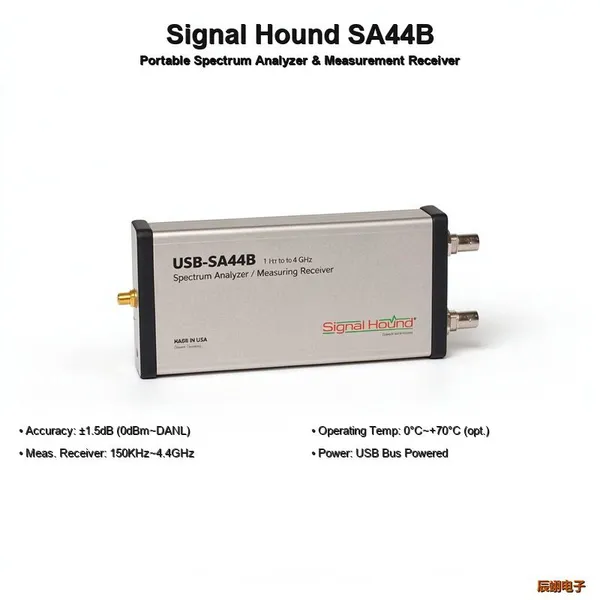 Read More
-
Signal Hound SA44B 1 Hz–10 kHz: 50 Hz comb artifacts & reading jitter vs scope — ground loop and DC offset pitfalls,supplier
November 27, 2026Signal Hound SA44B spectrometer and measuring receiver supplierMeasuring 1 Hz–10 kHz on the Signal Hound SA44B Fills the Screen Wi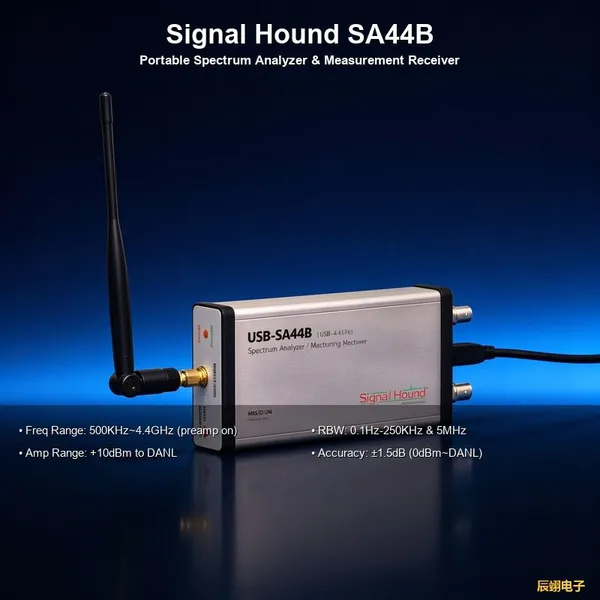 Read More
-
Signal Hound SA44B: IQ stalls tens of ms on frequency change — misaligned hopping data & reconfiguration overhead compensation,supplier
November 27, 2026Signal Hound SA44B spectrometer and measuring receiver supplierEvery Frequency Change Makes the Signal Hound SA44B IQ Stall for Tens of Milliseconds, and Frequency-Hopping Test Data Does Not Line Up — How to Compensate the IQ Reconfiguration Overhead?SymptomA user builds automated tests for a frequency-hopping radio or a frequency synthesizer with the Signal Hound SA44B. Each time the program changes the centre frequency, theRead More -
Signal Hound SA44B: Unrecognized /bricked after firmware update — SA44 and SA44B firmware not cross-flashable,supplier
November 27, 2026Signal Hound SA44B spectrometer and measuring receiver supplierA Firmware or Software Upgrade Left the Signal Hound SA44B Unrecogn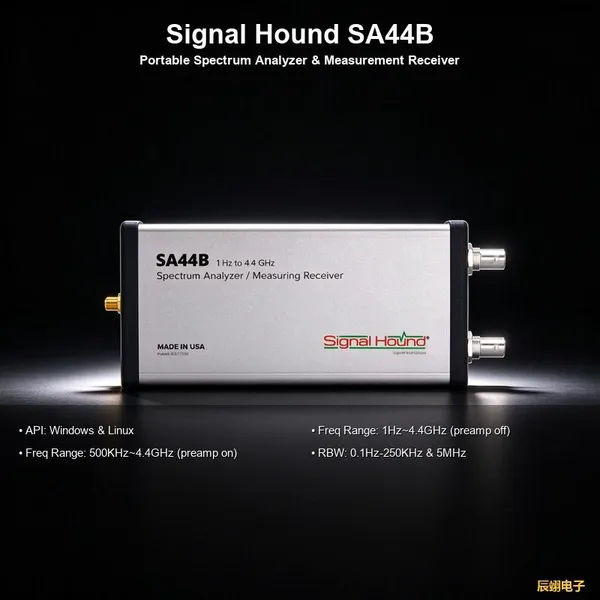 Read More

Contact Us
Recommended Products
-
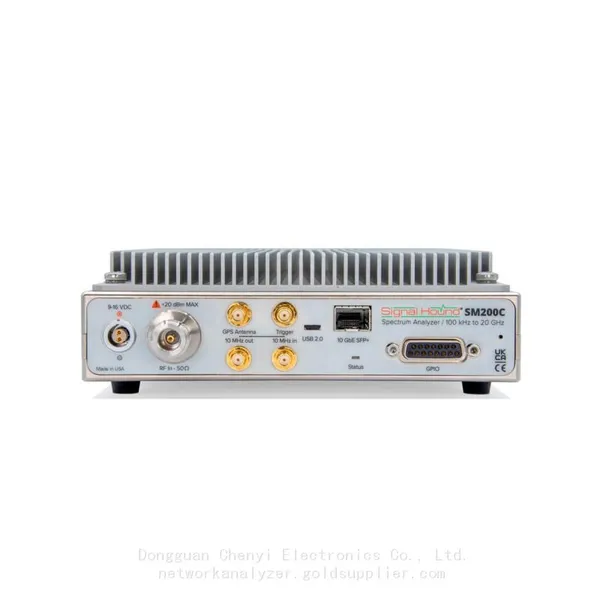
 Signal Hound SM200C 100 KHz to 20 GHz Real-time Spectrum Analyzer With 10GbE Monitoring ReceiversNegotiableMOQ: 1 Unit
-
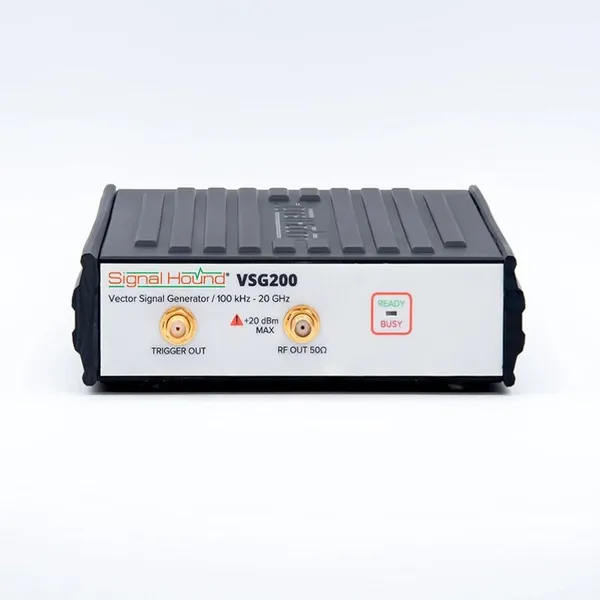
Signal Hound VSG200 Vector Signal Generator 100 KHz to 20 GHzNegotiableMOQ: 1 Unit
-
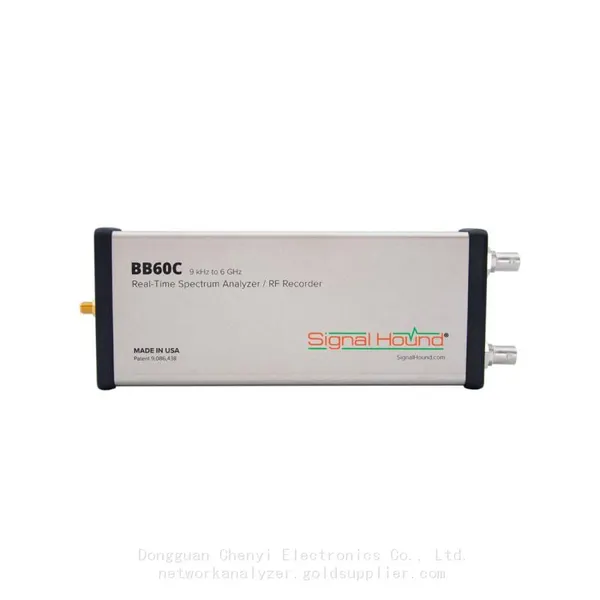
Signal Hound BB60C 9 KHz to 6 GHz Real-time Spectrum AnalyzerNegotiableMOQ: 1 Unit
-
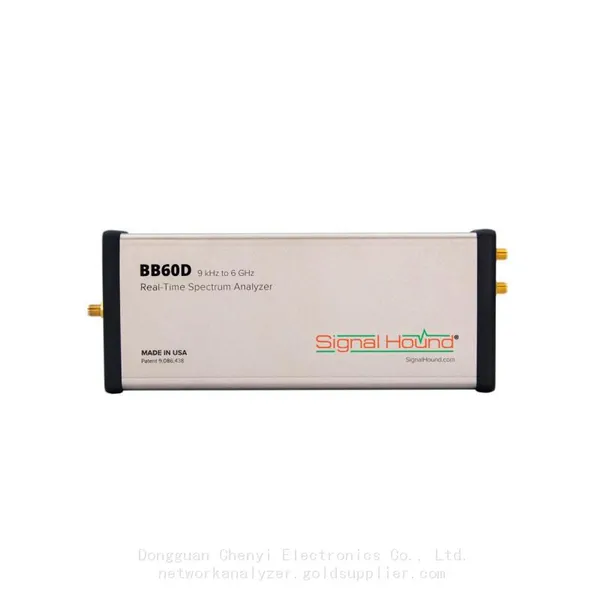
Signal Hound BB60D 9 KHz to 6 GHz Real-time Spectrum AnalyzerNegotiableMOQ: 1 Unit
-
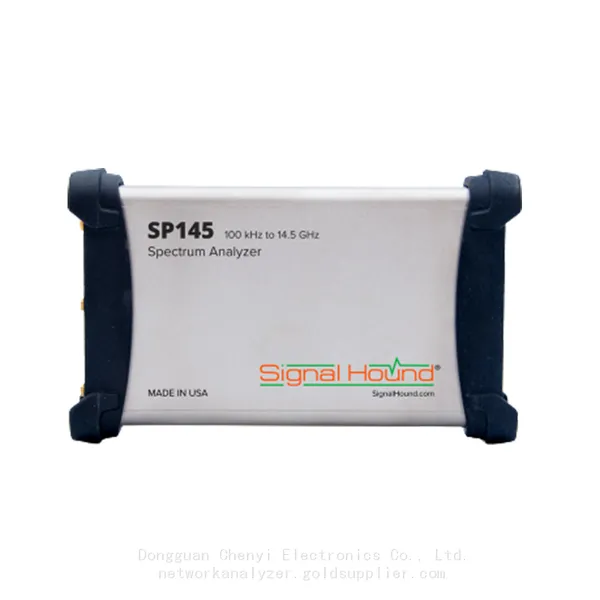
Signal Hound SP145 100 KHz to 14.5 GHz Real-time Spectrum Analyzer Monitoring ReceiversNegotiableMOQ: 1 Unit
-
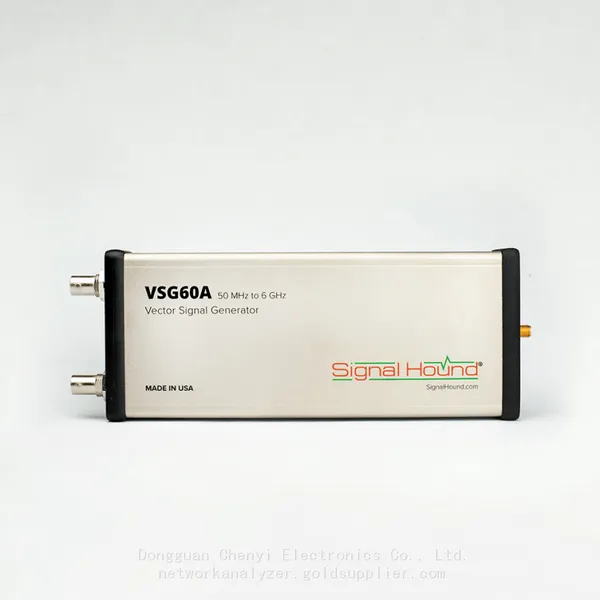
Signal Hound VSG60A 50 MHz to 6 GHz GHz Vector Signal GeneratorNegotiableMOQ: 1 Unit
-
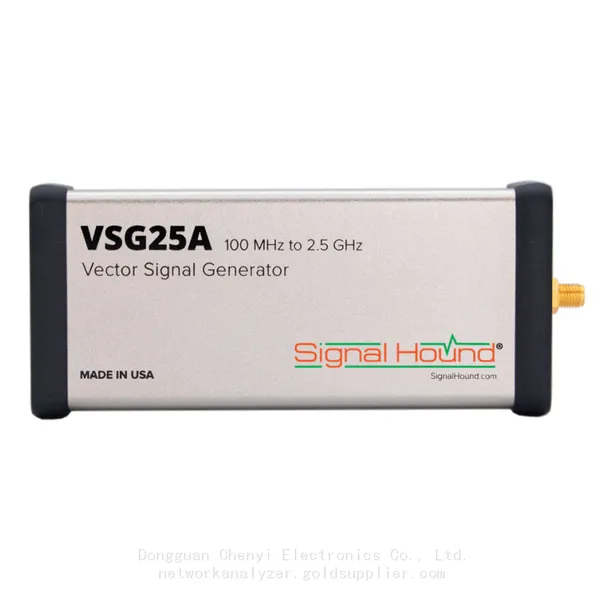
Signal Hound VSG25A 100 MHz to 2.5 GHz Vector Signal GeneratorNegotiableMOQ: 1 Unit
-
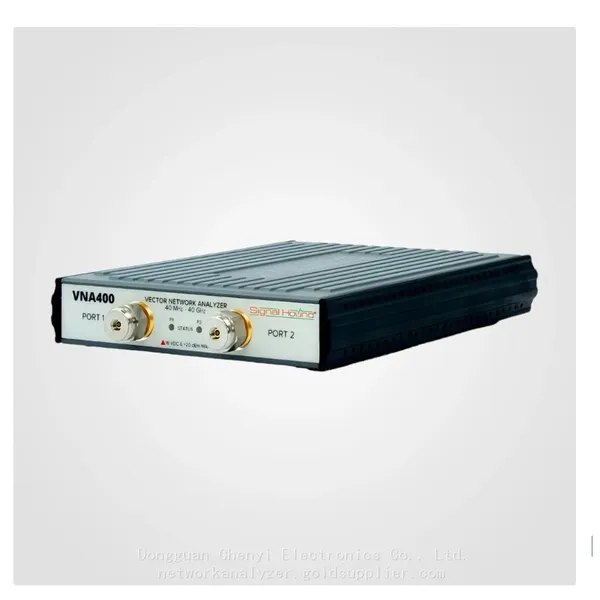
Signal Hound VNA400 40 MHz to 40 GHz 2-port Vector Network AnalyzerNegotiableMOQ: 1 Unit
-
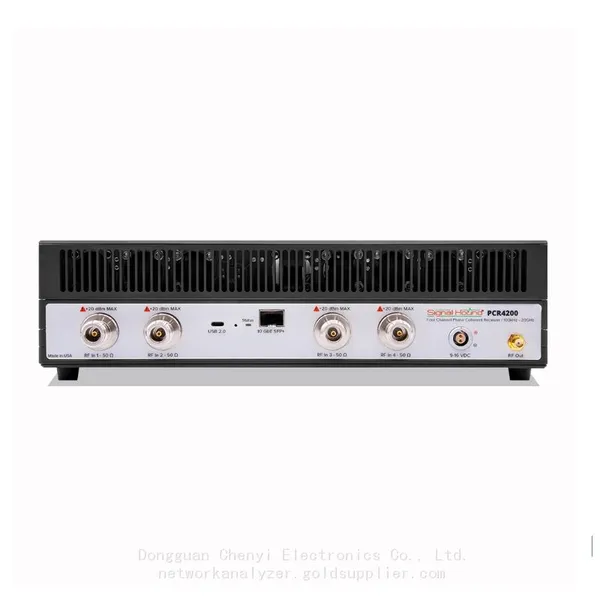
Signal Hound PCR4200 100 KHz to 20 GHz Four-Channel Phase Coherent ReceiverNegotiableMOQ: 1 Unit
-
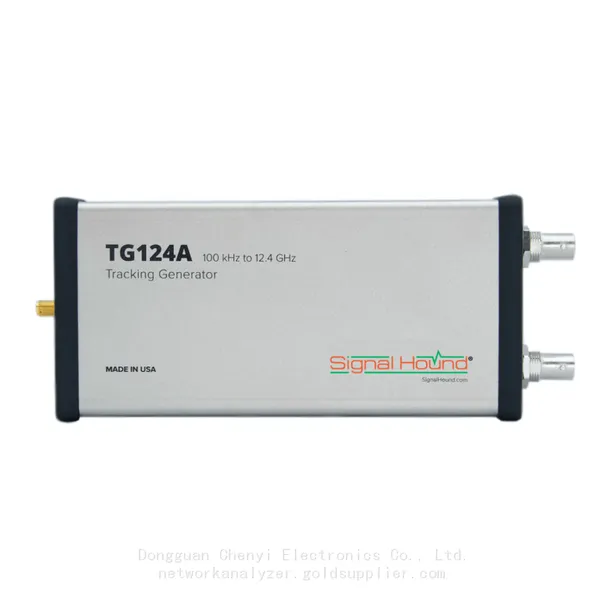
Signal Hound TG124A 100 KHz to 12.4 GHz Tracking GeneratorNegotiableMOQ: 1 Unit
-
Signal Hound TG44A 10 Hz to 4.4 GHz t Tracking GeneratorNegotiableMOQ: 1 Unit
-
Signal Hound SA124B 100 KHz to 12.4 GHz Spectrum AnalyzerNegotiableMOQ: 1 Unit
-
Signal Hound SA44B 1 Hz to 4.4 GHz Spectrum AnalyzerNegotiableMOQ: 1 Unit
-
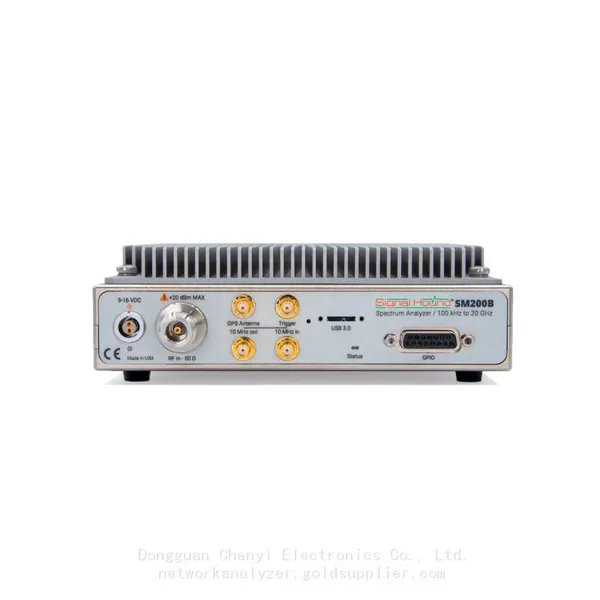
SM200B Real‑time Spectrum Analyzer,USB3.0 RTSA,100kHz-20GHz,calibrated I/Q Capture for 5G Test & Interference HuntingNegotiableMOQ: 1 Unit
-
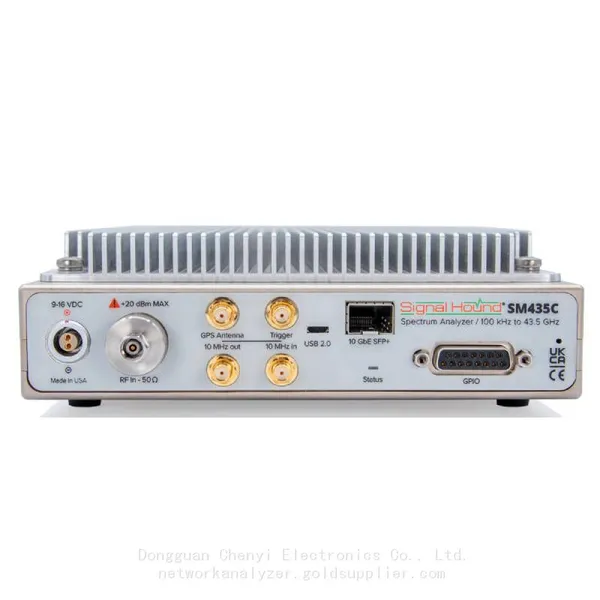
Signal Hound SM435C 100 KHz to 43.5GHz Real-time Spectrum Analyzer With 10GbE Monitoring ReceiversNegotiableMOQ: 1 Unit
-
Signal Hound SM435B 100 KHz to 43.5GHz Real-time Spectrum Analyzer Monitoring ReceiversNegotiableMOQ: 1 Unit
-
Signal Hound PN400 Phase Noise and VCO Test System 100 KHz to 43.5 GHzNegotiableMOQ: 1 Unit
-
Keysight E4980A Precision LCR Meter 20 Hz to 2 MHzNegotiableMOQ: 1 Unit
-
Keysight E4980B and E4980BL Precision LCR Meter 20 Hz to 2 MHzNegotiableMOQ: 1 Unit
-
Keysight U1733C Handheld LCR Meter 100Hz 120Hz 1kHz 10kHz 100kHzNegotiableMOQ: 1 Unit