
 Business License

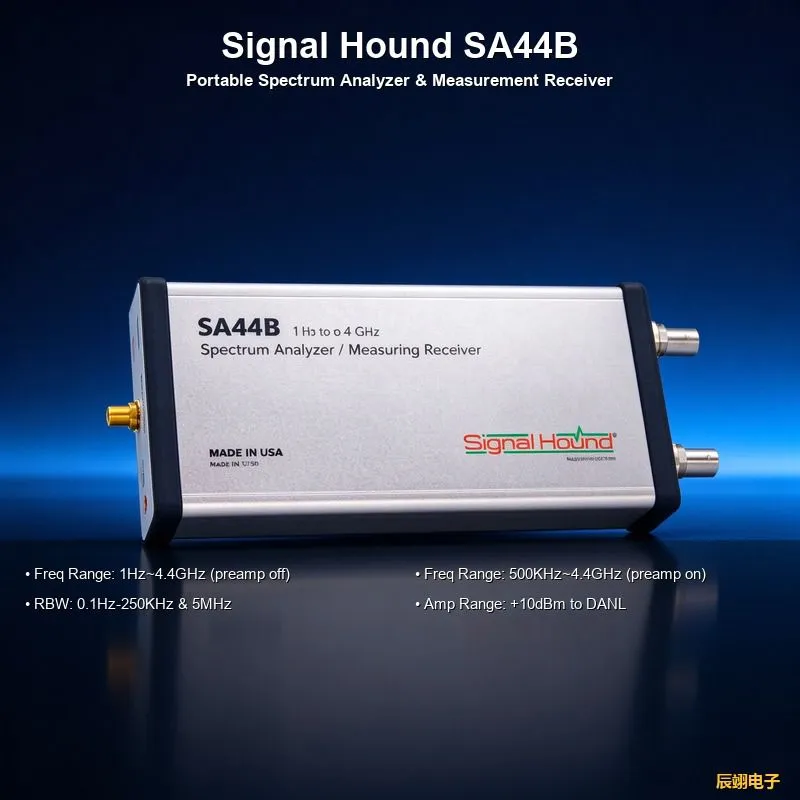
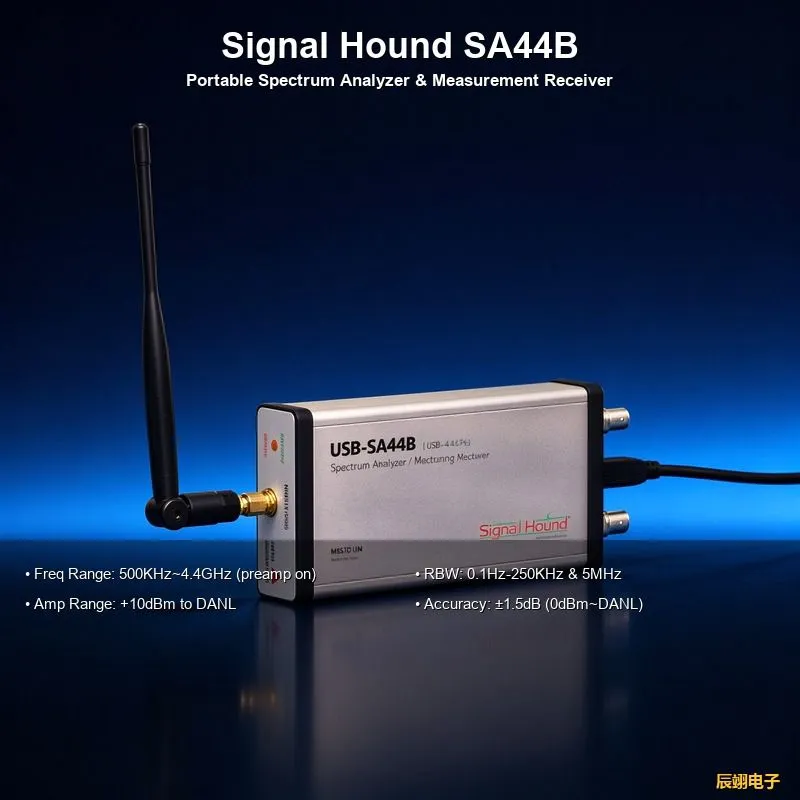
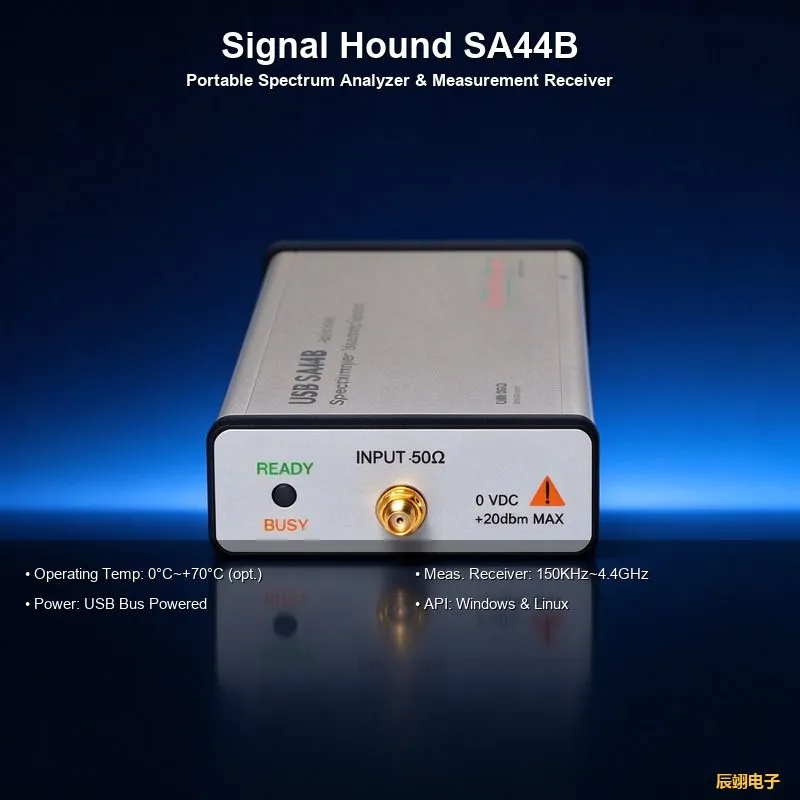
Signal Hound SA44B: IQ stalls tens of ms on frequency change — misaligned hopping data & reconfiguration overhead compensation,supplier
Signal Hound SA44B spectrometer and measuring receiver supplier
Every Frequency Change Makes the Signal Hound SA44B IQ Stall for Tens of Milliseconds, and Frequency-Hopping Test Data Does Not Line Up — How to Compensate the IQ Reconfiguration Overhead?
Symptom
A user builds automated tests for a frequency-hopping radio or a frequency synthesizer with the Signal Hound SA44B. Each time the program changes the centre frequency, the IQ stream "hitches" before resuming. When compiling per-channel dwell and trigger times, the "hop instant" recorded by the software turns out to be 15–60 ms away from the actual RF behaviour. During continuous multi-frequency sweeps, some channels capture IQ that is "the tail end of the previous channel". The user files a warranty claim: "the device is sluggish and the data is scrambled".
Root Cause Analysis
This is the inherent reconfiguration overhead of the SA44B's (and same-architecture USB models') IQ data path, and the official forum answer is explicit: each reconfiguration of the I/Q stream (change of centre frequency, bandwidth, gain, etc.) takes roughly 15–60 ms, which includes a brief acquisition-and-settle pass after every configuration. The common mistakes around this number:
Treating the "configuration acknowledged" reply as "RF settled": after the API returns success, the LO and filters are still converging. Reading immediately captures the transient state — which shows up as "IQ contaminated by the previous channel's signal";
No margin in the timing budget: an automation script hopping on a 5 ms tick actually consumes tens of milliseconds per step on the SA44B, so accumulated drift misaligns the whole test run's timeline against the event log;
Using IQ timestamps as wall clock: the SA44B has no GPS-disciplined reference (unlike the SM series), so absolute time accuracy over long measurements is limited by ppm-level drift of the internal timebase. Cross-device event comparison needs an external time mark;
Spur suppression left wrongly on or off: the official community notes that spur suppression should be disabled during low-input-power precision measurement. Leaving it on while acquiring IQ degrades both reconfiguration time and transients.
Compensation and Optimization
Wait for it to take effect before acquiring: add a fixed 60 ms delay (take the upper bound) after every frequency set, or poll device status until ready before requesting IQ. Better to wait 50 ms extra per step than to capture dirty data and re-measure;
Discard the first buffer: after each hop, throw away the first block of buffered data before storing, avoiding transient contamination;
Cut unnecessary reconfigurations: for fine-grained frequency analysis inside the same 250 kHz channel, prefer one acquisition covering the whole channel plus offline FFT / in-channel search, rather than hopping the centre frequency point by point;
Design the tick table from the worst case: budget automation time at 60 ms per configuration and compute duty cycle for multi-frequency polling accordingly. Projects with tighter ticks should evaluate the BB series or a vector network analyzer;
Toggle spur suppression as needed: keep it on for routine broadband sweeps (it rejects image spurs), turn it off and record the state for low-level IQ precision work, and manage the two scenarios as separate templates;
Time-alignment strategy: label each IQ segment using "command issue time + measured reconfiguration delay", and note that uncertainty window in the report.
Acceptance Criteria
The first IQ sample at each hop contains no residue from the previous channel. Measured hop recovery time falls within the 15–60 ms band and stays inside the program's margin. Timeline drift over long runs can be explained by the external time mark.
Sources: compiled from the Signal Hound official forum answer on SA44B I/Q stream reconfiguration time of 15–60 ms, and community guidance on spur suppression during low-power measurement.
WhatsApp:+85268839563
Recently Posted
-
Signal Hound SA44B HF /ham monitoring: dirty spectrum with comb spurs — overload and intermodulation fixes,supplier
November 27, 2026Signal Hound SA44B spectrometer and measuring receiver supplierUsing the Signal Hound SA44B for HF Band Monitoring / Amateur Radio Read More
-
Micro‑USB port intermittent connection and mechanical wobble when cable is moved — instrument-side shell failure prevention,supplier
November 27, 2026Signal Hound SA44B spectrometer and measuring receiver supplierThe Connection Drops Whenever the Cable Is Nudged, and Eventually t Read More
-
Signal Hound SA44B 1 Hz–10 kHz: 50 Hz comb artifacts & reading jitter vs scope — ground loop and DC offset pitfalls,supplier
November 27, 2026Signal Hound SA44B spectrometer and measuring receiver supplierMeasuring 1 Hz–10 kHz on the Signal Hound SA44B Fills the Screen Wi Read More
-
Signal Hound SA44B: Unrecognized /bricked after firmware update — SA44 and SA44B firmware not cross-flashable,supplier
November 27, 2026Signal Hound SA44B spectrometer and measuring receiver supplierA Firmware or Software Upgrade Left the Signal Hound SA44B Unrecogn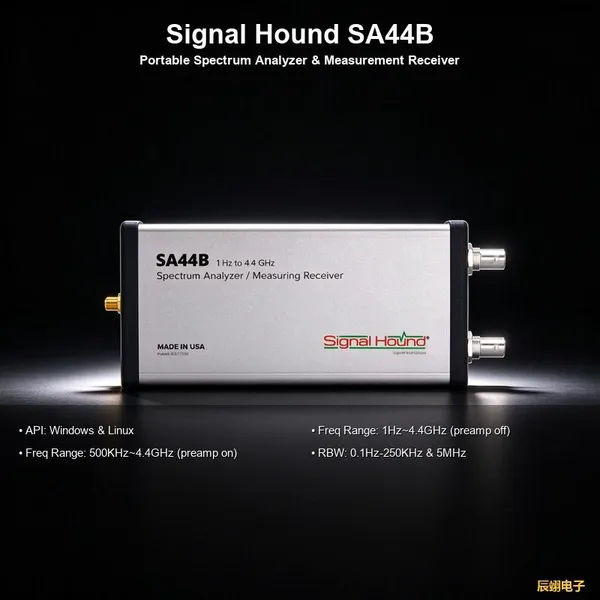 Read More

Contact Us
Recommended Products
-
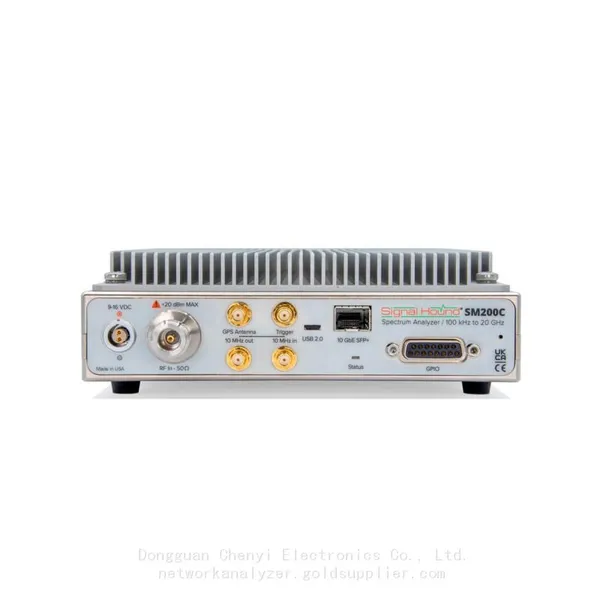
 Signal Hound SM200C 100 KHz to 20 GHz Real-time Spectrum Analyzer With 10GbE Monitoring ReceiversNegotiableMOQ: 1 Unit
-
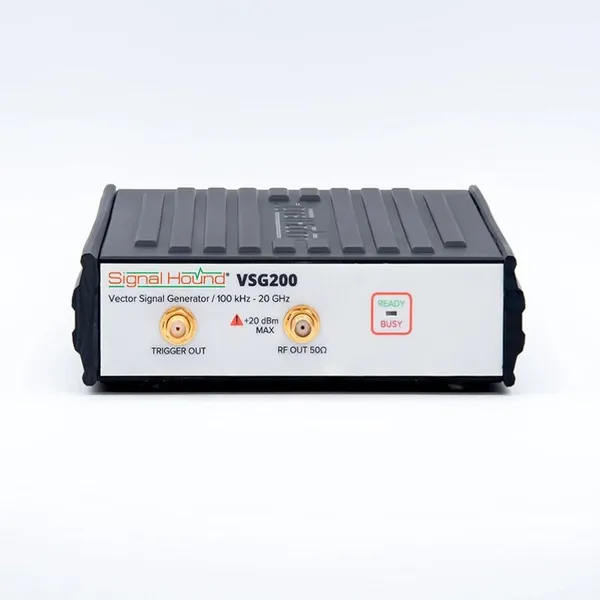
Signal Hound VSG200 Vector Signal Generator 100 KHz to 20 GHzNegotiableMOQ: 1 Unit
-
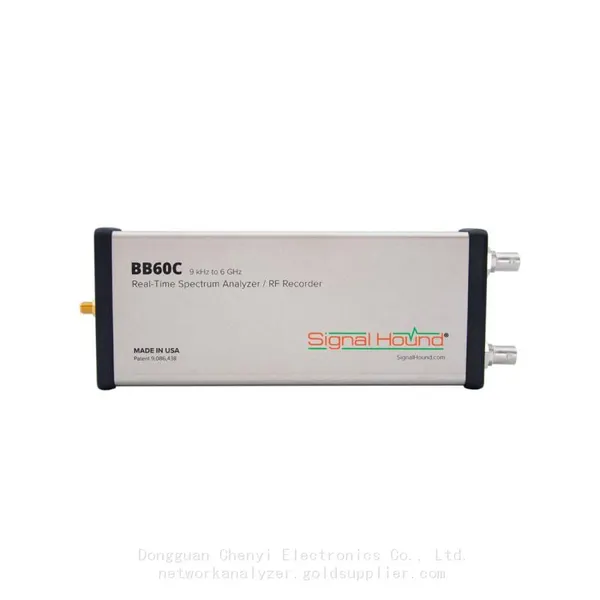
Signal Hound BB60C 9 KHz to 6 GHz Real-time Spectrum AnalyzerNegotiableMOQ: 1 Unit
-
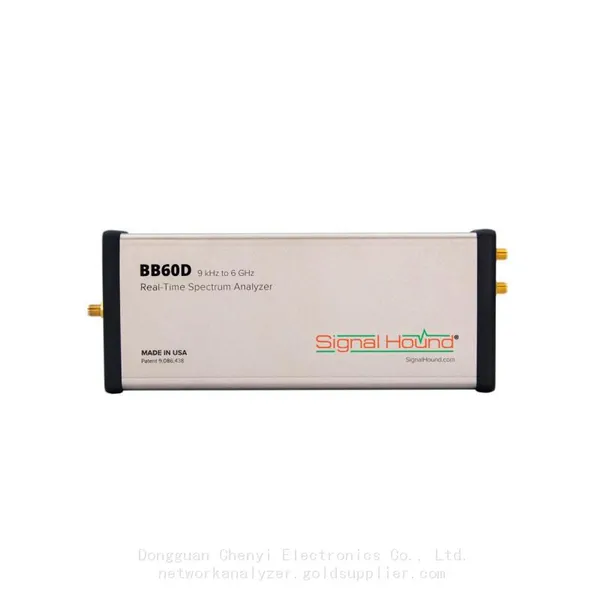
Signal Hound BB60D 9 KHz to 6 GHz Real-time Spectrum AnalyzerNegotiableMOQ: 1 Unit
-
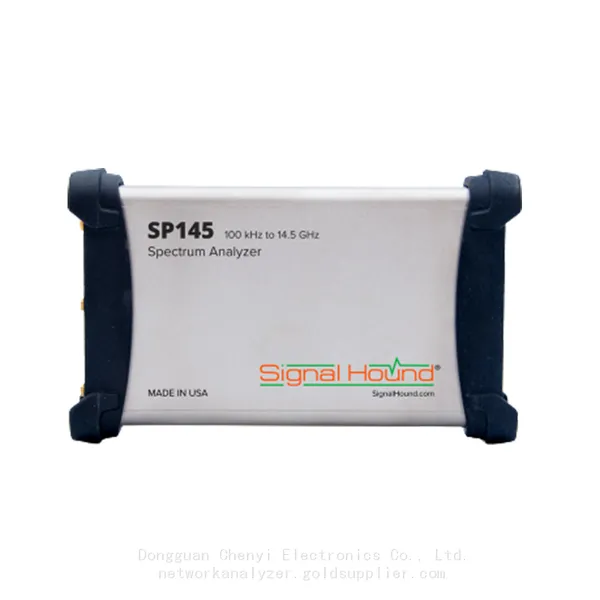
Signal Hound SP145 100 KHz to 14.5 GHz Real-time Spectrum Analyzer Monitoring ReceiversNegotiableMOQ: 1 Unit
-
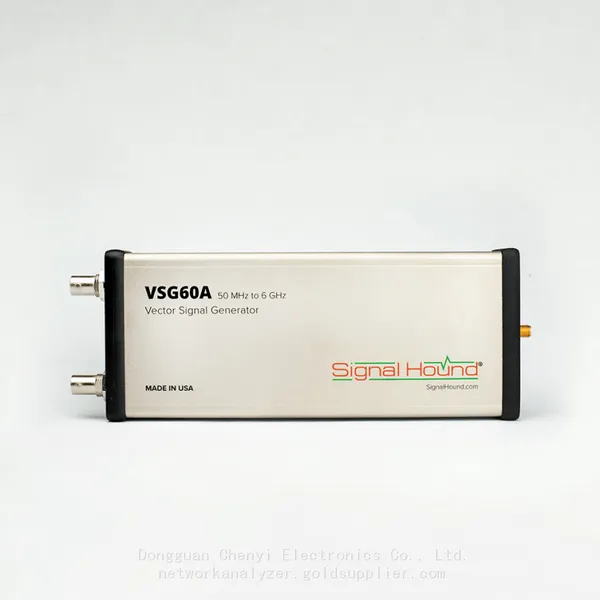
Signal Hound VSG60A 50 MHz to 6 GHz GHz Vector Signal GeneratorNegotiableMOQ: 1 Unit
-
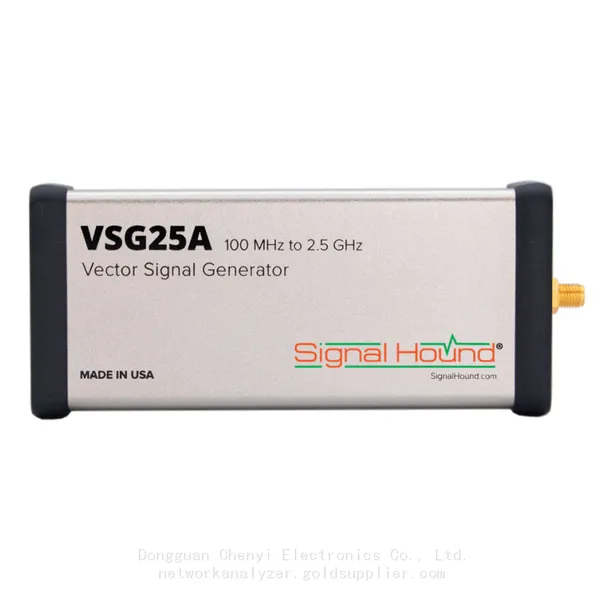
Signal Hound VSG25A 100 MHz to 2.5 GHz Vector Signal GeneratorNegotiableMOQ: 1 Unit
-
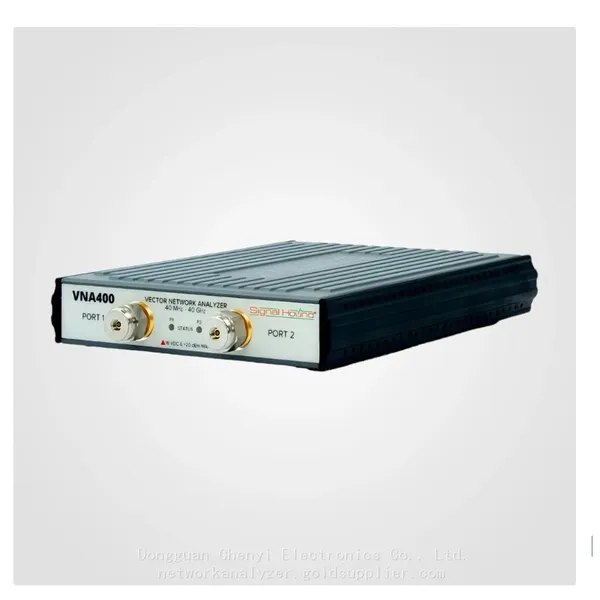
Signal Hound VNA400 40 MHz to 40 GHz 2-port Vector Network AnalyzerNegotiableMOQ: 1 Unit
-
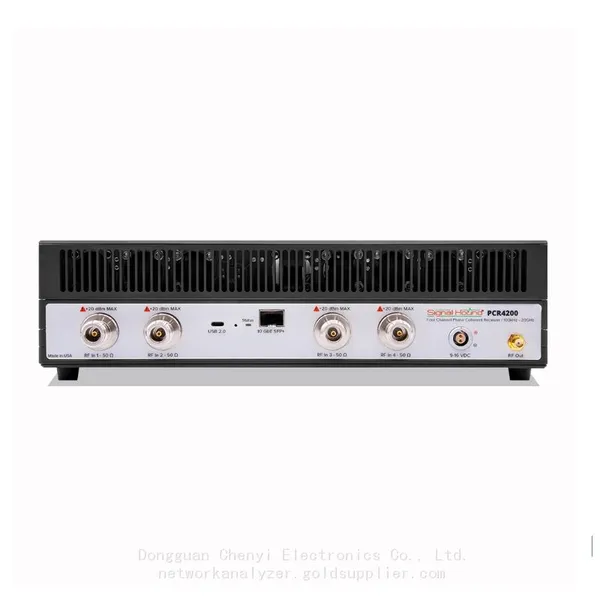
Signal Hound PCR4200 100 KHz to 20 GHz Four-Channel Phase Coherent ReceiverNegotiableMOQ: 1 Unit
-
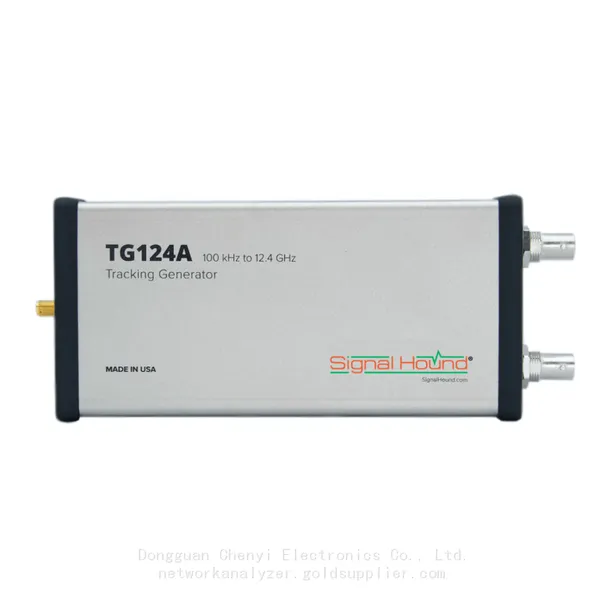
Signal Hound TG124A 100 KHz to 12.4 GHz Tracking GeneratorNegotiableMOQ: 1 Unit
-
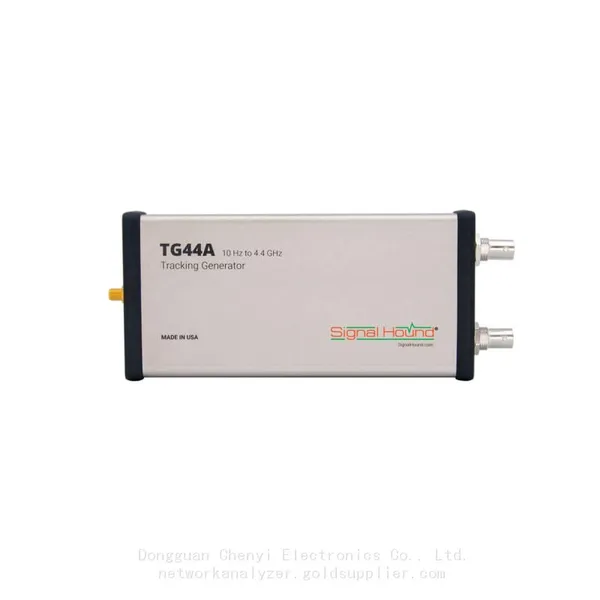
Signal Hound TG44A 10 Hz to 4.4 GHz t Tracking GeneratorNegotiableMOQ: 1 Unit
-
Signal Hound SA124B 100 KHz to 12.4 GHz Spectrum AnalyzerNegotiableMOQ: 1 Unit
-
Signal Hound SA44B 1 Hz to 4.4 GHz Spectrum AnalyzerNegotiableMOQ: 1 Unit
-
SM200B Real‑time Spectrum Analyzer,USB3.0 RTSA,100kHz-20GHz,calibrated I/Q Capture for 5G Test & Interference HuntingNegotiableMOQ: 1 Unit
-
Signal Hound SM435C 100 KHz to 43.5GHz Real-time Spectrum Analyzer With 10GbE Monitoring ReceiversNegotiableMOQ: 1 Unit
-
Signal Hound SM435B 100 KHz to 43.5GHz Real-time Spectrum Analyzer Monitoring ReceiversNegotiableMOQ: 1 Unit
-
Signal Hound PN400 Phase Noise and VCO Test System 100 KHz to 43.5 GHzNegotiableMOQ: 1 Unit
-
Keysight E4980A Precision LCR Meter 20 Hz to 2 MHzNegotiableMOQ: 1 Unit
-
Keysight E4980B and E4980BL Precision LCR Meter 20 Hz to 2 MHzNegotiableMOQ: 1 Unit
-
Keysight U1733C Handheld LCR Meter 100Hz 120Hz 1kHz 10kHz 100kHzNegotiableMOQ: 1 Unit