
 Business License

Signal Hound SA44B: Unrecognized /bricked after firmware update — SA44 and SA44B firmware not cross-flashable,supplier
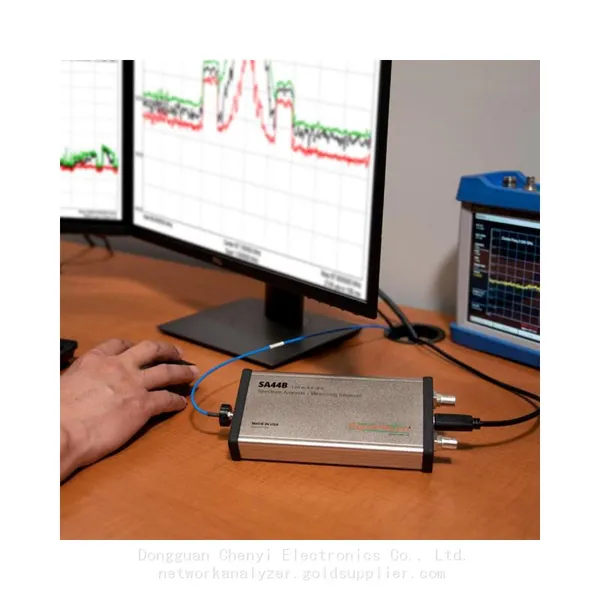
Signal Hound SA44B spectrometer and measuring receiver supplier
A Firmware or Software Upgrade Left the Signal Hound SA44B Unrecognized, Even Bricked — Legacy SA44 and SA44B Firmware Are Not Cross-Flammable
Symptom
Three typical situations: ① a user downloads "SA44 firmware 1.31" from the internet and flashes it into an Signal Hound SA44B; afterwards the device does not enumerate at all. ② A lab has both SA44 (legacy) and SA44B units and shares one download bundle and one set of documentation — as a result the legacy unit cannot find its tracking source and the new unit behaves abnormally. ③ After upgrading from an older Spike / BBApp version to a newer one, the SA44B reports "not supported" or large parts of the menu are greyed out.
Root Cause Analysis
The SA series has discontinuities in model suffix and firmware generation, and mixing them is the main source of these faults:
Firmware is not interchangeable: the official firmware list explicitly marks certain versions (for example 1.31) as "For USB-SA44 only. NOT FOR USB-SA44B" — the hardware and firmware images of the legacy SA44 and the SA44B are independent of each other. Flashing legacy firmware into a B variant is a fatal mis-operation that can leave the device stuck in an abnormal state;
Feature and accessory differences: support for the tracking generator (TG44A), IQ bandwidth, image/spur algorithms and so on differs between the two generations. Using the wrong documentation leads to "the feature obviously exists but will not open";
Software-generation discontinuity: Signal Hound later unified support for the whole SA/TG/BB/SM family under the single Spike platform, whereas early SA-series units used software from the BBApp era. When migrating up from old software, the driver, the API and the firmware must be aligned together — upgrading only one of them yields "it sweeps, but features are missing";
Hidden gaps on second-hand / stock units: years-old inventory units sit on early firmware versions and may trigger compatibility warnings when connected to a current Spike build.
Troubleshooting Steps
A. Unrecognized after a mis-flash (most urgent)
Stop flashing immediately. Try again on a clean host machine, using a native rear USB port plus the short factory cable;
Use the official firmware update tool for the correct model and see whether it recognizes the device and can rewrite the proper image (update tools usually support re-flashing devices in an abnormal state). Keep power applied throughout and disable hibernation;
If recognition keeps failing, send it for repair with the model and the full flashing history explained. Do not open the enclosure yourself.
B. Version-confusion debugging (connects, but misbehaves)
Confirm the model: read the nameplate on the chassis plus the device model / firmware version in the Spike status bar, and establish first whether what you hold is an SA44 or an SA44B;
Use only resources from the official SA44B download page: take drivers, Spike, API and firmware by exact model. Do not download "universal packages" and do not borrow old builds from third-party file-sharing drives;
Fixed upgrade order: back up settings → uninstall old software and driver → install the new Spike → flash the firmware matching the model → unplug and reconnect → verify version numbers;
Labs mixing legacy units: label the two device classes separately and keep their firmware and documentation in separate folders. Address automation scripts by serial number plus model; never open "whatever device is first by default";
API secondary development: confirm that your SDK version supports the SA44B (the SA-series programming interface differs from SM/BB), and match bitness and runtime dependencies. Do not directly reuse sample code written for the old SA44.
Prevention
Keep a five-field record per instrument — model / serial number / firmware / Spike / API — and pilot any upgrade on one unit first. For a legacy SA44 with no need for new features such as a tracking source, simply lock it at its current version and stop tinkering.
Sources: compiled from the official Signal Hound SA44B / SA124B download pages, distributor firmware lists (marking 1.31 as applicable to USB-SA44 only, not SA44B), and public documentation of the unified Spike platform.
WhatsApp:+85268839563
Recently Posted
-
Signal Hound SA44B HF /ham monitoring: dirty spectrum with comb spurs — overload and intermodulation fixes,supplier
November 27, 2026Signal Hound SA44B spectrometer and measuring receiver supplierUsing the Signal Hound SA44B for HF Band Monitoring / Amateur Radio Read More
-
Micro‑USB port intermittent connection and mechanical wobble when cable is moved — instrument-side shell failure prevention,supplier
November 27, 2026Signal Hound SA44B spectrometer and measuring receiver supplierThe Connection Drops Whenever the Cable Is Nudged, and Eventually t Read More
-
Signal Hound SA44B 1 Hz–10 kHz: 50 Hz comb artifacts & reading jitter vs scope — ground loop and DC offset pitfalls,supplier
November 27, 2026Signal Hound SA44B spectrometer and measuring receiver supplierMeasuring 1 Hz–10 kHz on the Signal Hound SA44B Fills the Screen Wi Read More
-
Signal Hound SA44B: IQ stalls tens of ms on frequency change — misaligned hopping data & reconfiguration overhead compensation,supplier
November 27, 2026Signal Hound SA44B spectrometer and measuring receiver supplierEvery Frequency Change Makes the Signal Hound SA44B IQ Stall for Tens of Milliseconds, and Frequency-Hopping Test Data Does Not Line Up — How to Compensate the IQ Reconfiguration Overhead?SymptomA user builds automated tests for a frequency-hopping radio or a frequency synthesizer with the Signal Hound SA44B. Each time the program changes the centre frequency, theRead More

Contact Us
Recommended Products
-
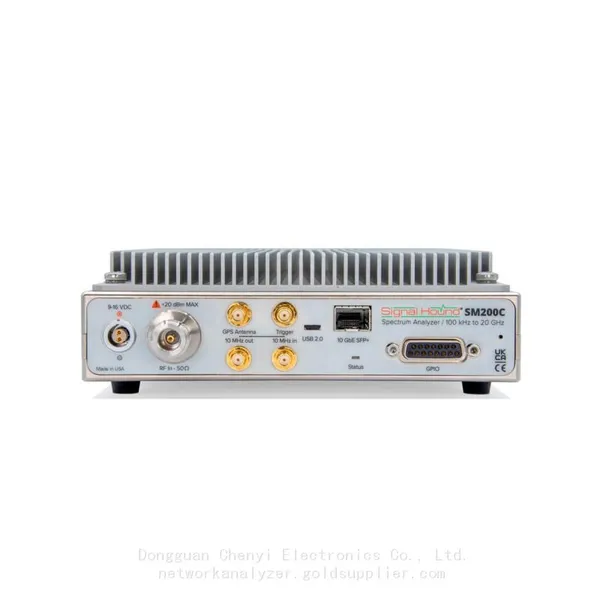
 Signal Hound SM200C 100 KHz to 20 GHz Real-time Spectrum Analyzer With 10GbE Monitoring ReceiversNegotiableMOQ: 1 Unit
-
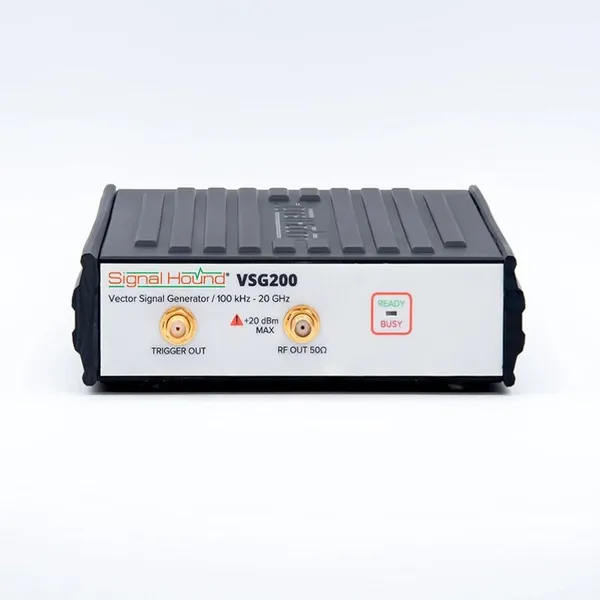
Signal Hound VSG200 Vector Signal Generator 100 KHz to 20 GHzNegotiableMOQ: 1 Unit
-
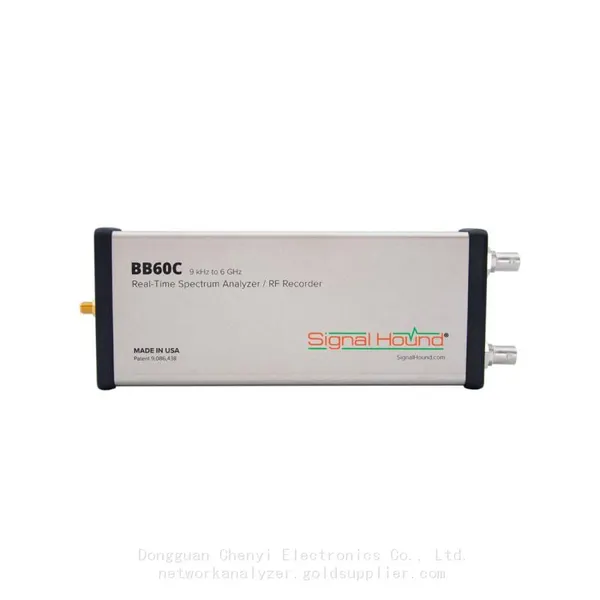
Signal Hound BB60C 9 KHz to 6 GHz Real-time Spectrum AnalyzerNegotiableMOQ: 1 Unit
-
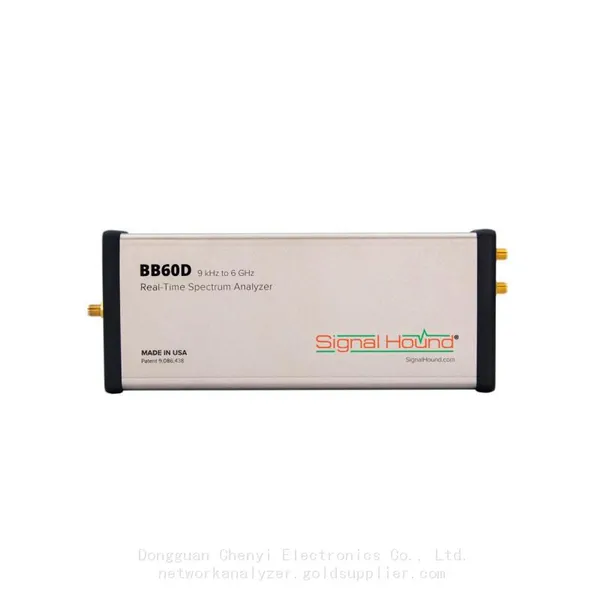
Signal Hound BB60D 9 KHz to 6 GHz Real-time Spectrum AnalyzerNegotiableMOQ: 1 Unit
-
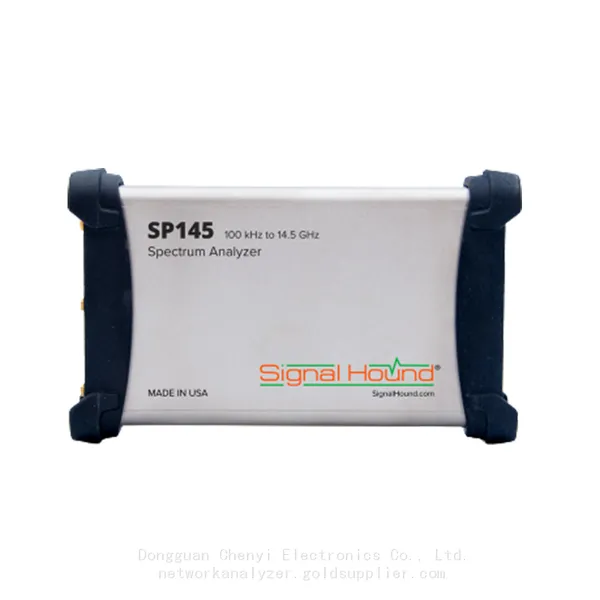
Signal Hound SP145 100 KHz to 14.5 GHz Real-time Spectrum Analyzer Monitoring ReceiversNegotiableMOQ: 1 Unit
-
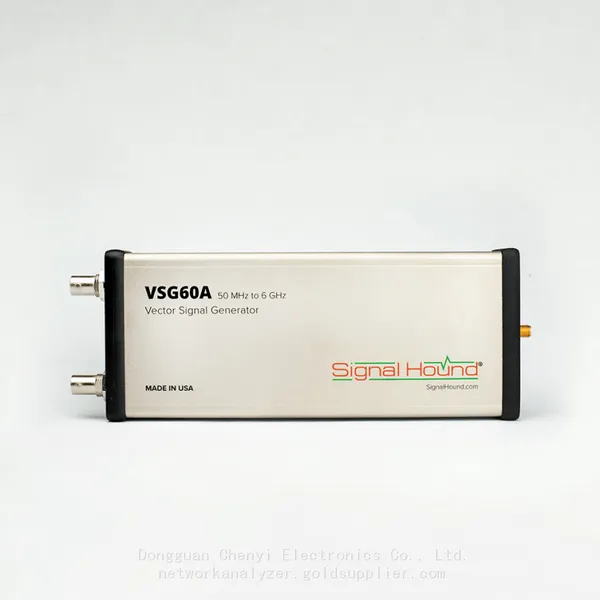
Signal Hound VSG60A 50 MHz to 6 GHz GHz Vector Signal GeneratorNegotiableMOQ: 1 Unit
-
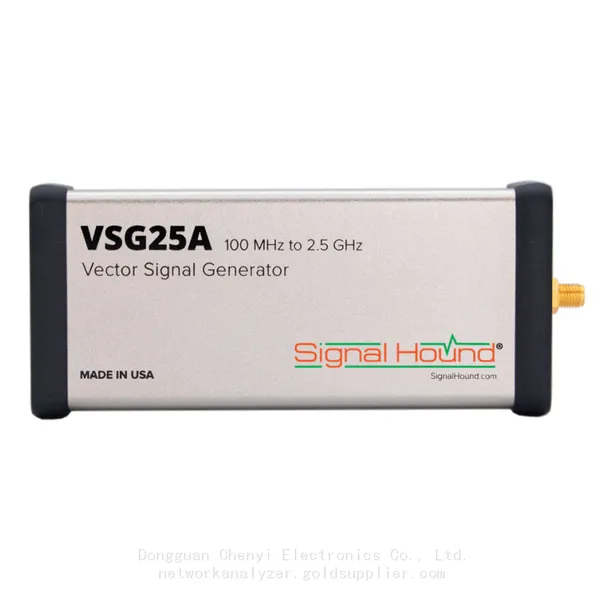
Signal Hound VSG25A 100 MHz to 2.5 GHz Vector Signal GeneratorNegotiableMOQ: 1 Unit
-
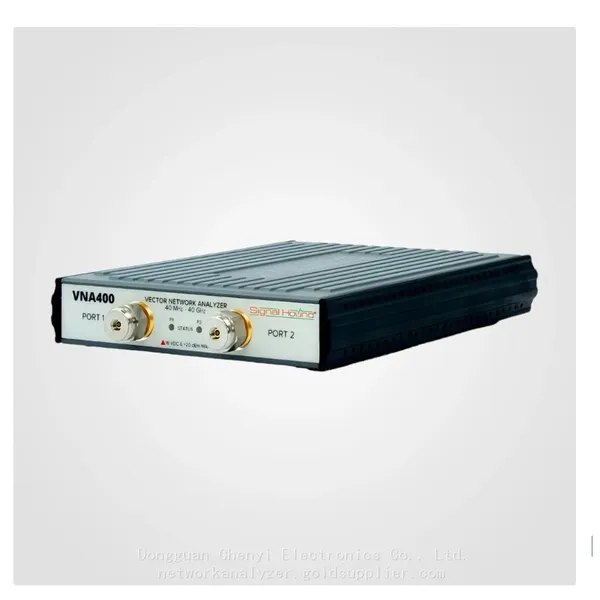
Signal Hound VNA400 40 MHz to 40 GHz 2-port Vector Network AnalyzerNegotiableMOQ: 1 Unit
-
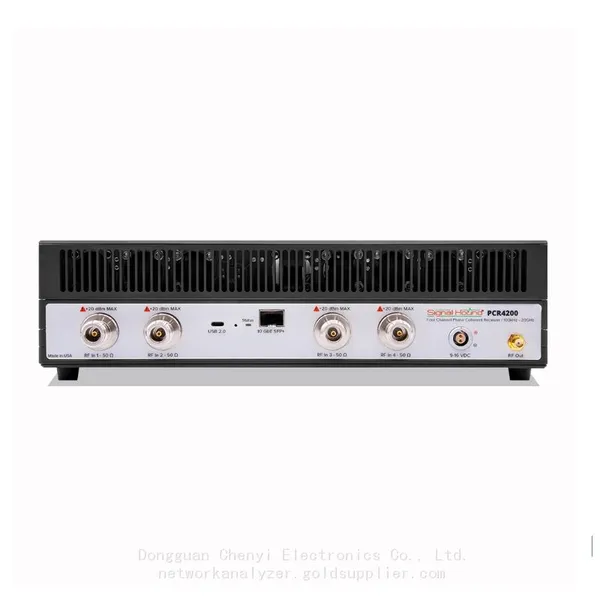
Signal Hound PCR4200 100 KHz to 20 GHz Four-Channel Phase Coherent ReceiverNegotiableMOQ: 1 Unit
-
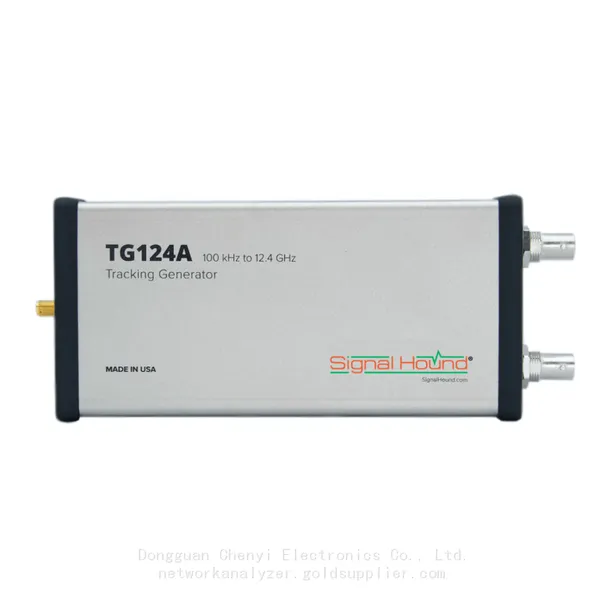
Signal Hound TG124A 100 KHz to 12.4 GHz Tracking GeneratorNegotiableMOQ: 1 Unit
-
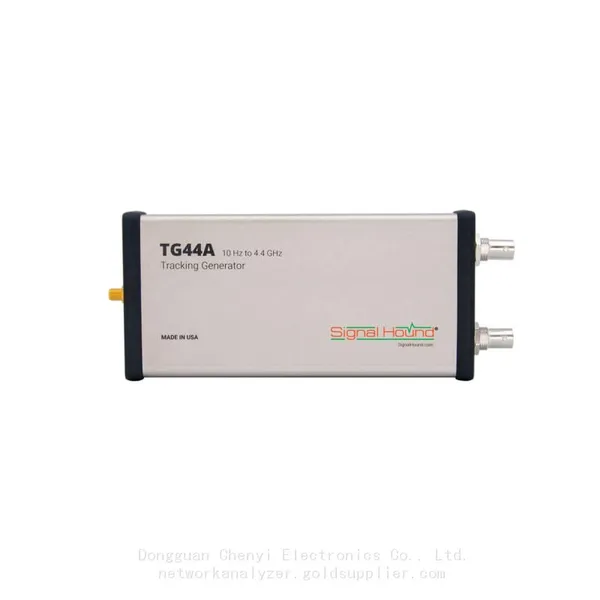
Signal Hound TG44A 10 Hz to 4.4 GHz t Tracking GeneratorNegotiableMOQ: 1 Unit
-
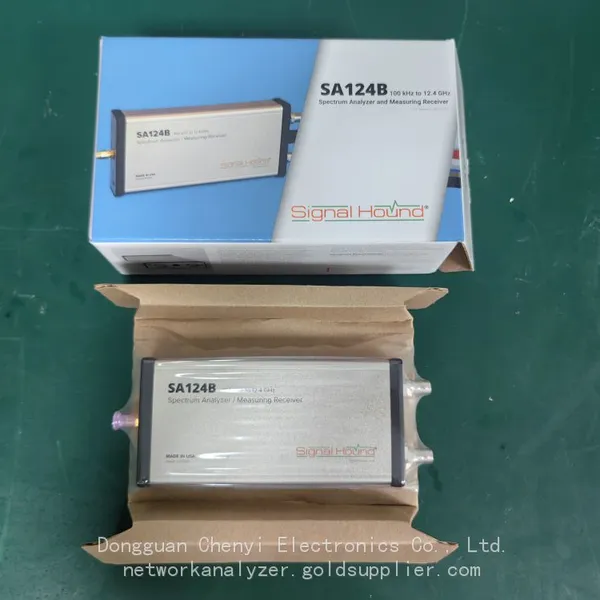
Signal Hound SA124B 100 KHz to 12.4 GHz Spectrum AnalyzerNegotiableMOQ: 1 Unit
-
Signal Hound SA44B 1 Hz to 4.4 GHz Spectrum AnalyzerNegotiableMOQ: 1 Unit
-
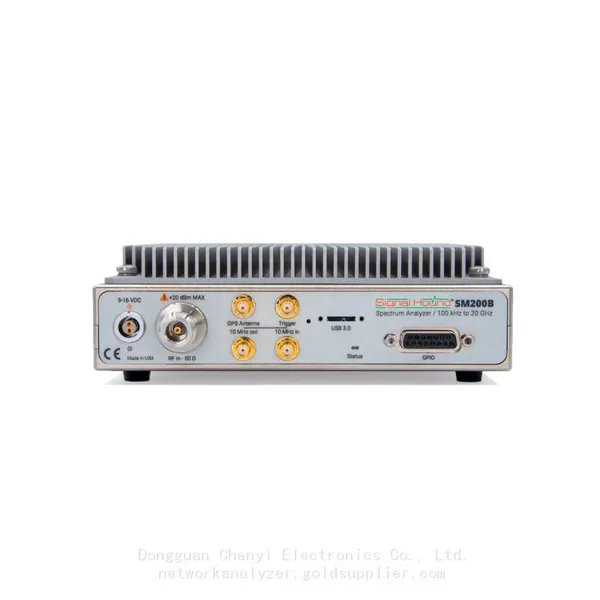
SM200B Real‑time Spectrum Analyzer,USB3.0 RTSA,100kHz-20GHz,calibrated I/Q Capture for 5G Test & Interference HuntingNegotiableMOQ: 1 Unit
-
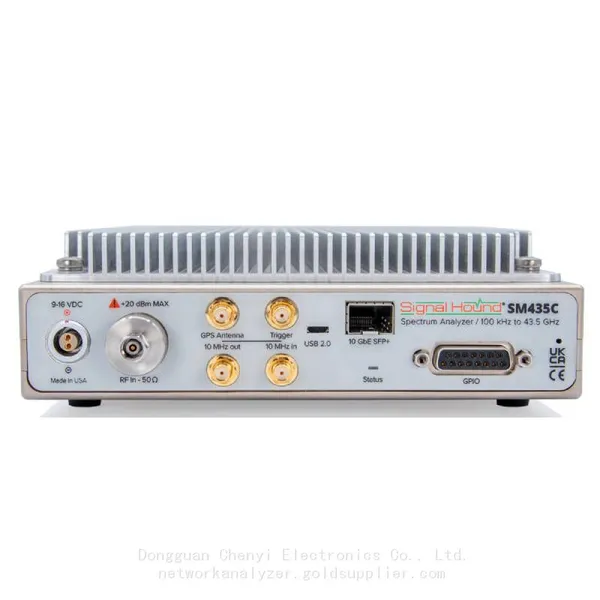
Signal Hound SM435C 100 KHz to 43.5GHz Real-time Spectrum Analyzer With 10GbE Monitoring ReceiversNegotiableMOQ: 1 Unit
-
Signal Hound SM435B 100 KHz to 43.5GHz Real-time Spectrum Analyzer Monitoring ReceiversNegotiableMOQ: 1 Unit
-
Signal Hound PN400 Phase Noise and VCO Test System 100 KHz to 43.5 GHzNegotiableMOQ: 1 Unit
-
Keysight E4980A Precision LCR Meter 20 Hz to 2 MHzNegotiableMOQ: 1 Unit
-
Keysight E4980B and E4980BL Precision LCR Meter 20 Hz to 2 MHzNegotiableMOQ: 1 Unit
-
Keysight U1733C Handheld LCR Meter 100Hz 120Hz 1kHz 10kHz 100kHzNegotiableMOQ: 1 Unit