
 Business License

Signal Hound PN400 SM Pair Fails: One Connects, One Timeouts, XC Menu Greyed Out,supplier
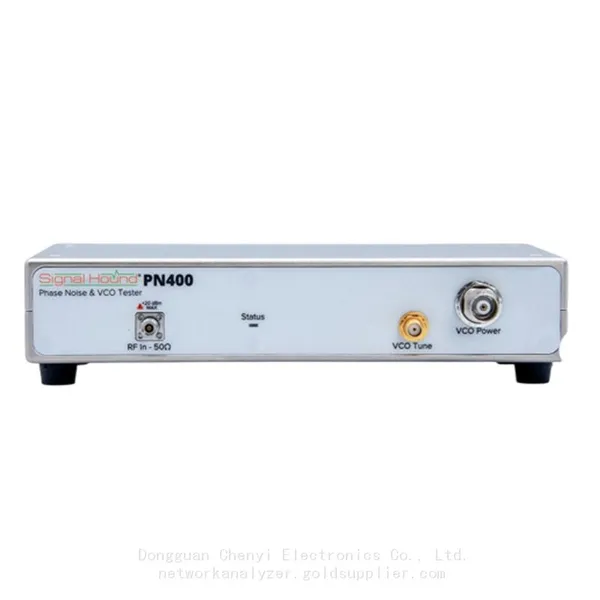
Signal Hound PN400 phase noise and VCO tester supplier
The two SM analyzers in a Signal Hound PN400 "won't form a pair": one connects, the other times out, and the cross-correlation menu is greyed out — pairing and link troubleshooting
Symptom
After powering up the Signal Hound PN400 system, one SM connects normally in the phase-noise software while the other repeatedly times out or shows "offline". When both barely manage to connect, the cross-correlation function is greyed out and unselectable. It works in the morning and misbehaves after a reconnect in the afternoon. Someone bought a third SM to add to the setup, and afterwards the whole system stopped connecting at all.
Root-cause analysis
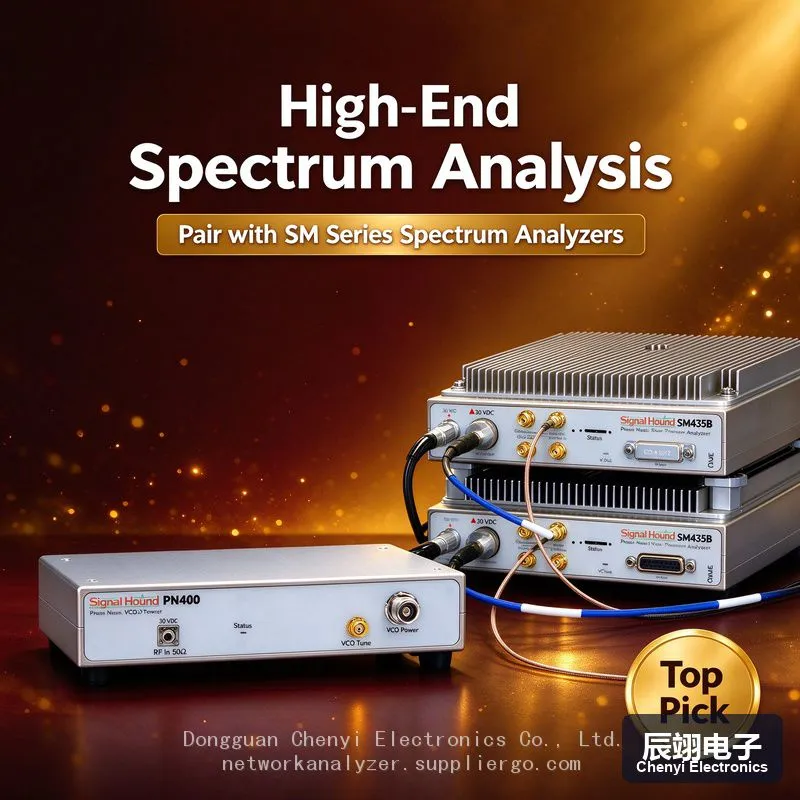
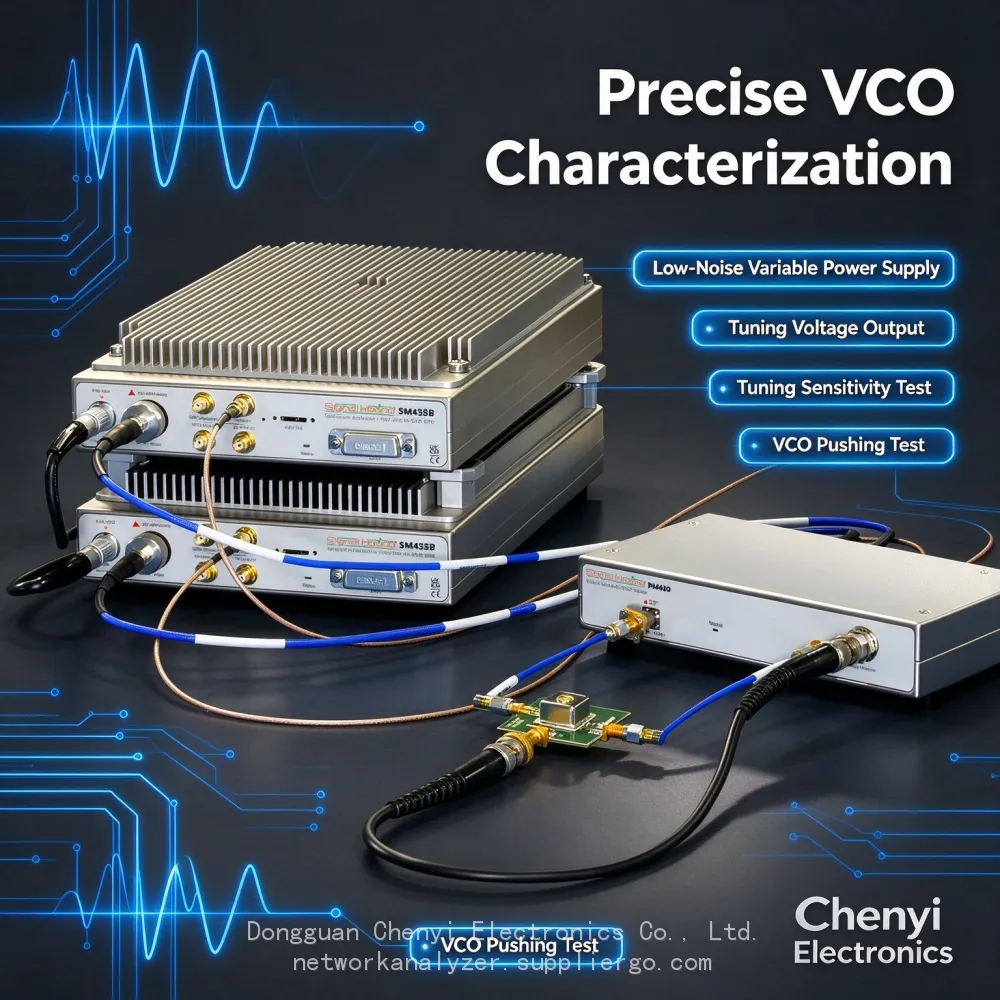
A Signal Hound PN400 system is essentially "two SM signal analyzers plus phase-noise software working together", so its failure modes resemble a two-device network more than a single instrument:
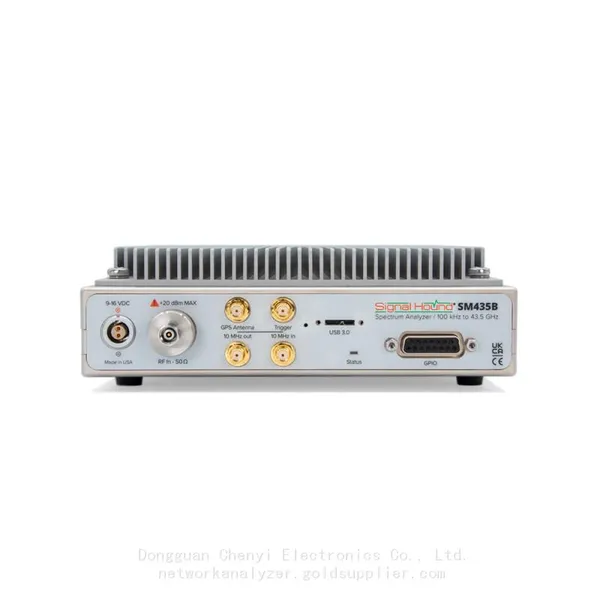
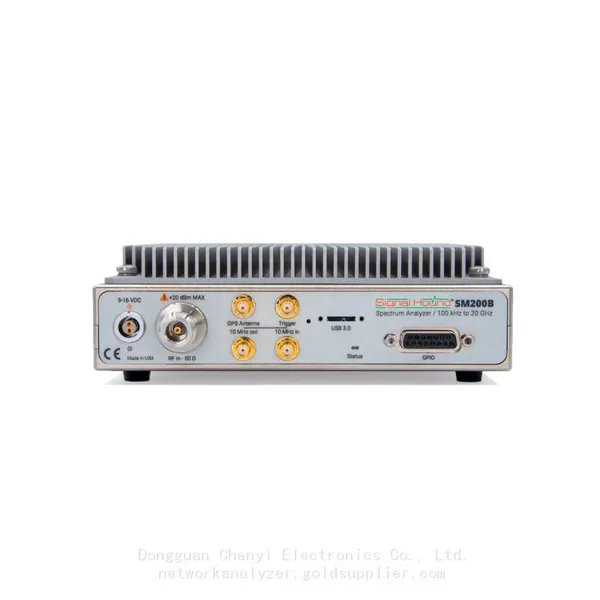
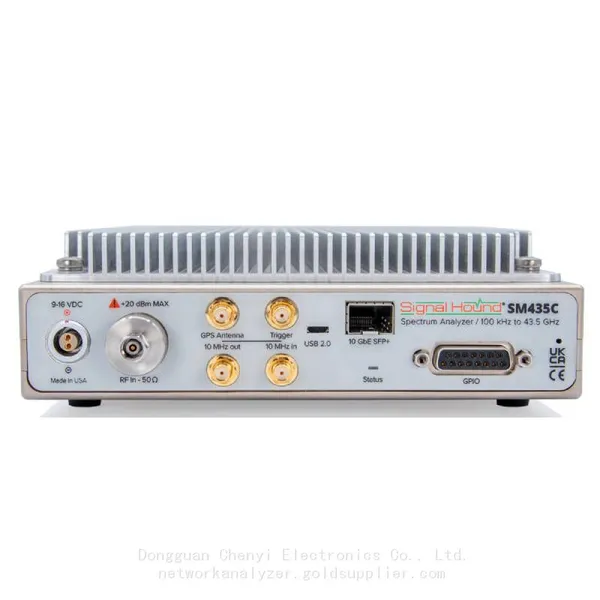
Different interface flavours create uneven resource health: within the SM family, SM200B uses USB while SM200C uses 10GbE SFP+ fibre (the SM435 likewise splits into B/C forms). If the two units in a system use one USB link and one fibre link, the host must keep both chains healthy simultaneously — drivers, NIC, bandwidth state on either side. Any jitter on one of them fails the pairing;
The classic USB-side problems (B form): hubs, extension cables, selective suspend and insufficient power make enumeration unstable on one unit — the same logic as troubleshooting a standalone SM200B connection;
Network-side configuration (C form): IP conflicts, VLAN misconfiguration, firewall blocking, or link negotiation downgrading to 1G causing data-plane timeouts. When both units go over Ethernet, verify each address and each switch port individually;
Firmware / software versions out of sync: if the two SMs sit on different firmware generations, or the phase-noise software version doesn't match the firmware pairing, the feature matrix (cross-correlation, VCO mode) degrades to — or disables entirely for — the "weakest device";
Bandwidth contention on a shared USB controller: two USB-form SMs streaming full-rate data through the same controller time out during sweeps;
A non-paired device mixed in: temporarily adding another lab SM to the software's device list collides with the pairing logic (model / serial-number whitelist) and destabilises the whole system.
Troubleshooting steps
Single-unit first: disconnect the phase-noise software and connect each SM individually with Spike. Only when both are stable standalone do you talk about pairing. If one is unstable on its own, handle that form factor's single-unit connection fault first;
Divide by interface: stress-test each unit on its native link (run full-bandwidth sweeps on the USB unit; confirm 10G negotiation and packet-loss counters on the network unit) to rule out the physical layer;
Align three versions: record model / firmware / serial number for both SMs plus the phase-noise software version, and check against the official compatibility table. Upgrade in the rhythm "one unit as pilot, re-test, then the second unit";
Clean the device list: delete stale device entries in the software and keep only the two units belonging to this system; check ARP / IP uniqueness on the network;
Pairing self-check: use the software's connection diagnostics / status page to inspect heartbeat and timestamp-synchronisation state for both units, and capture logs at the moment of timeout (Windows Event Log + software log) to determine whether it is an enumeration-layer or session-layer fault;
Freeze the environment: once paired successfully, photograph the "link topology" (which port, which cable, which IP), and restore it from the photo whenever equipment moves or a cable is swapped.
Acceptance criteria
Over 72 continuous hours with multiple cold starts per day, both units achieve a 100% first-attempt pairing success rate; zero occurrences of greyed-out cross-correlation / VCO functions across the period; versions and link configuration written onto the system record card and stored with the crate.
(Compiled from Signal Hound's PN400 product material (formed from two SMs) and the connection characteristics of the various SM Series form factors; the compatibility matrix is subject to official publications.)
WhatsApp:+85268839563
Recently Posted
-
Cross‑correlation enabled on Signal Hound PN400; noise floor failed to drop 20 dB, trace grows noisier with averaging, cross‑correlation not convergin
November 26, 2026Signal Hound PN400 phase noise and VCO tester supplierI turned on cross-correlation in the Signal Hound PN400 but the floor didn&# Read More
-
Signal Hound PN400 Oscillator Measurement 5dB Discrepancy; -5 dBm Higher SNR Setting Degrades Result supplier
November 26, 2026Signal Hound PN400 phase noise and VCO tester supplierTwo engineers measure the same oscillator 5 dB apart on the Signal Hound PN4 Read More
-
Signal Hound PN400 supplier:Advertised floor -160 dBc/Hz, but my measurement flattens at -142
November 26, 2026Signal Hound PN400 phase noise and VCO tester supplierAdvertised floor -160 dBc/Hz, but my measurement flattens at -142 — what the Read More
-
Signal Hound PN400 Incoming Inspection Only Verified Power-Up; All Readings Drifted After Three Months,supplier
November 26, 2026Signal Hound PN400 phase noise and VCO tester supplierIncoming inspection only proved the Signal Hound PN400 "powers on" Read More

Contact Us
Recommended Products
-
 Signal Hound SM200C 100 KHz to 20 GHz Real-time Spectrum Analyzer With 10GbE Monitoring ReceiversNegotiableMOQ: 1 Unit
-
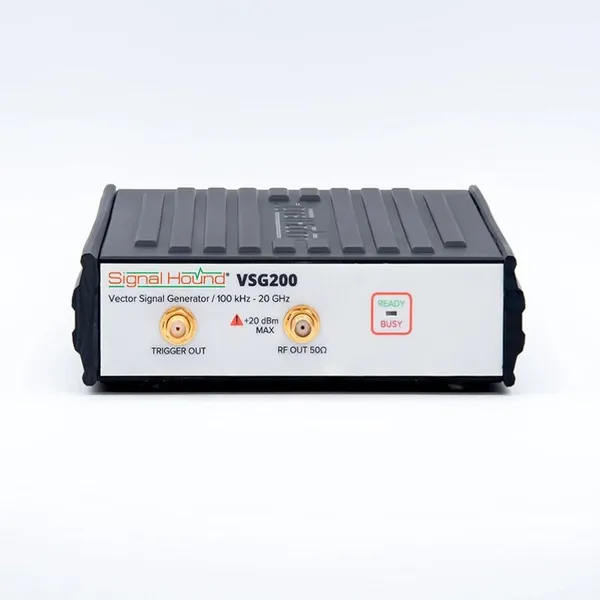
Signal Hound VSG200 Vector Signal Generator 100 KHz to 20 GHzNegotiableMOQ: 1 Unit
-
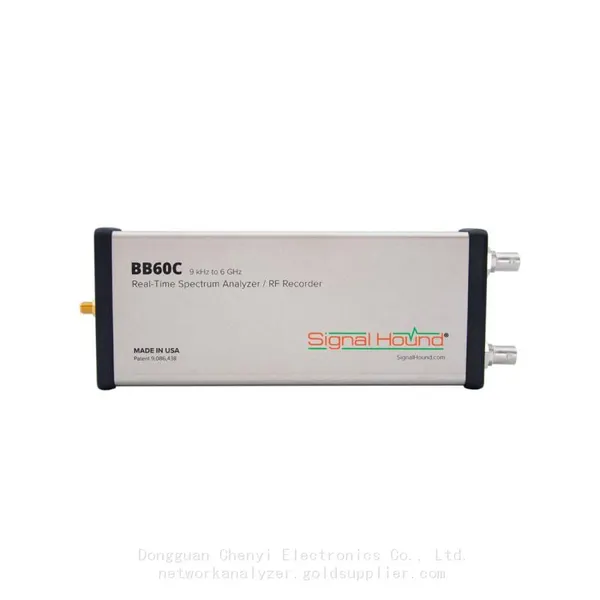
Signal Hound BB60C 9 KHz to 6 GHz Real-time Spectrum AnalyzerNegotiableMOQ: 1 Unit
-
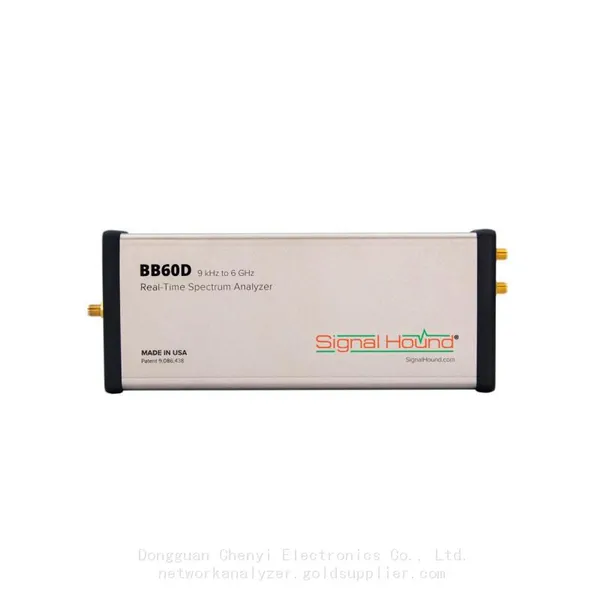
Signal Hound BB60D 9 KHz to 6 GHz Real-time Spectrum AnalyzerNegotiableMOQ: 1 Unit
-
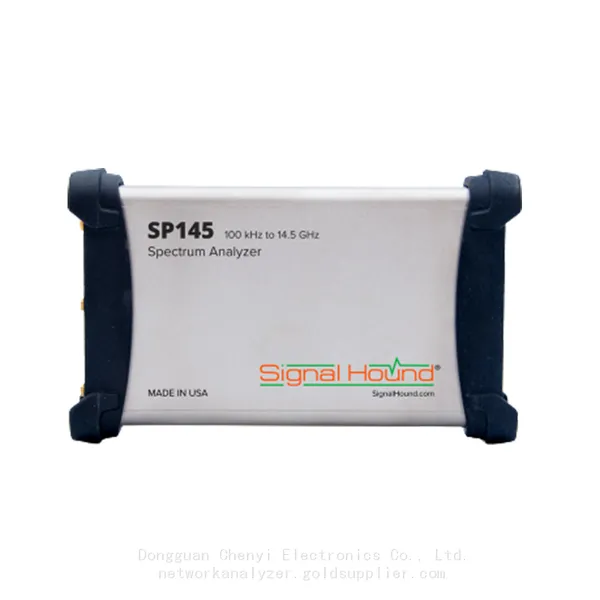
Signal Hound SP145 100 KHz to 14.5 GHz Real-time Spectrum Analyzer Monitoring ReceiversNegotiableMOQ: 1 Unit
-
Signal Hound VSG60A 50 MHz to 6 GHz GHz Vector Signal GeneratorNegotiableMOQ: 1 Unit
-
Signal Hound VSG25A 100 MHz to 2.5 GHz Vector Signal GeneratorNegotiableMOQ: 1 Unit
-
Signal Hound VNA400 40 MHz to 40 GHz 2-port Vector Network AnalyzerNegotiableMOQ: 1 Unit
-
Signal Hound PCR4200 100 KHz to 20 GHz Four-Channel Phase Coherent ReceiverNegotiableMOQ: 1 Unit
-
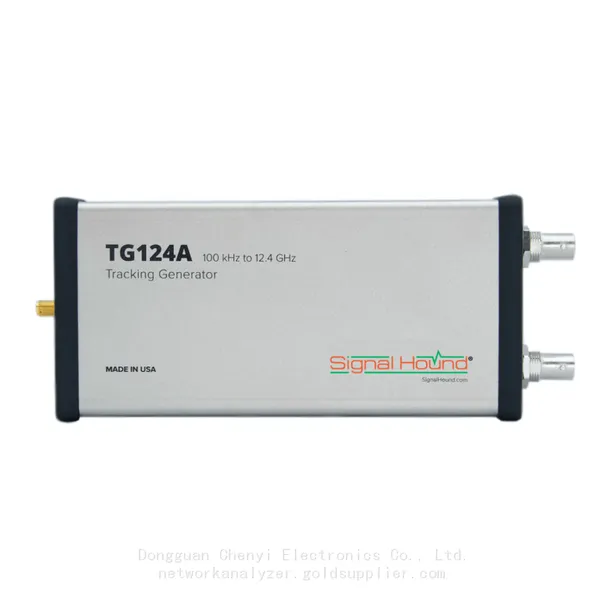
Signal Hound TG124A 100 KHz to 12.4 GHz Tracking GeneratorNegotiableMOQ: 1 Unit
-
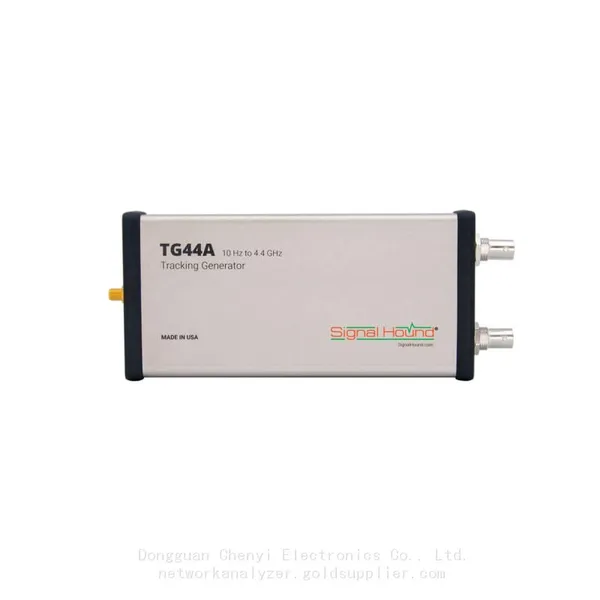
Signal Hound TG44A 10 Hz to 4.4 GHz t Tracking GeneratorNegotiableMOQ: 1 Unit
-
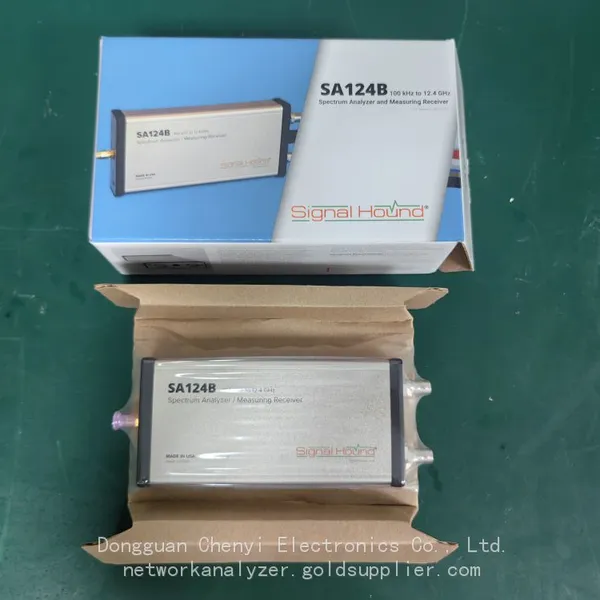
Signal Hound SA124B 100 KHz to 12.4 GHz Spectrum AnalyzerNegotiableMOQ: 1 Unit
-
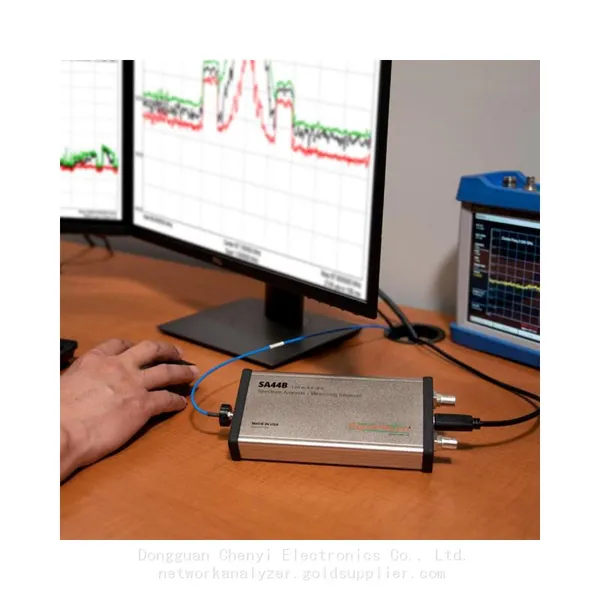
Signal Hound SA44B 1 Hz to 4.4 GHz Spectrum AnalyzerNegotiableMOQ: 1 Unit
-
SM200B Real‑time Spectrum Analyzer,USB3.0 RTSA,100kHz-20GHz,calibrated I/Q Capture for 5G Test & Interference HuntingNegotiableMOQ: 1 Unit
-
Signal Hound SM435C 100 KHz to 43.5GHz Real-time Spectrum Analyzer With 10GbE Monitoring ReceiversNegotiableMOQ: 1 Unit
-
Signal Hound SM435B 100 KHz to 43.5GHz Real-time Spectrum Analyzer Monitoring ReceiversNegotiableMOQ: 1 Unit
-
Signal Hound PN400 Phase Noise and VCO Test System 100 KHz to 43.5 GHzNegotiableMOQ: 1 Unit
-
Keysight E4980A Precision LCR Meter 20 Hz to 2 MHzNegotiableMOQ: 1 Unit
-
Keysight E4980B and E4980BL Precision LCR Meter 20 Hz to 2 MHzNegotiableMOQ: 1 Unit
-
Keysight U1733C Handheld LCR Meter 100Hz 120Hz 1kHz 10kHz 100kHzNegotiableMOQ: 1 Unit