
 Business License

A Whole Band on the Signal Hound BB60C Suddenly Measures Nothing — Is the RF Input Burned Out? supplier
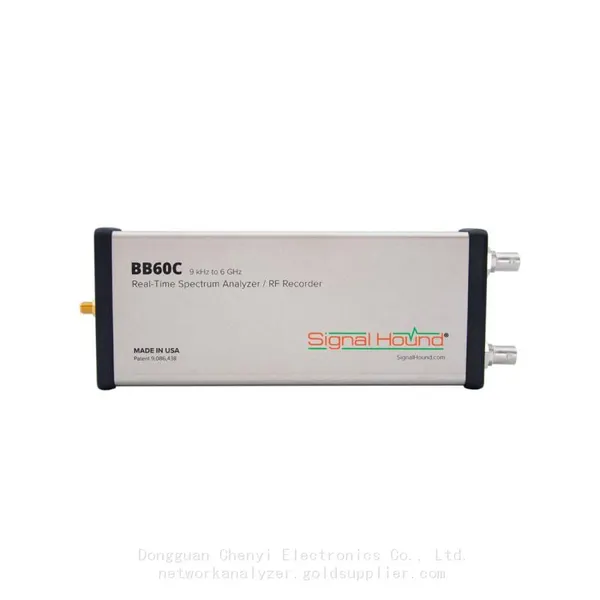
Signal Hound BB60C real-time spectrum analyzer supplier
A Whole Band on the Signal Hound BB60C Suddenly Measures Nothing — Is the RF Input Burned Out? How to Confirm and How to Prevent It
Symptom
The unit still connects and the LED behaves normally, but one band (often the high band, sometimes everything) shows a flat trace at the noise floor only. Feeding a known signal source produces no response. Frequently there was a clear precursor event: a probe touched a transmitter output, a signal generator was wired as if it were the DUT, or a feedline carrying DC bias was connected.
Root Cause
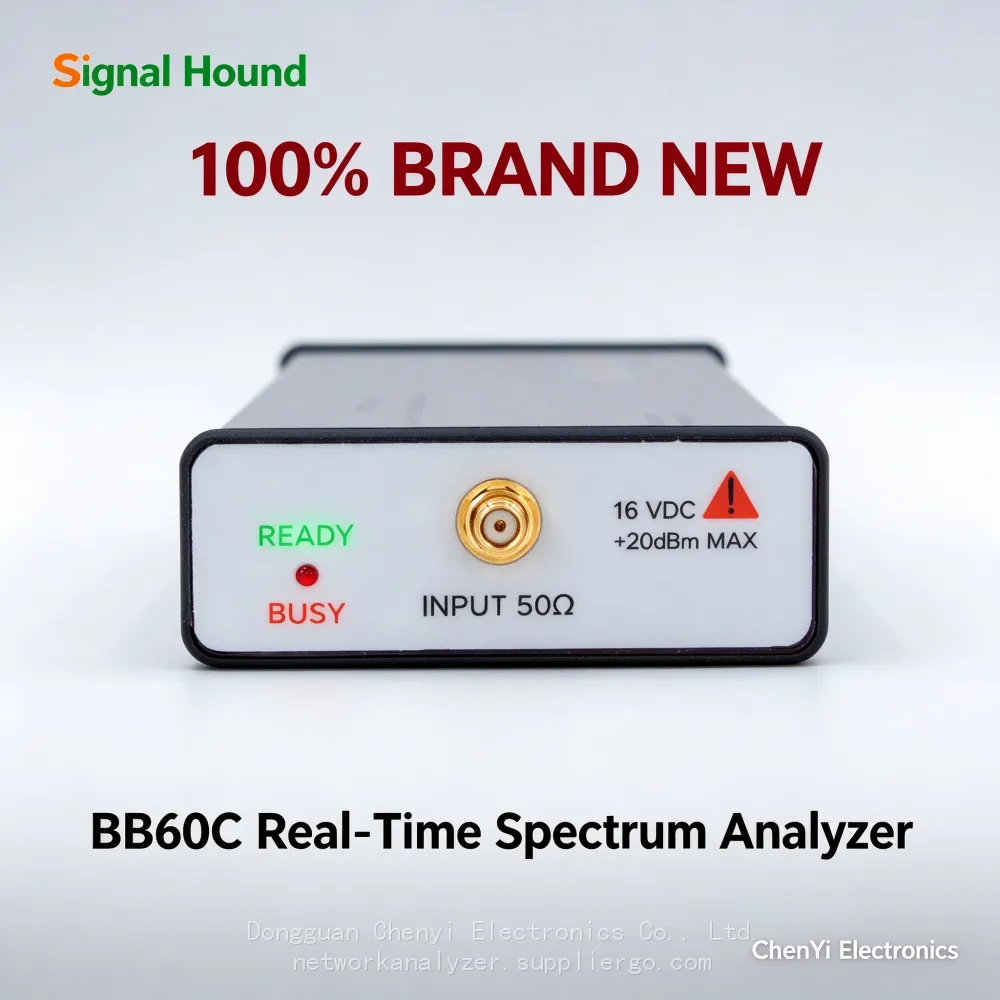
The BB60C SMA input is rated for +20 dBm maximum RF power and 16 V DC maximum. Exceeding either figure damages the front end. The mixer chain has no user-replaceable fuse: overvoltage failures are internal hardware damage. A second, subtler killer is electrostatic discharge — see the dedicated ESD article.
Confirmation Steps
Terminator test. Connect a good 50Ω dummy load to the input and sweep the "dead" band. A healthy receiver always shows a noise floor. If the band is dead even with the load attached — and the same load shows normal noise on another channel or instrument — the front end for that band is damaged.
Known-source test. Feed a calibrated signal generator at −30 dBm into several points inside the suspect band. No peak anywhere confirms the signal path is down.
Rule out the cable/adapter, not the instrument. Before condemning the analyzer, replace every adapter and cable in the test chain — a broken center pin in one cheap adapter mimics "burned input" perfectly.
Compare before/after with saved traces if the user kept screenshots; a hard failure shows an entire band collapsing, while gradual degradation shows the noise floor climbing over weeks.
If Confirmed — What To Do
Front-end damage is not field-repairable. Stop testing with the unit (a damaged input often also degrades neighboring bands), document the incident, and send it to the manufacturer or an authorized repair center. Replacement of the RF front end typically fixes it; repair quotes are far cheaper than a new instrument, so honest incident reporting helps.
Prevention Checklist (the part that actually saves money)
Always measure power before frequency. When connecting an unknown source, check it with a power meter or start with a strong external attenuator (10–30 dB pad) in line, then remove it once levels are known.
Treat every feedline as "may carry DC". Use an external DC block as standard practice on antenna feeds, amplified systems, and anything with bias-tee powered hardware.
Never connect a transmitter output directly. Even "low power" transmitters exceed +20 dBm at their ports; use rated directional couplers or attenuators.
Respect cable and connector ratings — a damaged cable can deliver RF energy and static with less warning than an intact one.
(Based on publicly available Signal Hound BB60C user manual and datasheet specifications.)
WhatsApp:+85268839563
Recently Posted
-
Signal Hound BB60C IQ Recording Fails Mid-Session, Files Are Full of Gaps, or Recording Stops Early — The Problem Is the PC ,supplier
November 19, 2026Signal Hound BB60C real-time spectrum analyzer supplierSignal Hound BB60C IQ Recording Fails Mid-Session, Files Are Full of Gaps, Read More
-
Signal Hound BB60C Is Plugged In but Spike Finds No Device — The LED Flashes Red/Green. How Do I Fix This? supplier
November 19, 2026Signal Hound BB60C real-time spectrum analyzer supplierSignal Hound BB60C Is Plugged In but Spike Finds No Device — The LED Flashe Read More
-
I Already Own a Signal HoundBB60C — Should I Move Up to the Signal Hound BB60D? Signal Hound BB60D real-time spectrum analyzer supplier
November 19, 2026Signal Hound BB60D real-time spectrum analyzer supplierI Already Own a Signal HoundBB60C — Should I Move Up to the Signal Hound BB Read More
-
Monitoring the Satellite IF Band (950–2150 MHz) with a Signal Hound BB60D real-time spectrum analyzer supplier
November 19, 2026Signal Hound BB60D real-time spectrum analyzer supplierMonitoring the Satellite IF Band (950–2150 MHz) with a Signal Hound BB60D —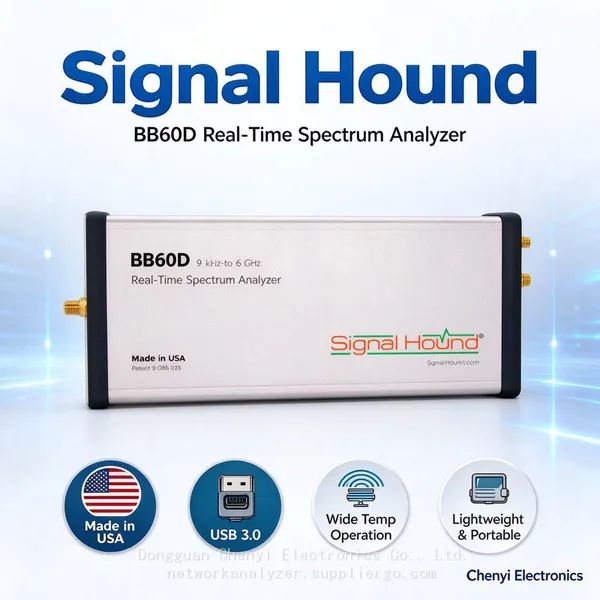 Read More

Contact Us
Recommended Products
-
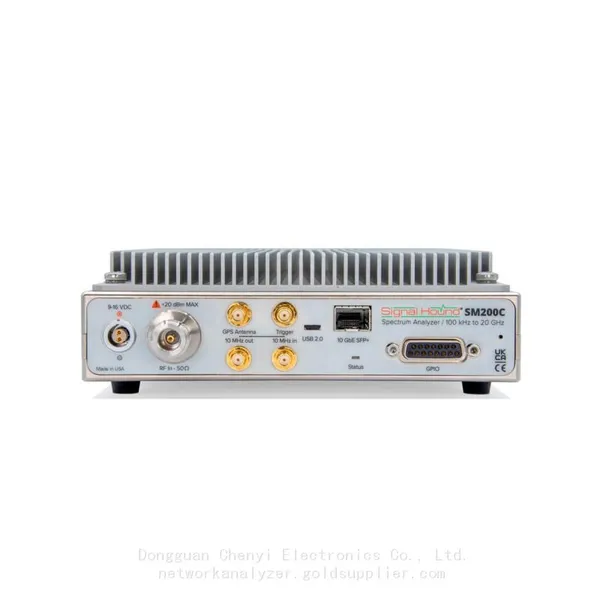
 Signal Hound SM200C 100 KHz to 20 GHz Real-time Spectrum Analyzer With 10GbE Monitoring ReceiversNegotiableMOQ: 1 Unit
-
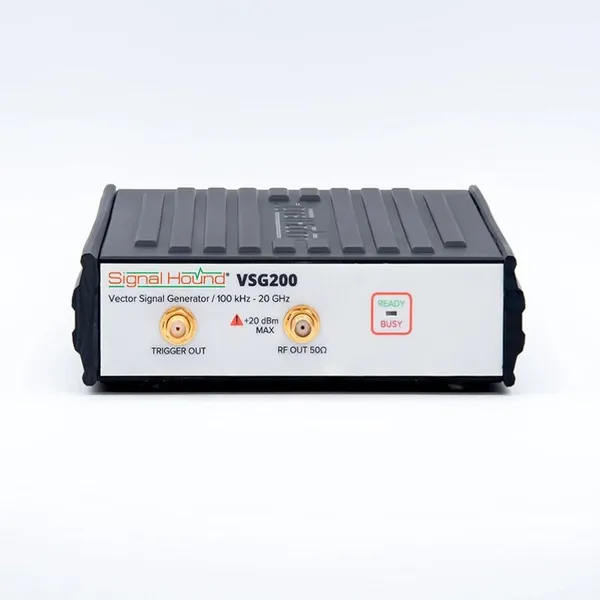
Signal Hound VSG200 Vector Signal Generator 100 KHz to 20 GHzNegotiableMOQ: 1 Unit
-
Signal Hound BB60C 9 KHz to 6 GHz Real-time Spectrum AnalyzerNegotiableMOQ: 1 Unit
-
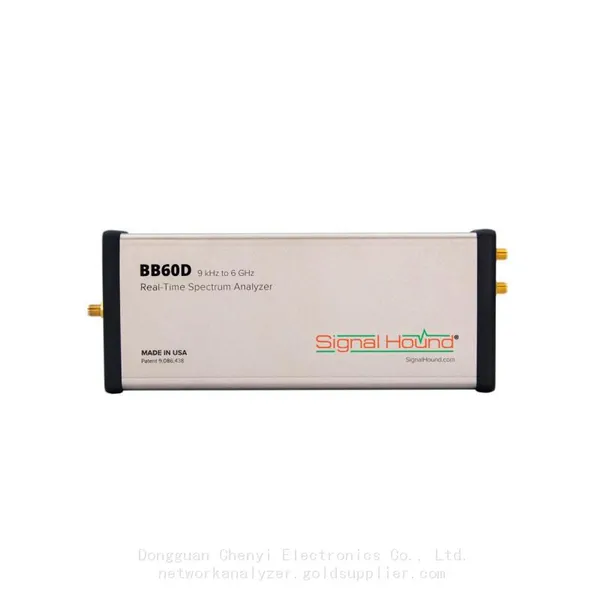
Signal Hound BB60D 9 KHz to 6 GHz Real-time Spectrum AnalyzerNegotiableMOQ: 1 Unit
-
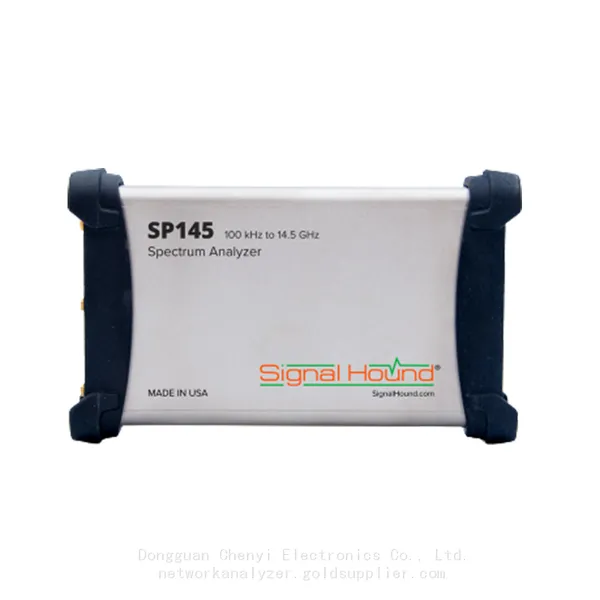
Signal Hound SP145 100 KHz to 14.5 GHz Real-time Spectrum Analyzer Monitoring ReceiversNegotiableMOQ: 1 Unit
-
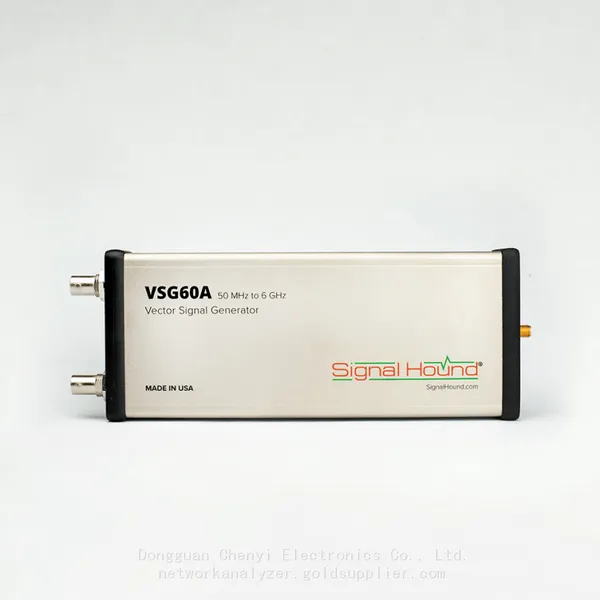
Signal Hound VSG60A 50 MHz to 6 GHz GHz Vector Signal GeneratorNegotiableMOQ: 1 Unit
-
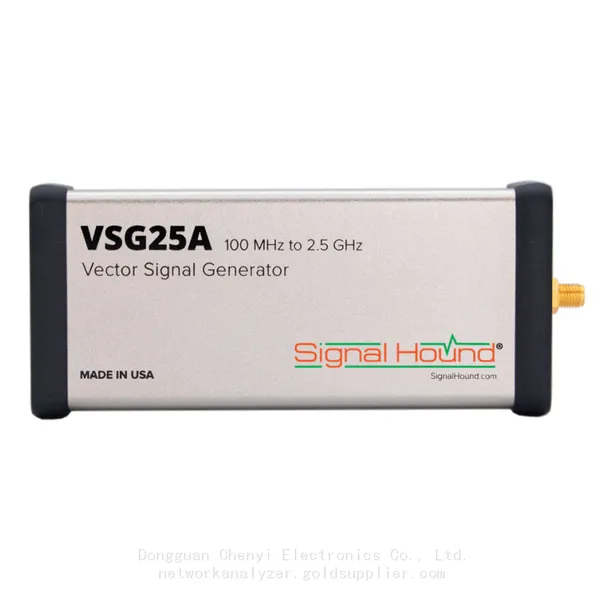
Signal Hound VSG25A 100 MHz to 2.5 GHz Vector Signal GeneratorNegotiableMOQ: 1 Unit
-
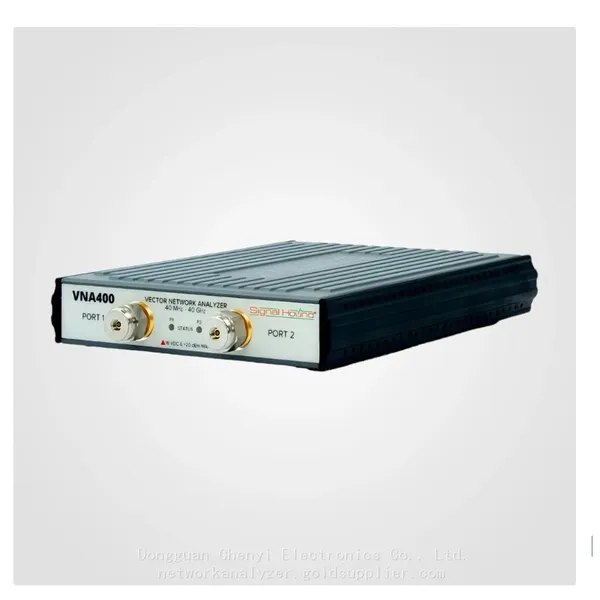
Signal Hound VNA400 40 MHz to 40 GHz 2-port Vector Network AnalyzerNegotiableMOQ: 1 Unit
-
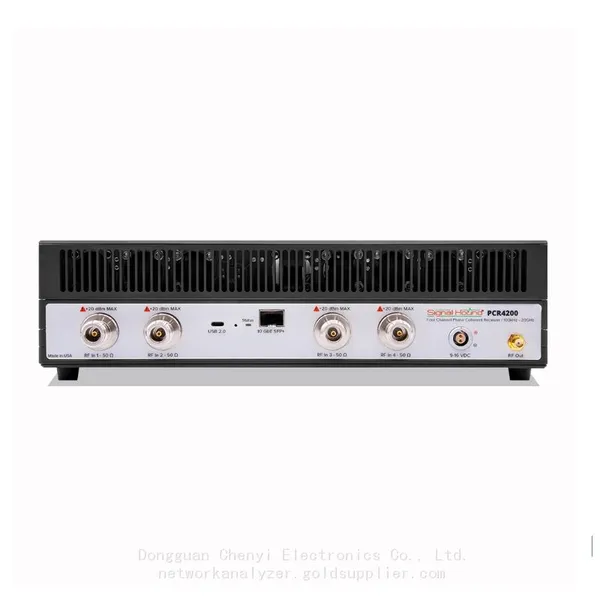
Signal Hound PCR4200 100 KHz to 20 GHz Four-Channel Phase Coherent ReceiverNegotiableMOQ: 1 Unit
-
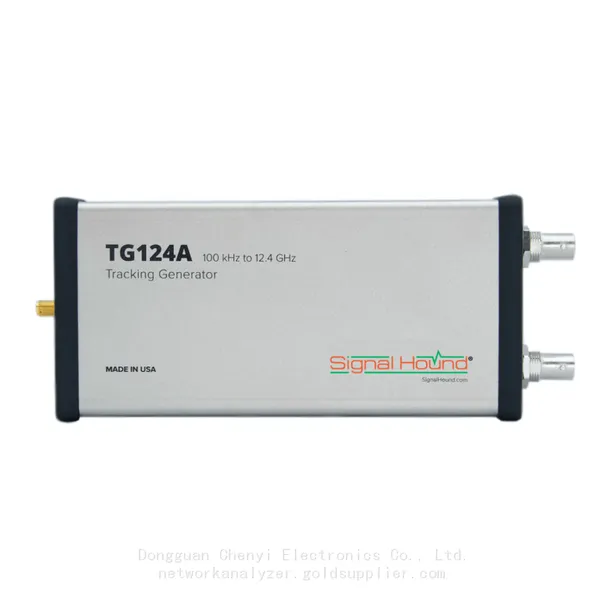
Signal Hound TG124A 100 KHz to 12.4 GHz Tracking GeneratorNegotiableMOQ: 1 Unit
-
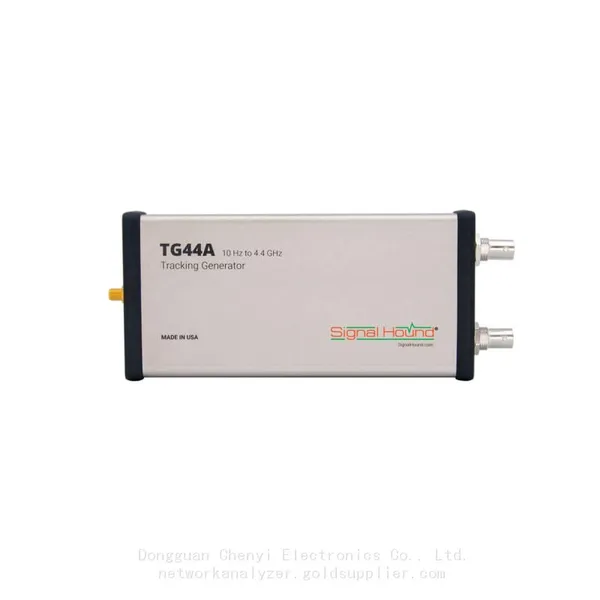
Signal Hound TG44A 10 Hz to 4.4 GHz t Tracking GeneratorNegotiableMOQ: 1 Unit
-
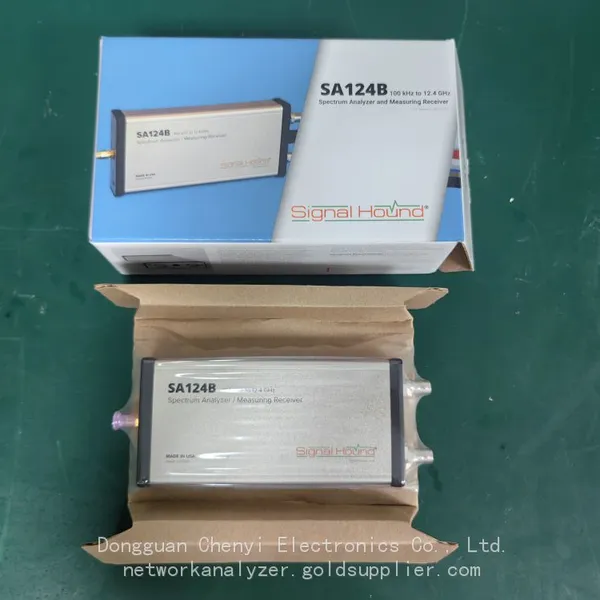
Signal Hound SA124B 100 KHz to 12.4 GHz Spectrum AnalyzerNegotiableMOQ: 1 Unit
-
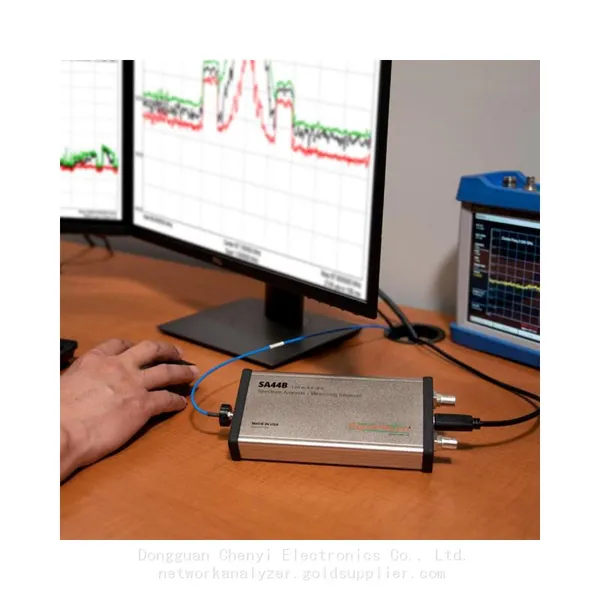
Signal Hound SA44B 1 Hz to 4.4 GHz Spectrum AnalyzerNegotiableMOQ: 1 Unit
-
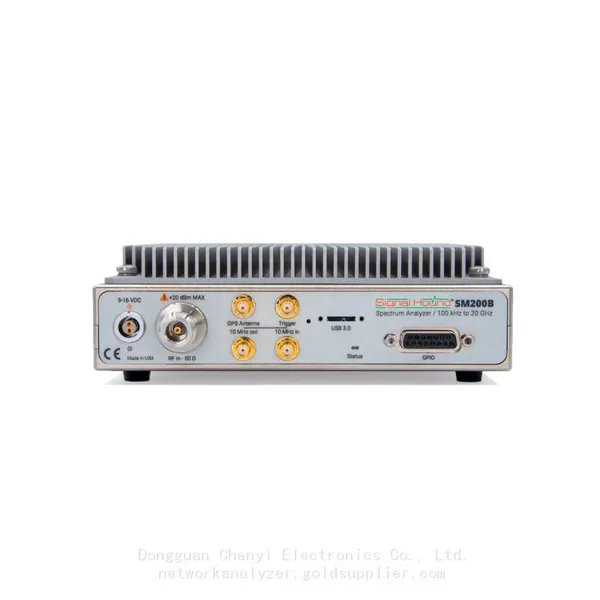
SM200B Real‑time Spectrum Analyzer,USB3.0 RTSA,100kHz-20GHz,calibrated I/Q Capture for 5G Test & Interference HuntingNegotiableMOQ: 1 Unit
-
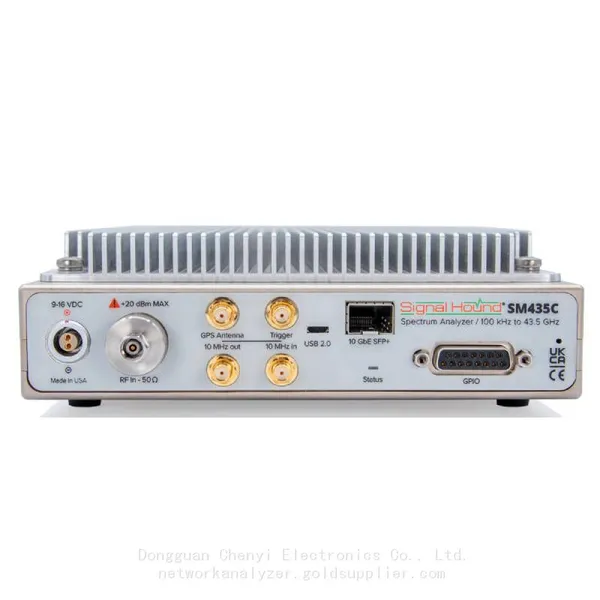
Signal Hound SM435C 100 KHz to 43.5GHz Real-time Spectrum Analyzer With 10GbE Monitoring ReceiversNegotiableMOQ: 1 Unit
-
Signal Hound SM435B 100 KHz to 43.5GHz Real-time Spectrum Analyzer Monitoring ReceiversNegotiableMOQ: 1 Unit
-
Signal Hound PN400 Phase Noise and VCO Test System 100 KHz to 43.5 GHzNegotiableMOQ: 1 Unit
-
Keysight E4980A Precision LCR Meter 20 Hz to 2 MHzNegotiableMOQ: 1 Unit
-
Keysight E4980B and E4980BL Precision LCR Meter 20 Hz to 2 MHzNegotiableMOQ: 1 Unit
-
Keysight U1733C Handheld LCR Meter 100Hz 120Hz 1kHz 10kHz 100kHzNegotiableMOQ: 1 Unit