
 Business License

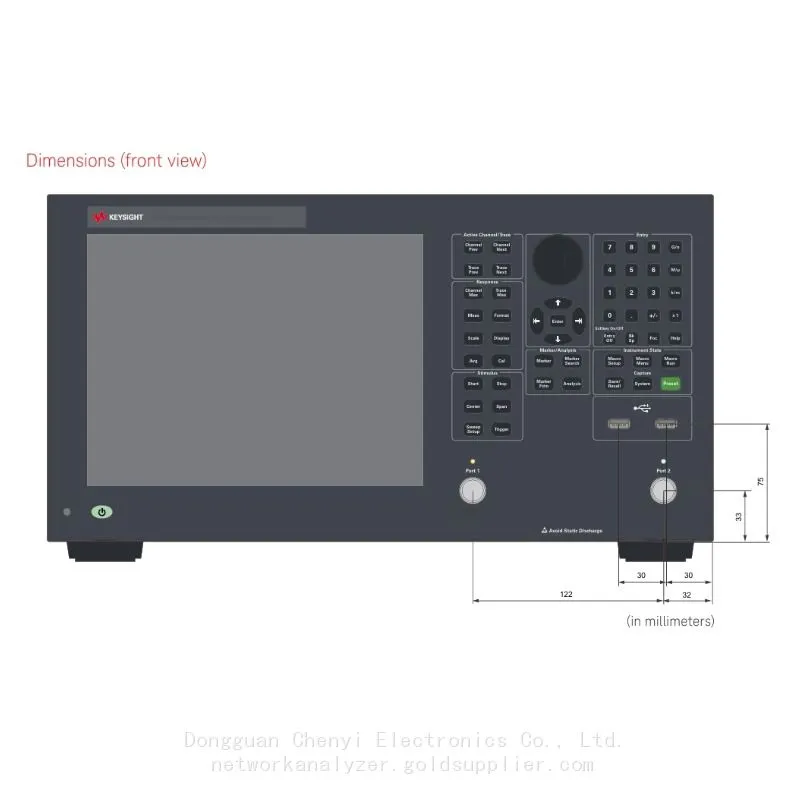
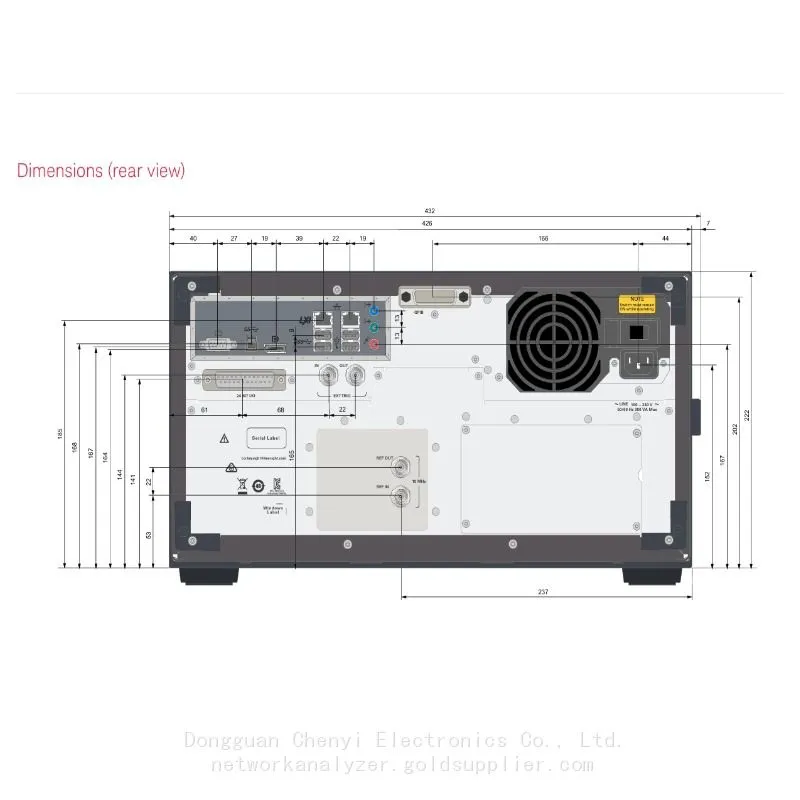
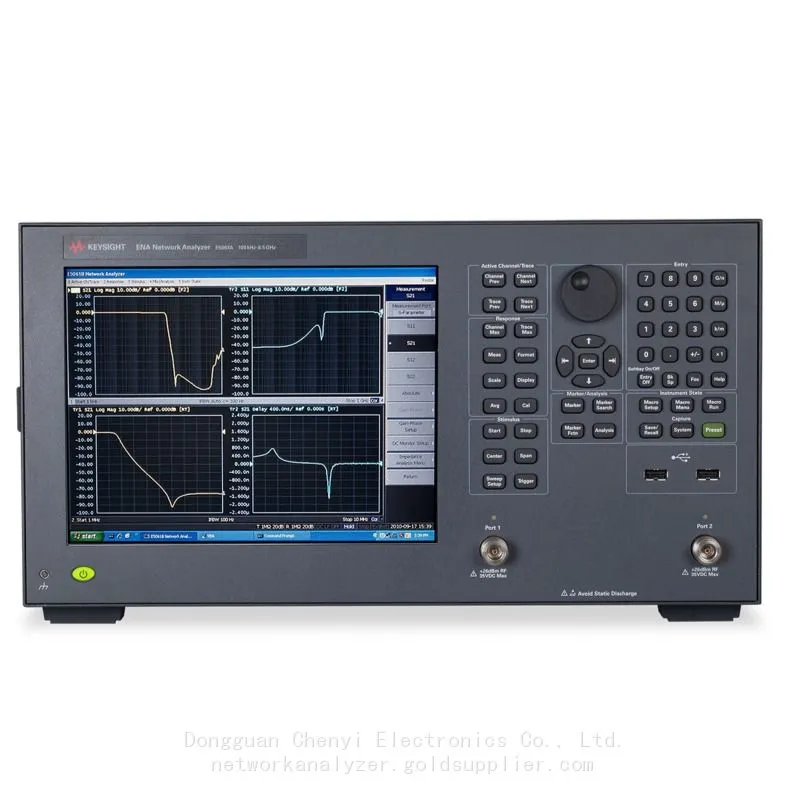
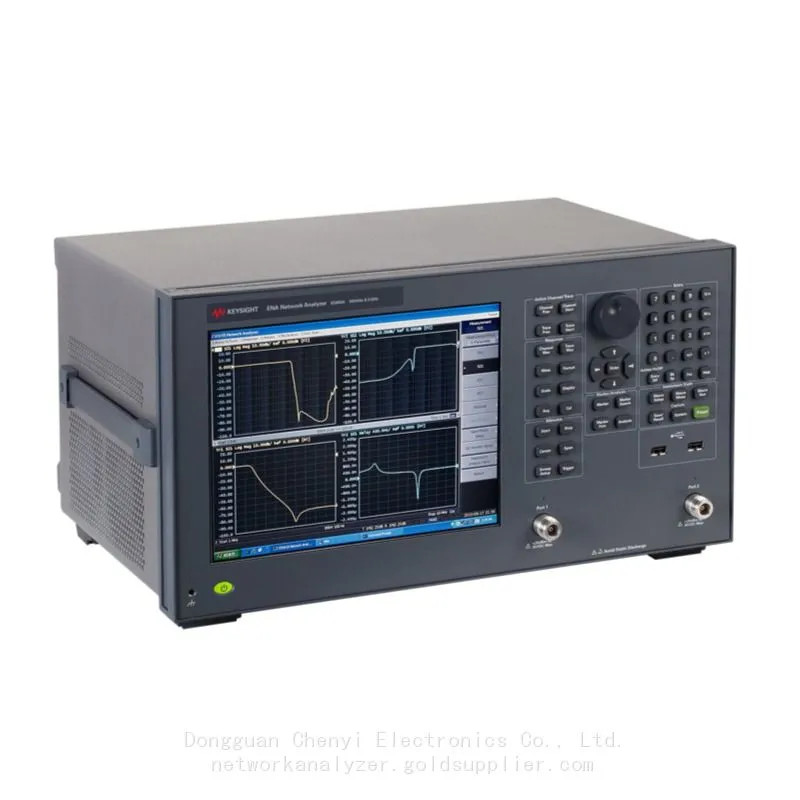
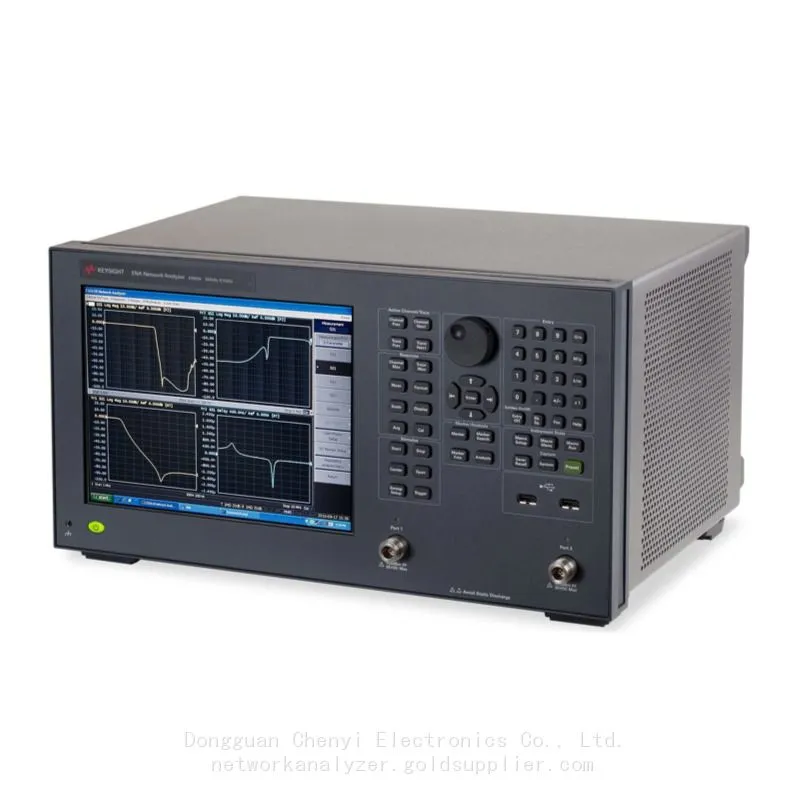
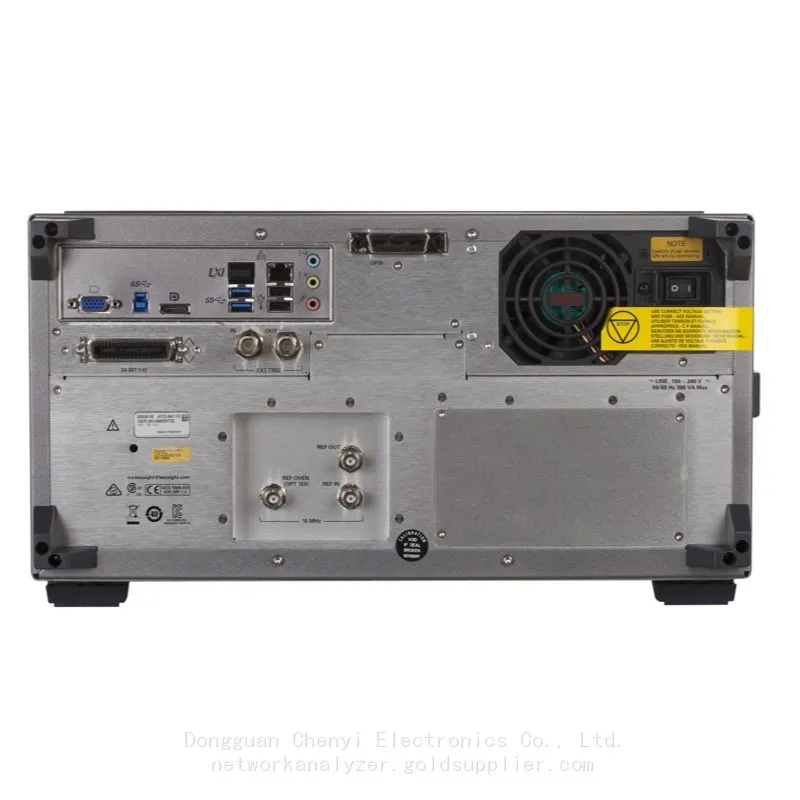
Keysight E5063A ENA Vector Network Analyzer E5063A-285 2-port test set, 100 kHz to 8.5 GHz
Keysight E5063A ENA Vector Network Analyzer 100 kHz to 14 GHz
Test set
E5063A-285 2-port test set, 100 kHz to 8.5 GHz
E5063A-245 2-port test set, 100 kHz to 4.5 GHz
E5063A-2H5 2-port test set, 100 kHz to 18 GHz
E5063A-205 2-port test set, 100 kHz to 500 MHz
E5063A-215 2-port test set, 100 kHz to 1.5 GHz
E5063A-235 2-port test set, 100 kHz to 3 GHz
E5063A-265 2-port test set, 100 kHz to 6.5 GHz
E5063A-2D5 2-port test set, 100 kHz to 14 GHz
Highlights
Drive Down the Cost of Test for Passive RF Components
The Keysight E5063A ENA is an affordable benchtop vector network analyzer for testing simple passive components such as antennas, filters, cables, or connectors up to 18 GHz. It leverages the consistent measurement framework of the industry standard ENA Series to boost efficiency and productivity. It is ready to evolve as technologies change.
▶Measure a wide range of components with a versatile 2-port, 50-ohm S-parameter test set
▶Enhance your measurements with Option 010 for time domain analysis capability
▶Simplify PCB design and test with a dedicated graphical user interface with Option 011
▶Boost efficiency and productivity with a consistent measurement framework
▶Upgrade options at any time
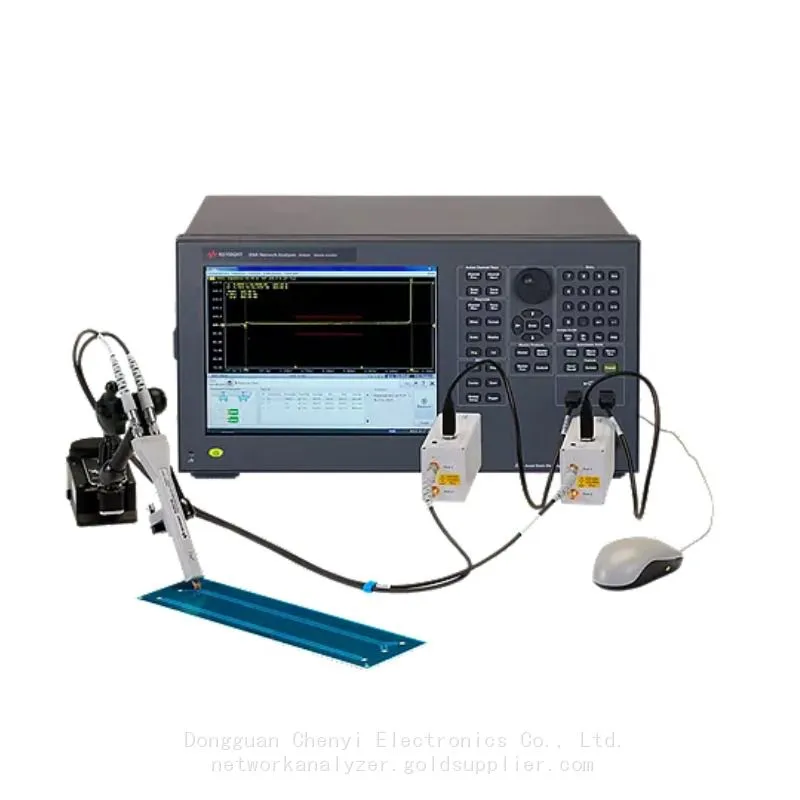
The best solution for PCB design and test
Compared to traditional solutions based on sampling oscilloscopes, the E5063A PCB Analyzer provides three breakthroughs for PCB design and test:
▶More accuracy, repeatability, and reproducibility
▶More languages supported
▶More ESD robustness
Achieving Higher Measurement Accuracy and Better Correlation for PCB Impedance Test
E5063A Software
Network analyzer software tools enable you to investigate, characterize, and troubleshoot your designs in a variety of measurement applications. Simplify complex measurements on your E5063A with software applications such as wireless power transfer analysis, time domain analysis, and more.
E5063A-010 Time Domain Analysis
View transmission and reflection responses in the time domain. Tune filters, gate out fixtures and cables, and characterize transmission lines.
E5063A-011 Time Domain Analysis/Test Wizard
Adds a dedicated interface for PCB manufacturing test for efficient impedance and return loss measurements.
E5063A-006 Wireless Power Transfer Analysis
Measure Wireless Power Transfer (WPT) efficiency between coils or resonators in real-time with arbitrary load impedance setting.
E5063A Network Analyzer Software
Network analyzer software tools enable you to investigate, characterize, and troubleshoot your designs in a variety of measurement applications. Simplify complex measurements on your E5063A with software applications such as wireless power transfer analysis, frequency offset mode, time domain analysis, and more.
Data Sheets
Definitions
Specification (spec.):
Warranted performance. All specifications apply at 23 ºC (± 5 ºC), unless otherwise stated, and 90 minutes after the instrument has been turned on. Specifications include guard bands to account for the expected statistical performance distribution, measurement uncertainties, and changes in performance due to environmental conditions.
Typical (typ.):
Expected performance of an average unit which does not include guardbands. It is not covered by the product warranty.
General characteristics:
A general, descriptive term that does not imply a level of performance.
Boundary Conditions
In this data sheet, boundary conditions are given for the specifications. For example, system dynamic range is 68 dB with the following boundary condition.
Frequency: 300 kHz
IF bandwidth: 3 kHz
If the same boundary conditions fall under more than one category in a table, apply the best value.
Recently Posted
-
My BB60C Can't Pick Up Weak Signals Between 9 kHz and 20 MHz and Readings Keep Jumping — Broken Front End or Wrong Technique?
October 27, 2026My BB60C Can't Pick Up Weak Signals Between 9 kHz and 20 MHz and Readings Keep Jumping — Broken Front End or Wrong Technique?S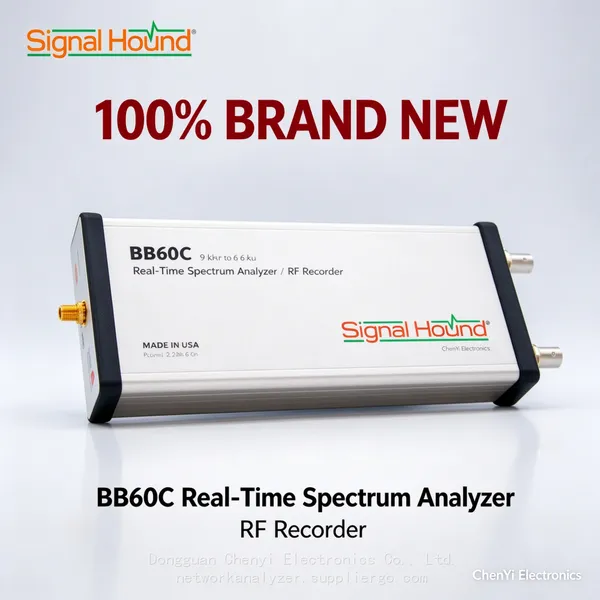 Read More
 -
BB60C IQ Recording Fails Mid-Session, Files Are Full of Gaps, or Recording Stops Early — The Problem Is the PC
October 27, 2026BB60C IQ Recording Fails Mid-Session, Files Are Full of Gaps, or Recording Stops Early — The Problem Is the PCSymptomRF/IQ recordi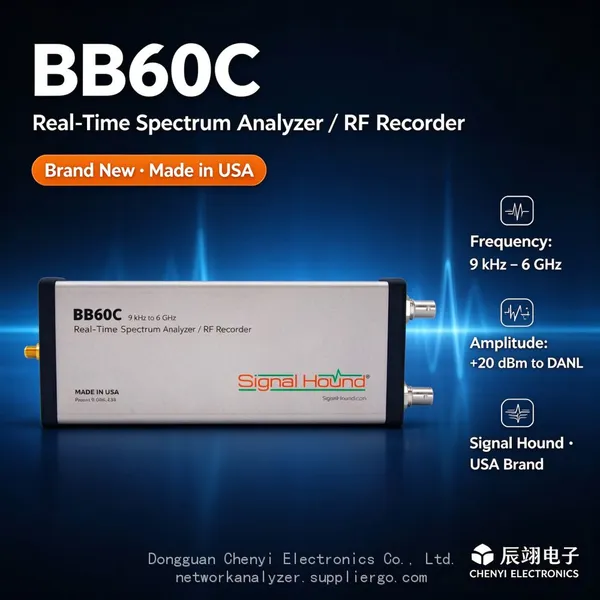 Read More
 -
The BB60C Screen Is Full of Signals "That Shouldn't Exist" — How Do I Tell Real Signals From Instrument Artifacts?
October 27, 2026The BB60C Screen Is Full of Signals "That Shouldn't Exist" — How Do I Tell Real Signals From Instrument Artifacts?Sy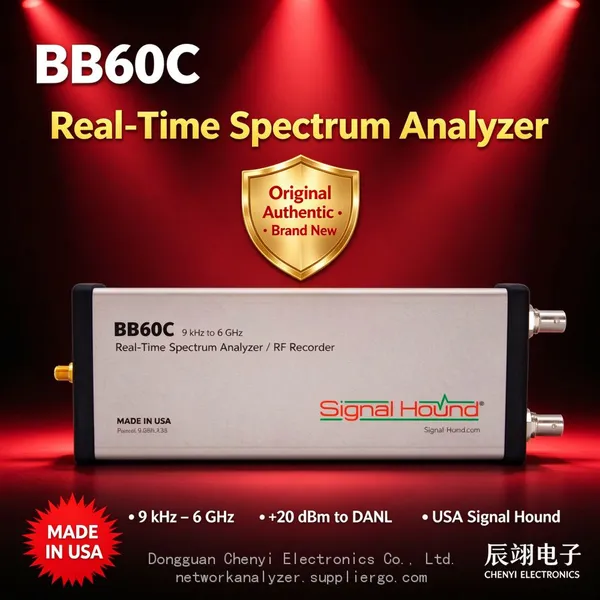 Read More
 -
My BB60C Reads Several dB Off Versus Another Instrument — Where Should Amplitude Errors Be Traced From?
October 27, 2026My BB60C Reads Several dB Off Versus Another Instrument — Where Should Amplitude Errors Be Traced From?SymptomOn the same signal,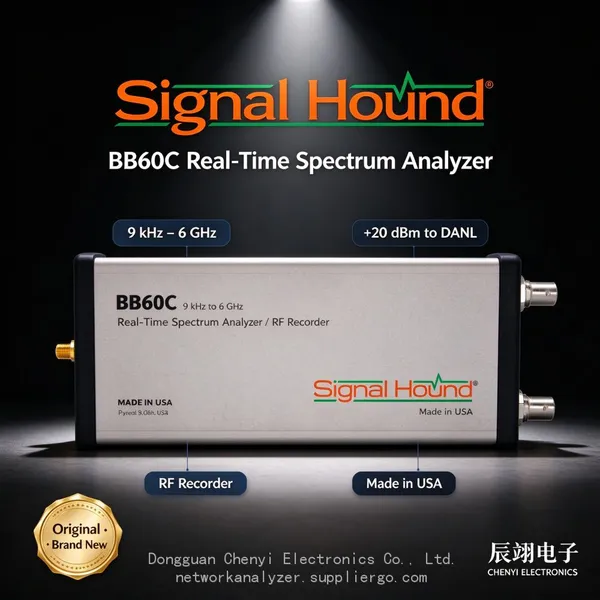 Read More

Contact Us
Recommended Products
-
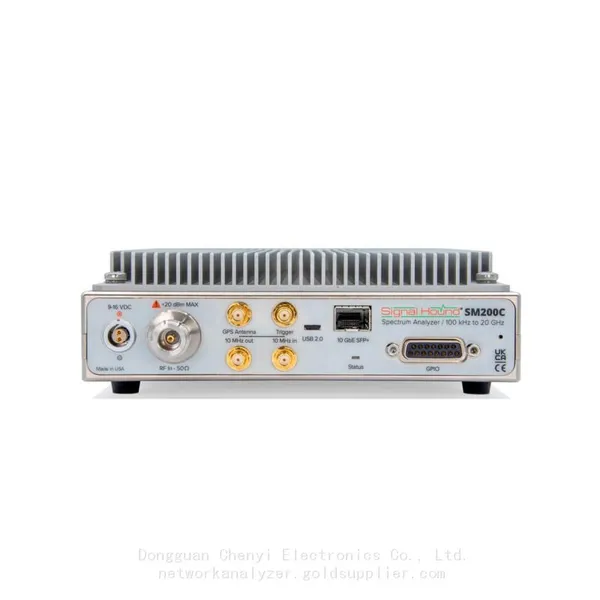
 Signal Hound SM200C 100 KHz to 20 GHz Real-time Spectrum Analyzer With 10GbE Monitoring ReceiversNegotiableMOQ: 1 Unit
 -
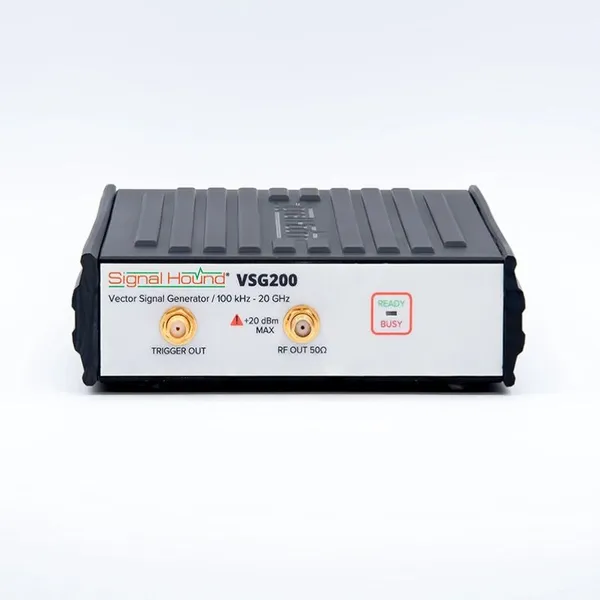
Signal Hound VSG200 Vector Signal Generator 100 KHz to 20 GHzNegotiableMOQ: 1 Unit
-
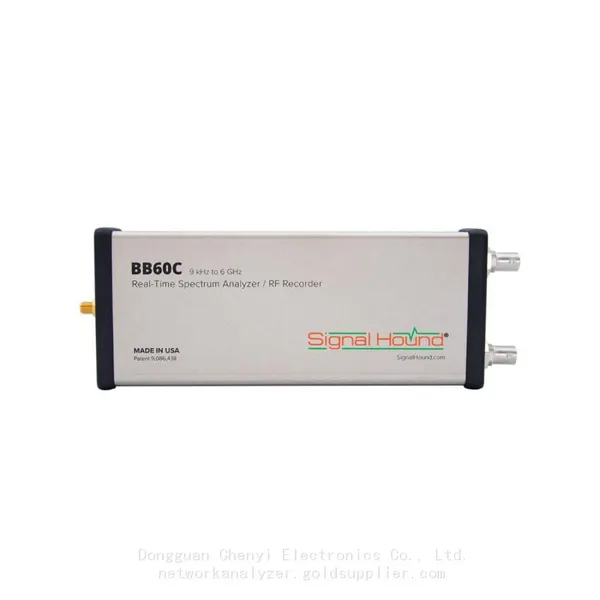
Signal Hound BB60C 9 KHz to 6 GHz Real-time Spectrum AnalyzerNegotiableMOQ: 1 Unit
-
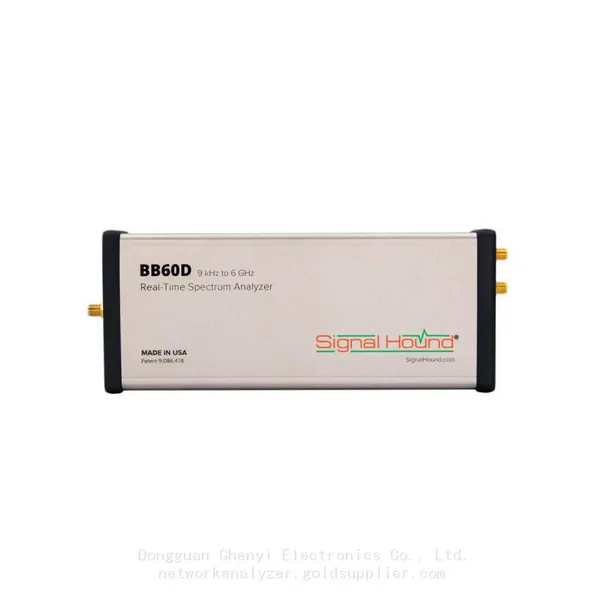
Signal Hound BB60D 9 KHz to 6 GHz Real-time Spectrum AnalyzerNegotiableMOQ: 1 Unit
-
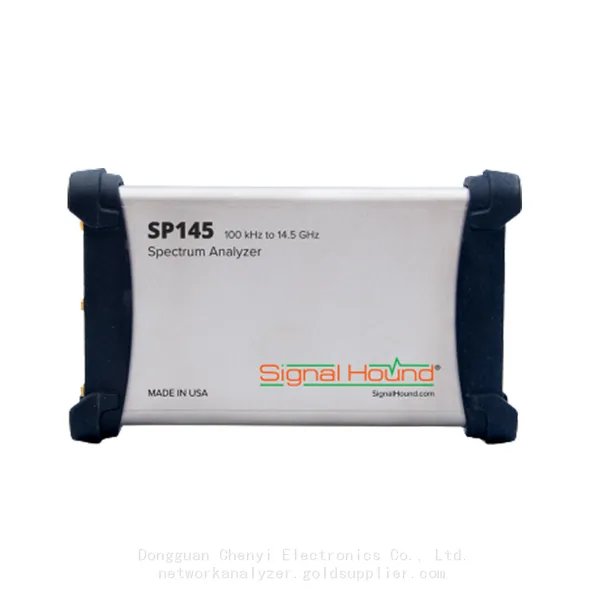
Signal Hound SP145 100 KHz to 14.5 GHz Real-time Spectrum Analyzer Monitoring ReceiversNegotiableMOQ: 1 Unit
-
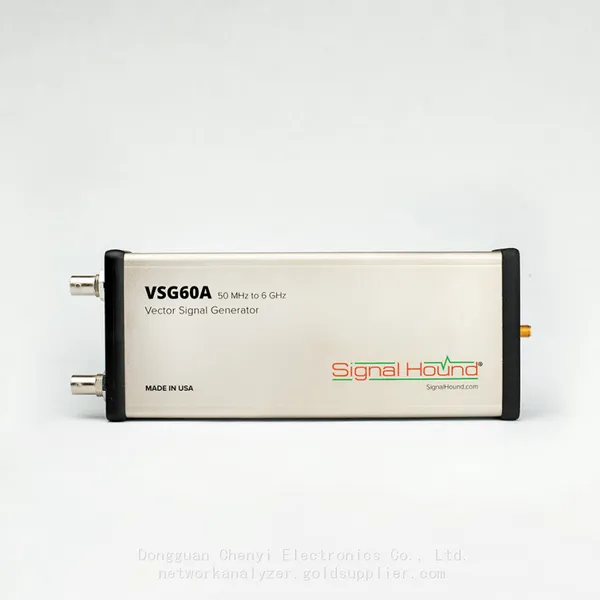
Signal Hound VSG60A 50 MHz to 6 GHz GHz Vector Signal GeneratorNegotiableMOQ: 1 Unit
-
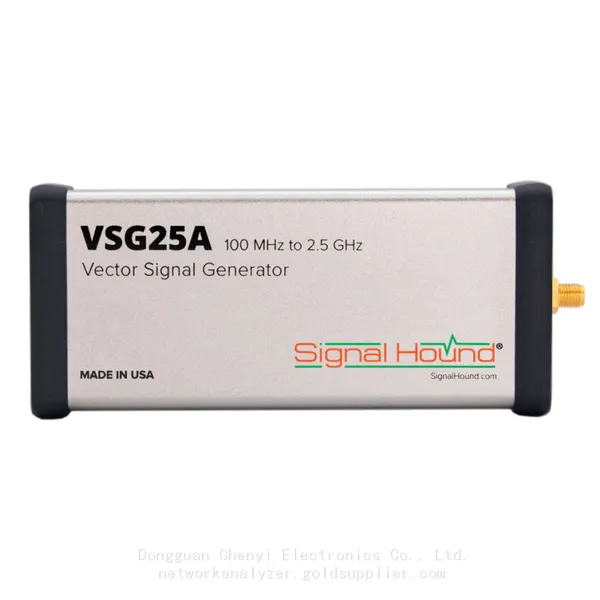
Signal Hound VSG25A 100 MHz to 2.5 GHz Vector Signal GeneratorNegotiableMOQ: 1 Unit
-
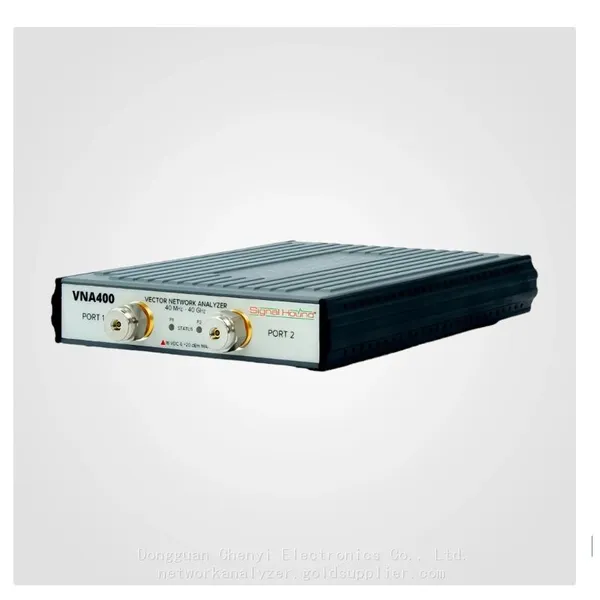
Signal Hound VNA400 40 MHz to 40 GHz 2-port Vector Network AnalyzerNegotiableMOQ: 1 Unit
-
Signal Hound PCR4200 100 KHz to 20 GHz Four-Channel Phase Coherent ReceiverNegotiableMOQ: 1 Unit
-
Signal Hound TG124A 100 KHz to 12.4 GHz Tracking GeneratorNegotiableMOQ: 1 Unit
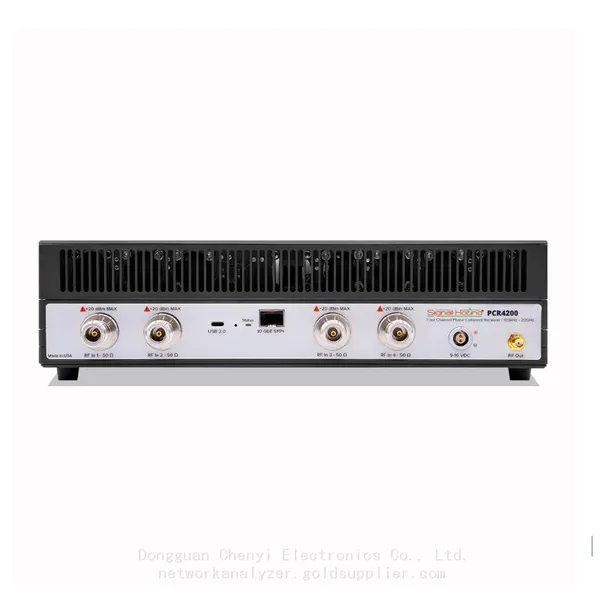
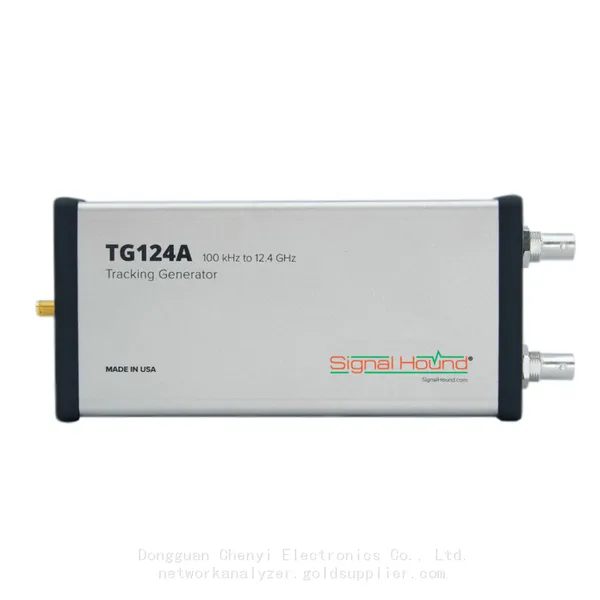
-
Signal Hound TG44A 10 Hz to 4.4 GHz t Tracking GeneratorNegotiableMOQ: 1 Unit
-
Signal Hound SA124B 100 KHz to 12.4 GHz Spectrum AnalyzerNegotiableMOQ: 1 Unit
-
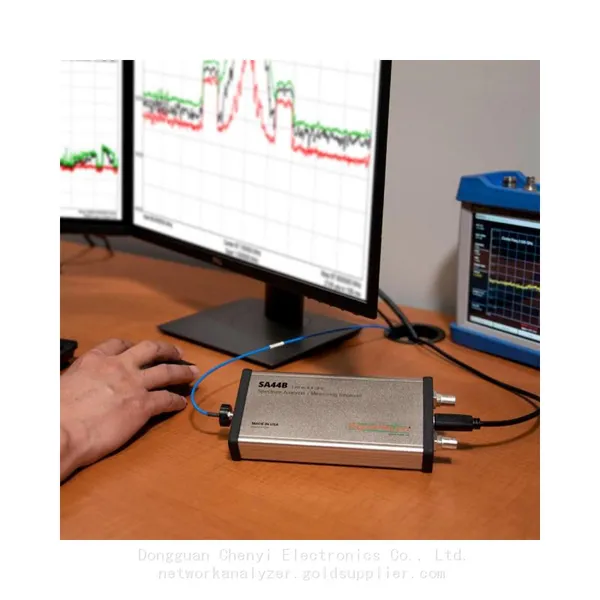
Signal Hound SA44B 1 Hz to 4.4 GHz Spectrum AnalyzerNegotiableMOQ: 1 Unit
-
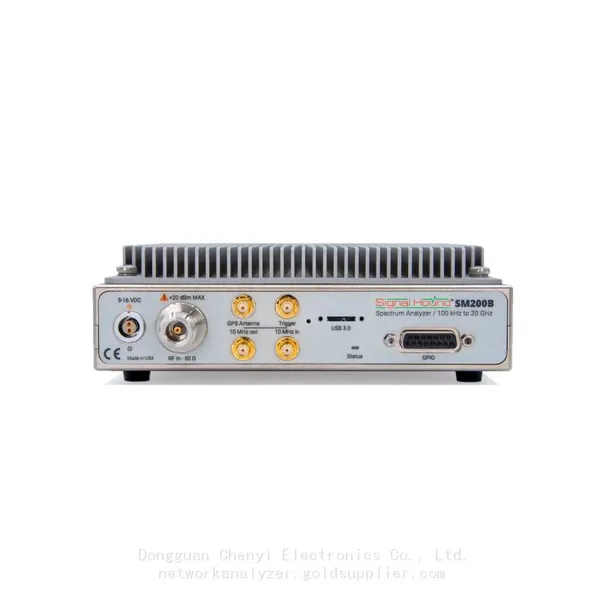
SM200B Real‑time Spectrum Analyzer,USB3.0 RTSA,100kHz-20GHz,calibrated I/Q Capture for 5G Test & Interference HuntingNegotiableMOQ: 1 Unit
-
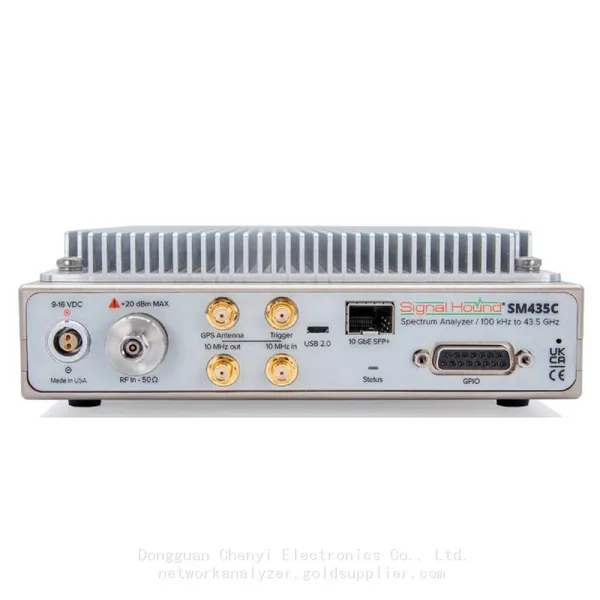
Signal Hound SM435C 100 KHz to 43.5GHz Real-time Spectrum Analyzer With 10GbE Monitoring ReceiversNegotiableMOQ: 1 Unit
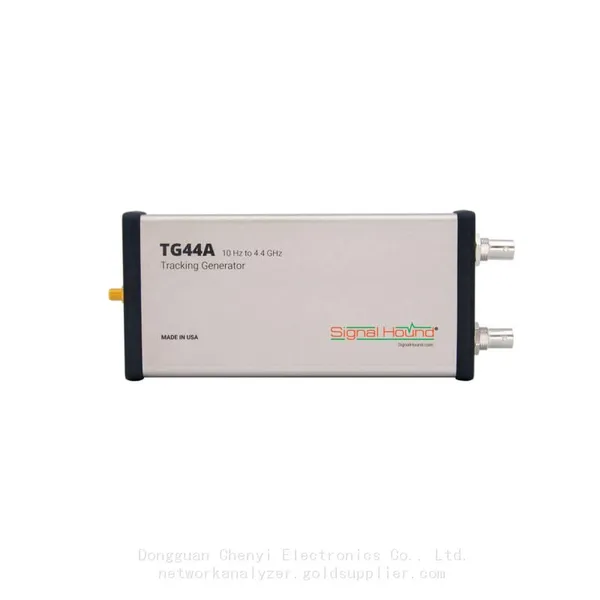
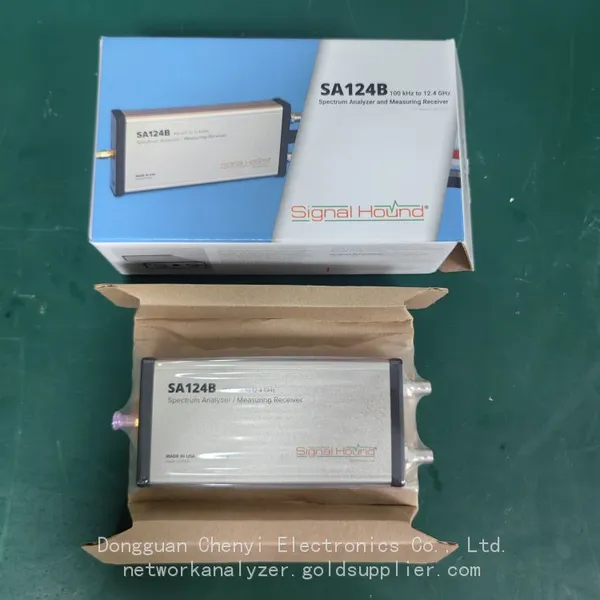
-
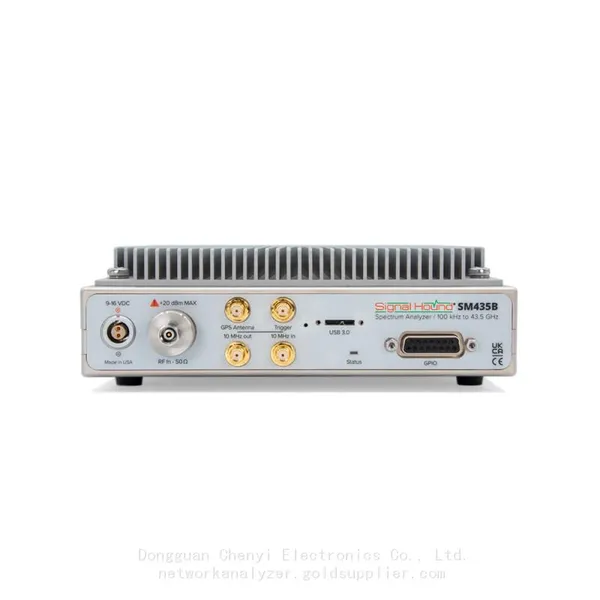
Signal Hound SM435B 100 KHz to 43.5GHz Real-time Spectrum Analyzer Monitoring ReceiversNegotiableMOQ: 1 Unit
-
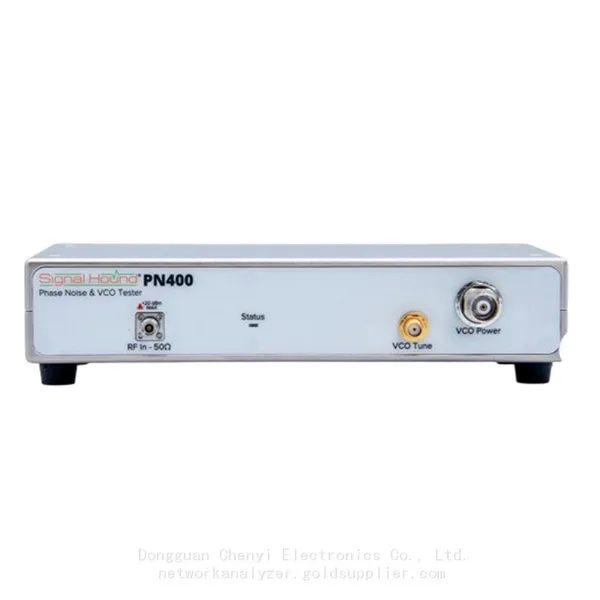
Signal Hound PN400 Phase Noise and VCO Test System 100 KHz to 43.5 GHzNegotiableMOQ: 1 Unit
-
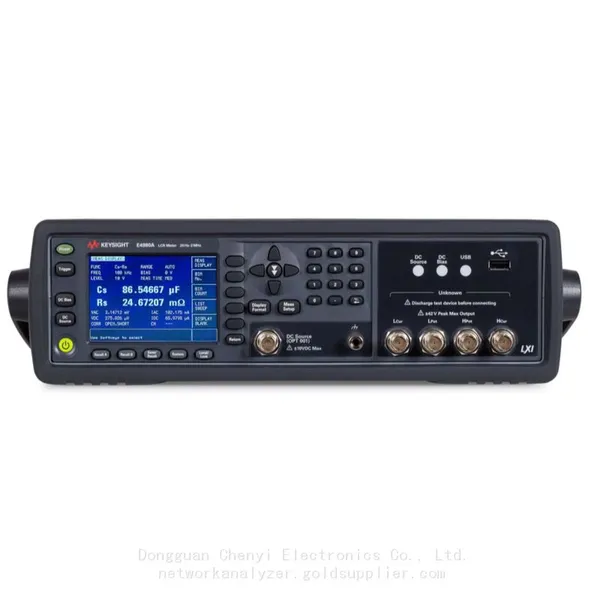
Keysight E4980A Precision LCR Meter 20 Hz to 2 MHzNegotiableMOQ: 1 Unit
-
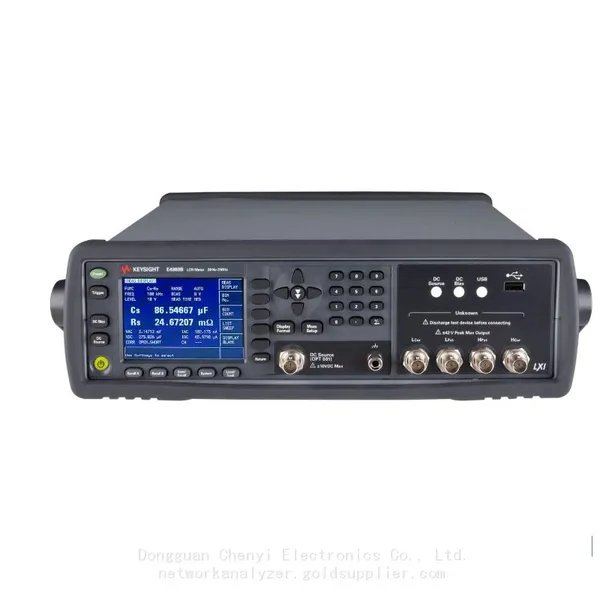
Keysight E4980B and E4980BL Precision LCR Meter 20 Hz to 2 MHzNegotiableMOQ: 1 Unit
-
Keysight U1733C Handheld LCR Meter 100Hz 120Hz 1kHz 10kHz 100kHzNegotiableMOQ: 1 Unit