
 Business License

Feature Face-Off: Signal Hound SM200C vs. SM200B
Feature Face-Off: Signal Hound SM200C vs. SM200B
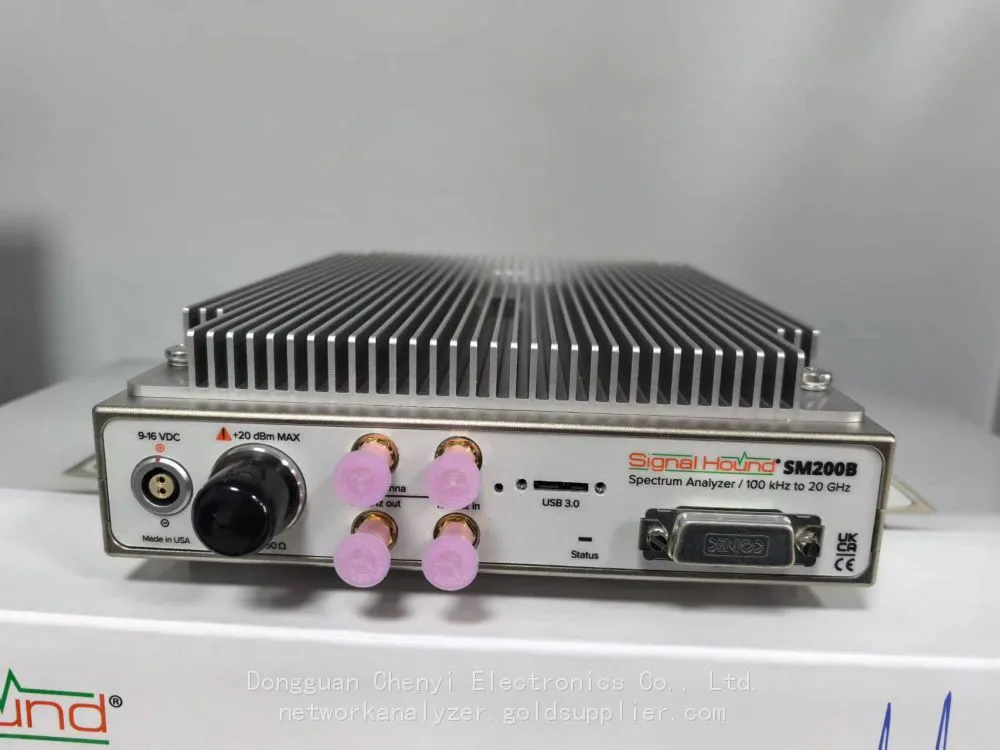
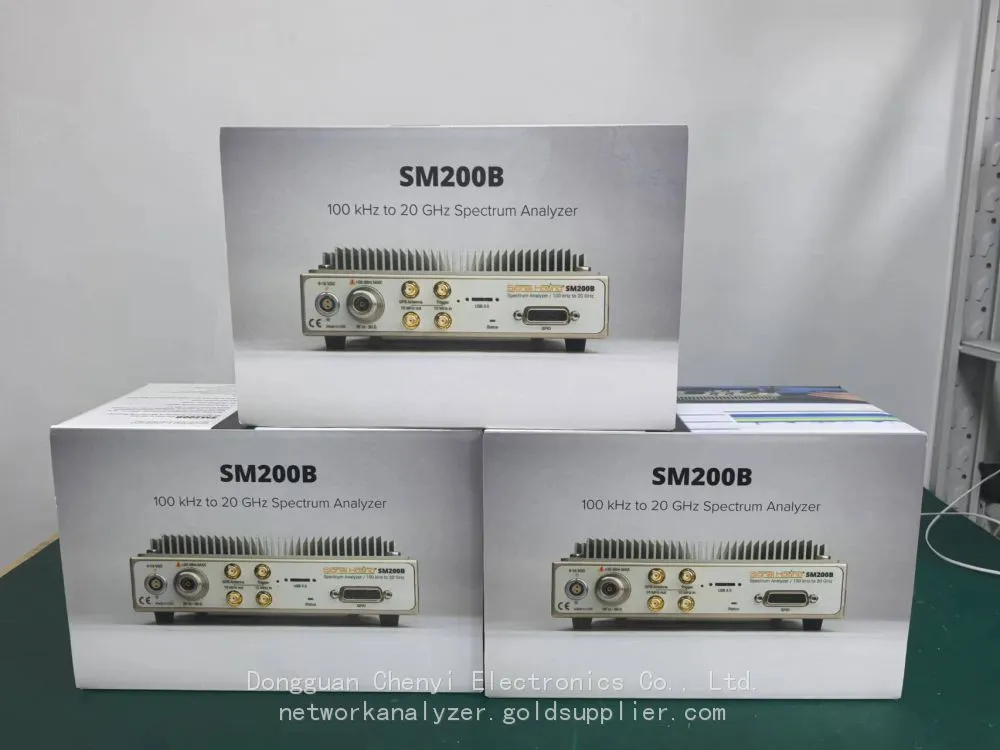
Signal Hound’s SM200 series has democratized entry-level RF testing, and the latest SM200C builds on the SM200B’s success with targeted upgrades. While both serve hobbyists, SMEs, and engineers seeking affordable real-time spectrum analysis, their functional differences align with distinct user needs—from basic troubleshooting to more demanding R&D tasks.
Core Specification Differences
Key Feature | SM200B | SM200C | Upgrade Highlight |
Frequency Range | 9kHz–6GHz (Option: 8GHz) | 9kHz–8GHz (Standard) | 8GHz coverage included (no extra cost) |
Instantaneous Bandwidth (IBW) | 40MHz | 60MHz | 50% wider bandwidth for capturing wideband signals |
Scan Speed (30kHz RBW) | 500GHz/s (Hanning window) | 750GHz/s (Hanning window) | 50% faster for hunting intermittent interference |
Dynamic Range | 95dB (typical) | 100dB (typical) | Better separation of weak signals from noise |
Phase Noise (1GHz Carrier) | -125dBc/Hz (10kHz offset) | -130dBc/Hz (10kHz offset) | 5dB improvement for precise modulation analysis |
Connectivity | USB 3.0 (bus-powered) | USB 3.0 + 1000BASE-T Ethernet | Networked operation for remote monitoring |
Power Consumption | 12W (typical) | 15W (typical) | Slight increase justified by performance gains |
Software Features | Basic Spike software | Enhanced Spike + API for Python/Matlab | Advanced automation and custom analysis |
Functional & Application Differentiation
SM200B: The Budget-Friendly Workhorse
The SM200B excels in basic RF testing scenarios where cost and simplicity are priorities. Its 40MHz IBW and 6GHz standard range (8GHz optional) suffice for IoT sensor development, Wi-Fi/Bluetooth troubleshooting, and educational labs. Hobbyists and small electronics workshops value its bus-powered design (no external PSU) and straightforward interface—ideal for testing low-power devices like LoRa modules or remote controls. For field technicians, its 500GHz/s scan speed handles routine interference hunting (e.g., identifying overlapping Wi-Fi channels), while its $3k+ price point makes it accessible for teams with tight budgets.
SM200C: The Enhanced Entry-Level Powerhouse
The SM200C targets users needing more performance without premium pricing. Its standard 8GHz range eliminates the need for the SM200B’s 8GHz upgrade, making it perfect for testing 5G FR1 (up to 7.125GHz) and emerging IoT bands. The 60MHz IBW captures wider signals like Wi-Fi 6E (40MHz/80MHz channels) or LTE-A carriers, while the 100dB dynamic range and improved phase noise enable more accurate modulation analysis (e.g., 16QAM/64QAM for IoT gateways). The added Ethernet port supports remote monitoring—critical for SMEs deploying fixed test stations—and the faster 750GHz/s scan speed cuts troubleshooting time for intermittent issues (e.g., industrial IoT interference). For educators, the enhanced API lets students build custom automation scripts, bridging lab learning with real-world engineering workflows.
Guidance
• Choose SM200B If: You need a low-cost tool for basic tasks (e.g., IoT prototyping, Wi-Fi troubleshooting, classroom use) and don’t require 8GHz coverage or remote access.
• Choose SM200C If: You’re working with 5G FR1, wideband IoT devices, or need faster scan speeds/dynamic range; remote monitoring or automation via Ethernet/API is a must.
Both retain the series’ compact form factor (2.8kg) and compatibility with Signal Hound’s free Spike software. The SM200C’s upgrades make it a “future-proof” choice for growing teams, while the SM200B remains unbeatable for budget-constrained users seeking core real-time spectrum analysis capabilities.


Recently Posted
-
My BB60C Can't Pick Up Weak Signals Between 9 kHz and 20 MHz and Readings Keep Jumping — Broken Front End or Wrong Technique?
October 27, 2026My BB60C Can't Pick Up Weak Signals Between 9 kHz and 20 MHz and Readings Keep Jumping — Broken Front End or Wrong Technique?S Read More
-
BB60C IQ Recording Fails Mid-Session, Files Are Full of Gaps, or Recording Stops Early — The Problem Is the PC
October 27, 2026BB60C IQ Recording Fails Mid-Session, Files Are Full of Gaps, or Recording Stops Early — The Problem Is the PCSymptomRF/IQ recordi Read More
-
The BB60C Screen Is Full of Signals "That Shouldn't Exist" — How Do I Tell Real Signals From Instrument Artifacts?
October 27, 2026The BB60C Screen Is Full of Signals "That Shouldn't Exist" — How Do I Tell Real Signals From Instrument Artifacts?Sy Read More
-
My BB60C Reads Several dB Off Versus Another Instrument — Where Should Amplitude Errors Be Traced From?
October 27, 2026My BB60C Reads Several dB Off Versus Another Instrument — Where Should Amplitude Errors Be Traced From?SymptomOn the same signal, Read More

Contact Us
Recommended Products
-
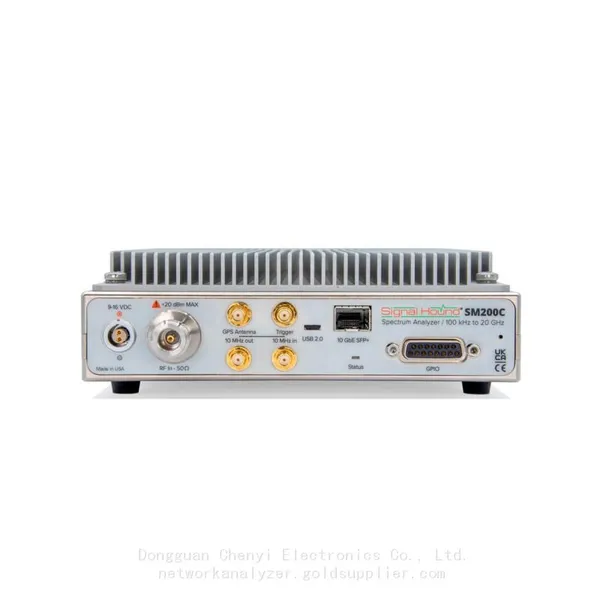
 Signal Hound SM200C 100 KHz to 20 GHz Real-time Spectrum Analyzer With 10GbE Monitoring ReceiversNegotiableMOQ: 1 Unit
-
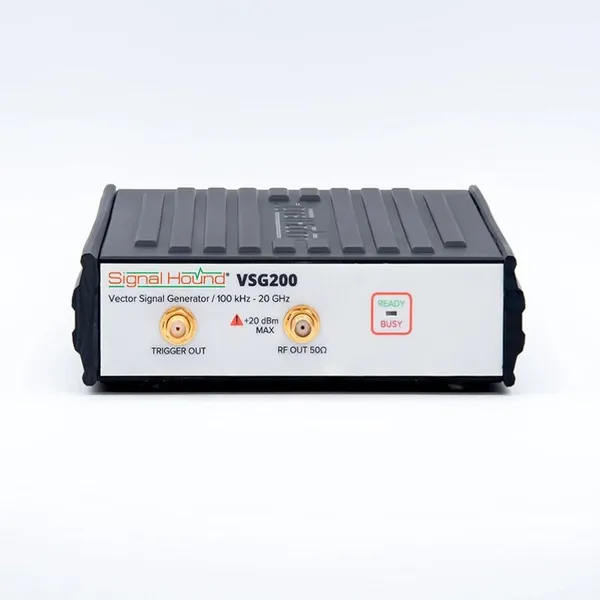
Signal Hound VSG200 Vector Signal Generator 100 KHz to 20 GHzNegotiableMOQ: 1 Unit
-
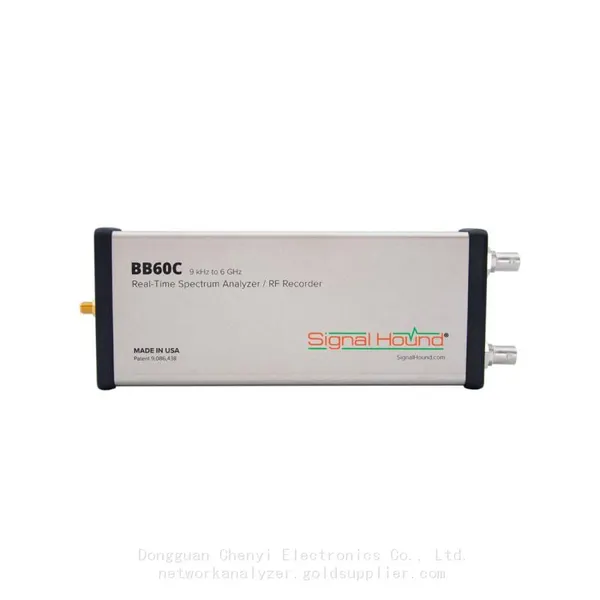
Signal Hound BB60C 9 KHz to 6 GHz Real-time Spectrum AnalyzerNegotiableMOQ: 1 Unit
-
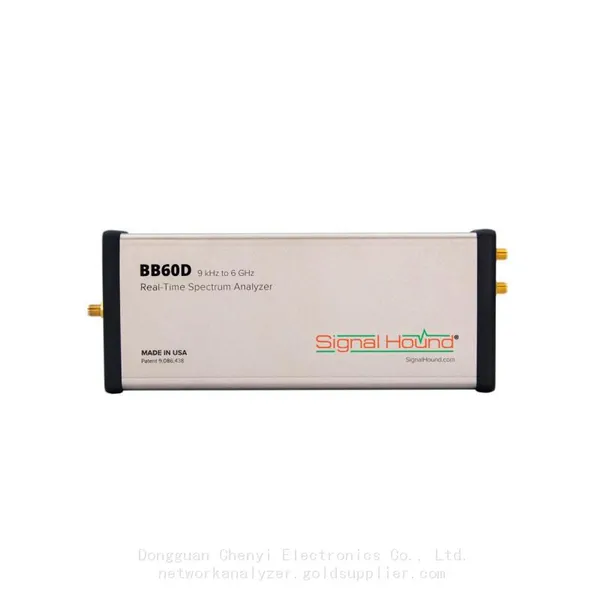
Signal Hound BB60D 9 KHz to 6 GHz Real-time Spectrum AnalyzerNegotiableMOQ: 1 Unit
-
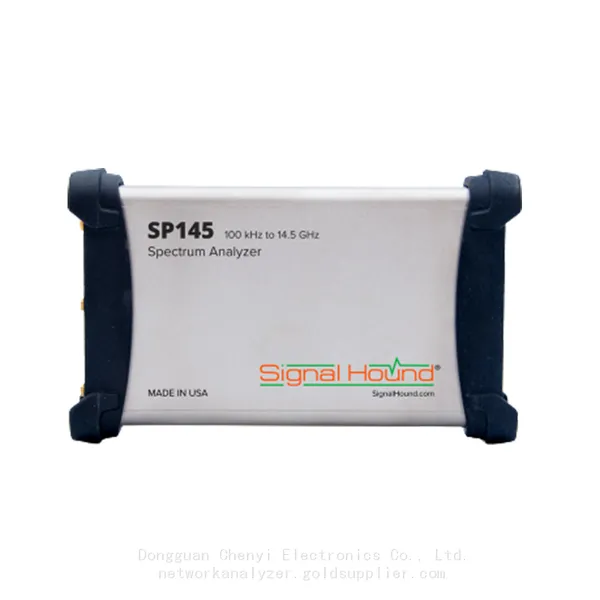
Signal Hound SP145 100 KHz to 14.5 GHz Real-time Spectrum Analyzer Monitoring ReceiversNegotiableMOQ: 1 Unit
-
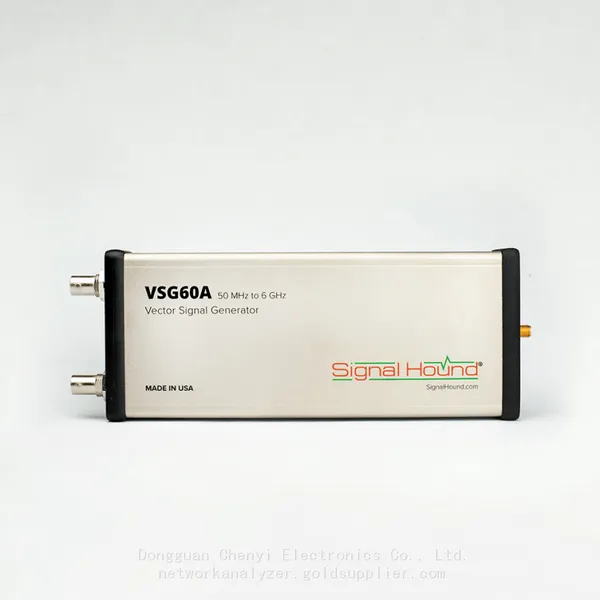
Signal Hound VSG60A 50 MHz to 6 GHz GHz Vector Signal GeneratorNegotiableMOQ: 1 Unit
-
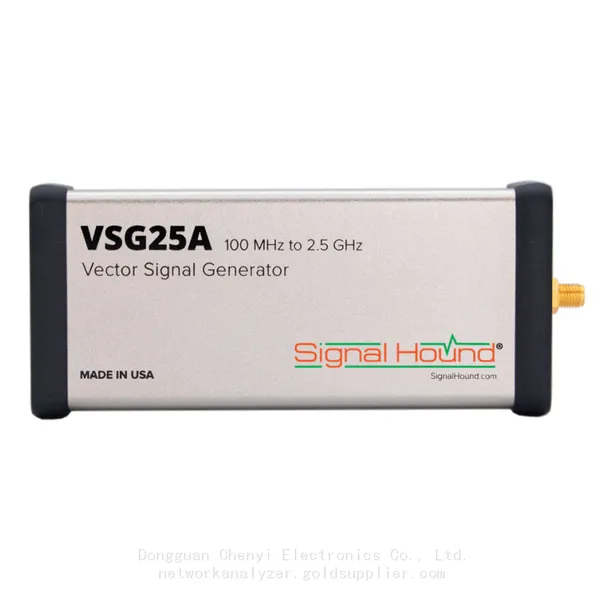
Signal Hound VSG25A 100 MHz to 2.5 GHz Vector Signal GeneratorNegotiableMOQ: 1 Unit
-
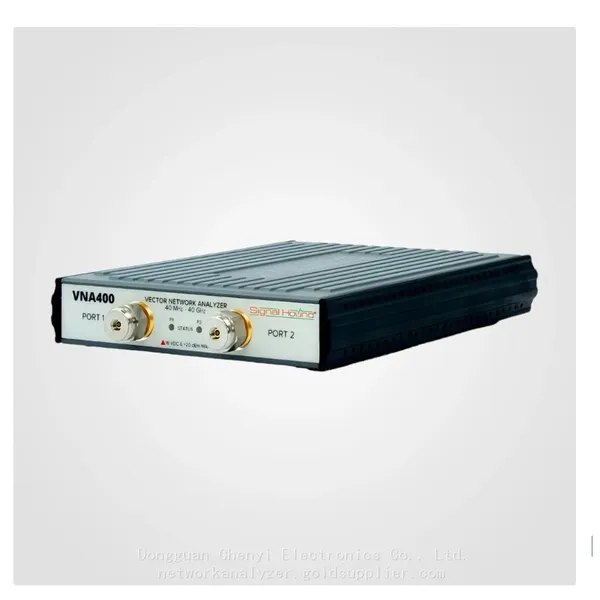
Signal Hound VNA400 40 MHz to 40 GHz 2-port Vector Network AnalyzerNegotiableMOQ: 1 Unit
-
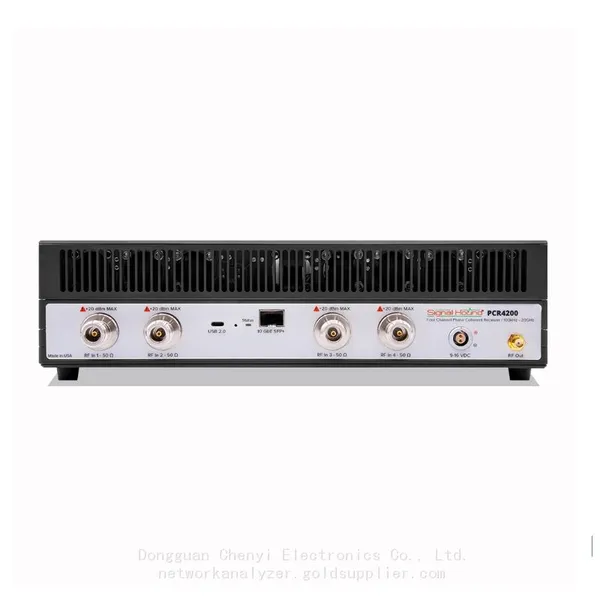
Signal Hound PCR4200 100 KHz to 20 GHz Four-Channel Phase Coherent ReceiverNegotiableMOQ: 1 Unit
-
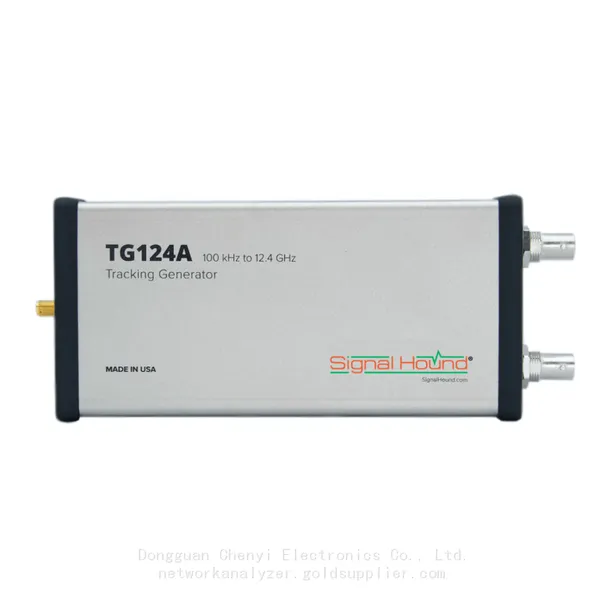
Signal Hound TG124A 100 KHz to 12.4 GHz Tracking GeneratorNegotiableMOQ: 1 Unit
-
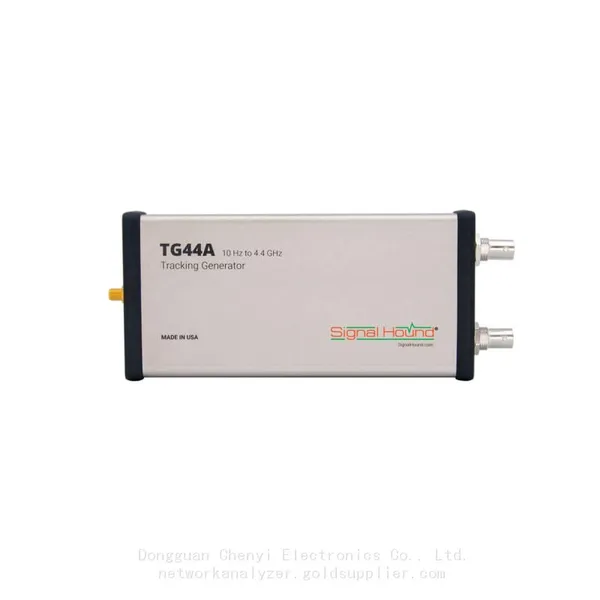
Signal Hound TG44A 10 Hz to 4.4 GHz t Tracking GeneratorNegotiableMOQ: 1 Unit
-
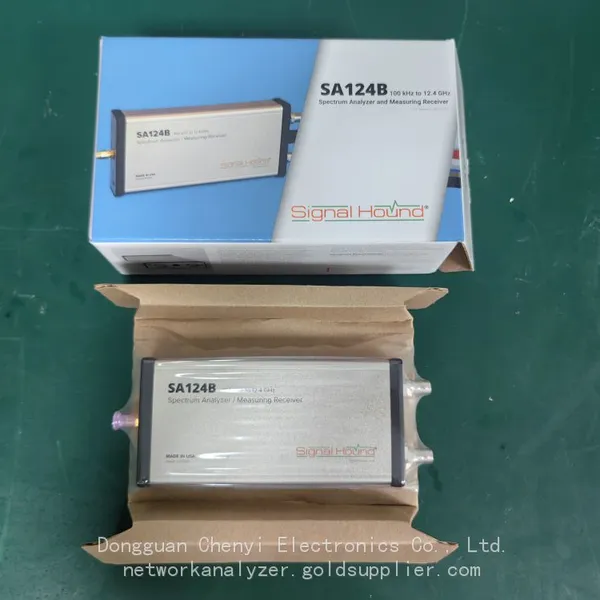
Signal Hound SA124B 100 KHz to 12.4 GHz Spectrum AnalyzerNegotiableMOQ: 1 Unit
-
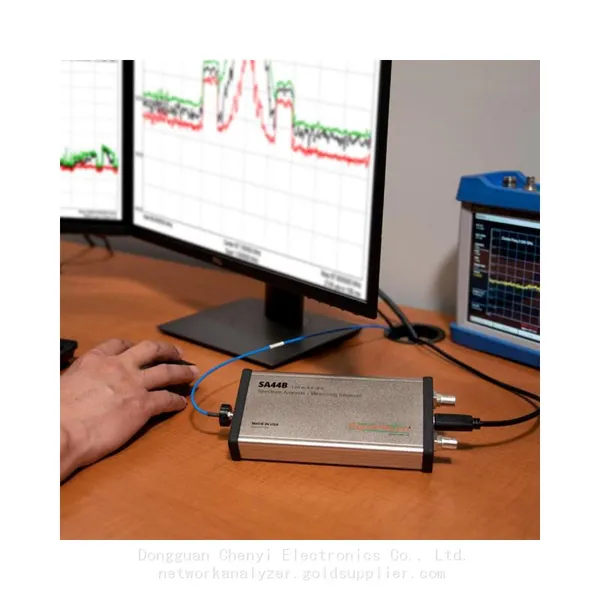
Signal Hound SA44B 1 Hz to 4.4 GHz Spectrum AnalyzerNegotiableMOQ: 1 Unit
-
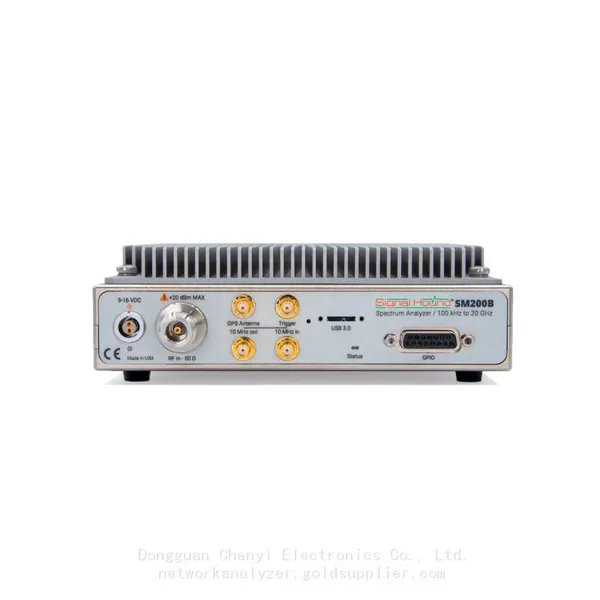
SM200B Real‑time Spectrum Analyzer,USB3.0 RTSA,100kHz-20GHz,calibrated I/Q Capture for 5G Test & Interference HuntingNegotiableMOQ: 1 Unit
-
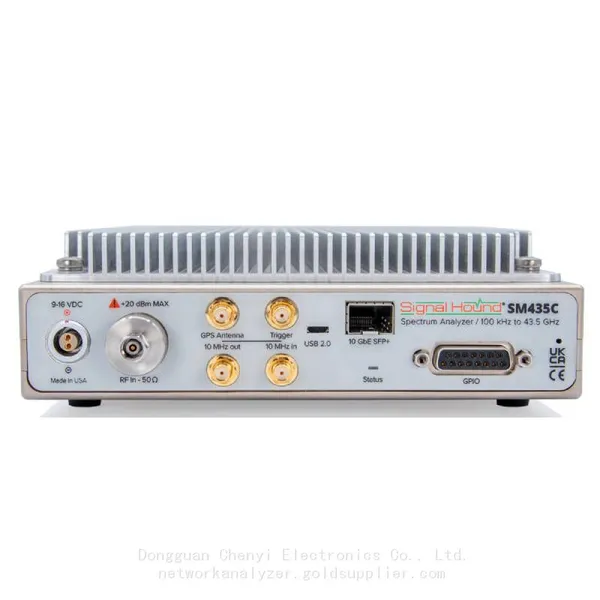
Signal Hound SM435C 100 KHz to 43.5GHz Real-time Spectrum Analyzer With 10GbE Monitoring ReceiversNegotiableMOQ: 1 Unit
-
Signal Hound SM435B 100 KHz to 43.5GHz Real-time Spectrum Analyzer Monitoring ReceiversNegotiableMOQ: 1 Unit
-
Signal Hound PN400 Phase Noise and VCO Test System 100 KHz to 43.5 GHzNegotiableMOQ: 1 Unit
-
Keysight E4980A Precision LCR Meter 20 Hz to 2 MHzNegotiableMOQ: 1 Unit
-
Keysight E4980B and E4980BL Precision LCR Meter 20 Hz to 2 MHzNegotiableMOQ: 1 Unit
-
Keysight U1733C Handheld LCR Meter 100Hz 120Hz 1kHz 10kHz 100kHzNegotiableMOQ: 1 Unit